
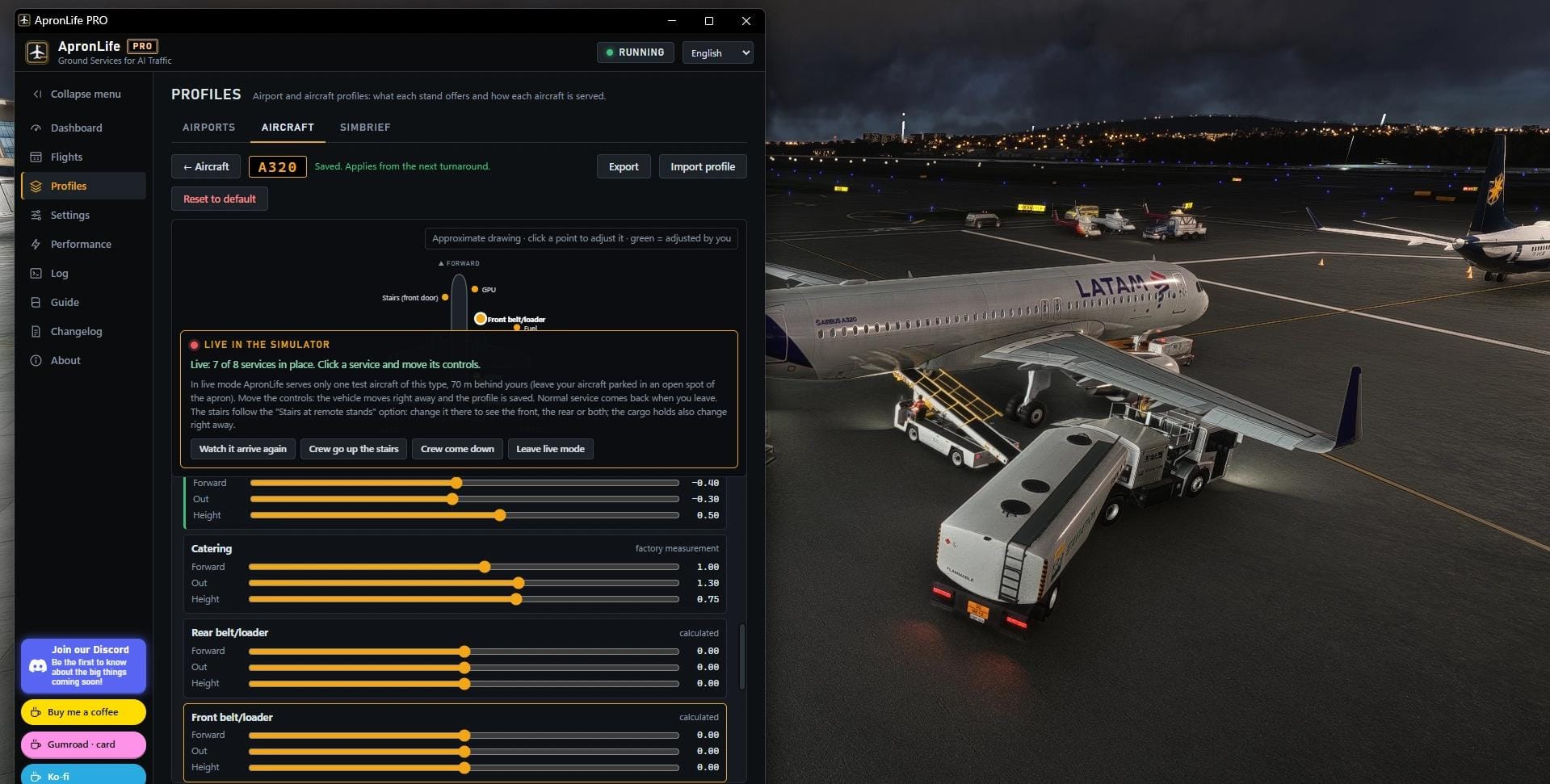

Parked AI aircraft have long been one of the weaker points of Microsoft Flight Simulator's airports. Airliners sit at their gates, but the activity around them rarely feels connected to anything. 🔗 ApronLife, a utility from developer Nikitinha, has been working on that problem since its release at the end of September, and it now has a paid sibling. ⭐️ ApronLife PRO is available on the Flightsim.to Store for both MSFS 2024 and MSFS 2020.
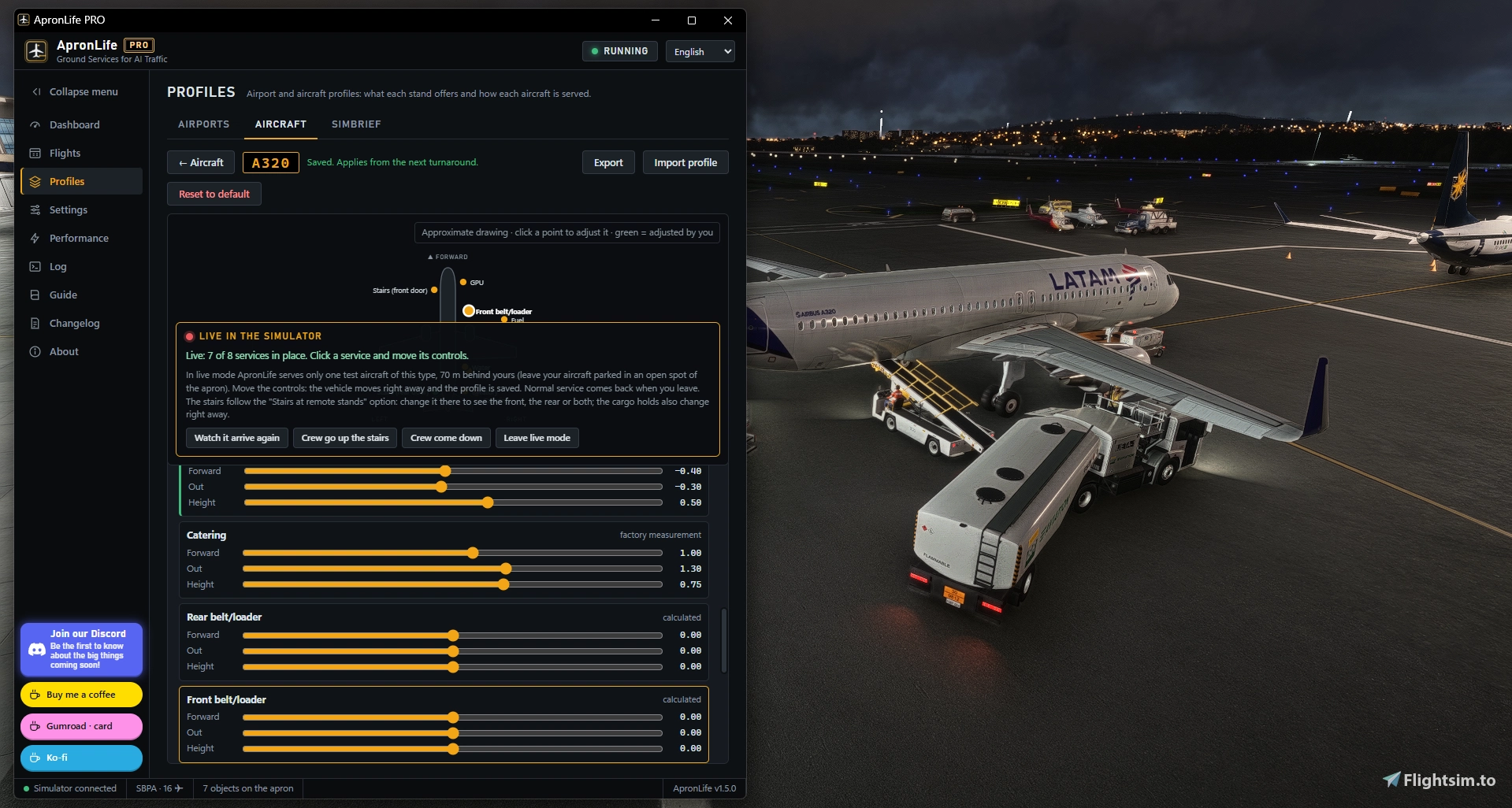
For those who haven't come across it yet, the free ApronLife is a desktop tool that serves AI traffic that is already parked at your airport. It does not create traffic itself. Beyond ATC, AIG Traffic Controller, SayIntentions or VATSIM traffic does that, using FSLTL or AIG models. ApronLife then adds the turnaround: GPU units, fuel trucks and hydrant dispensers, catering, lavatory and water trucks, belt loaders with baggage carts, and container loaders on widebodies. Jet bridges dock to AI aircraft, passengers and crews walk the apron, marshallers guide arrivals, and a pushback tug handles departures. GSX Pro is optional, but it is what brings in the people, the stairs and buses at remote stands, and the GSX liveries. The free version has since passed 19,000 downloads on Flightsim.to, carries a 4.9 rating from 66 reviews and has received the platform's Starred designation. It received a further update, version 1.4.9, just this week, which added animated cargo holds on supported AIG models.
PRO is a complete standalone program that contains everything in the free version, so you don't need to install both. Its headline addition is the Real Schedule. Instead of running randomised turnaround timers, ApronLife PRO matches the callsign of each parked aircraft against a typical-week schedule covering more than 1,500 airports worldwide, built from real ADS-B flight data. The turnaround is then timed to finish at the real pushback time of that flight. An aircraft that has just landed is serviced until its next departure, while those not leaving soon stay quiet with only ground power connected until their turn comes. The schedule downloads and refreshes itself weekly. You can choose whether the clock follows real time, which suits Beyond ATC and similar programs, or sim time, which fits AIG-style traffic, and switching back to random turnarounds takes a single setting. Since the data is built around real-world callsigns, aircraft without a matching flight simply fall back to the usual random behaviour.
A toolbar button opens an in-sim panel styled after an airport departures board, complete with flap-tile callsigns, and ApronLife can be started from that button in the same way as GSX. The panel offers one-click presets for the amount of activity and people on the apron, plus a cinematic camera. Click an aircraft and the camera flies over and slowly orbits it, and a drone view lets you move around the aircraft freely before returning to the cockpit.
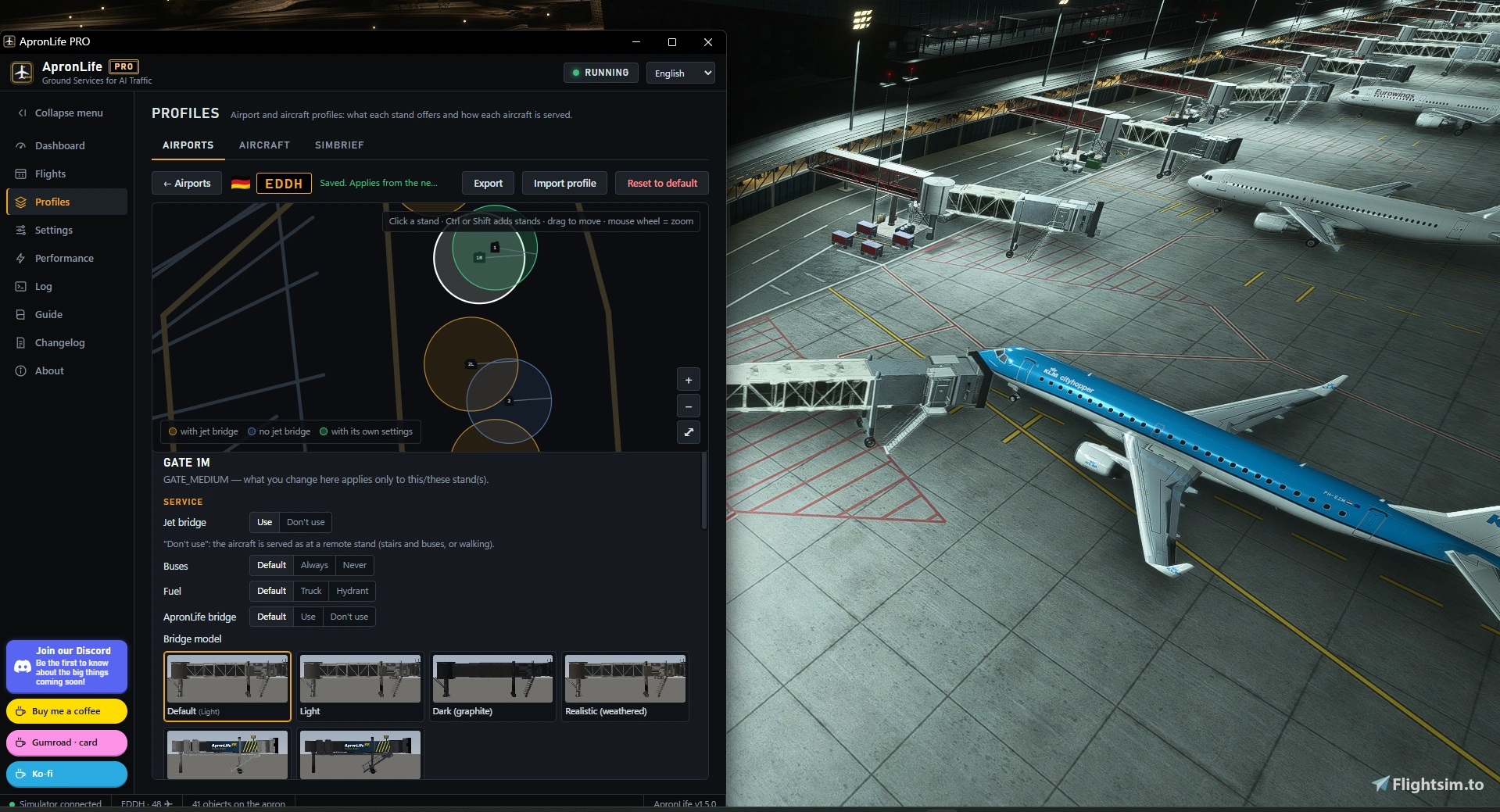
PRO also reworks the jet bridges. Scenery bridges near you are replaced with ApronLife's own, which dock to AI aircraft, extend to the door, close the canopy and retract before pushback while passengers walk through them. According to the developer, they avoid the well-known simulator bug that pulls default bridges off the aircraft when the camera moves away and back, so most gates stay docked as long as needed. Several models are included, from light and dark variants to a weathered look and a detailed "Modern apron" design.
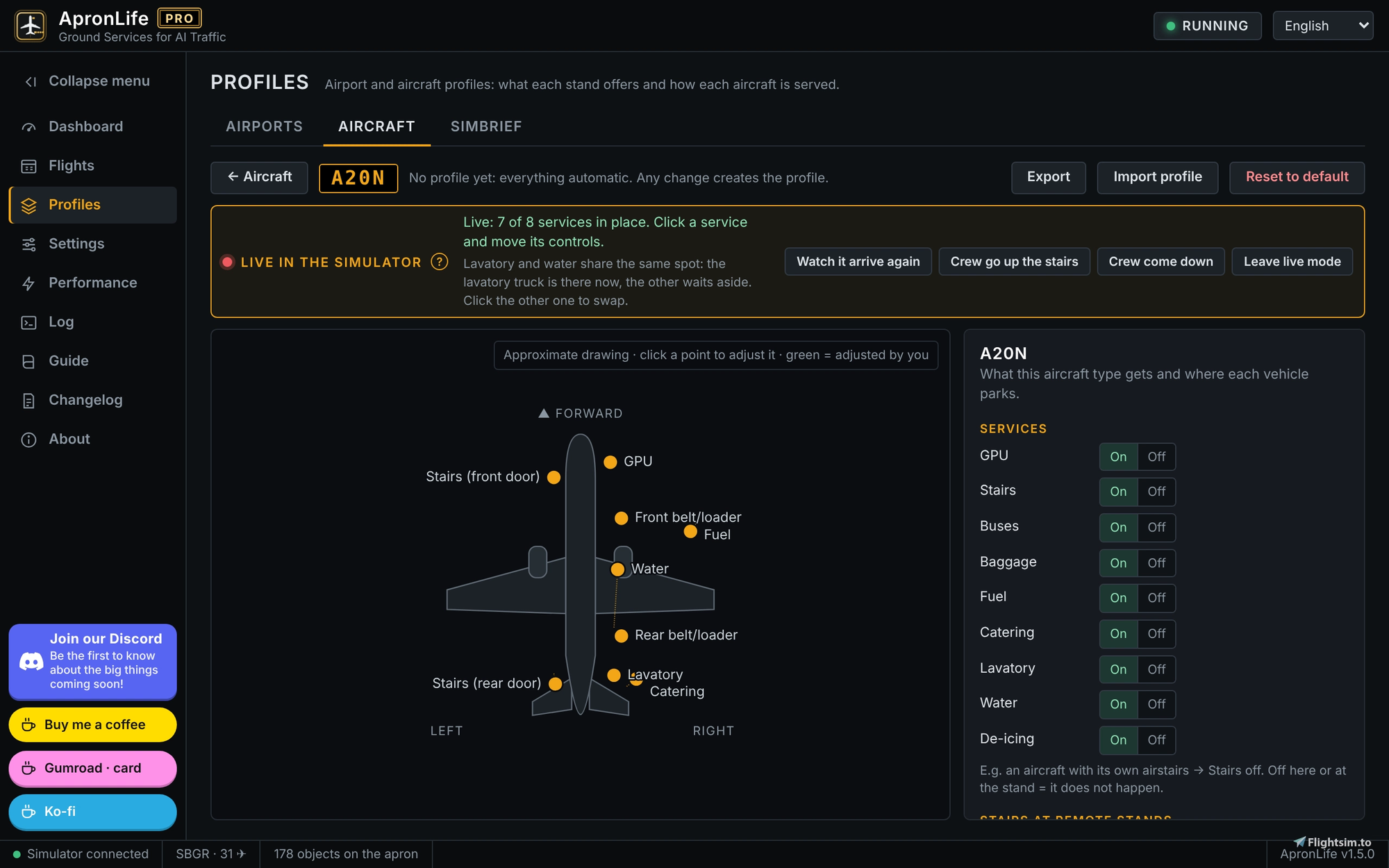
Customisation goes further with Profile Studio, which offers an airport map showing every stand. It also works with the simulator closed and can read any airport straight from the sim without flying there. For each stand you decide on bridge use, buses, fuel method, the services performed and which installed vehicle handles each one. Aircraft profiles by type, such as the A20N, B738 or B77W, let you adjust which services an aircraft receives, where each vehicle parks, cargo door and bridge positions, and which wing is used for refuelling. A test aircraft with all its vehicles appears behind yours in the simulator, so sliders can be tuned by eye until the vehicles line up with the doors. Profiles can be exported and imported as files, much like GSX profiles.
The remaining additions round out the package. SimBrief integration reads your latest flight plan and shows origin, destination, alternate and times, with shortcuts to open the relevant airport profiles before you fly. Remote stands can use front and rear stairs with two buses at once, each with its own passenger barrier lane.
ApronLife PRO reflects a 25 percent launch discount that, at the time of writing, runs for roughly another week. It is a one-time purchase, and each license includes up to three activations. If you want your parked AI traffic to follow real timetables and to see that activity reflected on a departures board in the simulator, you can pick up 🚀 ApronLife PRO from the Flightsim.to Store. If you'd like to try the core experience first, the free version remains available on Flightsim.to.s

11 days ago