

Anyone who has spent time in the Microsoft Flight Simulator 2024 menus knows the routine: Wait for the 3D aircraft preview, scroll through large tiles, change tabs, and click through several screens before the sim is ready for departure. A new freeware tool by Hyno, called 🔆 Simple UI, takes aim at that routine. Now at version 1.0.11, it reworks how you pick aircraft, liveries, weather and time without touching what happens once the flight begins.
The add-on is built around a clear boundary. It only changes the menus, nothing runs during flight, and no simulator files are modified. The look of the sim stays in place, so the result feels like a streamlined version of the stock interface rather than a replacement skin.
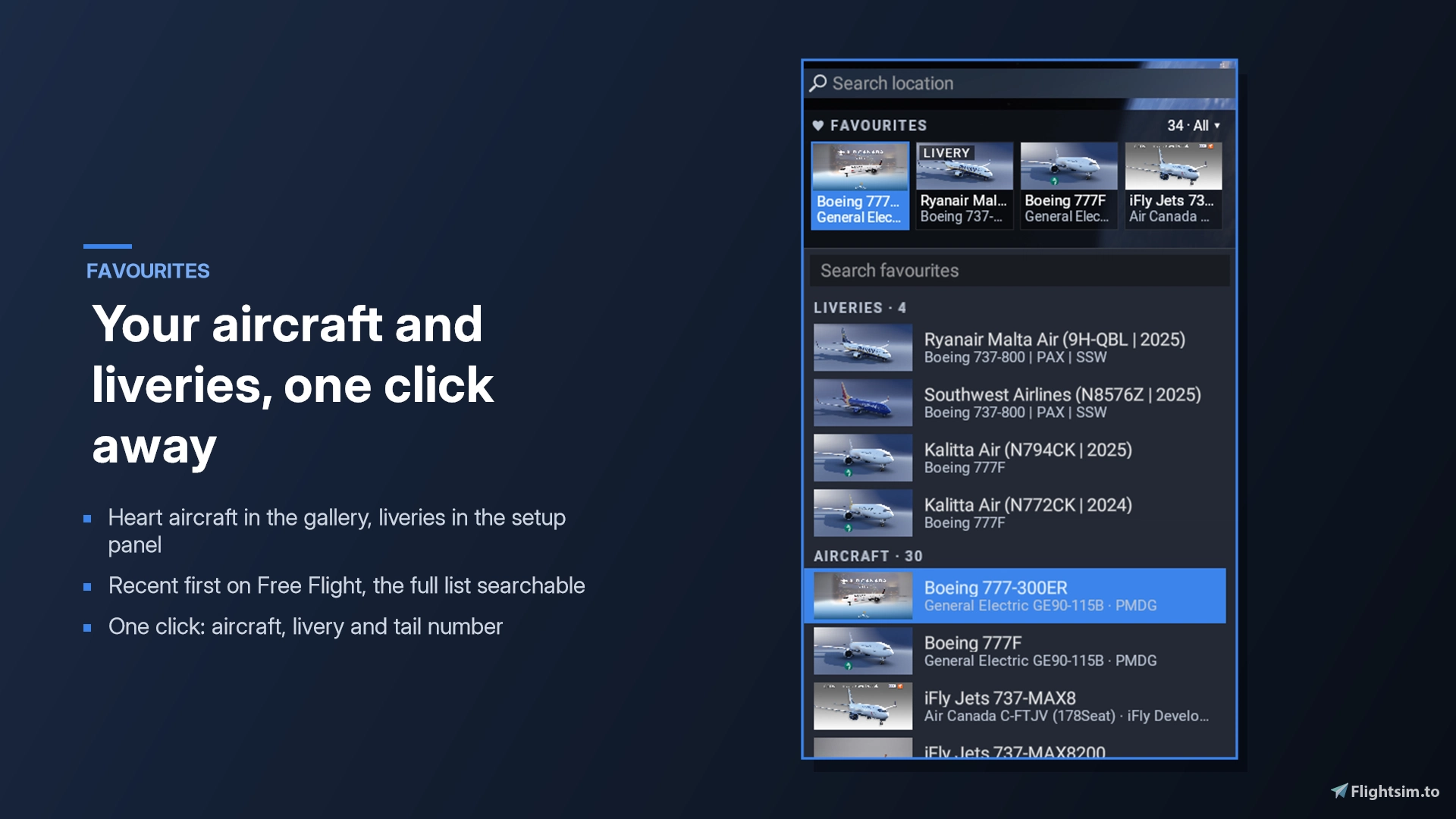
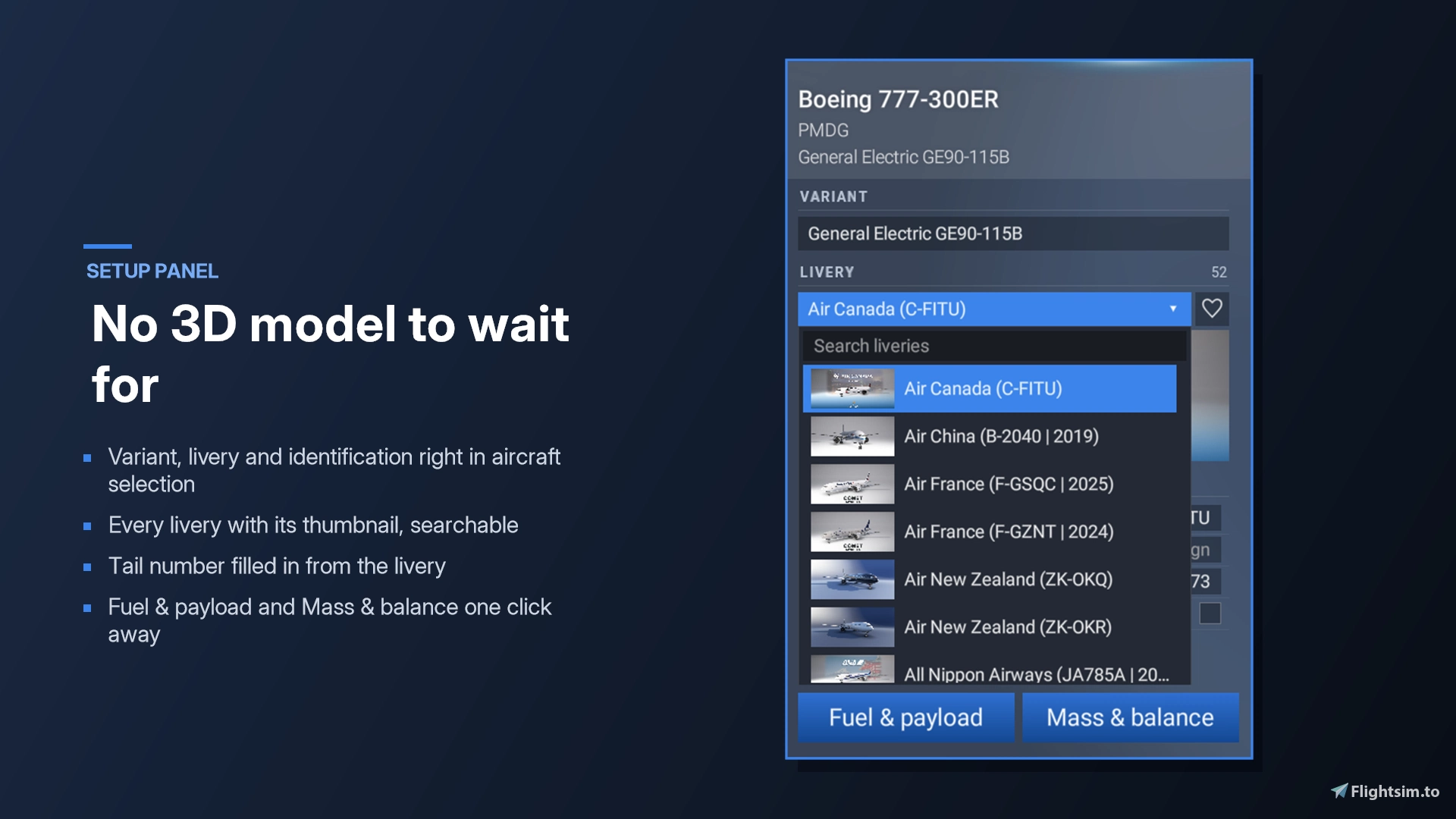
The biggest change is in aircraft selection. Instead of the default tiles, you get a gallery that fills the screen and scrolls vertically, or a more compact list if you prefer density. Search works by name, manufacturer or variant, and you can mark favourites with a heart. The stock tiles remain one click away. Variant, livery and identification options now sit directly in the selection screen, with livery thumbnails included, and since there is no 3D preview to wait for, the process moves noticeably quicker. Fuel and payload as well as mass and balance are a single click away.
A combined weather and time bar covers live, preset and custom weather, including a slider for the past 24 hours of live conditions, along with one-click time options for Now, Dawn, Day, Dusk and Night. Your last choice is remembered at the next sim start. On top of this, menu animations are shortened to a fraction of their usual length, and images appear as soon as they load rather than fading in. Every feature can be toggled in the companion app.
The latest update, version 1.0.11, adds a good deal for larger hangars. You can now heart airports in the Departure and Arrival search of Free Flight, with favourites listed first. Related aircraft models, such as the Fenix A319, A320 and A321, are grouped automatically, and you can create custom groups like "A350s", "737s" or "Business Jets" using the plus button, then rename or ungroup them from the menu. Groups appear as foldable sections with a Collapse all and Expand all button, and they still work with the Favourites filter. The last aircraft you flew is placed at the top of the list, and once a departure airport is set, the time display shows both local time and UTC.
Installation is handled by an installer inside the ZIP, and no admin rights are needed. It locates MSFS 2024 and your Community folder automatically, whether you use the Microsoft Store, Xbox app or Steam version, and you press Install before starting the sim. You should not copy anything into the Community folder by hand, as the app does this and rebuilds Simple UI after sim updates.
With close to 900 downloads already, the add-on is clearly striking a chord with simmers who want less friction between launching the sim and taking off. Simple UI is available as freeware on Flightsim.to, so if it saves you time every session, consider supporting Hyno with a donation through Buy Me A Coffee to help keep the updates coming: 🔆 Download Simple UI on Flightsim.to.