
Anyone who has spent a few years with Microsoft Flight Simulator knows how a Community folder grows. Aircraft, liveries, airports and utilities pile up, and eventually a crash to desktop or a quietly broken scenery package forces a long round of guesswork. The same goes for graphics settings, which tend to get tweaked, forgotten and occasionally wiped out by a sim update. AVX Simulations has released two Windows desktop utilities on the Flightsim.to Store that target these two problems: 🔆 AVX Sorter for add-on management and 🔆 AVX Tune for settings backup and performance testing.
AVX Sorter: Taking Control of the Community Folder
AVX Sorter is built for both MSFS 2020 and MSFS 2024, and it indexes the Community and Community2024 folders into categories such as aircraft, liveries, airports, scenery, utilities and sounds. From there, aircraft are grouped by manufacturer with their liveries listed underneath. A dedicated Livery Closet links every repaint to its parent aircraft and supports folders and bulk enabling or disabling. Airports are shown on a 3D globe with ICAO search, and duplicate installations are flagged.
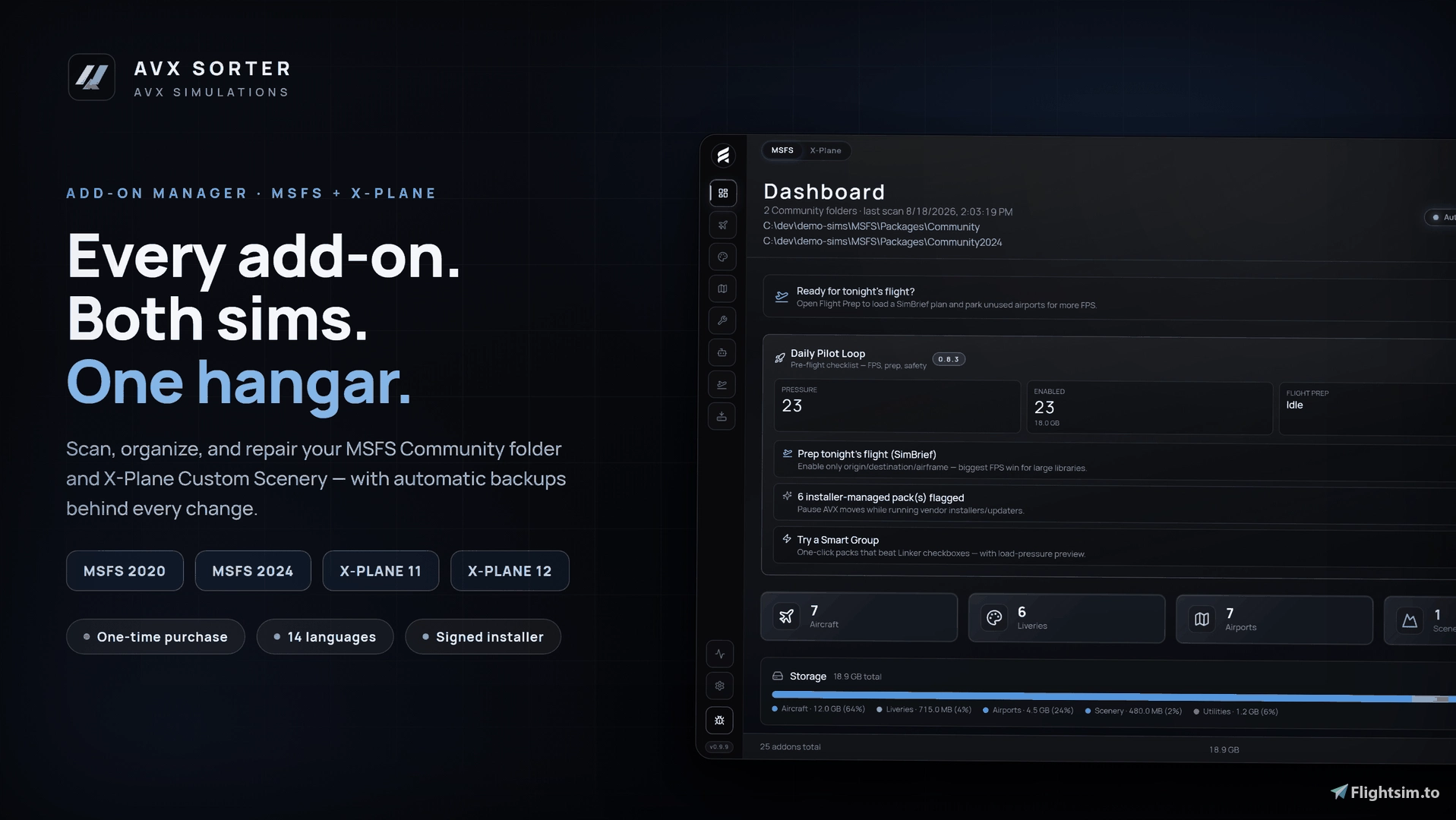
The part likely to matter most when something goes wrong is what the developer calls Sim Guardian. Its Crash Hunt function works through the Community folder by repeatedly splitting it in half until it isolates the single add-on responsible for a crash to desktop. The process can be resumed between simulator launches, and aborting it restores everything to its previous state. A separate conflict repair tool looks for packages that overwrite each other's library files, such as duplicate modellib.bgl names, as well as broken manifests and missing files. Only the fixes considered safe are applied, and a snapshot is taken first.
Sorter also takes a flight-oriented approach to loading content. After you load a SimBrief OFP or a .pln flight plan, the tool enables only the add-ons that flight needs and parks the rest. A One-Click Flight feature launches the simulator together with companion applications such as GSX, vPilot and Navigraph in the right order, then restores your full library after landing.
AVX Sorter first appeared on the store on June 30, 2026, and has since reached version 1.3.0, with its most recent update on October 9, 2026. It requires 64-bit Windows 10 or 11, around 400 MB of disk space, and an internet connection for licence activation and updates. The licence covers one active PC and can be deactivated to move it elsewhere.
AVX Tune: Measuring What Your Settings Actually Do
AVX Tune deals with the other half of the equation. Its core idea is that a settings change should be measured rather than assumed to help. The tool snapshots your UserCfg.opt file and control bindings before anything changes, takes a further safety snapshot before every restore, and offers one-click recovery. A Sim Update watcher notices when a simulator update has reset your configuration and presents a key-by-key list of what changed, so you can bring your preferred values back.
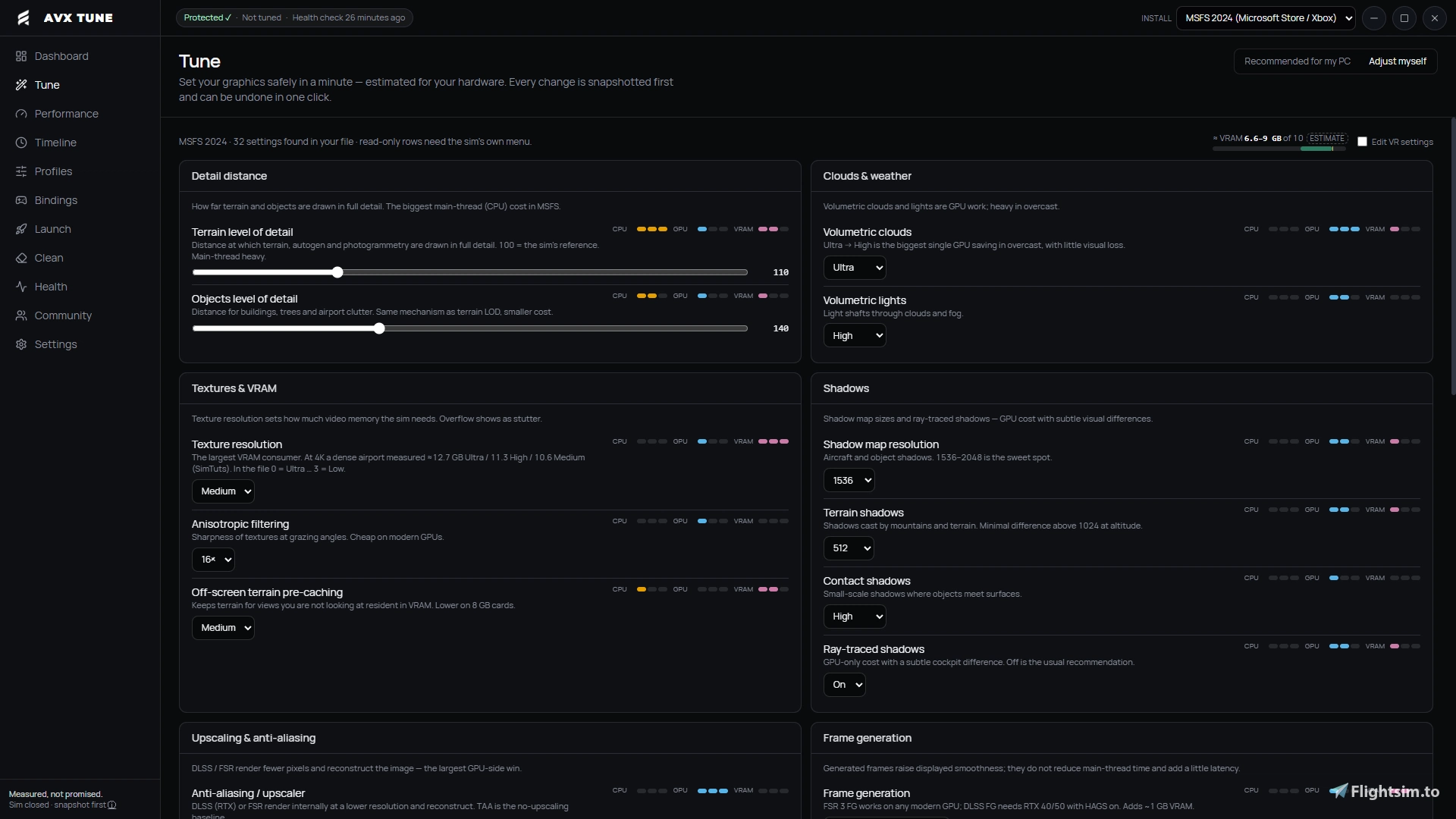
The measuring side relies on Intel PresentMon 2.6, which is included. You fly the same short circuit before and after a single change, and Tune compares 1% lows, average frame rate and the time spent above 33 ms per frame. It then returns one of three verdicts: Keep, Roll back or Inconclusive, judged against the natural run-to-run variation of your own PC. Beyond testing, the application offers hardware-tier presets and a settings editor, currently in beta, that writes only menu values observed in real settings files. Read-only health checks cover free disk space, GPU and VRAM, the page file, HAGS and Memory Integrity, and a conservative cache cleaner works from an allow-list and asks for confirmation. A redacted support report is also available, and you decide whether it is sent.
Tune needs 64-bit Windows 10 or 11 and about 400 MB of disk space. It requires an internet connection for licence activation and updates, works offline for 14 days after each check, and one licence covers two PCs.
Two Tools, One Workflow
The two products are designed to complement each other. Sorter manages which add-ons are active, Tune evaluates how your settings perform, and Sorter can pass its flight loadout straight to Tune. If an unruly Community folder or unexplained performance swings sound familiar, both tools are available now on the Flightsim.to Store. You can find 🔆 AVX Sorter here and 🔆 AVX Tune here, and purchases through the store also earn Flightsim.to Reward Points.