
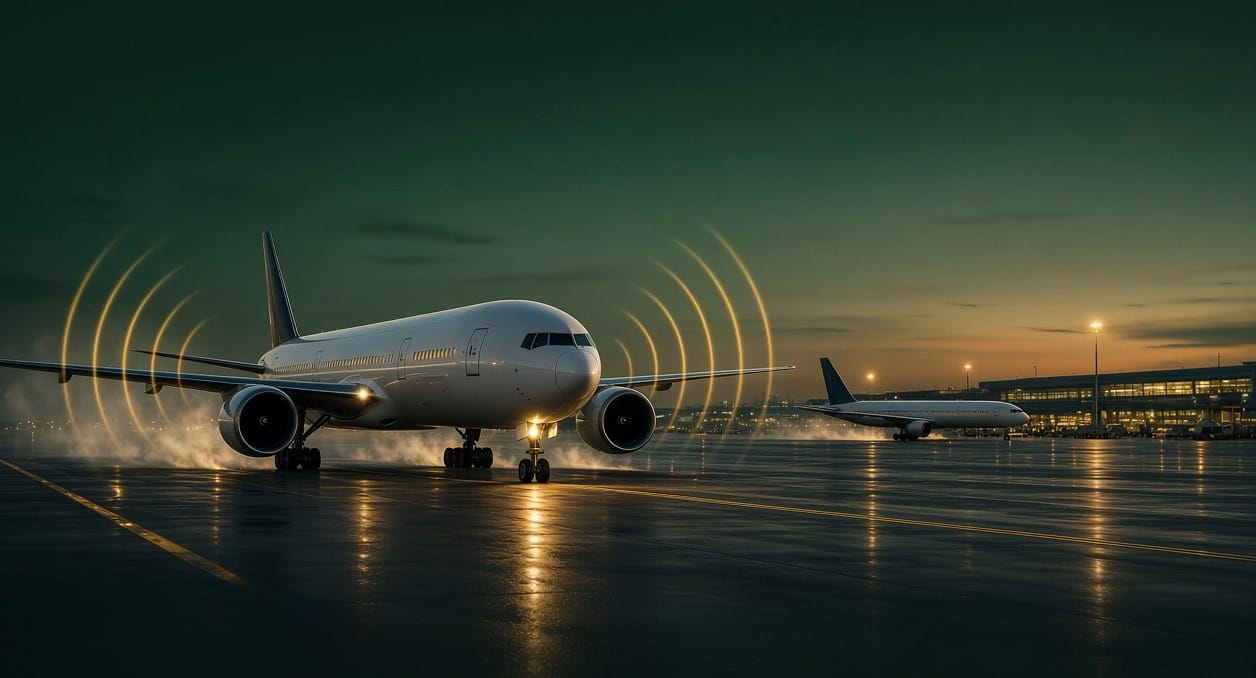
Anyone who has spent time at a busy airport in Microsoft Flight Simulator knows the problem. AI traffic looks convincing on the apron, but the default engine audio often leaves a heavy jet sounding oddly muted from just a few hundred metres away. Community creator tebs has released a freeware utility called 🔆 tebs Traffic Audio that tries to fix this by replacing the traffic sound engine rather than just turning it up.
The tool was first published on September 20, 2026 and is currently at version 1.0.13. It silences the leftover AI engine audio in the sim and plays back real engine recordings in its place, positioned in 3D space and recalculated 20 times per second. Because it works on whatever traffic the simulator is already producing, it is not tied to one traffic source. The listing names FSLTL and AIG, and the author has confirmed in the comments that traffic injected by BeyondATC and SI also works. VATSIM and IVAO traffic are covered as well.
Recordings, angles and the physics behind them
The sound itself comes from engine sound banks, with AITRSP as the primary source and FTSiM and SkyHigh as fallbacks. Each engine has several recordings covering intake, fan, sideline, exhaust and rumble. Every file carries its own authored curves for volume against engine power, pitch against engine power, and the direction and distance it was recorded from. The tool reads these as the sound designers wrote them and does not boost them. A soft limiter handles the peaks when a whole ramp of aircraft spools up at once.
Distance modelling follows the ISO 9613 outdoor sound standard, covering spherical spreading, air absorption and ground effect. Air absorption uses the simulator's own temperature, pressure and humidity, so high frequencies fade first with distance while low rumble carries on. The audible horizon is 20 km, with taxiing aircraft still audible at around 5 km. Sound travels at roughly 340 metres per second, so each aircraft is heard from where it was when the sound left it, not where it is now. That means a jet 12 km away is heard as it was about 35 seconds earlier. Doppler shift is applied within a restrained range, and large aircraft spread across your speakers up close before collapsing to a point source in the distance. Up to 64 voices can play at once.
Engine states are read from the simulator and debounced. Start-up and shutdown sounds play for their full length, and shutdowns wind down over several seconds rather than cutting out.
Inside the cabin
When you are inside an aircraft, the tool treats the hull as a low-pass filter at around 220 Hz. Rumble leaks through while fan and whine drop by about 18 dB. In practice, other aircraft are largely inaudible from the cockpit unless one is on its takeoff roll, which is how the author explained it to a commenter. ChasePlane camera views are followed, with a recent update clarifying that views saved under Internal in ChasePlane are treated as inside the aircraft and those saved under External or World as outdoors.
Setup
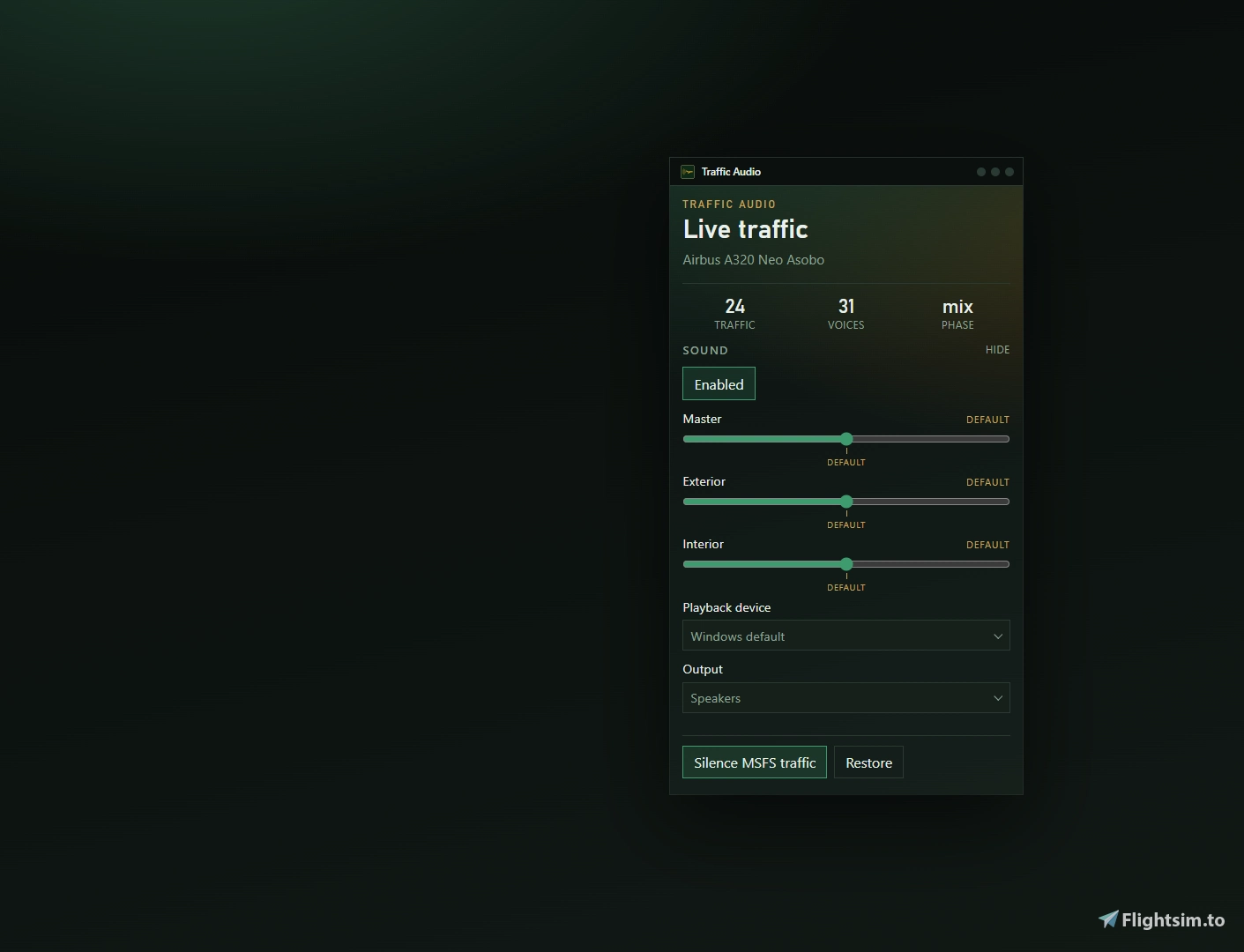
Setup is a short two-step process in a small always-on-top panel. You select your Community folder and click the "Silence MSFS traffic" button once, before starting the simulator, then switch the tool on and leave it running. There is one extra step for default Asobo traffic. The Other Aircraft slider under Options, Sound should be set to 0, otherwise you hear both the default audio and the replacement. The panel offers speaker and headphone modes as well as master, exterior and interior volume controls.
Download
tebs Traffic Audio is free to download from Flightsim.to, and the author also offers support through a Discord server. The same creator has released several other utilities, including a Sim Companion Launcher, an ACARS Printer Bridge and an MSFS Home Assistant Bridge. A project of this scope takes considerable time and effort, so if the tool improves your time at the airport, consider supporting tebs with a donation through the PayPal link on the creator's page. Download: tebs Traffic Audio on Flightsim.to.