
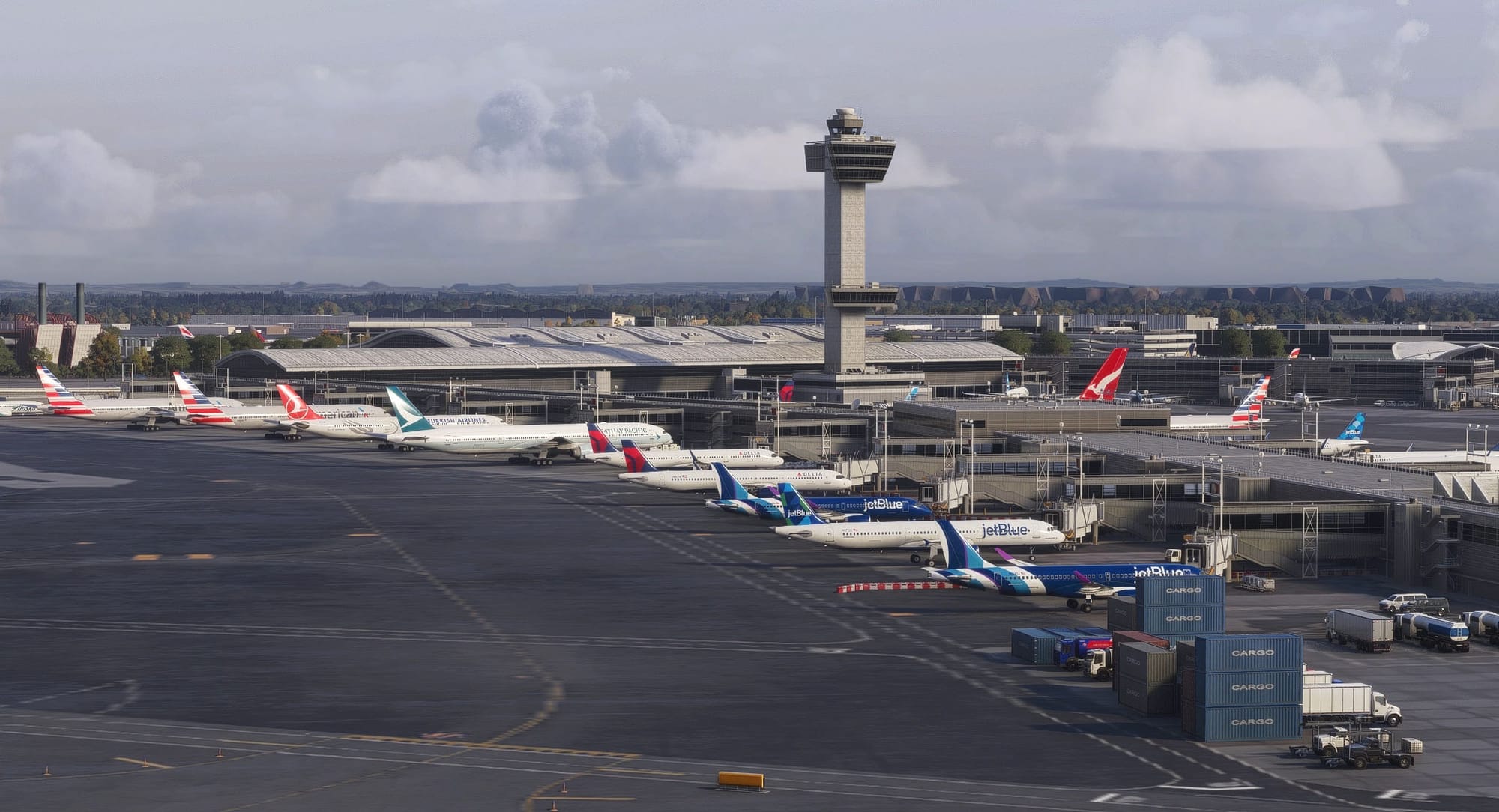

Anyone who has spent time with Microsoft Flight Simulator knows the gap between a beautifully rendered airport and the quiet, scripted AI traffic around it. Live traffic add-ons have long tried to close that gap. A new standalone tool called 🔆 LiveTraffic MSFS, now available on Flightsim.to, takes a fresh approach for both MSFS 2020 and MSFS 2024. It is an independent project, but the concept will be familiar to X-Plane users who know TwinFan's LiveTraffic: real flights, reproduced in your sim.
How it works
LiveTraffic MSFS reads public ADS-B data feeds and recreates the aircraft currently airborne, or sitting on the ground, as visible traffic in your simulator. Each flight is replayed along its real track with a deliberate delay of roughly one minute, which gives the program enough of a buffer to smooth things out. The visual models come from FSLTL, so the add-on needs the FSLTL base package already installed.
The result is that the arrivals and departures you see out of the window match what flight-tracking maps show for that airport, rather than being invented by AI logic. By default, the data sources need no API keys, no account and no subscription.
Runway and ground behaviour
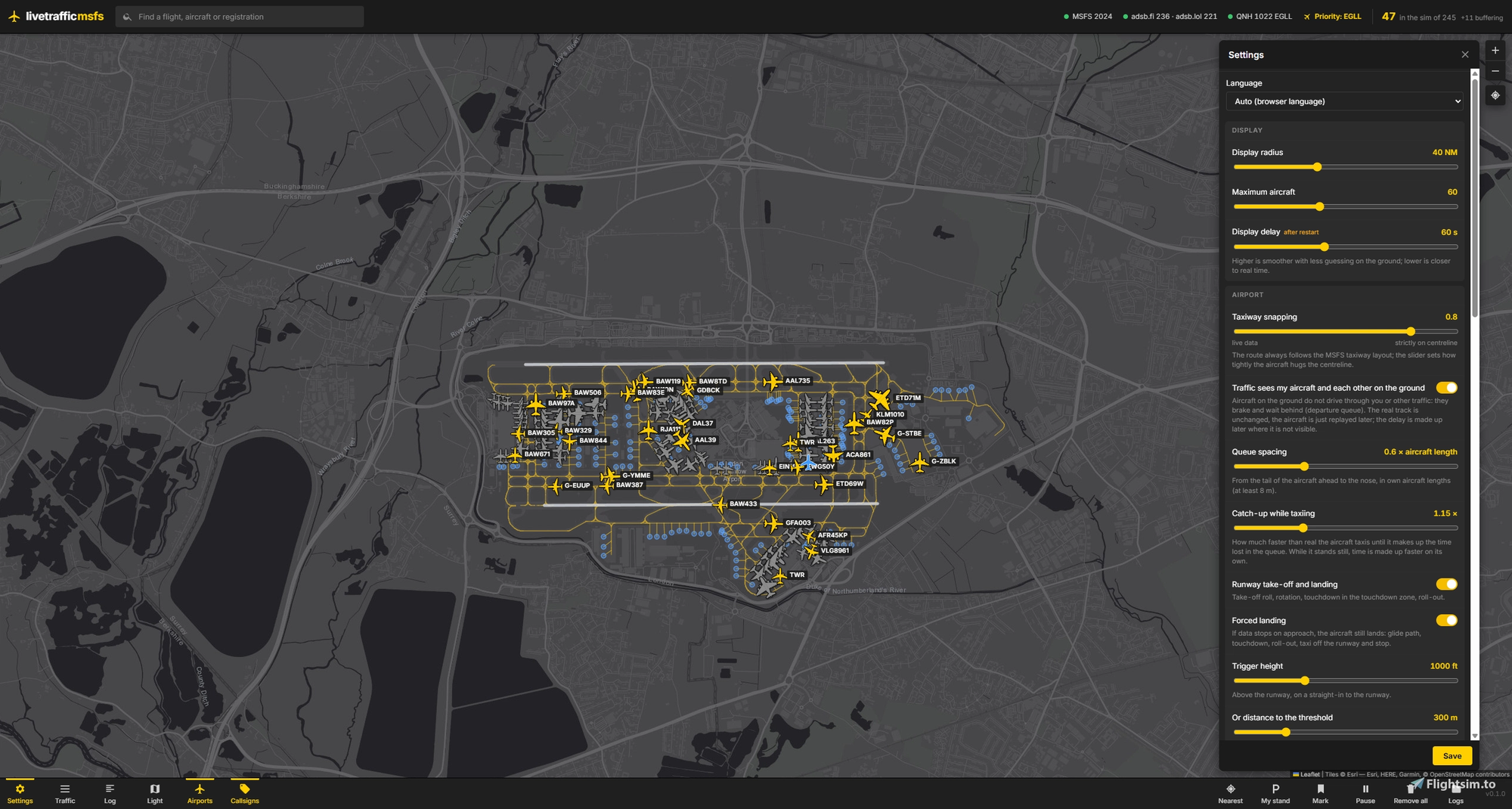
Much of the effort has gone into making these aircraft behave convincingly near the ground. Departing aircraft line up, roll along the centreline and rotate, while arrivals follow a 3° glide path, touch down in the touchdown zone and brake. On the ground, movements follow the taxiway layout of whichever airport scenery you have installed, and pushbacks appear as the aircraft moving backwards. If ADS-B coverage drops out on short final, which happens often, the aircraft still completes its landing and vacates the runway instead of vanishing.
Ground traffic also reacts to the world around it. Aircraft hold behind you and behind each other, so departure queues form naturally. Free stands fill with aircraft of airlines and types that actually serve that airport, with freighters directed to cargo ramps. Traffic around your current airport is also prioritised when you are on the ground or flying low, so the busiest part of the scene is the part you are looking at.
A map window with flight cards and a search function ties everything together. From there, you can hide or remove individual aircraft, or keep your own stand clear of parked traffic.
Limitations worth knowing
The developer is open about the constraints, and they are worth reading before you install. The one-minute delay means you see what happened shortly before, not the exact present, and the program interpolates between position reports, so each path is a smooth approximation rather than a perfect copy. Coverage near the ground is the weakest link, since ADS-B signals can disappear for 40 to 90 seconds on the ground. Taxi routes are therefore rebuilt from the taxiway layout and may differ from what the real aircraft did, and a landing completed after a data gap is reconstructed rather than recorded.
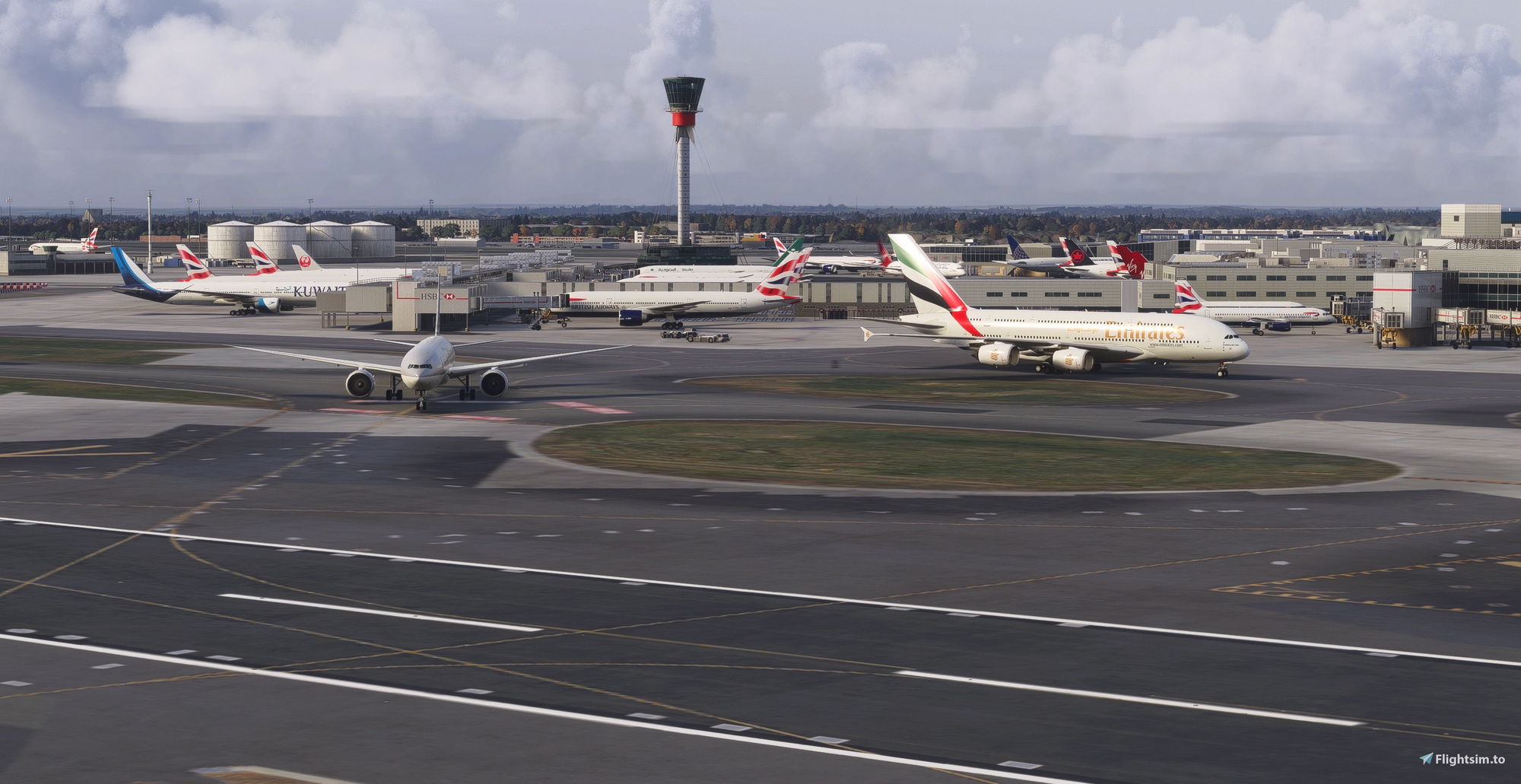
Model availability depends on FSLTL. If a specific type or livery is missing, a related type or another airline's livery may be used instead. Light general aviation aircraft are only available in white in FSLTL, so they are hidden by default, and there are no helicopter models. Traffic also does not interact with the rest of the sim: MSFS ATC does not see it, airborne aircraft do not avoid you, and there are no jetways or ground services.
The add-on relies on adsb.fi and adsb.lol, which provide open data for non-commercial use. OpenSky is an optional extra, but without your own account it allows very few requests. If one of these services goes down, the traffic it supplies disappears with it. Each aircraft is a full simulator object updated every frame, so if your frame rate suffers, lowering the display radius and aircraft limit in the settings is the recommended fix. So far, testing has mostly been done in MSFS 2024.
Requirements and installation
You need Windows with MSFS 2020 or 2024, an internet connection and the fsltl-traffic-base package in your Community folder, which comes with the FSLTL installation. The WebView2 Runtime is needed for the app window, but without it the interface simply opens in your browser. Node.js is bundled with the download.
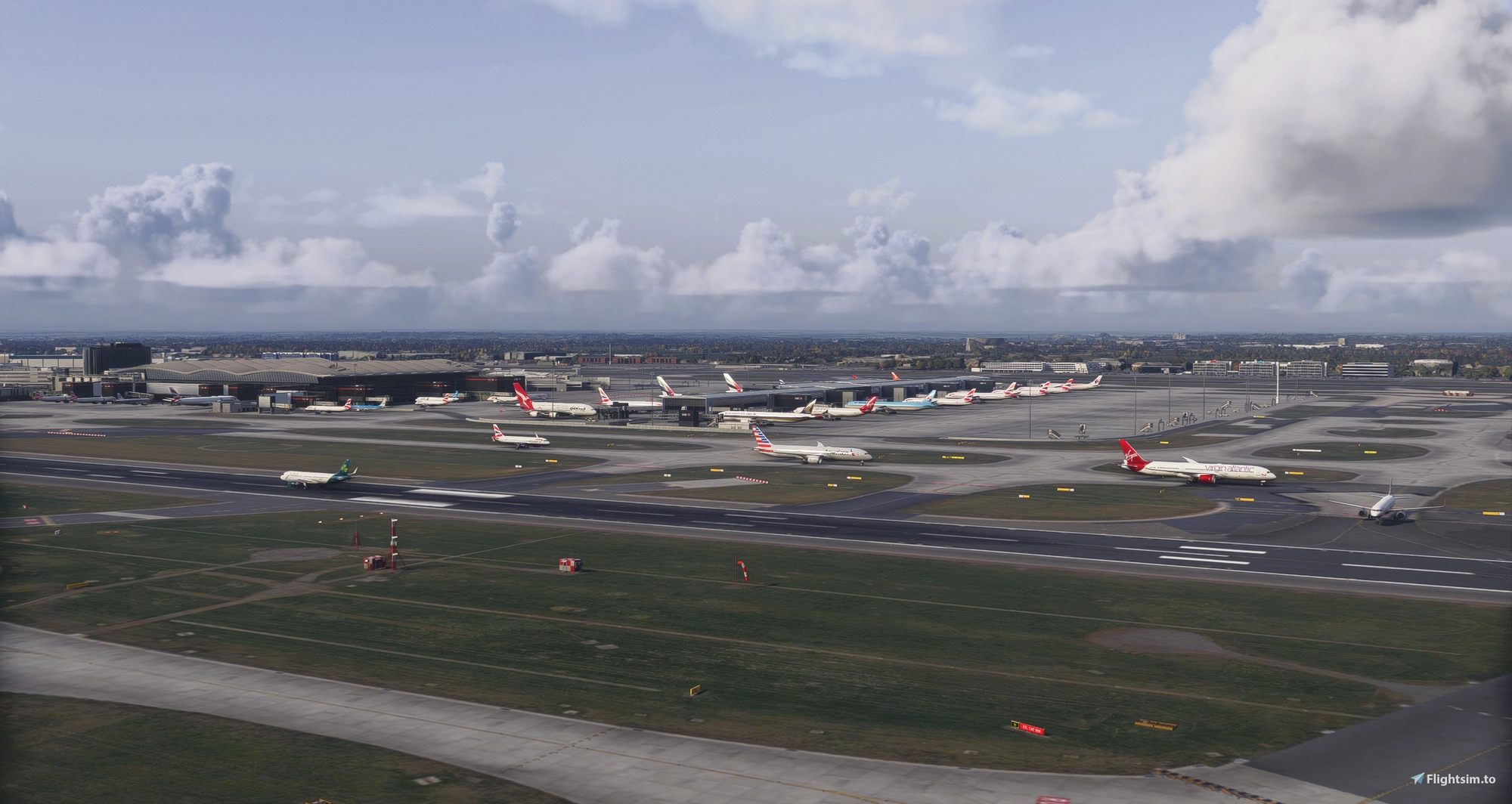
Setup is straightforward. Unpack the archive into any folder outside Community, for example C:\LiveTraffic-MSFS, since this is a standalone program rather than a Community folder package. Install your FSLTL models as usual, then run start.bat before or after launching MSFS and load into a flight. Traffic appears after the one-minute buffer has filled. One important point is not to run the FSLTL injector at the same time, as every aircraft will otherwise show up twice.
You can find the download on Flightsim.to ➡️ at LiveTraffic.