
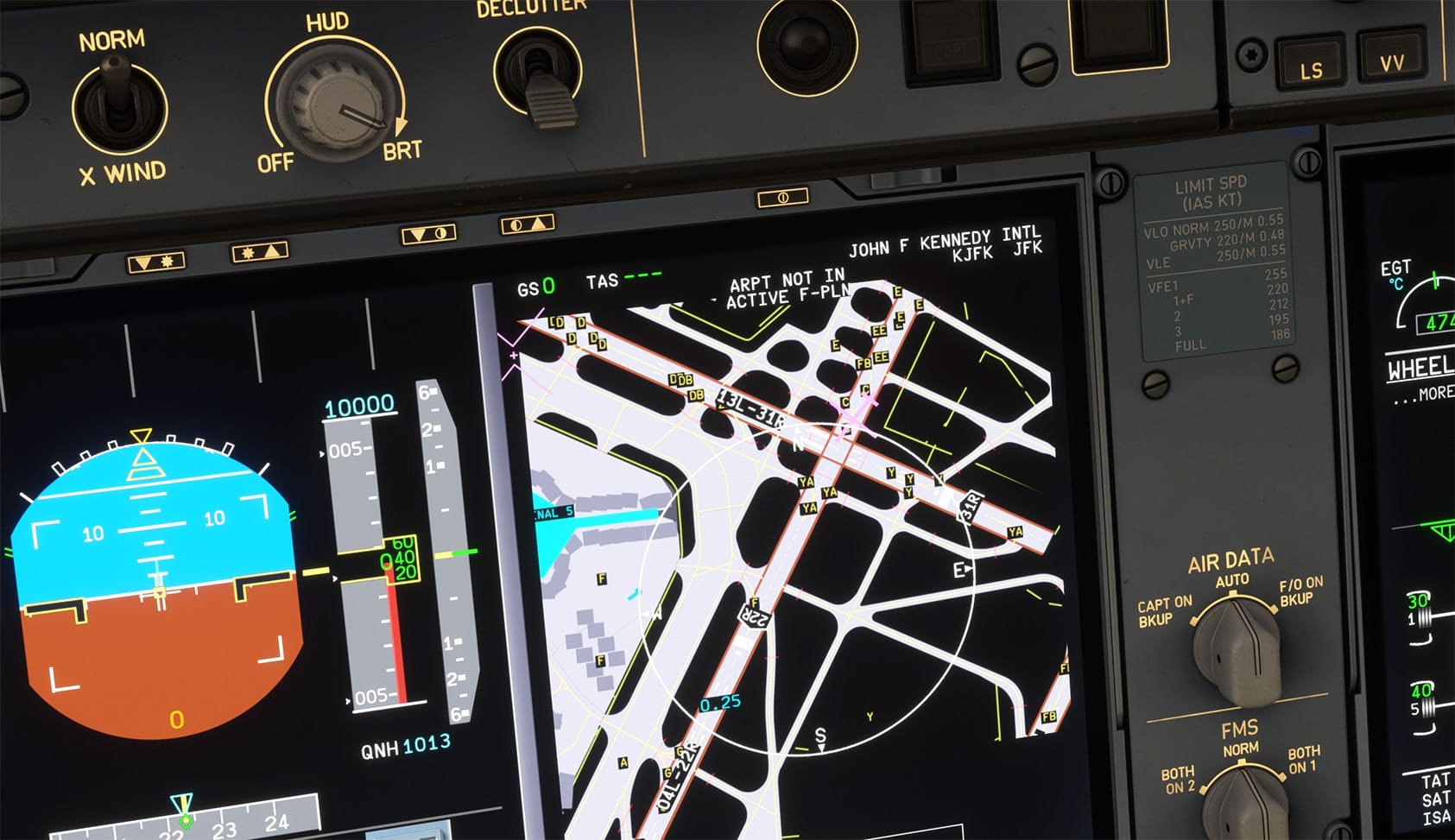
If you fly the current generation of Airbus add-ons in Microsoft Flight Simulator, the absence of a proper Onboard Airport Navigation System (OANS), Airport Navigation Function (ANF), or Brake-to-Vacate (BTV) database has long been one of the more noticeable gaps between simulated cockpits and their real-world counterparts. A new freeware release on Flightsim.to, simply titled ➡️ Free OANS/ANF/BTV For MSFS2020 And MSFS2024, sets out to close that gap without asking you to pay for a subscription or manage API keys.
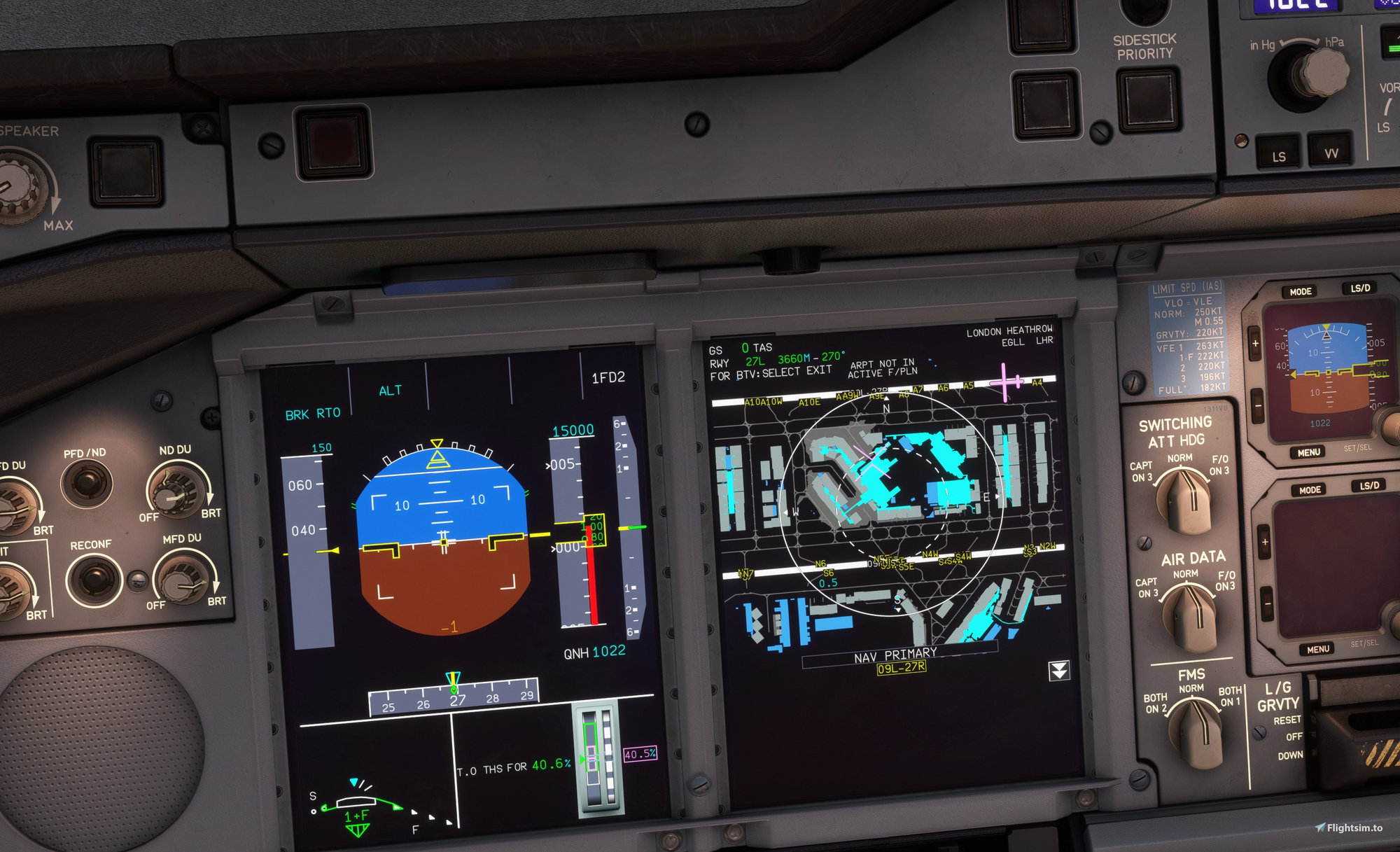
Developed by Royale2072, the add-on is an open-source airport mapping database built specifically for aircraft that rely on these systems to display taxiway, runway, and stand information directly in the cockpit. Rather than pulling data from a paid navigation data provider, the tool generates its airport maps using publicly available data sourced from the X-Plane Scenery Gateway and OpenStreetMap. That approach means you can populate compatible aircraft with usable airport charts without linking a Navigraph account or entering any credentials.
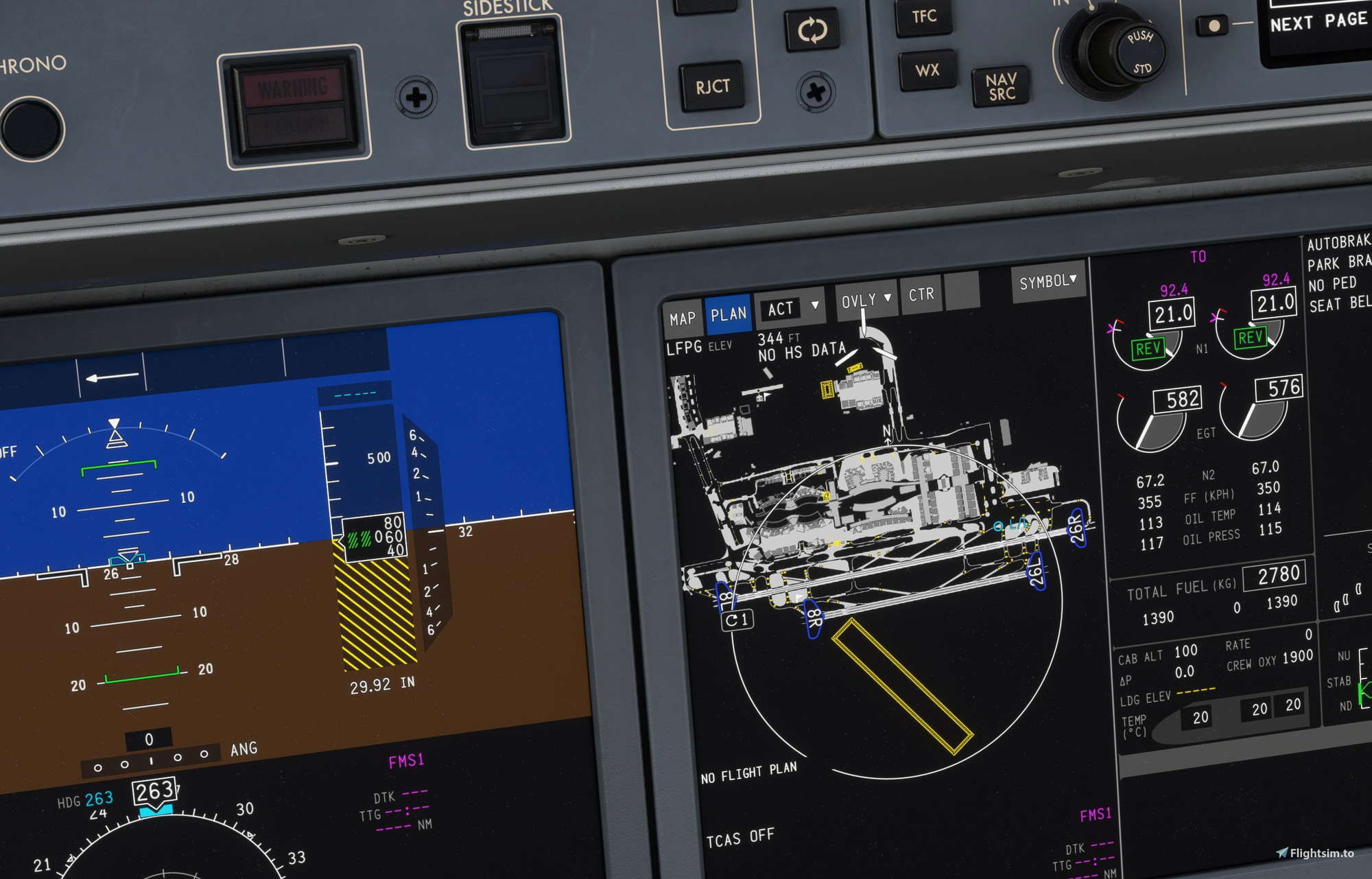
On the compatibility side, the tool currently supports some of the more prominent widebody and mainline Airbus projects available for MSFS, including the FlyByWire A380, the iniBuilds A350, and the Synaptic A220. Beyond simply feeding data into the cockpit displays, the add-on also generates Jeppesen-style PDF airport diagrams, giving you a printable or tablet-ready reference chart that mirrors the kind of documentation used in real-world flight planning. The add-on is now available on Flightsim.to: Free OANS/ANF/BTV For MSFS2020 And MSFS2024.