
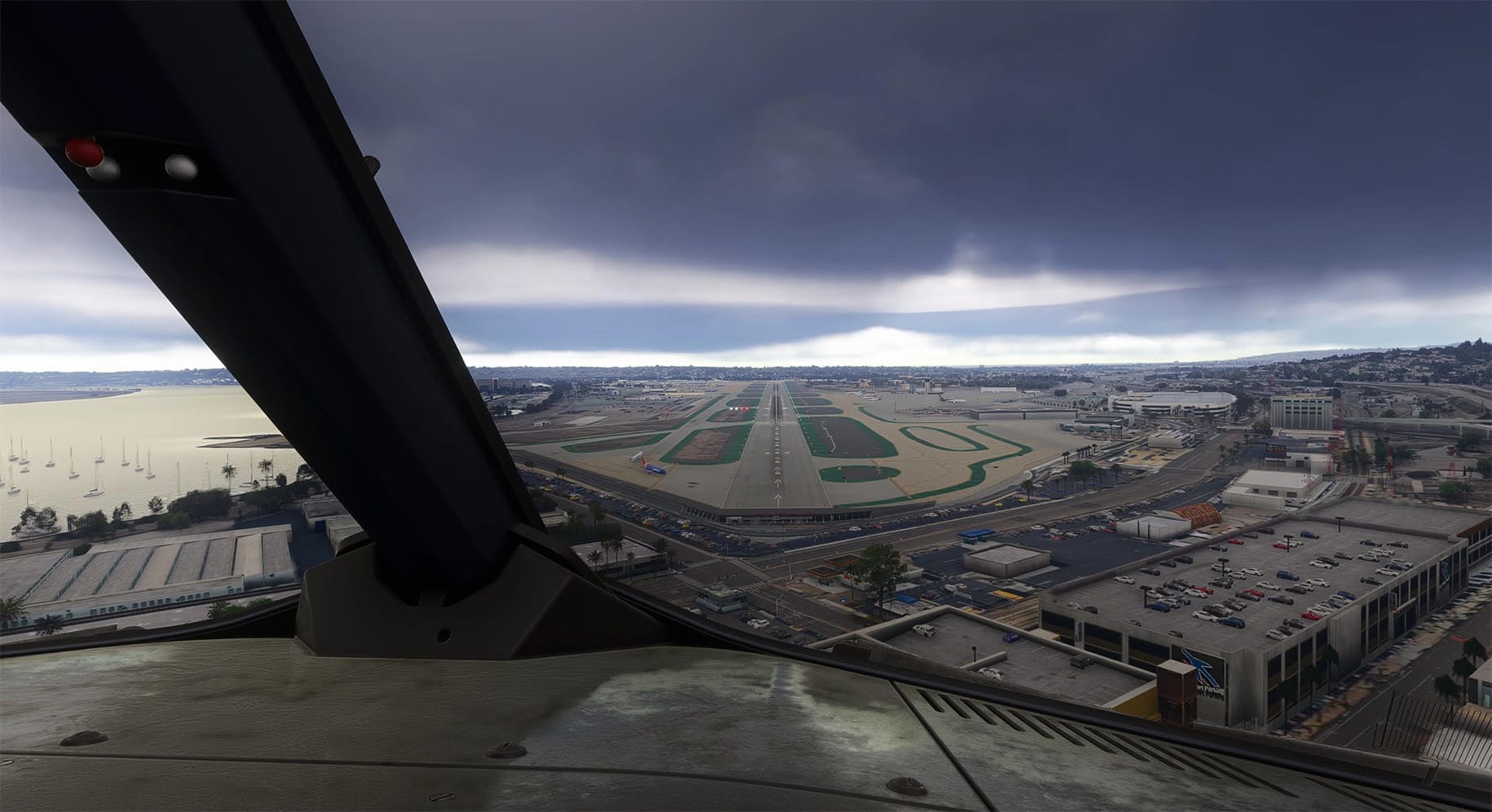
A new freeware tool for Microsoft Flight Simulator 2020 and 2024 aims to close one of the more persistent gaps between simulated and real-world flying: the way your head and body actually move in response to turbulence, G-forces, and rough air. MSFS Physics Camera, developed by Martijn Schrage and ➡️ available now on Flightsim.to, is a standalone application that generates realistic, physics-driven head movements based on live aircraft telemetry, rather than the canned or purely random shake effects built into the sim.
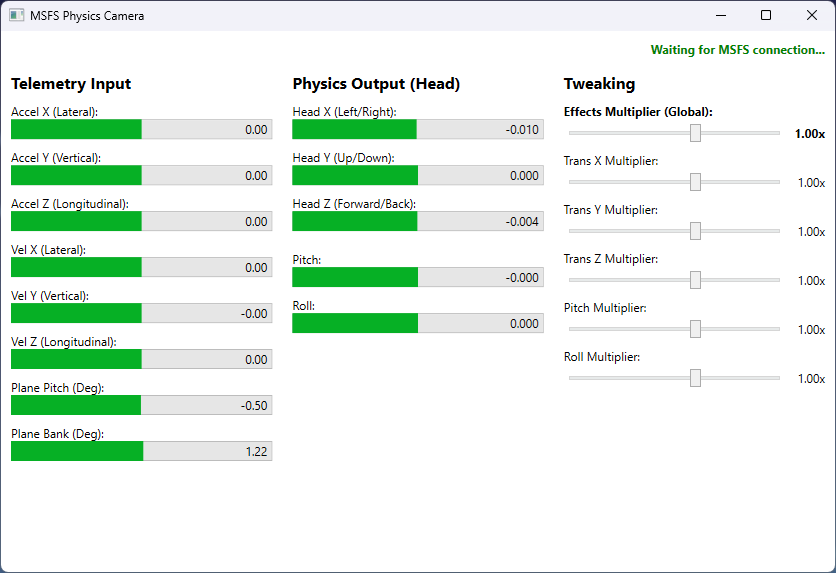
Unlike a scenery pack or livery, this add-on runs entirely outside MSFS. It connects to the simulator through SimConnect to read data such as acceleration and velocity in real time, then feeds calculated camera offsets back into the sim using the FreeTrack protocol — the same communication method used by dedicated head-tracking hardware like TrackIR and Tobii Eye Tracker. In effect, the tool behaves like a head tracker, except the input driving the camera isn't your physical head position but the physics your aircraft is actually experiencing.
You get real-time control over how pronounced these movements are. The application's interface exposes separate intensity sliders for lateral, vertical, and longitudinal motion, as well as pitch and roll, so the effect can be tuned from a barely-there subtlety to something considerably more pronounced, depending on aircraft type or personal preference. Because adjustments apply live, you can dial in settings while airborne and immediately feel the difference, rather than needing to exit to a menu or restart the simulator.
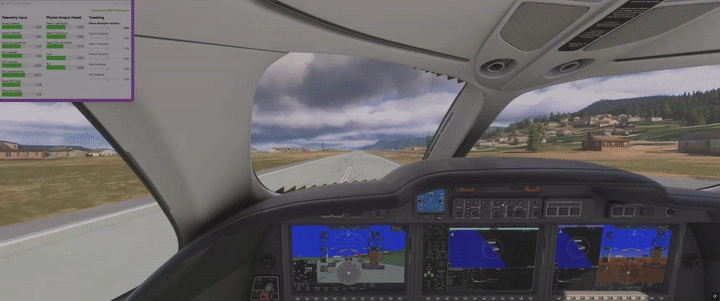
Setup involves extracting the application into the MSFS Community folder or any folder of your choosing, since it does not need to live inside the sim's package structure to function. An included AutoStart-Install.bat script can register the tool in the simulator's exe.xml file, allowing it to launch automatically alongside MSFS. Alternatively, it can simply be run manually before or during a session. The developer recommends disabling the simulator's built-in camera shake for the effect to read correctly, since running both simultaneously would mean two systems fighting over the same camera movement.
For a tool addressing something as specific and previously underserved as physics-accurate camera motion, MSFS Physics Camera represents a meaningful bit of engineering work made freely available to the community. If you find it improves your sense of immersion in the cockpit, consider supporting the developer's continued work through a donation via the project's Flightsim.to page.
about 1 month ago