Flightsim.to
    Microsoft Flight Simulator World Update XV Released

    Microsoft Flight Simulator World Update XV Released

    F

    Flightsim.to

    Author

    November 8, 2023
    Announcements

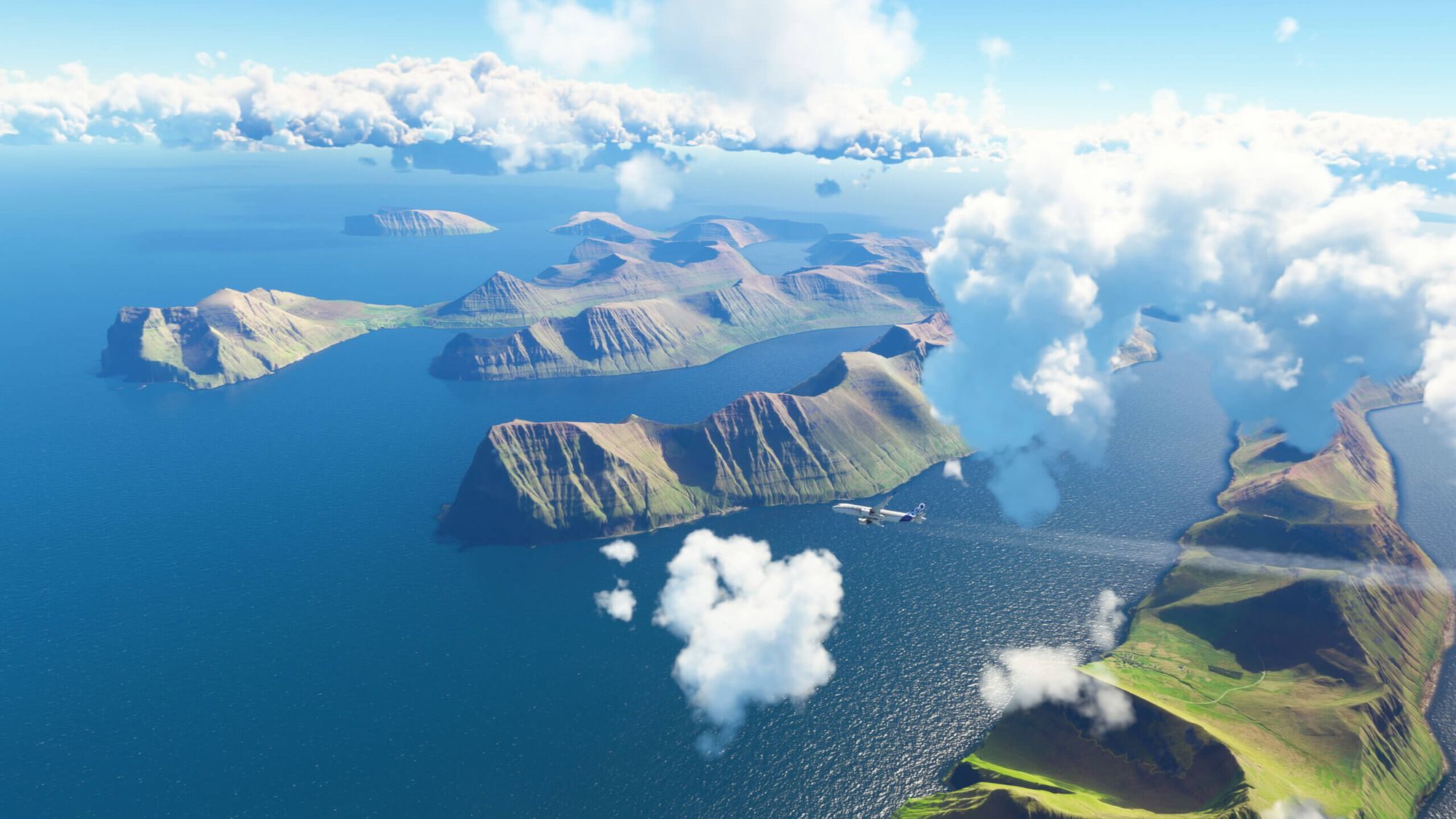
    Microsoft Flight Simulator World Update XV: Nordics and Greenland is now officially out. This free update invites pilots to experience the breathtaking landscapes of Denmark, Finland, Iceland, Norway, Sweden, as well as the Faroe Islands and Greenland with their stunning natural beauty and diverse terrain​.

    The update, available for download from the in-sim Marketplace, not only provides sweeping improvements but also introduces 90 new points of interest. Alongside these points of interest, simmers will find five new hand-crafted airports to explore.

    • 90 hand-made points of interest.
    • 10 TIN (triangulated irregular network) cities.
    • 5 hand-crafted airports.
    • Broad-based, high-resolution geographic updates using significantly enhanced DEMs (digital elevation models) in Iceland, Norway, and Sweden.
    • Fresh aerial imagery and satellite data across the entire region.
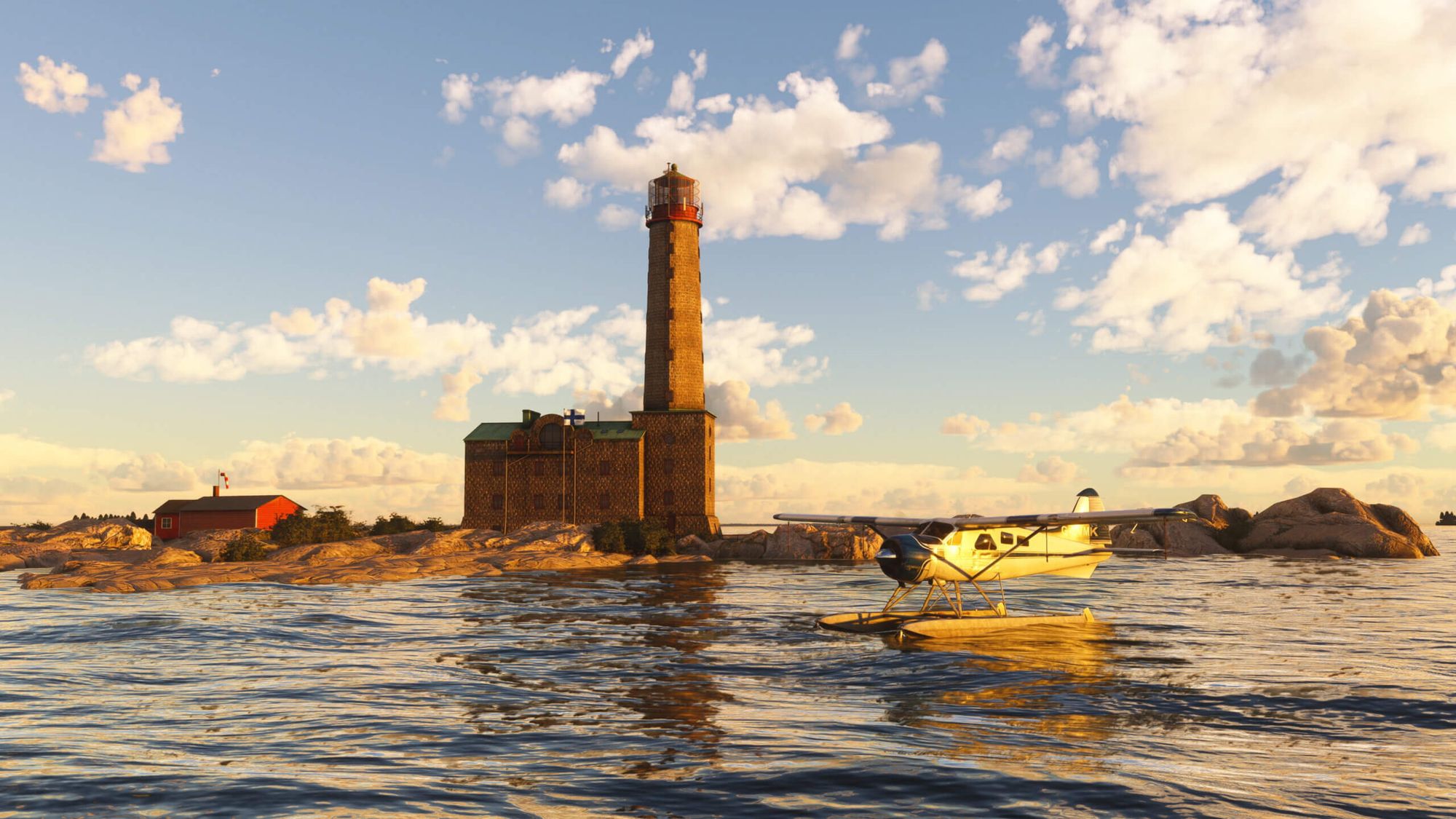
    World Update XV: Nordics & Greenland also brings simmers ten exciting activities that will inspire and challenge. Developed in collaboration with Microsoft partners like Bing Maps, Vexcel, Maxar, Gaya Simulations, Orbx, and Kjetil Garpestad, it incorporates updated satellite imagery, enhanced digital elevation models, and includes ten TIN (Triangulated Irregular Network) cities, further improving the authenticity and immersion of the flight simulation experience​.

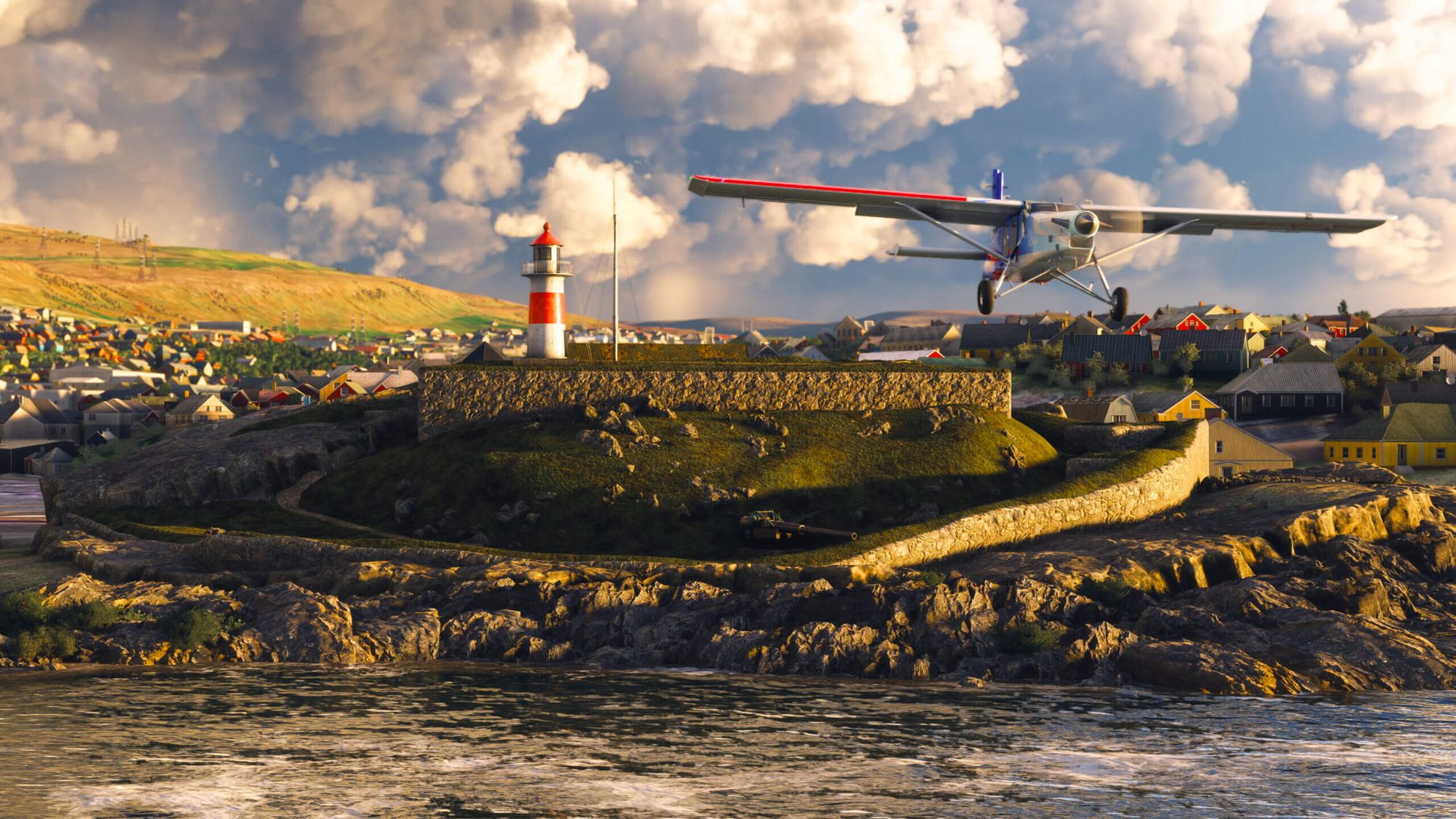
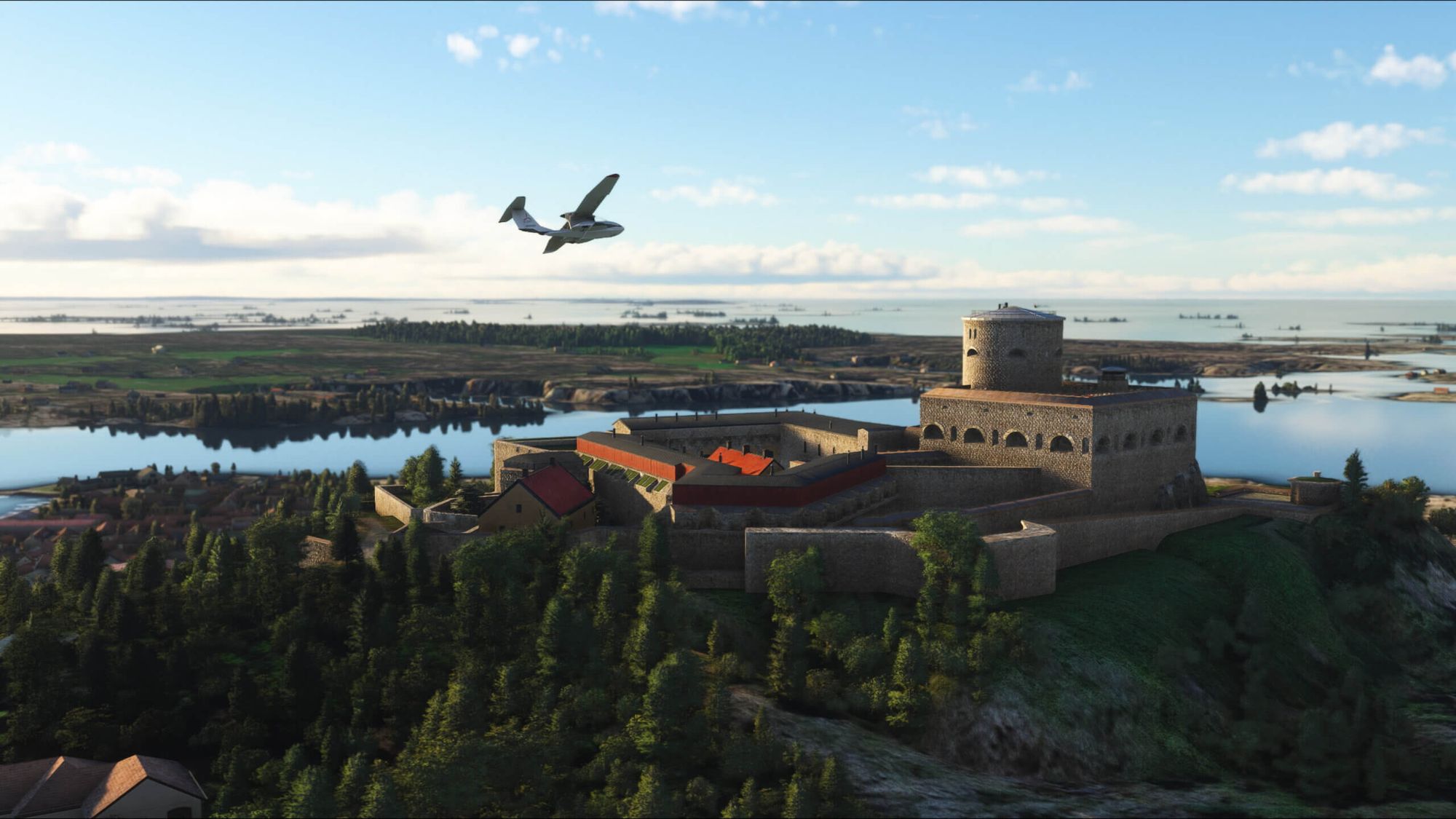
    • Four discovery flights: Bergen (Norway), Gothenburg (Sweden), the Faroe Islands (Denmark), and Reykjavík (Iceland).
    • Three landing challenges: Akureyri Airport (BIAR), a famous challenge in northern Iceland; Ekeby Airport (ESSC), an epic sailplane challenge in Sweden; and a bold challenge at Norway’s Mo i Rana Airport (ENRA).
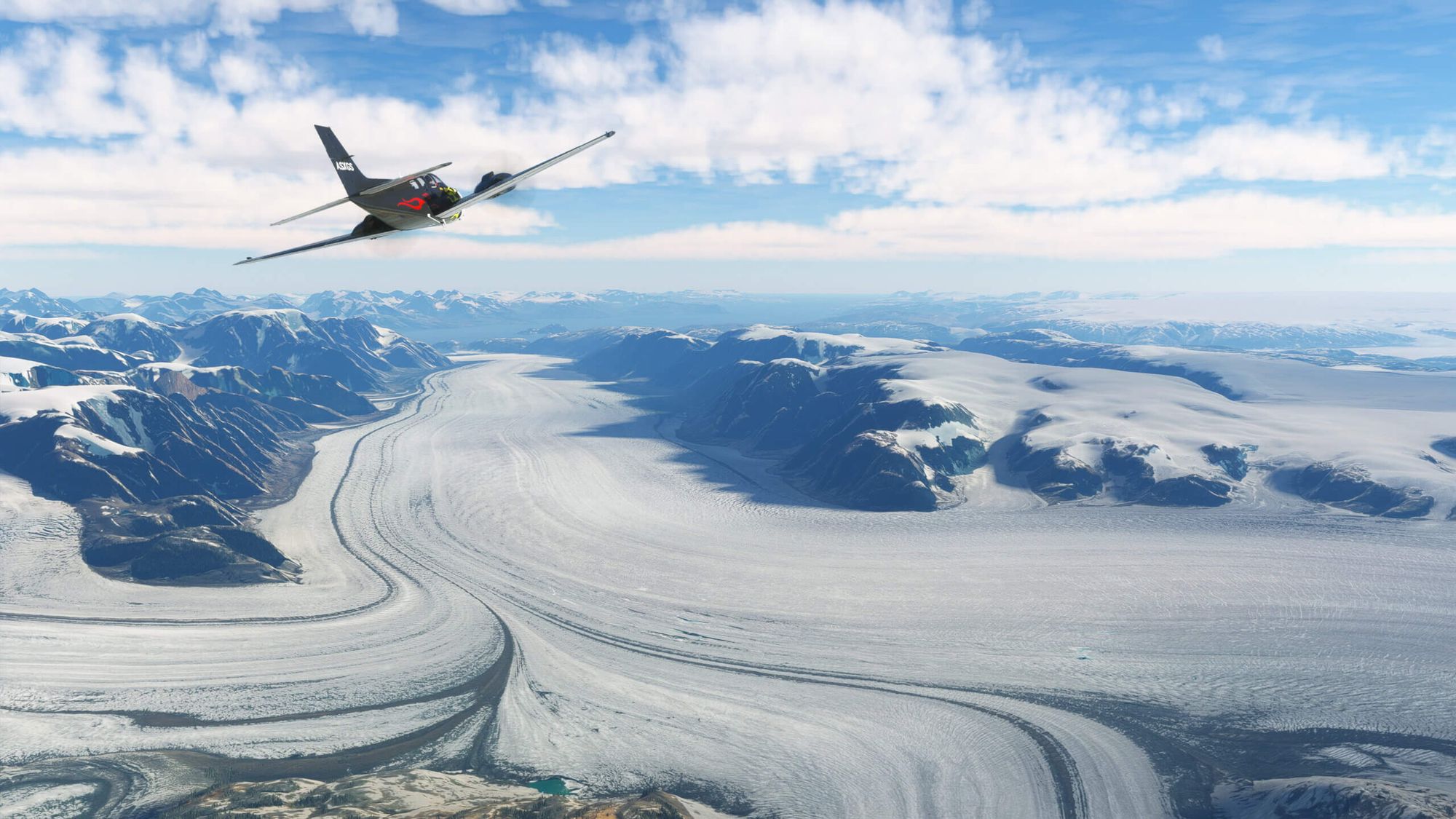
    • Three bush trips: the Baltic Coast of Denmark and Sweden which traverses some of Europe’s most exquisite coastal landscapes; the adventurous Greenland Exploration; and Spitsbergen, which begins with an exploration of Norway’s Spitsbergen, then crosses open water to visit northern mainland Norway.


    Comments

    p

    over 2 years ago

    On video they show the nice points of interest but I dont see on flightsimulator.com as the other update the list of POI
    d

    over 2 years ago

    Also you have photogrammetries for Lund, Helsingborg and Helsingor
    m

    over 2 years ago

    Faroe Islands have somehow become less realistic after the update then before, there are no trees whatsoever on the islands but int he sim they are everywhere, before the update it was much more realistic.
    C

    over 2 years ago

    if I download it will it have any impact in fps ?
    H

    over 2 years ago

    Not at all
    m

    over 2 years ago

    I got heavy stuttering around Copenhagen after the update... unlandble stuttering which is very common in the sim, but I've never had that in Copenhagen before.
    H

    over 2 years ago

    Okay - I have a very strong laptop - thats maybe the reason i cant see any difference.
    m

    over 2 years ago

    My system is i7-14700KF, 32GB of RAM, and a GTX 4060TI with 16GB VRAM so quite beefy. Despite this setup, I'm still experiencing stuttering in the game. This issue is quite common in this game— even users with more powerful setups like the i9 and GTX 4080 experience stuttering, I've seen it on streams. It becomes incredibly frustrating cuz the plane becomes uncontrollable due to these stutters. Additionally, I use the FlyTampa Copenhagen scenery, which is known for being heavy and unoptimized. Typically, heavy 3D photogrammetry contributes to increased stuttering. Previously, only Copenhagen was in 3D, but now, with Malmö, Roskilde, and the entire Greater Copenhagen area in 3D, the system is significantly strained, leading to heavier performance issues. I hope MSFS 2024's new code will fix the stuttering it's horrible.
    A

    over 2 years ago

    I think it's SU13 causing this as I am getting the same at some of the Asobo Bespoke airports also and my system is a step above yours in the beefiness too.Asobo keep claiming that users are experiencing an improvement in performance, yet their forums are laden with performance issue reports.I have contacted their Zendesk asking for answers and they said it's likely I need to upgrade my hardware, except my PC is 3 weeks old and is a 13th gen i7; RTX 4070ti with 64GB RAM, so they have no idea what they are talking about. They also suggested I turn off photogrammetry, at this stage I decided not to reply back as I couldn't deal with their ignorance any further.I have my settings set to High and not Ultra in the graphics section, I have stepped down what I can and I still have FPS loss at select locations.Maybe SU14 will be an improvement, but I have my doubts.
    H

    over 2 years ago

    You mean RTX and not GTX !!I have the ASUS ROG strix scar 16 computer - you can search for it on net. I can run MSFS with ultimate settings on HP Reverb G2 with this computer without stuttering. It is very expensive - but it simply "eats" everything.

    over 2 years ago

    Yes RTX not GTX, I think it might also be a cache issue tbh first time load might stutter.
    A

    over 2 years ago

    I love how Greenland finally got a bit of love from Asobo. Finally rocks, not meadows. I was just puzzled by one thing - the Summit Camp research station is NOT where it's supposed to be. There are clear satelite images of it where it's supposed to be, but no buildings. Anyone know the coordinates for it?

    over 2 years ago

    what are the handcrafted airpors

    over 2 years ago

    I've solved my stuttering by simply upgrading my HDD to SSD. The Solid-state drive is required, imo. That hardware seems to hardly be mentioned on PC specs. Not sure what you have on your system.

    over 2 years ago

    I already have a pretty fast SSD but I fixed mine by messing with NVIDIA settings and setting an FPS limit of 35 so more recourses are available to do background things an dn to rendering the sim at 60-70fps

    over 2 years ago

    Quite possibly the very best WU Asobo / Microsoft has ever released for MSFS. The rock islands in the surrounding west area of ENBR (Flesland) is just one shining example of how good the DEM is. And this is Norway with the 1M DEM which is incredibly impressive. But Denmark has 40cm! The other noticable improvement I noticed is the way performance has improved. I've never had the TIN cities perform on par or better when FSR 2 was enabled. Prior to this update, TIN cities would perform worse with FSR 2 enabled, at least for my PC setup (Ryzen 5800X3D and Radeon RX 7900 XTX). It makes me like the photogrammetry even more. And the TIN cities are of incredible quality. The Bing team is definitely cleaning up the cities more than ever. What a tremendous effort. And with SU14 coming with better atmospherics, this sim just cannot be rivaled visually. Well done.
    r

    over 2 years ago

    Use FStarter and find all POIs + mote with a mouse click
    M

    over 2 years ago

    I have my c drive on one M.2 and MSFS on a second directly into a B550 motherboard running three monitors and no problems
    A

    over 2 years ago

    Hope the City Update 1 gets this treatment some time soon. Cologne and Hanover look pretty bad in places and perform bad.