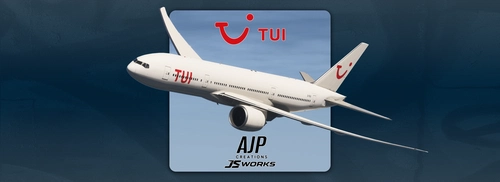
This add-on provides a fictional repaint of the PMDG Boeing 777-200LR in TUI UK livery. The design depicts a wetleased aircraft with basic TUI colors. It aims to represent an aircraft registration G-TUIJ in a realistic yet fictional scenario. Created to fulfill a specific user request.
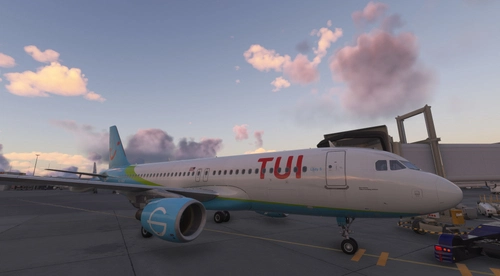
This add-on features a TUI livery for the A32NX aircraft in Microsoft Flight Simulator 2020. Users can easily install it by placing the included files in their community folder. Experience the unique design of the TUI livery while flying the A32NX in the simulator.
This add-on features a fictional TUI livery for the PMDG Boeing 777-200ER, presented in high-quality 8K textures. TUI, a major player in the European travel industry, is reflected through this design, capturing the essence of its role in leisure and charter operations. The livery enhances the visual experience for flight simulation enthusiasts, providing a unique addition to any virtual fleet. Custom repaint requests are also available for users seeking tailored designs.
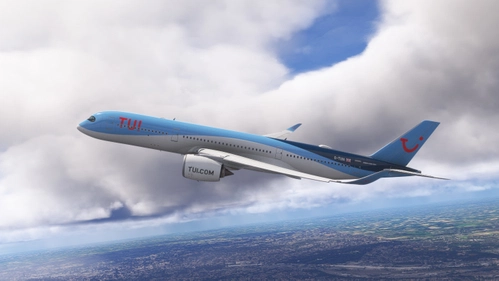
This add-on features a fictional TUI livery for the iniBuilds A350-900, specifically designed for the aircraft registration G-TUIA. It allows users to customize their flight experience with a unique visual presentation. Installation is straightforward by placing the unzipped files into the Community folder of Microsoft Flight Simulator.
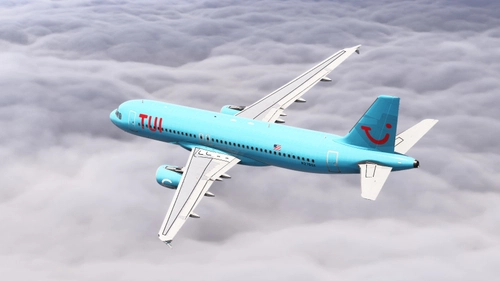
The Fenix A320 CFM Tui Fly Netherlands Livery Pack includes several detailed liveries for the Fenix A320 aircraft. This pack features the base livery N276GX alongside variations with distinctive Tui decals. Additionally, it offers a blue livery variant N279GX, enhancing the visual options for users of this aircraft in Microsoft Flight Simulator.
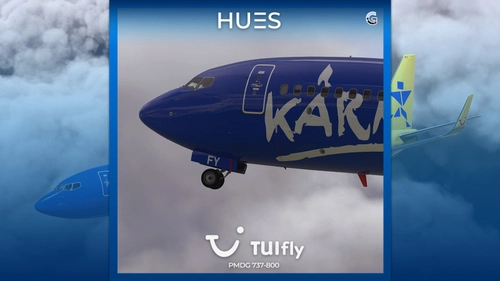
This add-on features the TuiFly D-AHFY "Kaernten.at" livery for the PMDG Boeing 737-800. Designed with handmade logos, the livery enhances the aircraft’s appearance within Microsoft Flight Simulator. Installation is facilitated through the PMDG OPS Center using the provided PTP file.
This add-on features a detailed livery for the Fenix A320 CFM, representing TUI fly Netherlands N276GX during its lease from Global Crossing Airlines. Notably, this livery showcases an Airbus in a TUI design, which is uncommon as the airline primarily operated Boeing aircraft. The livery is compatible with Block 2 and is easy to install by placing the folder into your MSFS Community directory.
This add-on features a unique livery for GetJet Airlines, specifically designed for the PMDG 737-800 aircraft. The livery provides an authentic visual experience for pilots flying within Microsoft Flight Simulator. Installation is done through the PMDG Operations Center using the provided ptp file. Feedback and donation options are available for users who appreciate the add-on.
TUI G-TUKT livery for the PMDG 737-800, designed for use in Microsoft Flight Simulator. Users are encouraged to report any bugs encountered during use. Please note that modifications are not permitted without prior permission.
Jetairfly TUI (OO-JAA) livery for the PMDG 737-800, allowing users to experience realistic flying with this specific airline design. Users are encouraged to report any bugs they encounter. Modifications of the add-on are not permitted without prior permission from the creator.
The TUI Netherlands Fleet Pack for the iFly 737 MAX8 offers a detailed and realistic representation of multiple aircraft liveries. This add-on includes accurate exterior designs, high-quality cabin environments, and realistic configurations based on the latest available images. Featured liveries include notable destinations such as Boa Vista, Antalya, and Lanzarote, among others. Installation is straightforward, with instructions provided for both the aircraft and configuration files.

![TUI [ A 32NX ]](https://cdn.flightsim.to/images/28/tui--a-32nx---1113168-1770567111-1dYJX.jpg?width=500)
![TUI (Fictional) | PMDG Boeing 777-200ER [8K]](https://cdn.flightsim.to/images/28/248945-1767569343-j87K0.jpg?width=500)
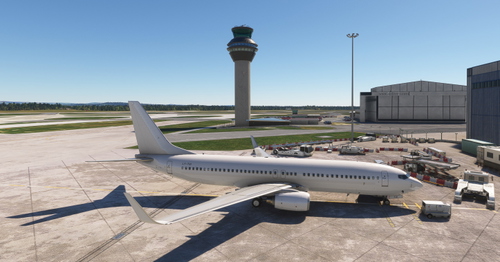
![TUI [G-TUKT] PMDG 737-800](https://cdn.flightsim.to/images/27/pmdg-737-800-tuifly-g-tukt-690236-1748174444-hKjpc.jpg?width=500)
![Jetairfly TUI [OO-JAA] PMDG 737-800](https://cdn.flightsim.to/images/27/pmdg-737-800-jetairfly-tui-oo-jaa-690236-1739725190-V0yfg.jpg?width=500)
![TUI Netherlands [Fleet] - iFly 737 MAX8](https://cdn.flightsim.to/images/27/tui-netherlands-fleet---ifly-737-max8-114744-1739667681-69GhX.jpg?width=500)