
Description
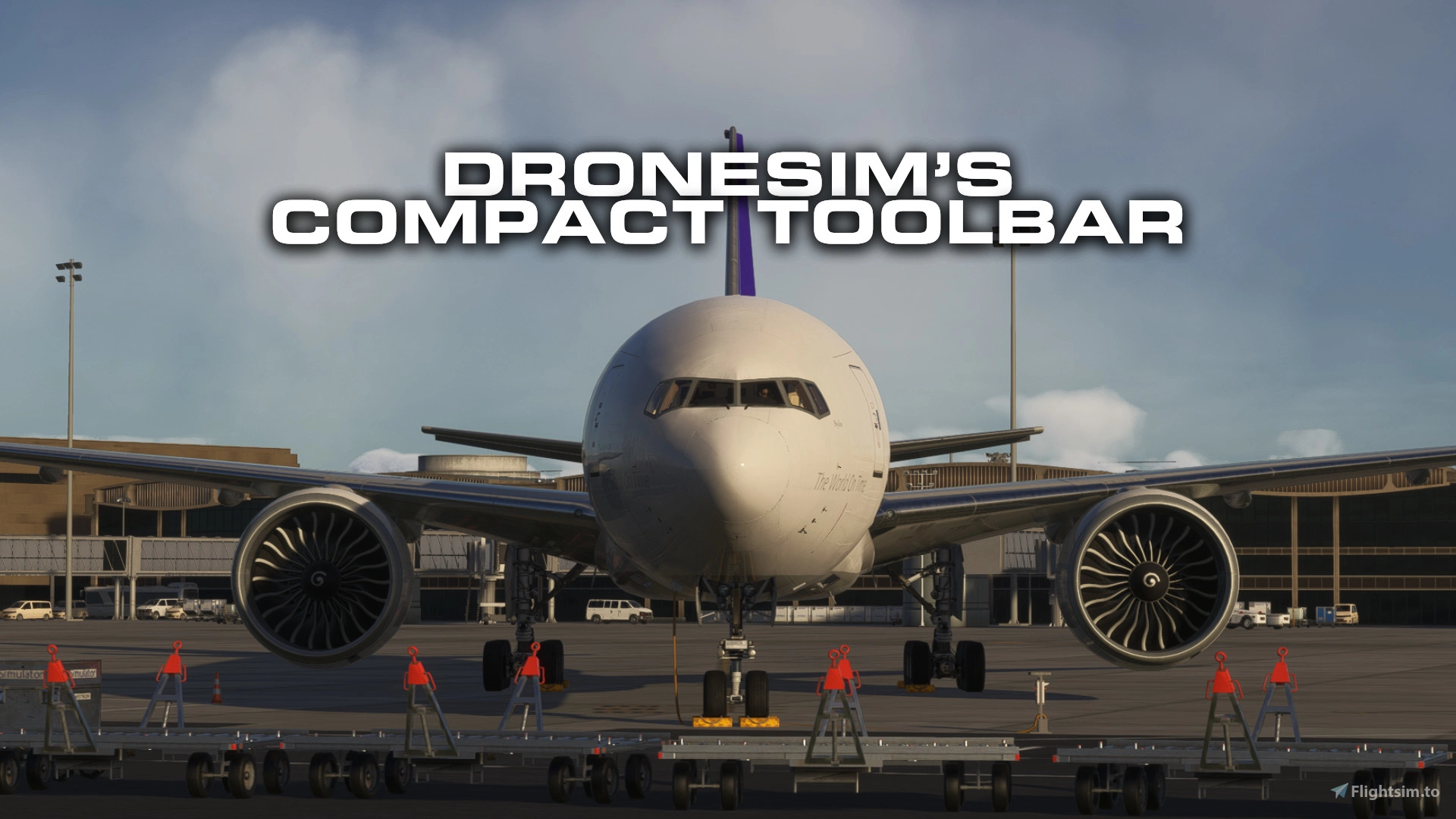
DroneSim's Compact Toolbar for MSFS 2024
Makes the default MSFS 2024 toolbar smaller and cleaner -- including no more white mouse trigger line.
There are two variants: 75% scale (recommended) or 50% scale.
No performance impact, no extra UI clicks -- just a slimmer toolbar
This project is mainly inspired by
heclak's Handlebar Mod which only removed the white line
ocelada's Minitoolbar, which additionally shrunk the size and unfortunately got discontinued, but don't worry, I'm here ;-)
Shrinks the toolbar and button heights and widths to a scale of 75% or 50% and hides the “annoying white bar” so it doesn’t pop up when you move the mouse.
Installation- Download your preferred variant (75% or 50%)
- Extract the zip
- Copy the folder dronesim-compact-toolbar into your MSFS Community folder.
- Don't get annoyed by the default toolbar and of course
- Have fun flying
⚠️ Please keep only one of the dronesim-compact-toolbar folders active at a time (either 75% or 50%, not both).
UninstallDelete the folder dronesim-compact-toolbar from your Community folder. I hope you don't need to :)
NotesIf you don’t see the toolbar change or even disappear completely after installing, make sure there isn’t another toolbar mod in the Community folder (sorry for that heclak)
Tested with the latest SU4 Beta 1.6.18.0.
If it doesn't work on SU3, please tell me. I'll regenerate the files for this case.
DroneSim's Compact Toolbar
DroneSims Compact Toolbar for MSFS 2024 offers a reduced-size and streamlined version of the default toolbar, available in 75% and 50% scale options. This add-on eliminates the distracting white mouse trigger line, enhancing the visual experience without impacting performance. Users can follow simple installation steps to integrate the toolbar into their flight simulation environment. It is recommended to use only one scale variant at a time to ensure optimal functionality.


User Reviews
8 reviews
Version History
No version history available.
Featured in Collections(1)

Related
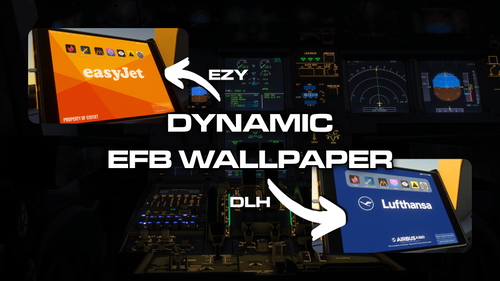
DroneSim's Universal EFB Background
DroneSims Universal EFB Background is an add-on designed for Microsoft Flight Simulator that allows users to customize the electronic flight bag (EFB) backgrounds based on their SimBrief flight plans. By setting up a designated folder for wallpapers and linking it to their SimBrief ID, users can enjoy dynamic airline-specific images during their flight sessions. The application works exclusively with the Fenix Family aircraft and is contingent on using SimBrief for flight planning. Additional support and setup details are provided within the accompanying documentation.
by DroneSim
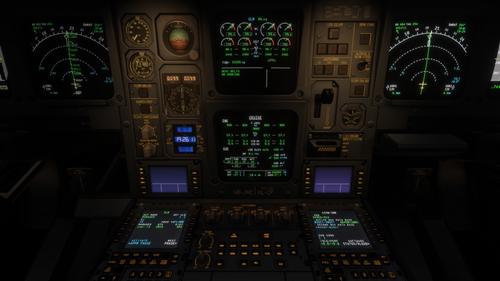
Custom Camera Views (iniBuilds A340-300)
This add-on provides a set of custom camera views specifically designed for the iniBuilds A340-300 in Microsoft Flight Simulator. The configuration includes a variety of cockpit and cabin perspectives, allowing users to access key instruments and panels quickly. The views are organized for easy access via the NumPad, covering essential areas such as the EFB, MCDU, ECAM displays, and various wing views.
by DroneSim
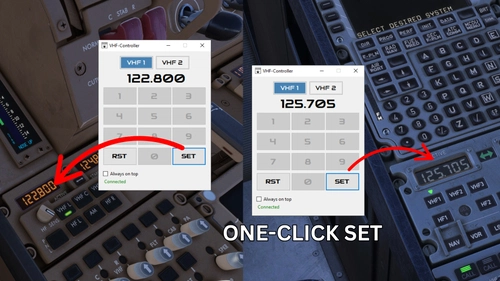
DroneSim's VHF-Controller
The VHF-Controller is a utility designed to simplify the process of setting COM active frequencies in Microsoft Flight Simulator without using cockpit knobs. It requires .NET 8.0 Desktop Runtime and is compatible with MSFS 2020 and 2024, functioning across various aircraft models.
by DroneSim
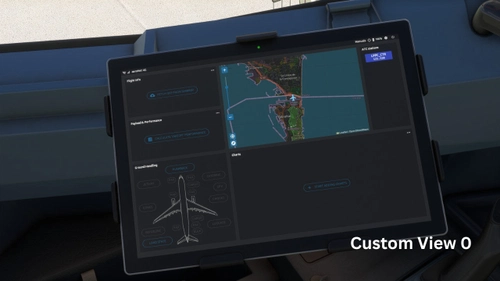
Aerosoft A330-300 | Custom Cockpit & Cabin Views
This add-on offers a set of custom cockpit and cabin views specifically designed for the Aerosoft A330-300 in Microsoft Flight Simulator. The views are organized for easy access via the NumPad, featuring dedicated perspectives for the EFB, MCDU, ECAM displays, and various wing views. With this mod, users can experience a more tailored and immersive flight environment.
by DroneSim
Log in to join the discussion
Log InComments(18)
about 2 hours ago
29 days ago
And do you know how to make the awful ATC window smaller ?? Very bad to see the cockpit, and completely unuseful to have such a big window. Displacing the huge window on another screen is also bad ...
2 months ago
Means, still the same large part of the top screen is blocked by the now smaller toolbar :(
2 months ago
3 months ago
9 months ago
11 months ago
11 months ago
11 months ago
11 months ago
11 months ago
11 months ago
9 months ago
11 months ago
11 months ago
11 months ago
11 months ago
is it possible in an future update, to scale down the whole rest of HUD elements (menu, world map,...) in msfs2024?
11 months ago
Don't know if this works with current versions though :)