
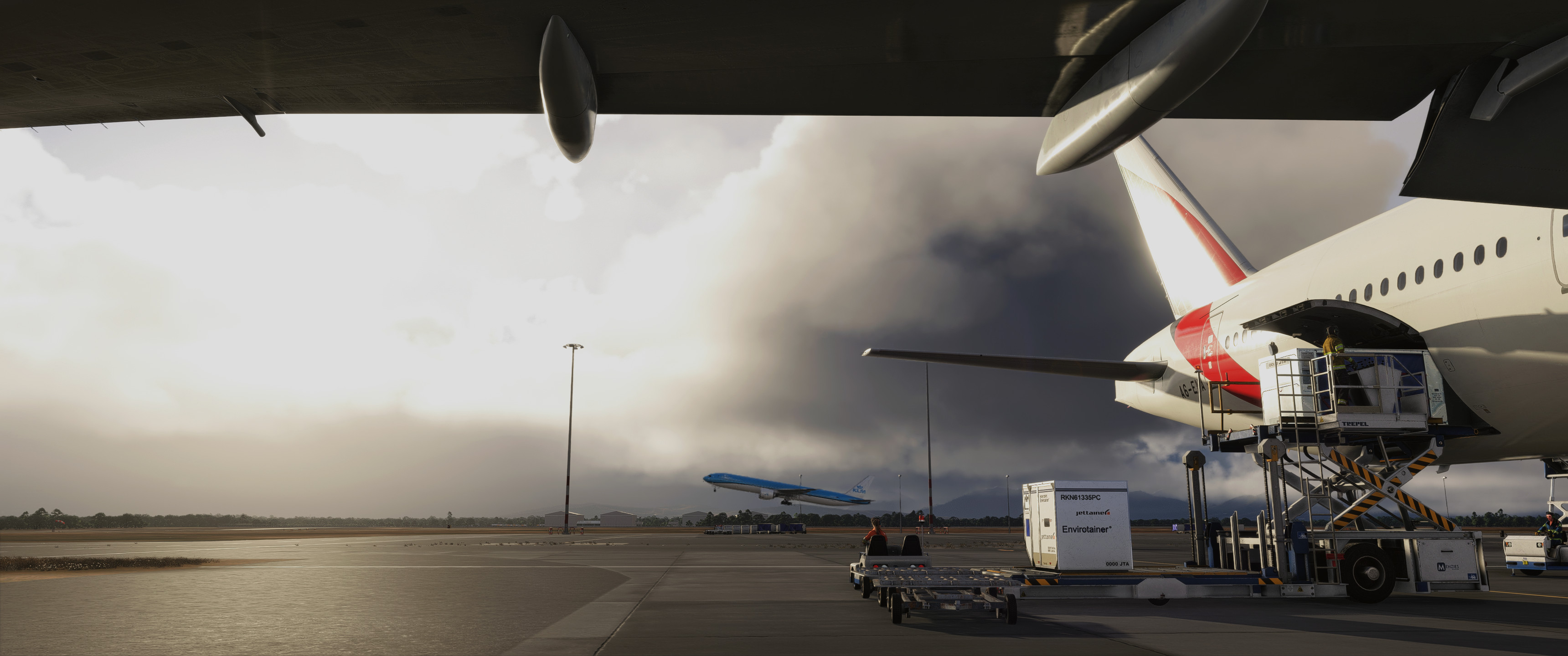
Description
I've tried many ReShade presets, but none really made me enjoy the visuals in FS2024 as they often felt overexposed, blurry, and washed out. After lots of fine-tuning, I’m excited to share the result: the Springmedia ReShade profile for FS2024. After all it's a matter of taste and personal preference but I think I've found the "perfect" ReShade, enhancing realism in FS2024.
Make sure to select the ReShade profile in the ReShade installer so that you have all required effects installed.
Comments(47)
Log in to join the discussion
Log In3 months ago
But i think it is litte bit to dark, how can i make it little bit brighter ?
4 months ago
4 months ago
5 months ago
5 months ago
6 months ago
10 months ago
10 months ago
11 months ago
11 months ago
11 months ago
https://www.youtube.com/watch?v=1hGm9qcDiI8&t=290s
2024.exe location is in the Xbox folder for those who purchased through the store. followed the video and got it to work. C:XBOX GAMES/Microsoftflightsim2024
looks great now
Update: it can be a bit dark in certain lights and angles but overall looks much better than stock 2024.
Reshades don't show up if using the built in screenshot tool (SHIFT + V) so if you want a screenshot with the reshade you'll have to set up a hotkey in the reshade menu and change the path of the screenshots to a folder you use
11 months ago
11 months ago
springmedia ReShade for FS2024
The Springmedia ReShade for FS2024 offers a custom profile designed to enhance the visual experience in the simulator. This preset aims to improve the realism of the games graphics by addressing common issues with exposure and clarity. Users can easily install the ReShade effects required for optimal performance through the installer. Personal preference may vary, but this profile represents a refined approach to visual enhancements in FS2024.


User Reviews
8 reviews
More Information
Version History
No version history available.
Related
springmedia - iFly B737 MAX 8 Custom Views
This add-on provides a set of custom camera views specifically designed for the iFly B737 MAX 8 in Microsoft Flight Simulator. The configurations include key perspectives such as the captains view, overhead panel, FMC and ND, along with multiple wingviews from various angles. Each view has been optimized for clarity without glitches, ensuring an immersive flight experience regardless of monitor size. Installation instructions for different user setups are included for convenience.
by springmedia
springmedia - The Ultimate B777 custom views
Explore the ultimate custom views for the PMDG B777-300/ER by springmedia. This add-on offers meticulously crafted camera angles, including cockpit perspectives, wingviews, and more to enhance your flight experience. Install these views to access unique vantage points such as the overhead panel, FMC, EFB, and various wingview angles. Perfect for Microsoft Flight Simulator users looking to immerse themselves in the virtual cockpit.
by springmedia
Springmedia - The Ultimate FSLabs A321 Custom Views
This add-on features custom view placements for the FSLabs A321Neo, addressing common issues such as poor window positioning and invisible walls. It offers ten unique camera perspectives, including cockpit views and multiple wingviews that enhance visibility during flights. Users can easily install the custom camera configurations by following the provided instructions for both Microsoft Store and Steam versions of the simulator.
by springmedia
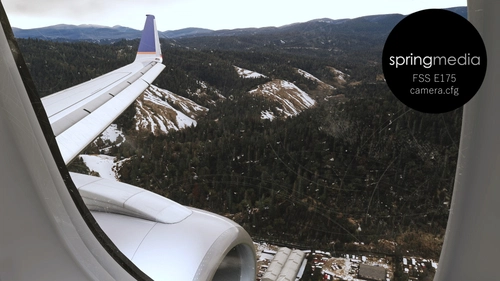
springmedia - FSS E175 camera.cfg
Custom camera views for the FlightSim Studio E175, offering perspectives from the cockpit to wingviews. Ideal for a more immersive flying experience.
by springmedia
2 months ago