
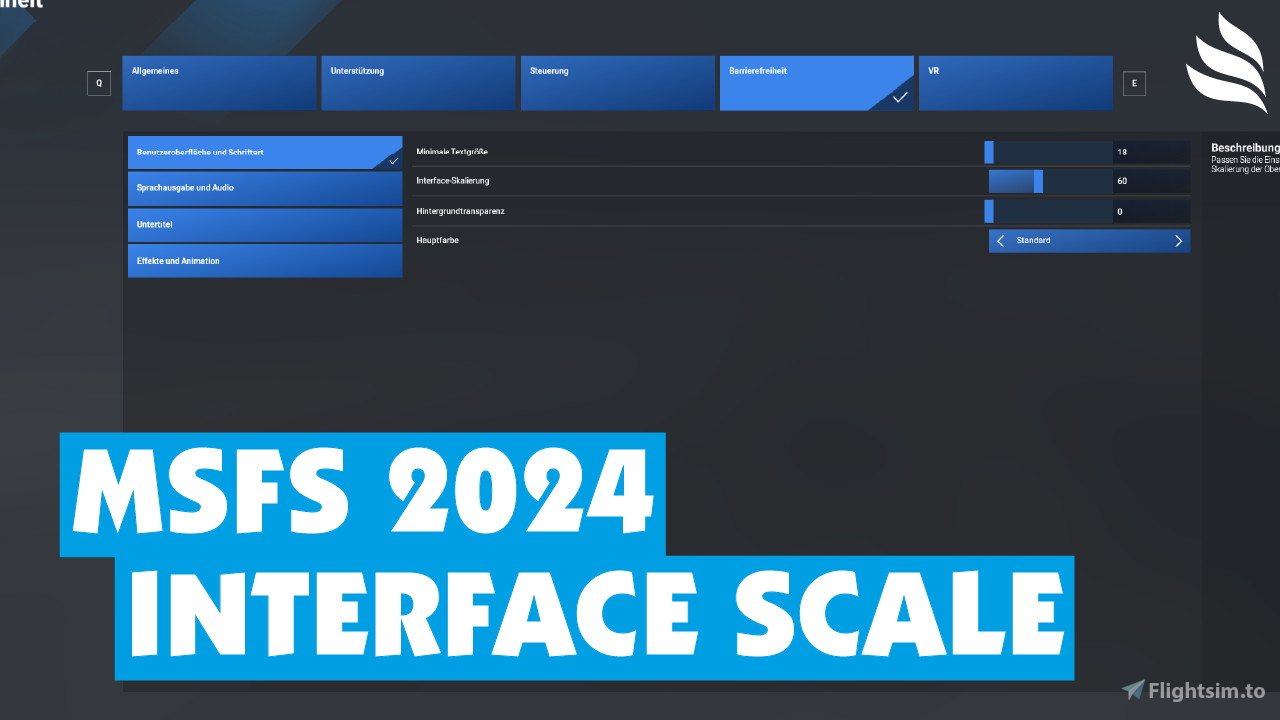
Description
Microsoft Flight Simulator 2024: Interface Scale Option
DescriptionThis small add-on adds the “Interface scale” option to the “Accessibility” menu. It allows the scaling of the font, as in MSFS 2020.
Note: Microsoft/Asobo has not integrated this option due to problems. This add-on activates this option. The menus may not be 100% perfect as a result. However, other displays, e.g. from GSX, can now be scaled better. Before you remove the add-on, please reset the scaling to 100.
Installation1. Unzip .zip file
2. Copy & Paste the folder "[cyg]screen-scaling-mod" into your "Community" folder
Originally developed by Cygnific (Cygnific on flightsim.to)
If you like the add-on, feel free to visit my YouTube channel, watch my videos, like them, leave me a subscription or donate something to me (if you want to; you don't have to) :-)
YouTube: Flight Level on YouTube
Donate: Flight Level on PayPal Donate
Microsoft Flight Simulator 2024: Interface Scale Option
This add-on introduces an "Interface Scale" option to the Accessibility menu in Microsoft Flight Simulator 2024, allowing users to adjust font size similar to the functionality in MSFS 2020. While the feature is not natively integrated by Microsoft due to certain challenges, this modification enables improved scaling for in-game menus and external displays like GSX. Users are advised to reset the scale to 100 before removing the add-on to maintain optimal display functionality.

Contributors
Supporters

User Reviews
5 reviews
Version History
No version history available.
Log in to join the discussion
Log InComments(19)
about 10 hours ago
11 months ago
der mod war bitter notwendig. dieses oversized konsolen-menü ist absolut unerträglich.
11 months ago
To anyone else having problems after removing this mod!
Reactivate the Mod. Start the Sim. Put the slider of size to 100 (to the right) and the screen will adjust and return to 33. Leave it like that!
You can now turn off the Sim and now you can remove the mod.
After that when you restart the Sim the screen menus are back to normal.
9 months ago
6 months ago
about 1 year ago
9 months ago
about 1 year ago
over 1 year ago
over 1 year ago
over 1 year ago
over 1 year ago
over 1 year ago
over 1 year ago
over 1 year ago
over 1 year ago
Would it be possible, to use like the css zoom function - so not only the text size would get smaller - but also all other things - like boxes and graphics?
I have the problem, that if i have many addons in my community folder, i cannot see all of them in the tool bar, like you see in my screenshot - the settings button is not visible anymore.
over 1 year ago
over 1 year ago
over 1 year ago