
Description
LOWI - Innsbruck Airport
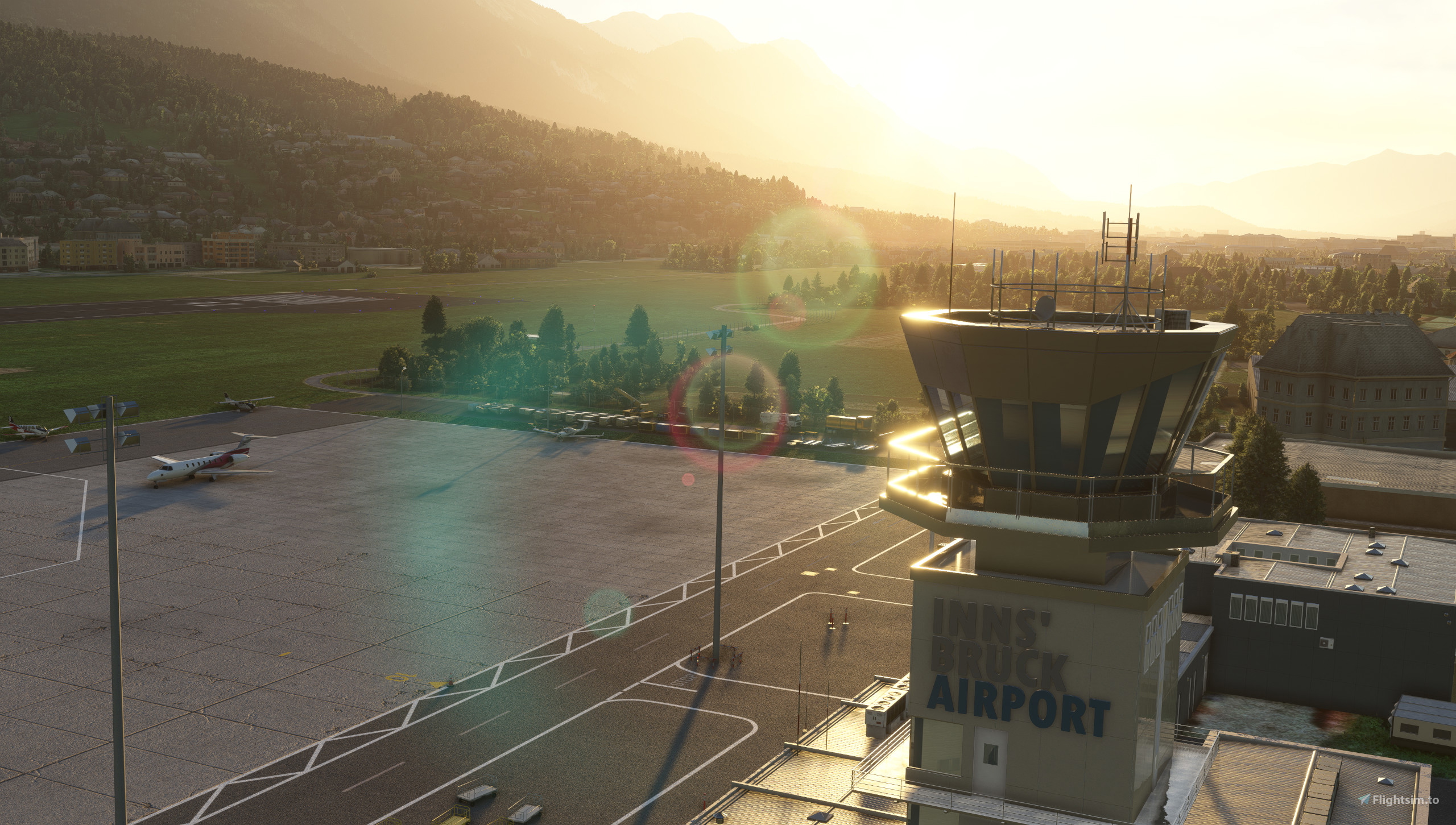
Innsbruck Airport, also known locally as "Kranebitten Airport", is the largest international airport in Tyrol, located in the western parts of Austria. The airport, named after the city and river that it is located right up against, is located in the "Wipp Valley", surrounded by vast mountains, which makes this airport unique in every way.
Offering both challenging approaches and departures, with tight turns and limited space to manoeuvre, INN is a must-have in your community-folder, whether it be for a local VFR-flight or IFR - helicopter or airplane!
As Asobo's "handcrafted" version of Innsbruck was horrible, to say the least; with wrong, curved, taxiways, a bumpy runway, wrong frequencies, wrong elevation data, wrong approach-light set up, misplaced objects, buildings and ground-markings, missing spawns at parking-spots (including the helipad), with lots more to add to that list, I decided to create it myself.
I built this "enhancement" (which in reality is a completely custom remodelling of the existing airport from scratch), using some of the stock assets from Asobo's version, accompanied by some of my own assets, including custom textures from the real airport. As a result, this add-on is very limited in file-size, whilst maintaining a high-quality and realistic rendition of the airport and its surroundings.
Package includes:
- A completely reworked airport with accurate elevation-data, custom heightmaps as of 2024-data, slope angle of the airport area and runway, lightsources (including some custom emitting lights on the edge-lights), system-buildings and structures (including the localizer and other towers) custom apron-details, a minor amount of occupants on the apron-area to optimize for VATSIM/IVAO flights, correct taxiways, holdingpoints & custom taxiway-/holdingpoint signs and textures, accurate runway data (with custom wear & tear and markings) and service-ways, approach-light-system (inlcuding the well-known "rabbit"-strobes), ground-vehicle routing & available ground-service decided by the parking-positions and aircraft type, realistic airport object- & building placement (with placehold-buildings aside of the handcrafted terminal-building with the control-tower and the car-park-building), accuracte fuel-box & GA-area, accurately built fenced test-bed next to the maintenance-hangar on the western part of the main apron, accurate windsock placement with added custom windsock-lighting, and much more.
- Helipad, "LOJO", in the south part of the airport, by "Flugrettung"-buildings, with accurate & custom textures, windsock (lighted), etc.
- A redesign of the "Kranebitten" beach by the threshold of runway 08 with custom heightmaps and accurately placed objects, water and vegetation.
- Added car-parkings around the airport and a highlighted placeholder for a supermarket by the threshold of runway 26 with solar-panels on top of the roof.
Note: This add-on has been built - and is best enjoyed - with the available regional-updates for Austria and Asobo's "handcrafted" version of LOWI installed.
While this is compatible with MSFS24, in theory, I would not recommend using this add-on with it as MSFS24 already includes a decent rendition of LOWI in itself and it will cause some models and assets being doubled. I am working on improving the MSFS24-version as well though - stay tuned!
*This does not add custom buildings or airport-objects (other than the custom-buildings included in Asobo's "handcrafted" version), but includes "placeholders" of buildings and objects included in the base of MSFS, aimed to be of accurate and similar size and look despite which version of MSFS the end-user has. Custom objects and buildings may be added in the future, if I deem this to be "worth my time" in terms of my time spent on it vs. the benefit.
GSX Profile:
If using GSX there is a freeware profile available for the scenery - check out Bouba74's GSX pofile.
I HIGHLY recommend using Tatami's "Yet another ground marks fix" or something similar, for a more realistic look to the apron-markings.
Thank you Frederico (aka Mamu82) and WombiiActual for your assistance and great amount of tutorials in making this add-on!
Enjoy!
/ VALROK
Please leave some feedback - especially if there is something I could improve!
Installation:
DELETE the old "vr-airport-lowi-innsbruck"-folder from your community-folder (if you have a previous version of this)
Unzip the main file: "vr-lowi-innsbruck-enhancement"
Read the text-file: "README"
Drag and drop the unzipped folder: "vr-lowi-innsbruck-enhancement" into your "community"-folder of MSFS
Changelog:
V1.1
- Raised the "Bauhaus-building", by the threshold of runway 08, slightly above the ground to make up for the missing actual building.
- Added missing powerlines and fixed some of the existing ones around the airport.
- Added anti-collision-lights in the immediate vicinity of the airport, with the correct cycle, as per published data in the airport charts.
- Added the well-known "rabbit"-approach lights and extended strobes at the extended centerline of runway 26.
- Adjusted amount and placement of the solar cells on top of the supermarket, and removed some auto-generated streetlights around this, by the threshold of runway 26.
- Adjusted some missing vegetational key-landmarks around the airport (mainly by "Axams").
- General minor additions/corrections to the scenery in general.
V1.01
- Added light to the sign on top of the terminal & anti-collision lights to the tower and other structures.
- Added "Simple Touchdown Zone Light" on the runway.
- Added a placeholder for the "Church Axams" (Pfarrkirche Axams), with added light-sources, used as a visual cue on approach for runway 08.
- Minor tweaks to parking-spots, taxiways, the test-bed, objects and alignment of parked stock-aicraft.
- Fixed GA-parking spots generating AI-airliners in some cases (tweaked the sizes of the parking spots for the AI to better interpret the aircraft type allowed at the specific spot).
V1.0
- Initial release.
Known "issues":
- Elevation data and the interpretation of such within MSFS can be a pain. Your MSFS might be interpreting the data different than others' on a day-by-day basis. Restart your flight/sim and/or clear your cache if you encounter issues with elevation data.
- AI-aircraft tend to taxi with a high ground speed, which makes it difficult for them to make tight turns on the apron; which results in them overshooting in a tight turn.
- AI-ATC like to call out a slightly "funky" taxi-route, including crossing the runway you are departing and THEN holding short. This is due to a technical solution to the location of the intersection of taxiway A & B. The AI-aircraft will taxi correctly AFAIK, but the instructions could seem "off".
- AI-ground vehicle will occasionally drive onto the runway in order to reach the GA-apron (north), if the runway is not occupied. I have not been able to limit their movement, as their paths must be linked to the taxiways. If you know of a solution to this, do let me know.
- The boarding-stairs (and the push-back trucks) available on the main parkings (stand 1-10) are white and not yellow as they are in reality. The fuel-truck is the largest one, no matter the size or type of aircraft requiring refuelling. If you know of a way to script what asset is to be used for the different ground-services, locally (that doesn't overwrite the ground-services of the whole region), do let me know.
- The "rabbit-lights" off the threshold of runway 26 are constantly flashing - and not only in low-vis conditions. This is due to a limitation of the lighting engine within MSFS, which only allows for SimObjects to be animated/controlled by the special conditions. Hopefully I can animate this to follow true procedure at some point with some work-around.
Note: You may, of course, not transfer, distribute or alter any files within or use any files for your own creations without prior written approval by me.
Location
LOWI - Innsbruck Airport
Enhance your simulation experience with the LOWI - Innsbruck Airport add-on, which offers a comprehensive remodelling of the airport to address inaccuracies in the default version. This add-on provides correct elevation data, custom textures, realistic lighting, and meticulous attention to the airports surroundings. Included are features such as a fully operational helipad and improved parking arrangements, creating an authentic representation of one of Austrias most unique airports.


Supporters

User Reviews
14 reviews
Version History
- Raised the "Bauhaus-building", by the threshold of runway 08, slightly above the ground to make up for the missing actual building. - Added missing powerlines and fixed some of the existing ones around the airport. - Added anti-collision-lights in the immediate vicinity of the airport, with the correct cycle, as per published data in the airport charts. - Added the well-known "rabbit"-approach lights and extended strobes at the extended centerline of runway 26. - Adjusted amount and placement of the solar cells on top of the supermarket, and removed some auto-generated streetlights around this, by the threshold of runway 26. - Adjusted some missing vegetational key-landmarks around the airport (mainly by "Axams"). - General minor additions/corrections to the scenery in general.
Featured in Collections(1)


Related
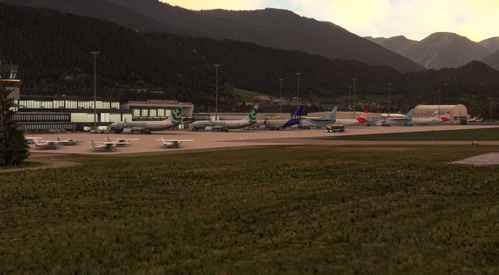
LOWI Static Aircraft
Enhance your LOWI experience with this add-on featuring static aircraft and extra details. Compatible with the ORBX payware airport, this scenery requires the Latinvfr static aircraft add-on to function properly. Simply drag and drop the file into your community folder to enjoy a more realistic airport environment.
by SavageSceneries
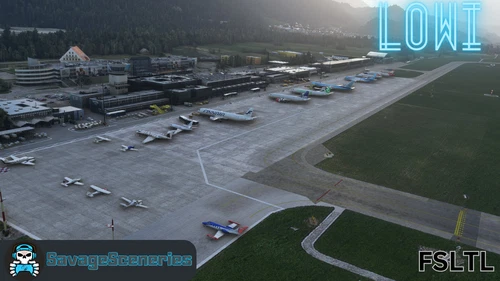
LOWI FSLTL Static Aircraft
Enhance your LOWI experience with the FSLTL Static Aircraft add-on, designed to work seamlessly with the ORBX Payware airport. Featuring high-quality static aircraft and additional elements, this mod requires the FBW FSLTL base package for operation. Enjoy improved visuals without compromising FPS, and make the switch from LatinVFR models for a more immersive airport environment. Simply drag and drop the file into your community folder to bring LOWI to life like never before.
by SavageSceneries
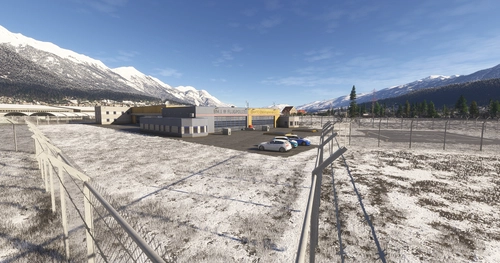
LOWI - Helibase Scale Fix V1.01
This add-on addresses a scaling issue with the ÖAMTC Christophorus 1/BMI Air Police helicopter base at Innsbruck-LOWI, which is traditionally rendered too small in the simulator. The fix includes adjustments to the starting points to ensure accurate representation.
by OnFlyDesign
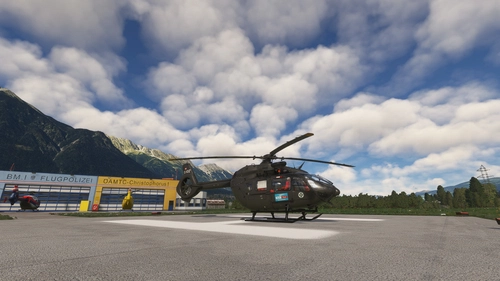
LOWI Heli Pad
Add a heli pad to your ORBX Innsbruck scenery with this LOWI Heli Pad add-on. Detailed installation instructions and known issues are included for easy setup. Reach out for support on fs.to or Discord (#JR_1705) and enhance your flight simulation experience.
by The_FlightScene Productions
Log in to join the discussion
Log InComments(61)
3 months ago
10 months ago
10 months ago
10 months ago
The helipad was added to an extend that is operational with the stock assets available. I might look into adding details when I have the time (including the actual Bauhaus-building, helipad-building, etc.), but as it stands right now, the Blender export is too faulty for my liking in regards to adding more custom scenery-objects.
10 months ago
about 1 year ago
about 1 year ago
12 months ago
about 1 year ago
Great job!
about 1 year ago
over 1 year ago
over 1 year ago
over 1 year ago
I will, at some point, look into a MSFS24-enhancement version as well. It will need complete rebuilding from the ground up again, which is time-consuming.
over 1 year ago
over 1 year ago
Absolutely not. As mentioned in the description I HIGHLY recommend leaving the Asobo LOWI-Airport as well as the Austria World-update in, as this is an enhancement of - and around of - the airport itself. It's basically just a "plug & play" kind of enhancement mod, which will fix a lot of flaws that was made by the devs and add numerous of accurate stuff.
over 1 year ago
over 1 year ago
I don't know what the issue with PayPal was, but it should be up again AFAIK.
over 1 year ago
over 1 year ago
I highly recommend not using this variant in MSFS24, as there is another, reasonable, build already included. I will look into making that accurate as well in the future, when MSFS24 "settles" so I will not have to publish 20 updates within 6 months.
In regards to your issu: It is most likely down to the navdata included in default MSFS24 (or any other third-party add-on), as my rendition of LOWI does not alter or add that data whatsoever.