
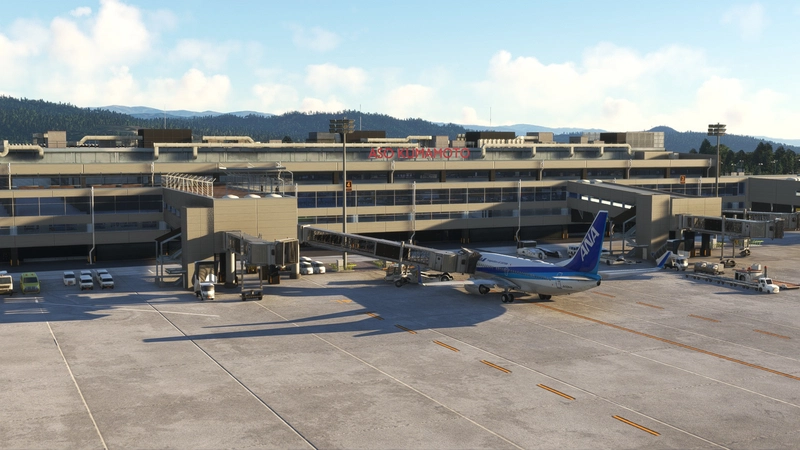
![RJFT Kumamoto Airport [New Terminal Ver.] | 阿蘇くまもと空港, Japan - Image 1](https://cdn.flightsim.to/images/27/rjft-kumamoto-airport-new-terminal-ver-japan-43879-1731129759-7VKXH.jpg)
Description
RJFT Kumamoto Airport [New Terminal Ver.] | 阿蘇くまもと空港
v0.7.4 Release Feb. 11th, 2025
v0.7.3 Release Jan. 11th, 2025
v0.7.0 Release Nov. 3rd, 2024
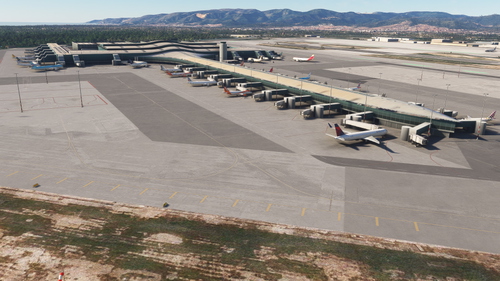
The domestic terminal has been transformed into a new domestic terminal based on the released Kumamoto Airport scenery. However, I have only made simple interiors, and objects, nighttime textures, etc. are also incomplete.
リリース済みの熊本空港シーナリをベースに国内線ターミナルを新国内線ターミナルに作り替えました。ただし、内装は簡単なものしか作っていませんし、オブジェクト、夜間テクスチャなども未完成となります。
[Previous Released Version]
RJFT Kumamoto Airport Japan | 阿蘇くまもと空港
https://jp.flightsim.to/file/28444/rjft-kumamoto-airport-japan
[Renewal]
Objects, Signs and Markings
- Domestic Terminal | 国内線ターミナル
- Gate No1-5 | No1-5ゲート
- Radar Facilities | レーダー設備
[Not supported]
Maybe it will be supported in the next version
- Night Texture | 夜間テクスチャ
- Road Markings | 道路マーキング
- Will be supportedTerminal Interior | ターミナル内装
[Recommended Library]
- Japan airports Model Library KRC
https://jp.flightsim.to/file/34494/japanese-airports-model-library
- Animated Human 3D Models Library
https://jp.flightsim.to/file/33166/animated-humans-library
- 【ROIG】NEW ISHIGAKI AIRPORT, JAPAN
https://jp.flightsim.to/file/67482/roig-new-ishigaki-airport-japan
[Known Issue] 既知の課題
Aerodrome beacon position incorrect | 空港灯台位置不正確
Gate Number incorrect | ゲート/スポットナンバー不正確
[How to Install]
1.Uninstall the Previous version "keisim-rjft-kumamoto" folder before installing this file if you have installed.
2.Unzip the downloaded this file and put it in the community folder.
1.本ファイルをインストールする前に"keisim-rjft-kumamoto"は削除してください。併用はできません。
2.ダウンロードしたファイルを解凍し、コミュニティフォルダへコピーしてください。
[Notes]
Unauthorized reproduction, diversion, secondary distribution, sale, and commercial use are strictly prohibited.
無断での転載、転用、二次配布、販売、商用利用は固くお断りいたします。
Enjoy! by Keisim
Dependencies
Location
RJFT Kumamoto Airport [New Terminal Ver.] | 阿蘇くまもと空港, Japan
RJFT Kumamoto Airport (New Terminal Version) provides an updated rendition of the domestic terminal at Kumamoto Airport, Japan. This version features basic interiors and various new objects while still under development, with night textures and certain details not yet completed. Known issues include inaccuracies with the aerodrome beacon and gate numbering. Recommended library dependencies to enhance the scenery are also noted for users.
User Reviews
9 reviews
Version History
Fixed some texture errors.
Featured in Collections(1)

Related
【ROIG】NEW ISHIGAKI AIRPORT, JAPAN
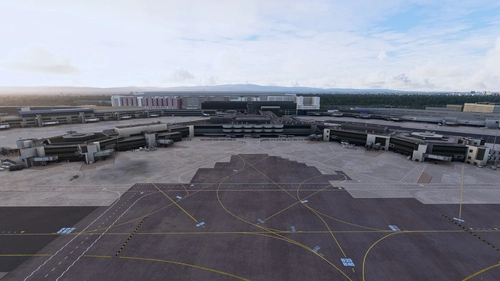
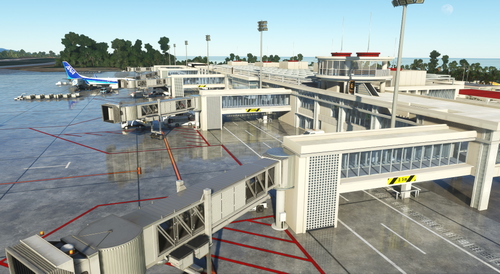
Experience the newly revamped New Ishigaki Airport in Japan with this add-on, featuring an extended runway and various terminal additions such as glass jetways, control tower, and cargo terminal. Explore the detailed airport facilities including the Japan Coast Guard Office, rental car area, and approach light bridge. Unveil the beauty of the airport both day and night, with added features like parking areas and night textures to enhance your flying experience. Note that the add-on requires specific object libraries for full functionality.
by keisim
【RJFT】KUMAMOTO AIRPORT, JAPAN
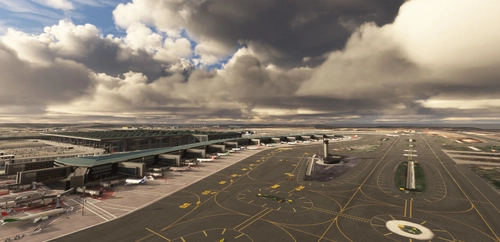
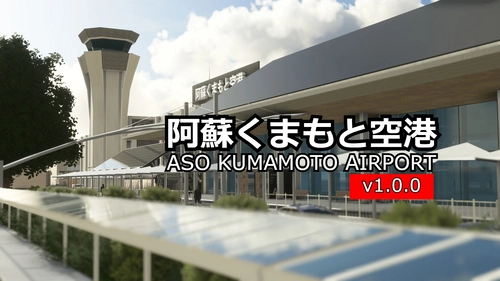
Explore the detailed reconstruction of Kumamoto Airport in Japan, showcasing the old domestic terminal and upcoming improvements. From Self-Defense Forces area to Car Rental zone, experience the airports diverse features. This scenery mod also adds major landmarks and special approaches for a realistic flight experience.
by keisim
Log in to join the discussion
Log InComments(42)
2 months ago
4 months ago
Love to fly here, attention to details and environment is more than payware sceneries level, especially love your interior modelling with passengers and tinted windows. Kinda "sweet home" airport for me.
I'm on MS2024 and put another jetways by moving content from another, payware airport to the jetway's root folders here with the same jetway manufacturer, and it looks great.
8 months ago
2 months ago
8 months ago
11 months ago
9 months ago
12 months ago
over 1 year ago
over 1 year ago
https://de.flightsim.to/file/55858/rjft-kumamoto-airport-japan
over 1 year ago
Please check this note↓
[How to Install]
1.Uninstall the Previous version "keisim-rjft-kumamoto" folder before installing this file if you have installed.
2.Unzip the downloaded this file and put it in the community folder.
over 1 year ago
over 1 year ago
楽しみです。素晴らしい作品をありがとうございます。
over 1 year ago
almost 2 years ago
almost 2 years ago
almost 2 years ago
over 1 year ago
In this scenery, the jetway is the default of MSFS.
I don't have the skills to customize a jetway.
Thank you.