
Description
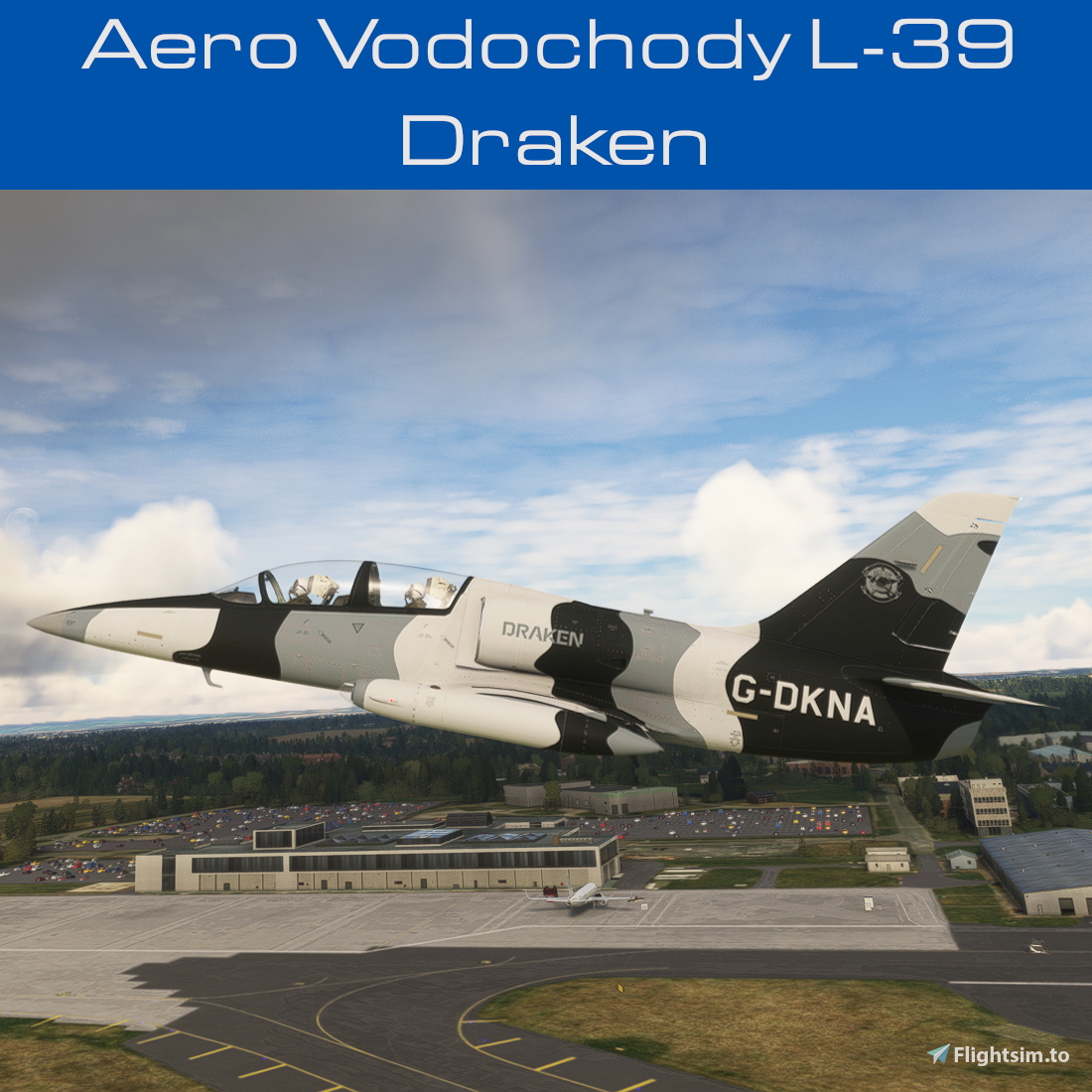
Community request for the repaint of the L-39 Drop Bear in the livery of Draken Europe.
- Matches Draken’s colour and style as close as allowed by the L-39 Drop Bear’s 3d model.
- 8k main texture.
- 2 versions included
G-DKNA in Draken’s arctic camouflage livery
- G-DKND in Draken’s regular livery
- One folder installs both tail numbers.
DOWNLOAD
Note that you need to download the right version for the simulator you are using, as the liveries are not interchangeable. You can downlaod both files if you are using both versions of MSFS.
- For the 2020 verison of this livery click on the larger "Download now" button.
- For the 2024 version of this livery click on the smaller "Download 2024 version" button.
INSTALLATION
- Copy folder starting with 2 to your MSFS Community folder.
- You would need to own and have installed Asobo’s L-39 Dropbear in 2020 to use this livery
- In 2024 no special aircraft purchase is required, as the L-39 is part of the default aircraft offer.
TROUBLESHOOTING/NOTES
- Refer to Readme_Me_1st.pdf included with each upload.
CONTACT
You can contact me by sending me a personal message on the site where you downloaded this file. Alternately you can contact me by messaging BilingualHarp7 on the MSFS forums OR by messaging Crispy136 on Discord.
EULA
These repaints are provided free of change and are not to be repurposed for inclusion with any commercial package or uploaded to any site without my permission. The use of the downloaded repaints is done at your own discretion and risk and with agreement that you will be solely responsible for any damage to your computer system or loss of data that results from such activities.
Aero Vodochody L-39 Draken
The Aero Vodochody L-39 Draken add-on features a community-requested repaint of the L-39 Drop Bear in Draken Europes distinct liveries. It includes two versions: G-DKNA in arctic camouflage and G-DKND in the standard design, both crafted to match Drakens color scheme closely. The package offers high-quality 8k textures and is designed for users who own Asobo’s L-39 Dropbear. Installation is straightforward, requiring the addition of a single folder to the MSFS Community directory.

Supporters

User Reviews
2 reviews
Version History
Added support for MSFS 2024. No changes for MSFS 2020 version.
Related
Cessna T206H N766TM
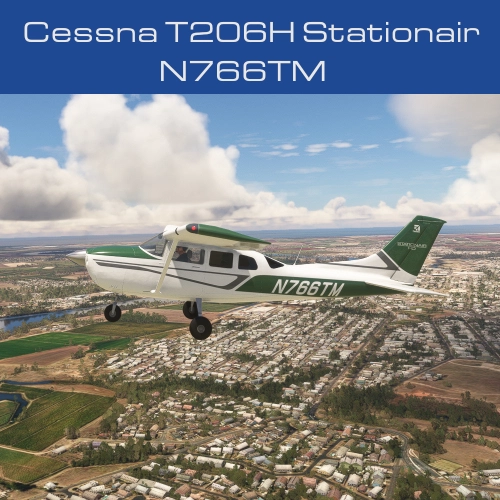
The Cessna T206H N766TM is a detailed repaint of the Cessna T206H, accurately reflecting the real aircrafts colors and decals. This add-on supports all three versions of the T206H: Default wheels, Tundra, and Amphibian, using an 8k main texture for high fidelity. Users have the option to customize their tail number, with a simplified installation process involving just one folder for the community directory.
by Crispy136
Mitsubishi MU-2 Japan Air Self Defence Force
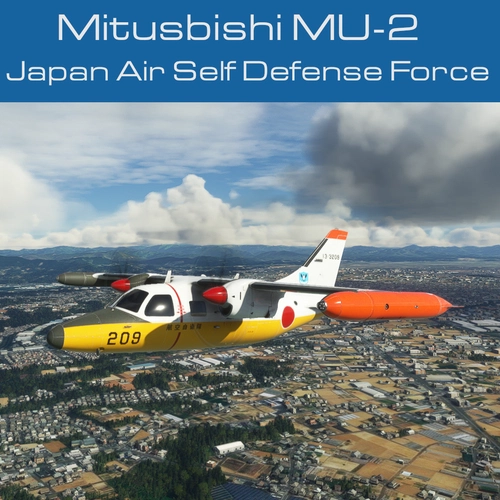
Repaint of the Inibuilds MU-2 aircraft in the livery of the Japan Air Self Defence Force, featuring 4k textures and custom interior colors to match the real aircraft. Installation instructions and troubleshooting details included in the package. Contact the creator for support and adhere to the EULA terms provided.
by Crispy136
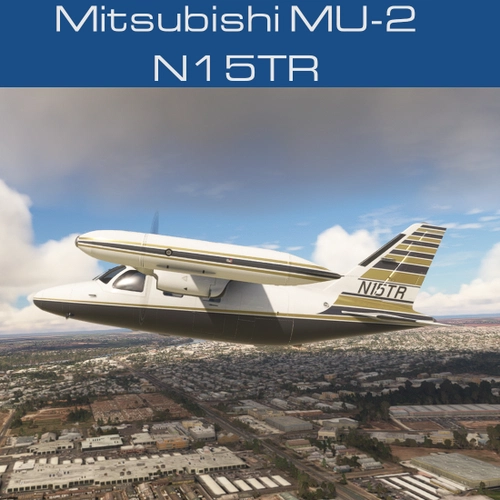
Mitsubishi MU-2 N15TR
Repaint of the Inibuilds Mitsubishi MU-2 in the livery of N15TR, featuring 4k textures and custom interior colors to match the real aircraft. Choose between using the authentic tail number or your own customization. Installation instructions included for seamless integration with your Microsoft Flight Simulator experience. For troubleshooting and more information, refer to the provided Readme_Me_1st.pdf file.
by Crispy136
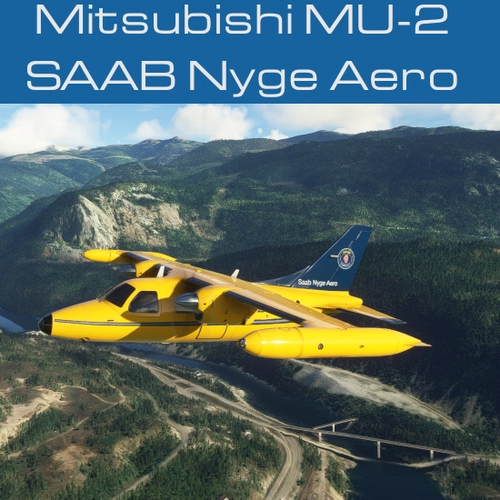
Mitsubishi MU-2 SAAB
Repaint of the Inibuilds MU-2 into the SAAB Nyge Aero livery, featuring 4k textures and realistic exterior details. Custom interior colors included. Must own and install the Inibuilds MU-2 to use this livery. Contact the creator for support and see the included read_me_1st.pdf for troubleshooting.
by Crispy136
Log in to join the discussion
Log InComments(16)
about 4 hours ago
about 2 hours ago
about 9 hours ago
about 2 hours ago
over 1 year ago
over 1 year ago
over 1 year ago
over 1 year ago
over 1 year ago
over 1 year ago
PS: Thanks for the repaints, they look fantastic!
almost 2 years ago
almost 2 years ago
about 2 years ago
about 2 years ago
about 2 years ago
about 2 years ago