
Description
FPS 4 MSFS - Cache cleaner and performance improvement tool
Kind and generous donators (These funds support me to get my glider license)
- D. Gunter, thank you! (25 euros...)
- Fadamor, thank you! (20 euros! holy cow!)
- Patabell, thank you!
- Nestoche, thank you!
- revvet, thank you!
- schulzkroetmp, thank you!
- scoeva, thank you!
- tim250, thank you! (double donation!)
- JJJ100, thank you! (double donation also!)
- gigicoldiretti, thank you!
- ejways, thank you! (double donation!)
- sierra240, thank you! (20 euros, again! thank you for this christmas present!)
- Halbexot, thank you!
- puremilk1978, thank you!
IMPORTANT
- Supports MS Store and Steam versions!
- Has AMD support!
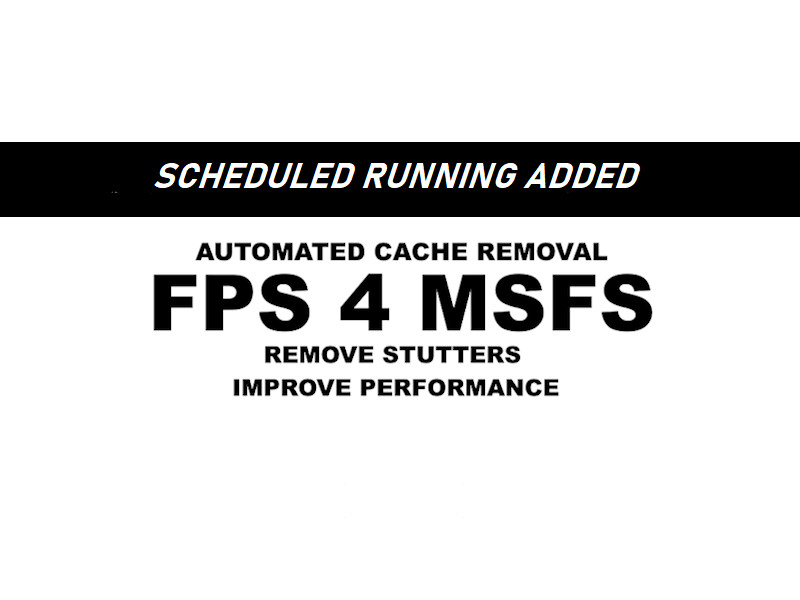
- Can run itself automatically with the new scheduled running feature! (Your PC needs to be open)
Install Instructions
Extract the included folder wherever you want and execute the appropriate batch file inside the approppriate folder. Additional info about operation is in the provided .txt file
FAQ
How does it work?
Basically, this program runs through around 5 possible directories looking for cache related to your computer performance in MSFS. These directories are something like GPU cache, MSFS cache, Windows cache, etc.
I don't want to run this program as adminstrator.
That's fine; Adminstrator privileges are needed only for some directories. You can run it without admin, but all of the intended cache won't be deleted.
How do I know that this is safe?
- On flightsim.to, all files are verified by the moderators before they are uploaded to the site.
- If you understand shell script, you can check my (very mediocre) code.
- There's reviews on this file. Please take your time to read them.
How often do I run this?
When you see your performance degrading, run it. Alternatively, enable scheduled running to run the program on every Saturday 8:30PM. (Your computer must be running)
Does this support MSFS2024?
No, and it will not be added since MSFS2024 will be likely very unstable without constantly available cache due to its cloud-based architecture
Is this going to break something?
No. All it does is delete cache and other temporary files. If a directory isn't found, it will simply give an error and not touch anything.
Thank you for downloading! I have made a quick project of mine and decided to upload it here on flightsim to. This is a cache cleaner tool specifically designed for MSFS. It should give you a performance boost if you haven't cleared your caches for a while.
FPS 4 MSFS - Simple FPS tweak tool
Simple automated cache cleaner, specifically for MSFS2020. Easy to use and lightweight.


Supporters


User Reviews
47 reviews
Version History
- Fixed a typo in code (Reported by GopherCH) - Fixed an inefficient and sometimes faulty directory path (Report by GopherCH and KBNOTaku) - Added a missing error message for when the DXCache fallback folder is not detected - Clarified some error messages - UI fixes
Featured in Collections(1)


Related
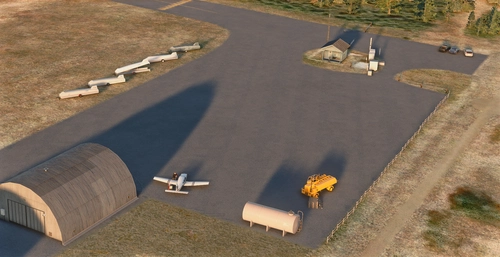
EFIT Kitee Major Upgrade
Experience a significant upgrade at Kitee Airfield in North Karelia, Finland with this addon. Operated by the aeroclub of Joensuu, JIK, this airfield supports glider operations, RC Activity, and Fly-Ins. The airport features AVGAS, maintenance services, hangars, a 1500m runway, and is located at an elevation of 111m. Make sure to have the SDR Library installed for full functionality.
by matiiska
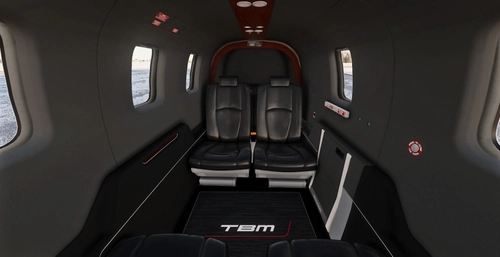
TBM 850 Dark Cabin Mod
Transform the interior of your Black Square TBM 850 with this Dark Cabin Mod. Featuring dark walls, floor, and roof, along with a stylish TBM logo carpet, this mod offers a sleek, new look for your aircraft. Instructions included in README for easy installation. Enjoy the enhanced immersive experience!
by matiiska
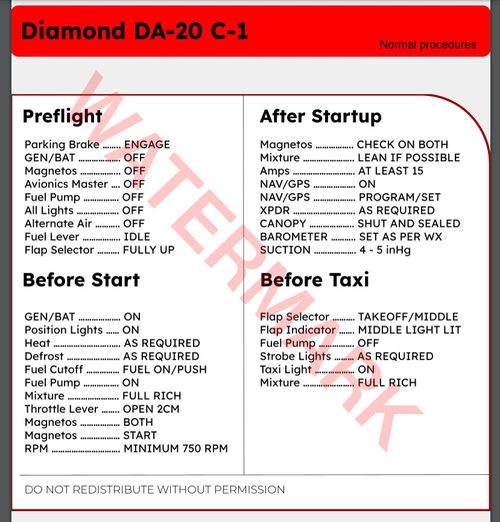
SimSolutions DA-20 Normal Ops Checklist
A comprehensive normal operations checklist for the SimSolutions DA20 aircraft, including preflight, takeoff, landing, and shutdown procedures. Features 3 printable pages with a fast-paced item order in a realistic Diamond Checklist Style.
by matiiska
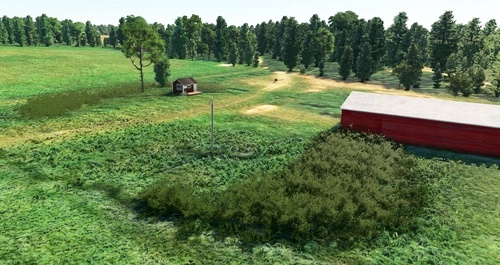
EFKR - Kärsämäki
This add-on features a detailed, handcrafted scenery overhaul of the Kärsämäki Airfield (EFKR) in central Finland. The airfield, which is publicly accessible, includes a grass runway measuring 700 meters (09/27) and is not associated with any aeroclubs. Users should note that the airfield will not be marked with a star icon on the world map. Installation requires users to drag and drop the provided folder into their community folder.
by matiis
Log in to join the discussion
Log InComments(392)
3 months ago
8 months ago
8 months ago
9 months ago
8 months ago
Works on Intel and AMD CPUs and GPUs
11 months ago
I have bought mattis a cup of coffee and have a 5 day premium membership. Have tried to download several times message: Download failed No Joy
8 months ago
11 months ago
11 months ago
8 months ago
about 1 year ago
I am on PC with MS store version and Nvidia GPU. What is wrong? Thanks!
about 1 year ago
about 1 year ago
about 1 year ago
11 months ago
about 1 year ago
about 1 year ago
about 1 year ago