
Description
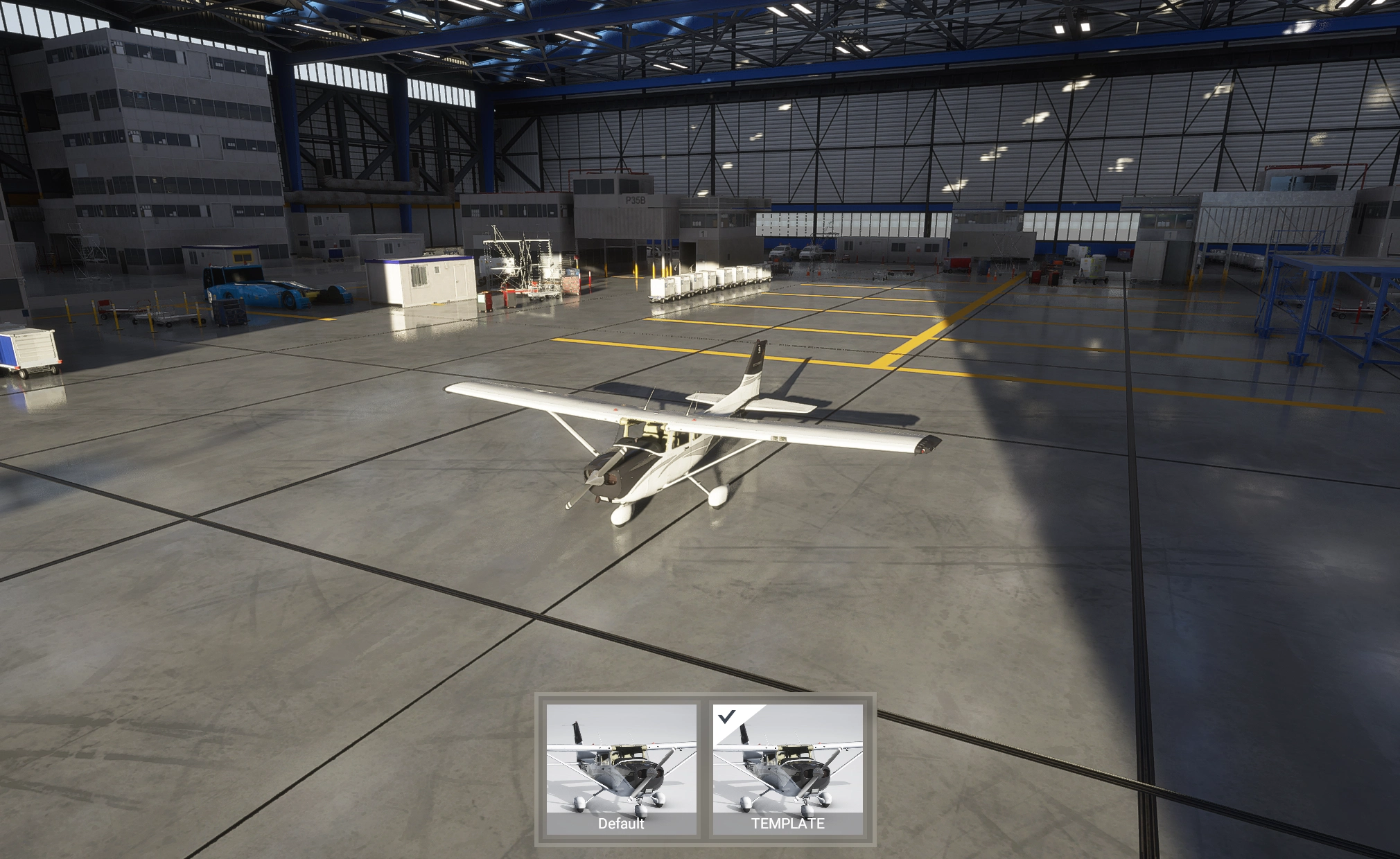
A simple paintkit for the Cessna 172 (G1000) so people can start creating liveries for it!
This paintkit currently includes:
- Original textures for the fuselage, wings, tail & decals
- UV maps for the aforementioned textures (except the decals)
- PDN files which combine these two things into one (will need paint.net to open these, but you can overlap them manually in Photoshop as well)
The included livery-c172-template folder can be dropped in your Community folder to install it. You can just overwrite the textures in that folder. If you are going to rename the livery and texture folder, make sure to update the entries in aircraft.cfg as well as the layout.json!
If you want a sharper texture, you can just resize the textures to 4K and paint over them, this will increase the quality of your livery but also increase the file size by 4 times, so you have been warned!
NOTE: This paintkit only works for the G1000 (standard) version of the C172, it won't work for the C172 that comes with the deluxe version of the game!
Please reach out to me if you have any questions.
Cessna 172 (G1000) paintkit
A paintkit for the Cessna 172 (G1000) allowing users to create custom liveries. It includes original textures for the fuselage, wings, tail, and decals, along with UV maps and PDN files for editing. Note that its compatible only with the standard G1000 version of the C172. Instructions for installation and enhancing texture quality are provided. For inquiries, contact the developer directly.


User Reviews
1 reviews
Version History
Added model.cfg config for game version 1.10.0.7
Related
Boeing 787-10 paintkit
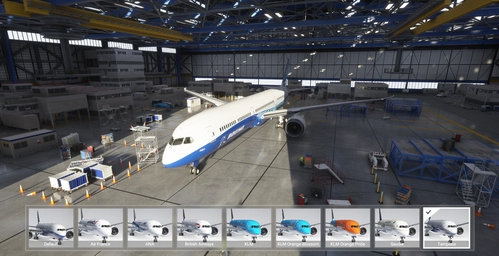
Customize and design your own Boeing 787-10 Dreamliner with this comprehensive paintkit. Includes original textures, normal and comp textures, 4K upscaled textures, and PDN files for easy editing. Simply drop the livery-787-template folder into your Community folder to get started. Experiment with different liveries and decals to create a unique look for your aircraft. For any queries, feel free to contact the developer.
by R1NS3
Cessna Citation CJ4 paintkit
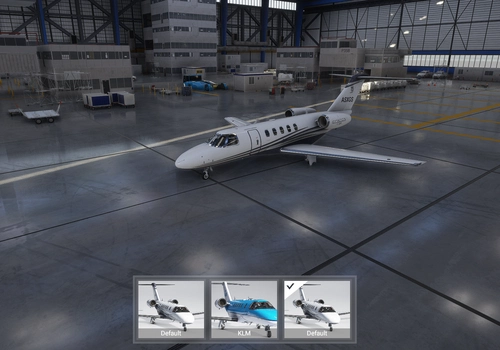
A paintkit for the Cessna Citation CJ4 allowing users to create customized liveries easily. Includes original textures for various parts, UV maps, and PDN files for editing. Simply drop the livery-cj4-template folder into your Community folder to install and begin designing your own liveries with increased quality options available. Contact the creator for any inquiries.
by R1NS3
Cessna Longitude paintkit
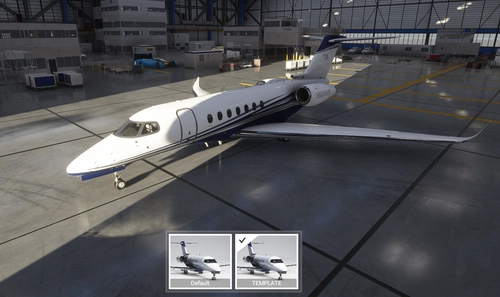
Customize your Cessna Longitude with this comprehensive paintkit featuring original textures, UV maps, and PDN files for effortless livery creation. Simply drop the included folder in your Community folder to install and start designing your personalized liveries today. Resize textures to 4K for sharper details, but remember, file sizes will increase accordingly. Get creative and make your mark in the skies!
by R1NS3
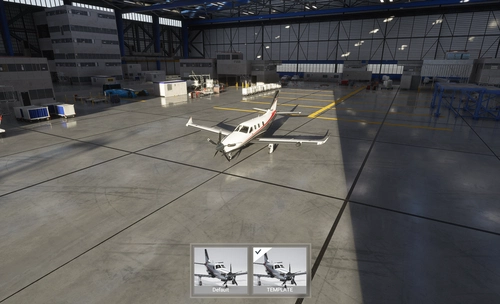
Daher TBM 930 paintkit
Create custom liveries for your Daher TBM 930 with this paintkit, including original textures and UV maps for fuselage, wings, and landing gear. Easily install and customize your liveries with provided PDN files, and dont forget to adjust aircraft.cfg and layout.json if renaming folders. For higher quality, resize textures to 4K and unleash your creativity in designing unique liveries.
by R1NS3
Log in to join the discussion
Log InComments(16)
over 1 year ago
Thanks in advance.
over 1 year ago
about 2 years ago
12 months ago
12 months ago
about 2 years ago
I know absolutely nothing about paint kits nor how to use them. I am sure that a lot of other simmers stop here, download the software, and expect it to work kind of like a coloring book - a few minutes and voila, I have a new livery! However, looking at the files included with this download, that is totally incorrect.
Thus, to my suggestion: I would like to see a video in which you explain EVERYTHING about how to use your paintkit and a real example. I've left a low rating because, unless you already know how to use a paintkit, it is virtually useless!
Thanks.
about 2 years ago
almost 4 years ago
thank you for this!
over 5 years ago
over 5 years ago
over 5 years ago
I realized there is no indication on the template of what is this and that.... there are a lot of wireframed boxes, it could be helpful to realize by the template what each box represent.
Thank you.
over 5 years ago
over 5 years ago
Thanks for the reply. In the meantime I found out that working with Blender is much easier.
almost 6 years ago
almost 6 years ago
about 6 years ago