

Description
Fellow simmers,
IMPORTANT NOTE: DUe to the fact that there is not an actual "Combi" model where we'd have a cargo door and pax in the back, and since the Cargo model does not have passenger windows, I decided to base this plane on the PASSENGER version and PAINTED th cargo door on. This is the best way visually as I'd have to paint fake windows on it to use it with the Cargo model....and it just does not look good. That said: THE CARGO DOOR DOES NOT OPEN, its just painted on.
Here is my Livery of the PMDG 737 for MSFS2020.
The PMDG line of products use their custom utility called The PMDG Operations Center (OC2).
To maintain your entire PMDG fleet of aircraft (The DC-6 as well you own it), also provides you with a very easy way to install/uninstall/update your liveries. Please follow the detailed instructions below to install this paint. It may look like a lot of steps, but I made sure every step was covered from download to install.
NOTE: I will not offer this as a “Drag and Drop” livery as this method, while operational, does not ensure everything is created properly in the complex MSFS folder structure. When painters use the OC to package their paint, the installer takes care of all the items needed (json updates, aircraft .cfg edits, etc) automatically.
Also…should updates to the aircraft become available, the OC ensures all items are updated properly.
Here are the instructions:
1. Extract the PTP file from the downloaded zip file.
2. Place it anywhere your PC (typically the downloads folder).
DO NOT place it in the MSFS folder structure, including the Community folder (The OC2 will properly extract it there and update the Layout.json file automatically)
3. Press the Windows key on your keyboard
4. Type PMDG
5. Select the PMDG Operations Center and open as an Administrator
6. Follow these steps when Ops Center is open.
1. Click the Aircraft and Liveries menu
Choose Livery Utilities
2. Select the Simulator,Select the Product,Select the Variant
3. Click Install from PTP file
7. After the Open window opens, navigate to the folder you saved/extracted the PTP file to
8. Click Open.
9. Done
If you have any issues with the installation of the livery through the OC2, please contact PMDG Support at https://support.precisionmanuals.com/Main/
You an also go to their forums as many members can help with issues and the support team monitors there as well.
A special thanks goes to PMDG and the beta test crew I had the privilege to work with during the development of this fantastic plane.
Credits: All base textures included in my paints are included by permission from PMDG, as with any livery created by 3rd party painters. I would especially thank the PMDG Paint crew for the fantastic textures they gave us to work with, you guys are awesome!
Would also like to thank Brian Swintal (aka RampantFox) for letting me use his C40 stripes as a guide to align mine on this paint! Thanks Brian!
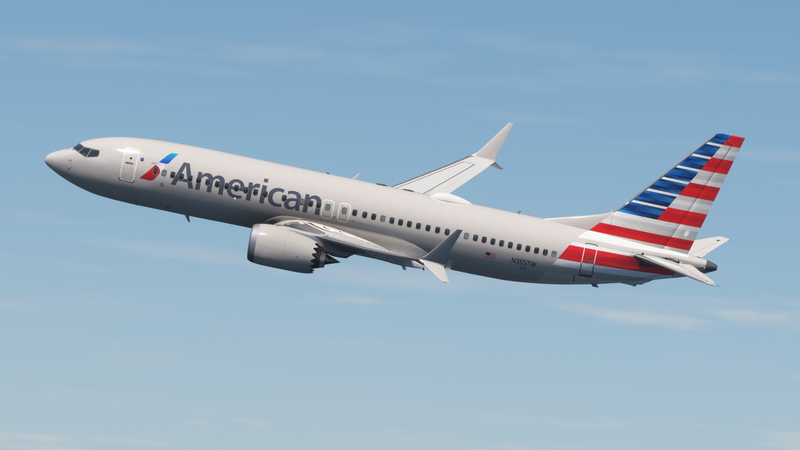
PMDG 737-700 (C-40) US NAVY VR-59 NYC (5830 - 2003)
Custom US NAVY VR-59 NYC livery for the PMDG 737-700 (C-40) in Microsoft Flight Simulator with detailed installation instructions. Please note that the cargo door is painted on and does not open. Credits to PMDG for base textures and special thanks to the beta test crew involved in the development.
User Reviews
3 reviews
Version History
No version history available.
Featured in Collections(1)

Related
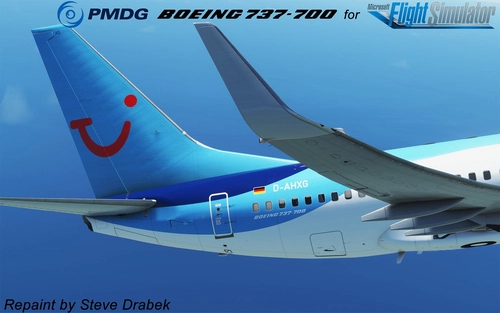
PMDG 737-700 TUI (D-AHXG - 2015)
Custom livery for the PMDG 737-700 TUI (D-AHXG - 2015) aircraft in MSFS2020. Follow detailed instructions to easily install/uninstall/update liveries using the PMDG Operations Center. This paint package ensures proper integration into the MSFS folder structure and automatic updates with the OC. Special thanks to PMDG and the beta test crew for their collaboration in creating this realistic livery.
by SteveDra
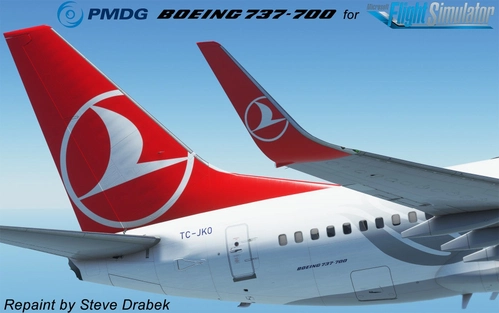
PMDG 737-700 Turkish (TC-JKO - 2015)
Livery for the PMDG 737-700 Turkish (TC-JKO - 2015) for MSFS2020. Instructions provided for easy installation using the PMDG Operations Center. Additional support available from PMDG if needed. Created with base textures from PMDG and collaboration with beta test crew.
by SteveDra
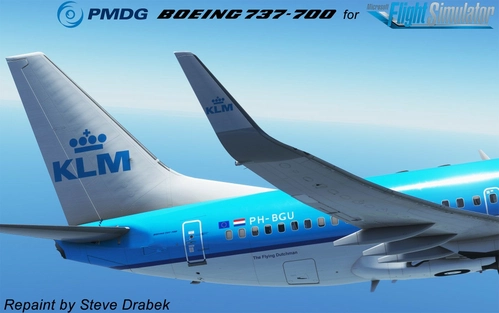
PMDG 737-700 KLM Royal Dutch Airlines (PH-BGU - 2015)
A custom livery for the PMDG 737-700 in the iconic KLM Royal Dutch Airlines design. Follow detailed instructions for easy installation using the PMDG Operations Center. This livery for MSFS2020 ensures all elements are properly updated and maintained, offering a seamless experience for simmers. Created with base textures from PMDG, enjoy this high-quality addition to your virtual fleet.
by SteveDra
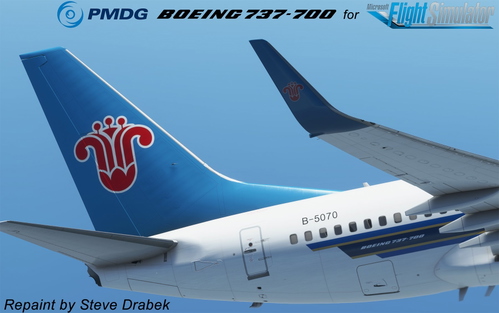
PMDG 737-700 China Southern (B-5070 - 2013)
This PMDG 737-700 China Southern livery for MSFS2020 is available through the PMDG Operations Center for easy installation and updates. Follow the detailed instructions provided to add this custom livery to your simulator. Special thanks to the PMDG team and beta testers involved in the development of this high-quality aircraft repaint.
by SteveDra
Log in to join the discussion
Log InComments(14)
5 months ago
almost 2 years ago
Whilst it may not be accurate, would it be easy enough to transfer this livery to the 737-800 model?
over 4 years ago
was wondering if it was possible to remove the US navy on the fuselage and the RY on the tail? all those VR squadrons or at least vr58 don't have them anymore. its nice eye candy though.
over 4 years ago
I really liked the 'old days" when they had all the Navy markings on them....
But to answer your question....yes....will release this soon. This one will be VR-56
https://imagizer.imageshack.com/img922/7793/ECy29E.png
over 4 years ago
yea i think it looks cool to......i assume they took it off for security reasons, like when they told us we didnt need those stickers on our car to get on base.
over 4 years ago
Its now available by clicking here
https://flightsim.to/file/35296/c-40a-clipper-usn-vr56-6696-2020
over 4 years ago
Sharp!! I like it very much, thank you for sharing! ...i will need i bigger hangar! :D
over 4 years ago
Simply superb paint, shipmate! Way to go! AMEC(AW), USN, Ret.
over 4 years ago
I plan on making the current version as well.... 166696, when I get a few more reference photos.
over 4 years ago
If you guys are even looking....almost done with 6696
At NAS Key West ready for one of her final early morning test flights before you guys get her:
https://imagizer.imageshack.com/img923/1961/MY91Ll.png
over 4 years ago
Many thanks Steve! I'll be conducting your next procon and it'll be sparkling!
over 4 years ago
Thanks! Not sure what a "procon" is...maybe a newer term since I got out...but we referred to what I "think" you're talking about as a "review board", "Evals" or something to that affect.
Regardless...any positive review is always welcomed, I do work hard to bring you guys nice-looking paints, and its nice to see you guys give feedback, good or bad (and bad is fine as long as its constructive, not insulting....if I agree with the issues, I'll try to fix them or give an explanation as to why I can't) ;)
over 4 years ago
Haha! Proficiency & Conduct report buddy.
over 4 years ago
IMPORTANT NOTE from the Author of this livery: Due to the fact that there is not an actual "Combi" model where we'd have a cargo door and pax in the back, and since the Cargo model does not have passenger windows, I decided to base this plane on the PASSENGER version and PAINTED th cargo door on. This is the best way visually as I'd have to paint fake windows on it to use it with the Cargo model....and it just does not look good. That said: THE CARGO DOOR DOES NOT OPEN, its just painted on. Please understand this is the best overall solution.