
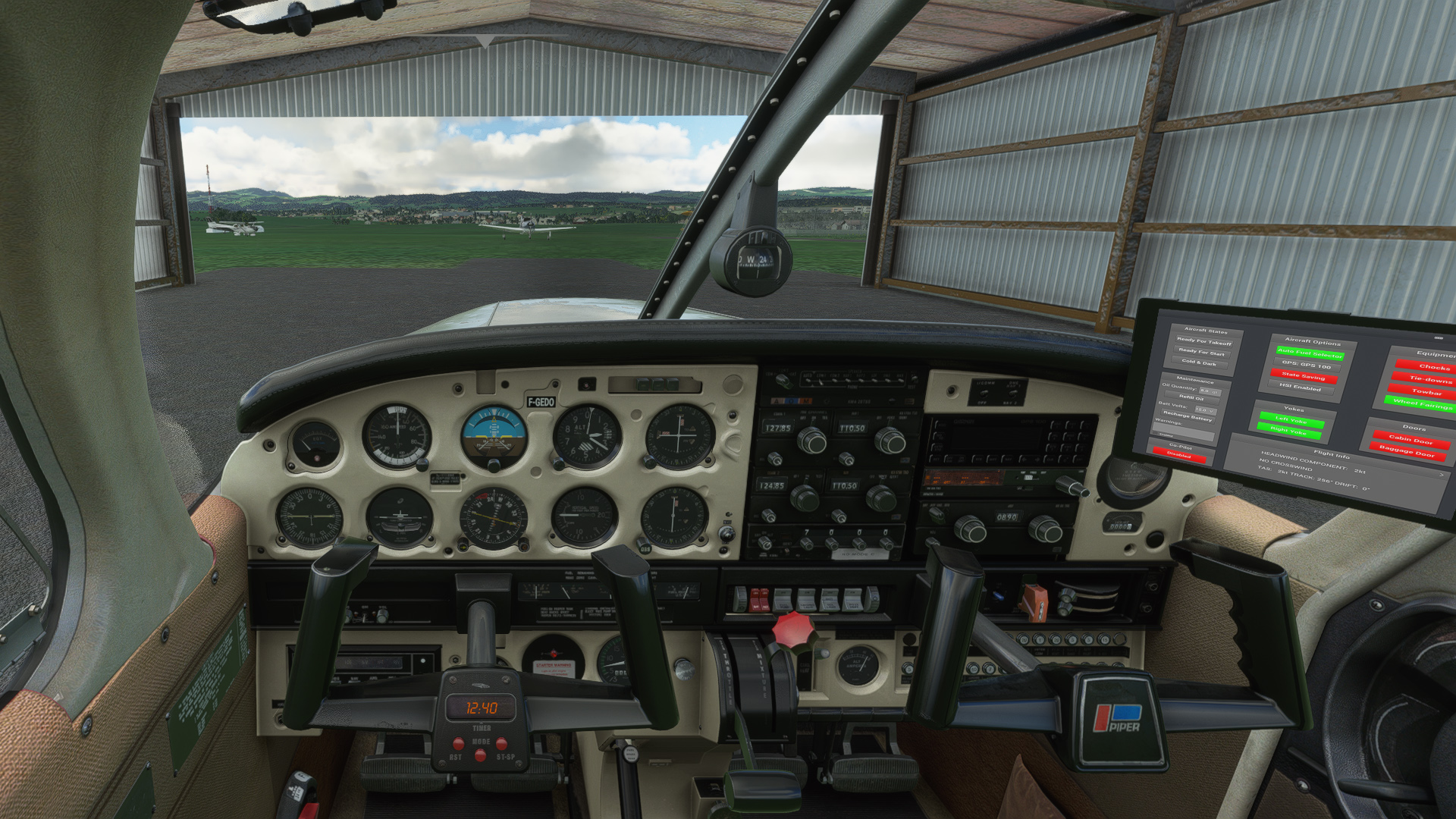
Description
So with the release of the new Warrior II, I was asked to convert my interiors as well.
I packed them together as a Mega Pack.
You can get the most popular one (Grey) as a separate download here:
https://flightsim.to/file/18298/justflight-piper-pa28-warrior-ii-clean-grey-interior
And the red one is available here:
https://flightsim.to/file/18299/justflight-pa28r-warrior-ii-clean-red-clean-interior-v1-0
Installation:
Completely remove previous versions!
Then just drop ONE of the folders included into your Community folder. You can always just have one colour installed at the same time.
Each version comes with a choice of tablet colours. In the standard package I have changed the tablet to black.
However, if you prefer the white tablet you can reinstall it:
- Look for the folder "tablet". In it you will find one folder called "black" and one folder called "white".
- Each of those folders contains a file called: "EFB_ALBEDO.PNG.DDS"
- copy the file with the desired colour into i.e. "Community/justflight-aircraft-pa28-warrior-ii_beigeinterior/SimObjects/Airplanes/JF_PA28_Warrior_II/TEXTURE.VC" and restart MSFS
In addition I changed the colour of the instrument panel to match the interior as well and provided a second complementary panel color with a black base. You can always easily switch back to the colour you prefer
For Installation instructions refer to the respective readme file.
Do not rename the folder or you might get problems with other mods like the "Just Flight PA28 Lighting Improvement" by WeptBurrito2749
Have fun
Best wishes
Archer374
JustFlight Piper PA28 Warrior II - Clean Interior MEGA PACK
Transform your aircrafts interior with the JustFlight Piper PA28 Warrior II Clean Interior Mega Pack. Choose between popular grey and red color schemes, each with customizable tablet options. Easily install your preferred interior design and instrument panel color to match your style. Upgrade your flight simulator experience with these stunning interior enhancements.
Supporters

User Reviews
3 reviews
Version History
corrected problem with missing texture. Sorry about that.
Related
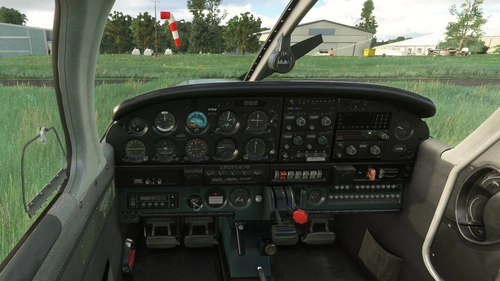
JustFlight Piper PA28 Warrior II - Clean Grey Interior
Experience a clean grey interior in the JustFlight Piper PA28 Warrior II, complete with customizable tablet colors and instrument panel options. Follow simple installation instructions to upgrade your cockpit aesthetics for a personalized flying experience. Enjoy the new look and feel without any worries about conflicting mods.
by Archer374
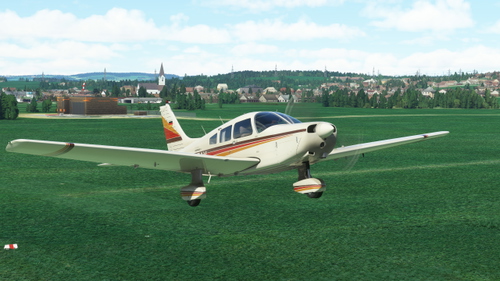
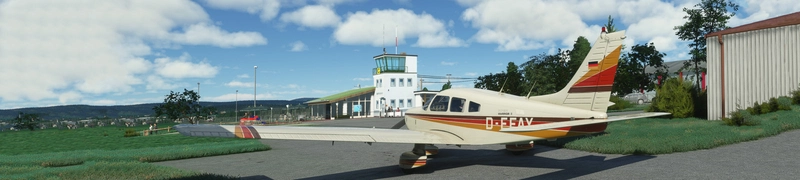
Just Flight Piper PA28 Warrior II - D-EFAY with custom instrument panel
Customize your flight experience with the Just Flight Piper PA28 Warrior II - D-EFAY livery featuring a unique instrument panel tailored to the original aircraft. Join the late 70s to early 80s vibe with this well-maintained Warrior, offering modest yet impressive 160hp performance. Simply drag and drop into your Community folder for easy installation. By Archer374.
by Archer374
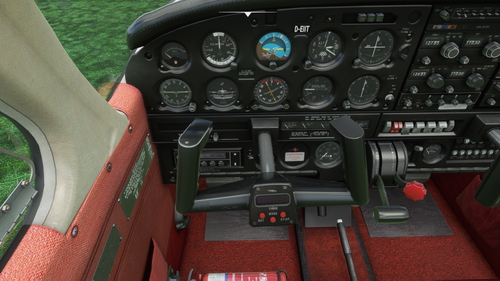
JustFlight Piper PA28 Warrior II - Clean Red Clean Interior
The JustFlight Piper PA28 Warrior II - Clean Red Clean Interior add-on offers interior customization options, including a choice of tablet colors. Simply drop the files into your Community folder for installation. Have fun exploring the new features!
by Archer374
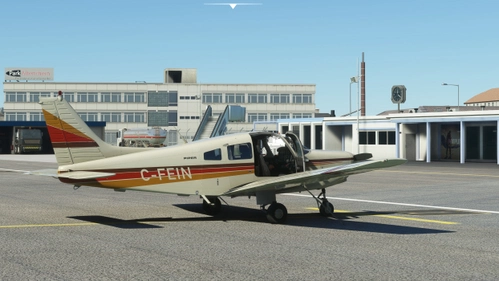
Just Flight Piper PA28 Warrior II - C-FEIN
Explore the Canadian Piper Warrior C-FEIN with this detailed repaint, featuring a grey interior and black panel. Simply drag and drop into your Community folder for easy installation. Created with attention to detail by Archer374.
by Archer374
Log in to join the discussion
Log InComments(20)
about 1 month ago
over 3 years ago
Thanks for sharing these. Would have given you 5 stars if you had used the same format as the original textures, they load much quicker and put less load on your system that way..
over 3 years ago
Thanks for your comment.
Hmmm. Normally either using BC1 or BC7 shouldn't make THAT much of a difference in loading times. Loading times will always be a little longer with the mod installed, beause the mod is loaded after the whole plane has been loaded. So basically all the textures of the mod are loaded twice.
Do you have any data or have you timed the loading times?
over 3 years ago
A quick way for you to optimise them before uploading them, is use Texture Optimiser. That will at least generate the correct flags and you can choose the correct DXT formatting. The more optimised your textures, the better they run and the smoother the sim :)
over 3 years ago
Thanks. I'll have to study how that works. No idea what the flags actually do.
I just uploaded all my interior mods saved with BC1 compression, to reduce the file sizes. This should improve loading performance. Also it's the same compression method JustFlight uses for their default DDS files. JF also doesn't use any Flags.
almost 4 years ago
Do you know if there is a way to remove the curtains?
almost 4 years ago
Not for me. They are part of the 3D model and have to be removed via Blender.
over 4 years ago
Can I use this with an exterior livery
over 4 years ago
Yes.
Unless the exterior livery also has changes in the interior.
over 4 years ago
how do i choose which one i want
over 4 years ago
This package comes with four folders. Each folder represents a different colour: beige, blue, grey and red.
You simply chose the colour you prefer and ONLY copy that one to the Community folder. It will change the interior for all Warriors simultaneously (unless you may have a livery installed that has its own modification of the interior).
If you want to change the colour, exit MSFS, delete my mod from the Community folder and copy in the one with the new colour.
about 5 years ago
Thank you very much. I appreciate your work as it's very well done!
about 5 years ago
Thank you very much for that. It's nice to know the work is appreciated.
about 5 years ago
Love your clean blue interiors on all of the Just Flight PA28 aircraft. Thanks for adding the Warrior II to your collection.
about 5 years ago
Yeah I hadn't planned to but you all wore me down :-D
about 5 years ago
Thanks for releasing these, I love these touch ups!
about 5 years ago
Thanks for the feedback. Glad you like them
about 5 years ago
can you change it in the aircraft selection menu? great job btw loved it
about 5 years ago
I'm not 100% sure what you mean, but you can only install ONE interior at a time and all aircraft will have that interior. You cannot change it in-game.
about 5 years ago
That answered my question thanks