
Description
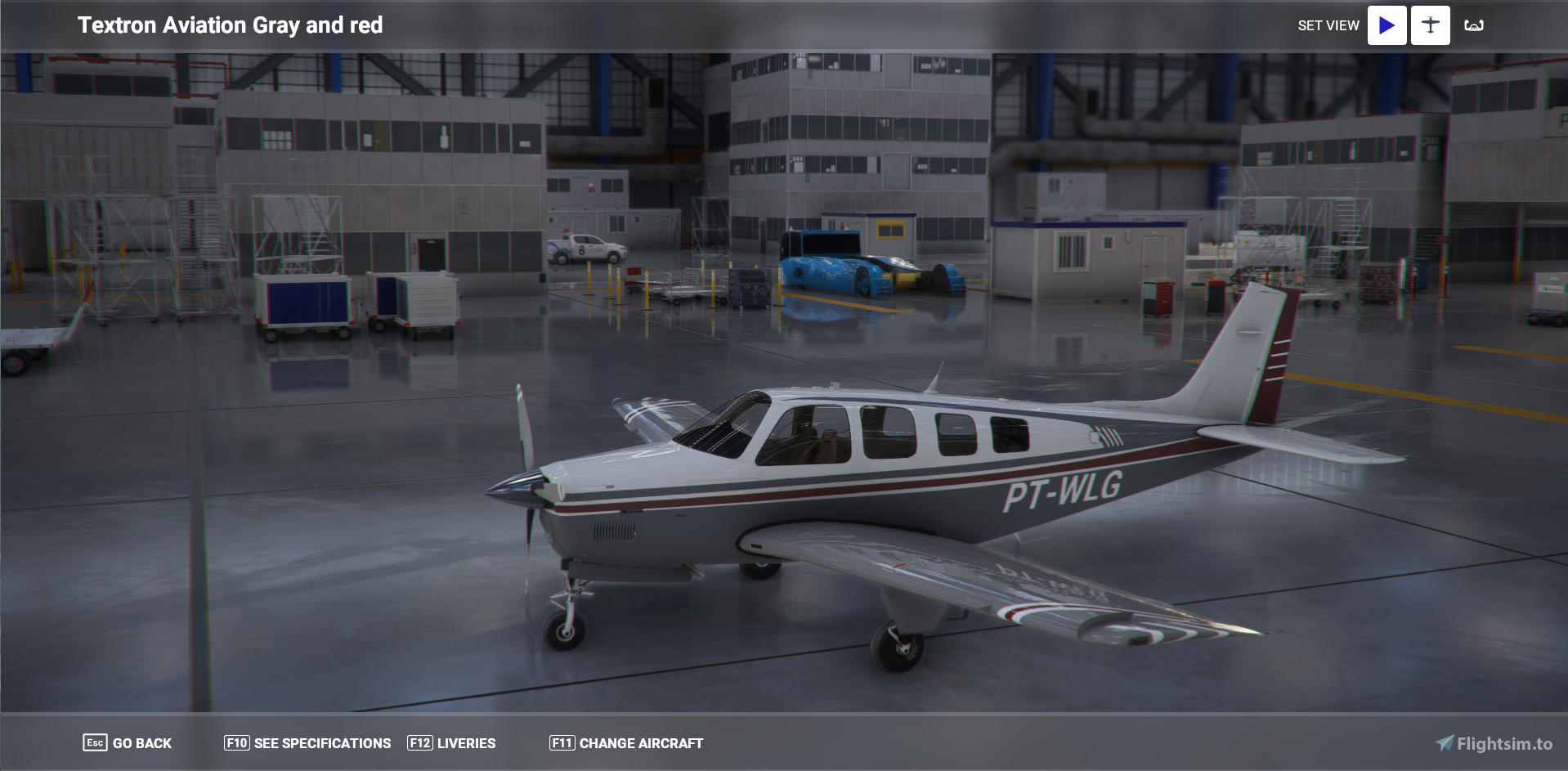
This is a Beech Bonanza that was requested by Lucasrcorrea. It is one that he flys so I was able to get very close to the paint scheme as I could. The side number is in MSFS format so it can be changed.
Enjoy.
New Update coming soon.
Bonanza G36 Grey and Red. (Requested)
Fly in style with the Bonanza G36 Grey and Red add-on, a custom Beech Bonanza designed to match a specific paint scheme requested by a fellow pilot. Personalize the side number in MSFS format for a truly unique experience. Stay tuned for an upcoming update!

User Reviews
1 reviews
Version History
SU5 compatibility
Related
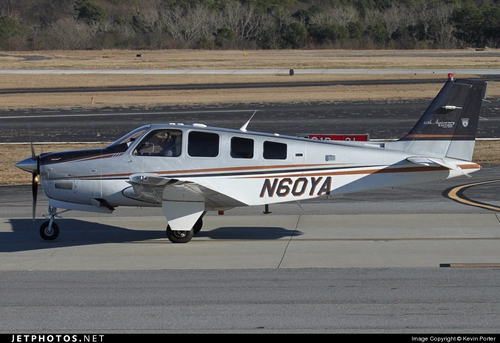
Beech Bonanza G36 60th Anniversary Edition.
Celebrate the 60th Anniversary of the Beech Bonanza G36 with this special edition repaint. Customize the tail number and enjoy this classic aircraft in a new livery. Compatible with workingtitle G1000 mod and open to repaint requests. Simply drag and drop the files into your community folder to add this to your collection.
by Baron82
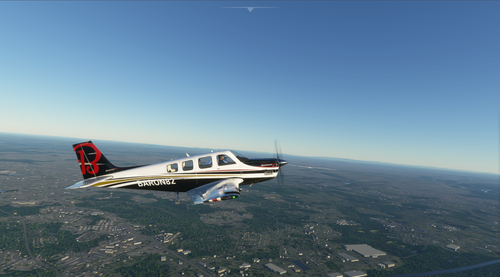
Beech Bonanza G36 House Colors
Explore the Beech Bonanza G36 House Colors add-on, featuring a unique customization option with red stripes instead of gold. Fulfilling popular demand, this mod offers a fresh perspective to your flight simulation experience.
by Baron82
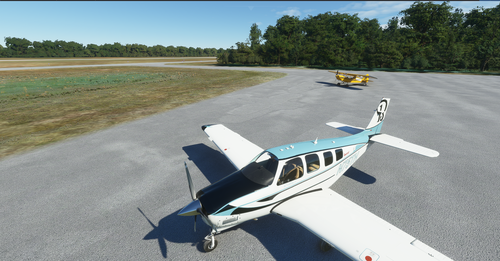
Bonanza G36 75th Anniversary Olive Ann Beech Tribute.
Celebrate the 75th Anniversary of the Beech Bonanza with this special Bonanza G36 tribute to Olive Ann Beech, featuring a unique Olive Ann Blue paint scheme. Enjoy an interior design closely mirroring the real aircraft, updated to work with the new G1000 NGi and customizable registration number in MSFS.
by Baron82
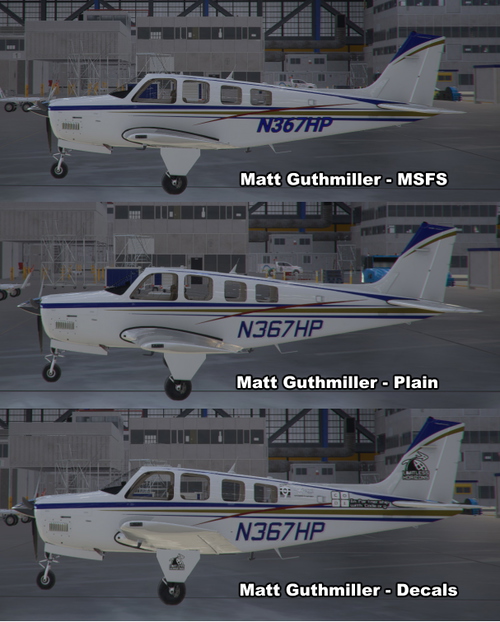
Bonanza G36 Matt Guthmiller's N367HP
Experience Matt Guthmillers aviation journey with the Bonanza G36 N367HP replica, based on his record-breaking solo circumnavigation of the globe at 19. This add-on features meticulously recreated details, including custom decals, with multiple versions available for download. Stay tuned for upcoming updates to enhance your flight simulation experience.
by Baron82
Log in to join the discussion
Log InComments(8)
about 5 years ago
Beautiful work, unfortunately the avionics fail to work since the big update.
about 5 years ago
Add these lines to the top of your panel.cfg file:
[VARIATION]override_base_container = 0Save when you're done, reload the sim and avionics will work.
about 5 years ago
Thanks for the Info.
about 5 years ago
No problem, happy to share. I also noticed that this livery suffers from the pink interior bug when zooming out. I believe that's corrected by adding:
fallback.7=..\..\..\..\texture\Planes_Genericto the bottom of the texture.CFG file, though I haven't tested that one yet.
about 5 years ago
Both those .cfg additions worked for me. Thanks for the info on that.
about 5 years ago
Loved it ! Is it possible to create a livery with the same pattern but different colors ? I don't know how hard it is but i'd appreciate if you could do it. Thanks in advance. Here's the image.
https://live.staticflickr.com/2950/15412989181_315df1a23d_b.jpg
about 5 years ago
It can be done. that you. I will have it up soon.
about 5 years ago
Thank you very much !