
Description
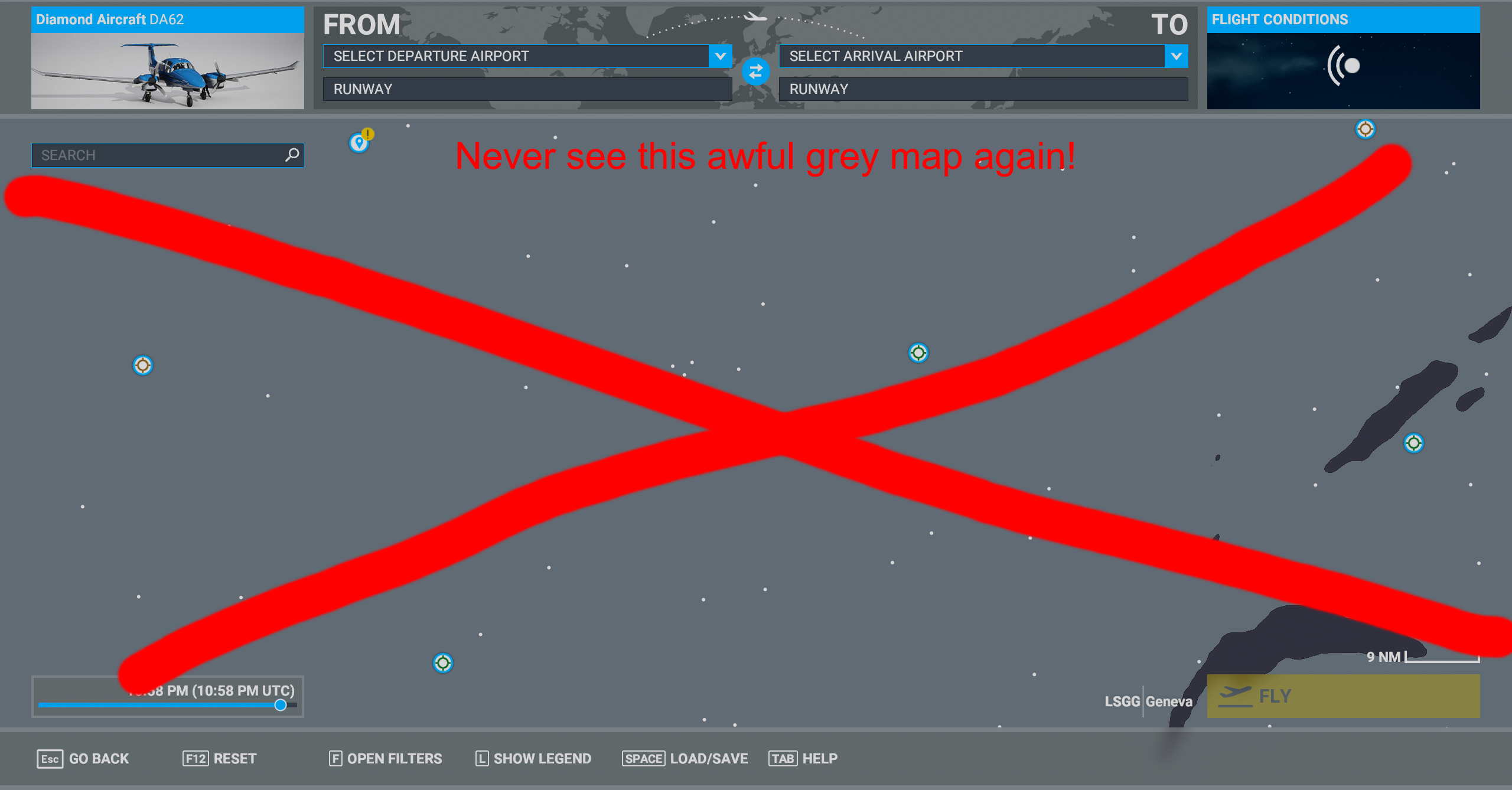
Annoyed that you can't save worldmap filters? Me too! Luckily, it is fixable.
(Fun fact: the game would save your filters the first week of release but it has been broken since)
This file is using my personal preferences, which are probably not yours - edit the XML file contained to your preferences.
Installation:
- Unzip file
- Place the "fixes-worldmap" folder in the "Community" folder (location depends on where you got MSFS)
- Edit xml file fixes-worldmap/worldmap/WorldmapFilters.xml to customize the default settings
Editing WorldmapFilters.xml:
The filters come as a bunch of sections.
The first few (MAP_BACKGROUND, WEATHER_LAYER, WEATHER_WIND_PARTICLES) are special, and you have to edit the string contained within the <MapType>, <WeatherLayer>, or <AltLevel> fields to choose what you want. The options are the same as the options you'd see in the sim, so for MAP_BACKGROUND, you should write "SATELLITE", "BLEND", or "IFR" (without quotes).
All the other ones are super simple - the <FilterID> field tells you what it is, and you simply set <OnOff> to "ON" or "OFF" depending on what you want.
Saved Worldmap Filters
Enhance your Microsoft Flight Simulator experience with Saved Worldmap Filters add-on. Easily save and customize your worldmap filters according to your preferences by editing the XML file provided in the download. Restore the functionality that was broken since the games initial release and enjoy a personalized filtering system for a more seamless navigation experience within the sim.


User Reviews
10 reviews
Version History
No version history available.
Log in to join the discussion
Log InComments(37)
over 1 year ago
great utility to tweak what is Asobo/Microsoft not able to provide, its a shame
over 1 year ago
about 1 year ago
over 1 year ago
Thank you so much.
over 2 years ago
over 4 years ago
Is it me or this is not compatible with the Wingman-FS2020 Modern UI?
Anyone???
Thanks
over 4 years ago
😊Thank you, very much!
over 4 years ago
SU8 Beta has made changes to the WorldmapFilters.xml file.
New inclusions are
* MAP_LIGHTING
* STORE_ITEM_CONTENT
And a preset for the Marketplace world map.
over 4 years ago
Where is the new file located?
over 4 years ago
Microsoft Flight Simulator/Packaes/Official/Steam/fs-base/worldmap/WorldmapFilters.xml
over 4 years ago
runs top no more problems that it is not saved. I must admit at the beginning a bit complicated but then top
over 4 years ago
Doesnt work anymore. It disables all filters except a few on a new load up now :(
about 5 years ago
Obviously, I am too stupid,can any one help me? I just want to get rid of the clouds on the map.I tried everything, but not the right.
about 5 years ago
Even editing the xml file, I can't leave the fauna markers checked on the map.
about 5 years ago
This is a truly excellent MOD. You choose the filters you want and it can show as much, or as little, info as you want to have just the POI you want/need to plan your flight. A well deserved 5 stars.
over 5 years ago
Echt gut, weil super eingebunden!
over 5 years ago
Wow! I have been wanting to have my filter settings saved. This is exactly what I was looking for!
over 5 years ago
Excellent work, I'll download it as soon as I head home. Btw, I was wondering if could it be possible to save the aircraft settings too. I fly everytime with the same payload and it's just a pain to actually insert those numbers again and again.
over 5 years ago
You always wonder how difficult can it be to keep such simple features working... I guess it is all about the 50+ branches Asobo is working on...or?