
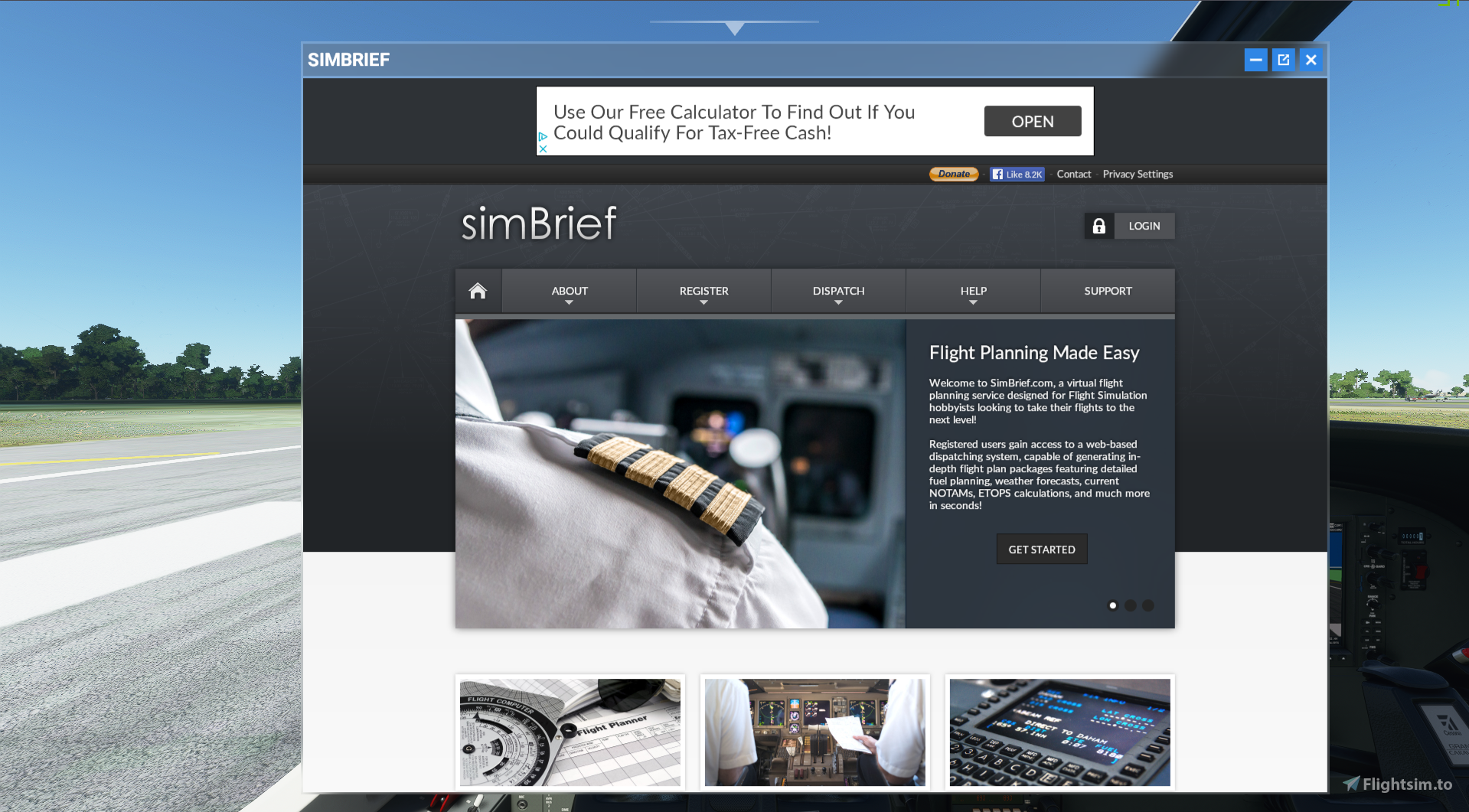
Description
This is an in-game panel that will let you use the Simbrief website without having to leave the sim! It is also VR compatable!
If you would like to support me, come check out my Twitch channel
Known Issues:
1) Won't work if any other panel projects are installed
Credits:
It was built off of an In-Game panel template made by bymaximus. Github: msfs2020-toolbar-window-template
Install:
Drag the Simbrief-Panel folder into your community folder
Simbrief In-Game panel WIP
Access Simbrief website directly within Microsoft Flight Simulator using this in-game panel, which is also VR compatible. Note that it may not work if other panel projects are installed. Developed based on an In-Game panel template by bymaximus, the installation is easy - just drag the Simbrief-Panel folder into your community folder. Check out the Github link for more information.
Downloads Stopped
The creator has temporarily stopped downloads for this addon. Please check back later.


User Reviews
16 reviews
Version History
- The panel actually works now instead of not loading (Sorry I made a bad mistake but it should be fixed now)
Related
![[8K] [PMP A330] FedEx Cargo](https://cdn.flightsim.to/images/09/ApDok1et.jpg?width=500)
[8K] [PMP A330] FedEx Cargo
Enhance your Microsoft Flight Simulator experience with this high-quality FedEx Cargo livery for the Project Mega Pack A330. Simply extract the folder to your community folder and enjoy flying in style. Need assistance or want to provide feedback? Contact the developer via Discord or their website.
by Jacob
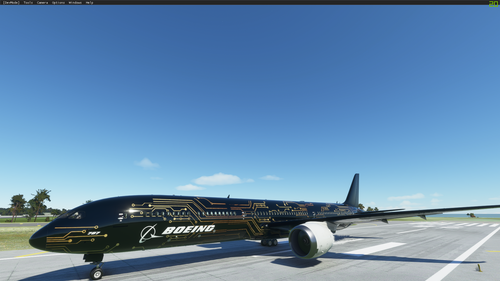
787-10 Dreamliner Sci-Fi/Circuit Board (4K Livery)
Experience a futuristic twist with the 787-10 Dreamliner Sci-Fi/Circuit Board add-on, featuring a stunning 4K livery inspired by sci-fi aesthetics. Explore the skies in style with this unique aircraft design.
by Jacob
![[4K] [Asobo 787 Dreamliner] Sci-Fi/Circuit Board w/ Black Engines](https://cdn.flightsim.to/images/14/XCjw1d6y.png?width=500)
[4K] [Asobo 787 Dreamliner] Sci-Fi/Circuit Board w/ Black Engines
A custom 4K Sci-Fi livery for the Asobo 787 Dreamliner, featuring a unique circuit board design and black engines. Check out the white engine version or the Asobo A320 Neo edition of the livery. Install by extracting the folder into your MSFS community folder. Contact the designer via Discord or email for more information.
by Jacob
![[8K] [Fenix A320] Hawaiian Airlines](https://cdn.flightsim.to/images/23/8k-fenix-a320-hawaiian-airlines-z_XP4.jpg?width=500)
[8K] [Fenix A320] Hawaiian Airlines
Experience the fictional Hawaiian Airlines livery for the Fenix A320 in stunning 8K and 4K resolutions. Choose the download option that suits your computer hardware and add a touch of the tropics to your Microsoft Flight Simulator. Installation is easy - simply extract the desired folder to your MSFS community folder. Contact the creator for more info or to show support.
by Jacob
Log in to join the discussion
Log InComments(53)
almost 5 years ago
Una muy buena idea si dejase identificarme, no me da la opción de introducir usuario y contraseña de navigraf
over 5 years ago
Need to fix the issue that you can not have it with any other panel projects!
A part from that it's a awesome plugin
over 5 years ago
over 5 years ago
Other than that it is really useful addon and makes flight planning a lot easier.
over 5 years ago
over 5 years ago
Thanks a lot for making this!
over 5 years ago
over 5 years ago
over 5 years ago
over 5 years ago
over 5 years ago
over 5 years ago
over 5 years ago
autorisation author ????????????????? for use ?
over 5 years ago
over 5 years ago
over 5 years ago
over 5 years ago
over 5 years ago
over 5 years ago