AIRBUS EFB Background | Fenix A320 Block 2
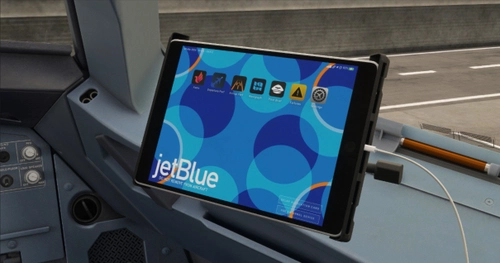
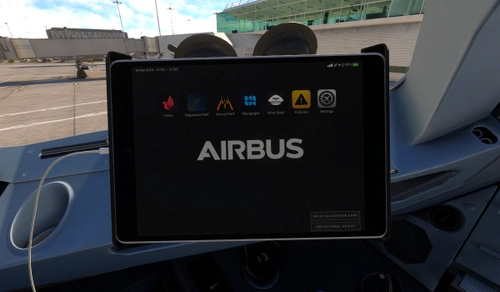
Customize your Airbus EFB background with this add-on designed for use with Fenix A320 Version 2 Block 2. Visit the Fenix website for detailed instructions on how to personalize your EFB experience.
Browse 4,405 free Fenix Simulations A320 add-ons for Microsoft Flight Simulator (MSFS 2020). Top categories are EFB Wallpapers, Custom Views. Liveries, sound mods, checklists, cockpit improvements and more.

Customize your Airbus EFB background with this add-on designed for use with Fenix A320 Version 2 Block 2. Visit the Fenix website for detailed instructions on how to personalize your EFB experience.

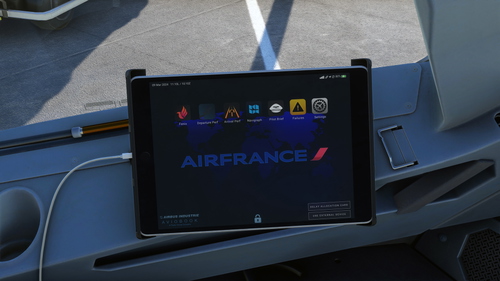
Customize your Fenix A320 cockpit with this Air France EFB wallpaper designed for Version 2 Block 2.Visit the Fenix website for installation instructions.

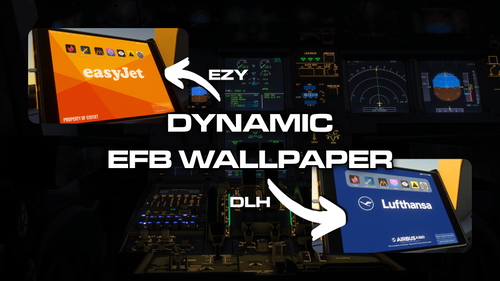
DroneSims Universal EFB Background is an add-on designed for Microsoft Flight Simulator that allows users to customize the electronic flight bag (EFB) backgrounds based on their SimBrief flight plans. By setting up a designated folder for wallpapers and linking it to their SimBrief ID, users can enjoy dynamic airline-specific images during their flight sessions. The application works exclusively with the Fenix Family aircraft and is contingent on using SimBrief for flight planning. Additional support and setup details are provided within the accompanying documentation.

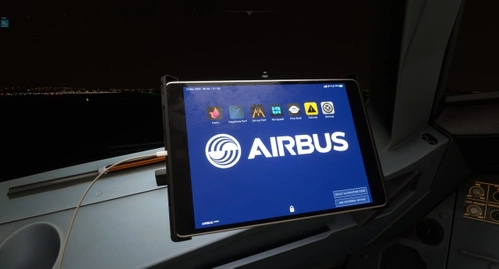
Customize the background of your Electronic Flight Bag in the Fenix A320 Block 2 with this add-on. Access a step-by-step guide on changing the EFB background image and utilizing the WEB MCDU on the Fenix knowledge base. Request backgrounds for other airlines in the comments section.

Enhance your Fenix A320 V2B2 cockpit experience with this Condor EFB wallpaper. Easily change your background by following the instructions on the Fenix website.
![[FENIX] [EFB] Aegean Airlines](https://cdn.flightsim.to/images/26/aegean-airlines-efb---backgrounds-118715-1709384835-kow35.jpg?width=500)
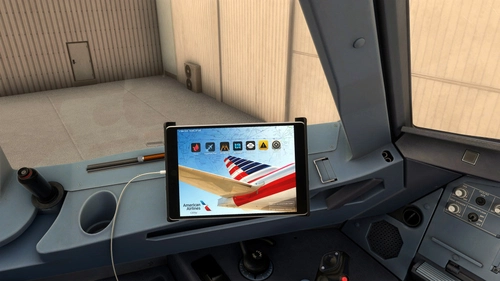
Customize your EFB experience with Aegean Airlines backgrounds by Fenix Simulations. Easily switch between different backgrounds for a personal touch to your virtual cockpit. Choose from Normal or Stretched views for a unique flying experience. Create a realistic atmosphere with official Aegean Airlines logos integrated into the wallpapers.

Customize your Fenix A320 Block 2 cockpit with this American Airlines EFB wallpaper. Perfect for adding a touch of realism to your flights.

Customize the Electronic Flight Bag (EFB) wallpaper for your Fenix A320 with this Airbus Dark EFB Wallpaper add-on. Simply follow the steps provided to personalize your in-sim experience. For more details, visit the link for additional information and instructions.

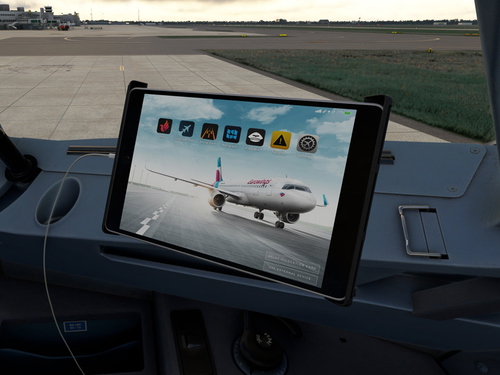
Customize the background of your Fenix Eurowings Electronic Flight Bag (EFB) with this easy-to-follow guide. Accessible both in your web browser and on external devices, enhance your in-flight experience with a personalized touch. Make sure to be loaded into the Fenix A320 Block 2 aircraft within your simulator to make the changes seamlessly.

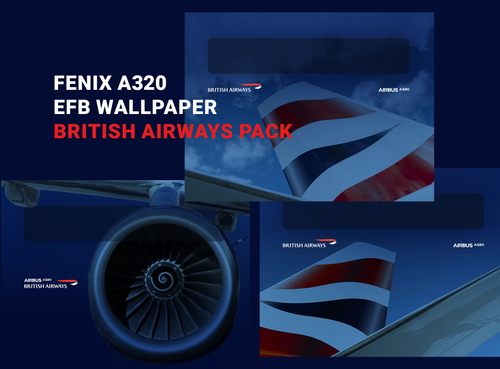
Customize your Fenix A320 EFB with this British Airways pack featuring various wallpaper options. Easily install and personalize your cockpit background to enhance your flying experience. Choose from a selection of images to match your style and make your A320 Block 2 truly your own.

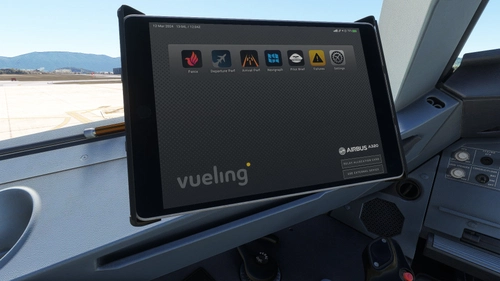
Customize your Vueling EFB with these grey and yellow wallpaper variants, designed for the Fenix A320 V2 B2. Easily switch between two styles to enhance your cockpit experience. Follow the link for instructions on how to change the EFB background image.