
Description
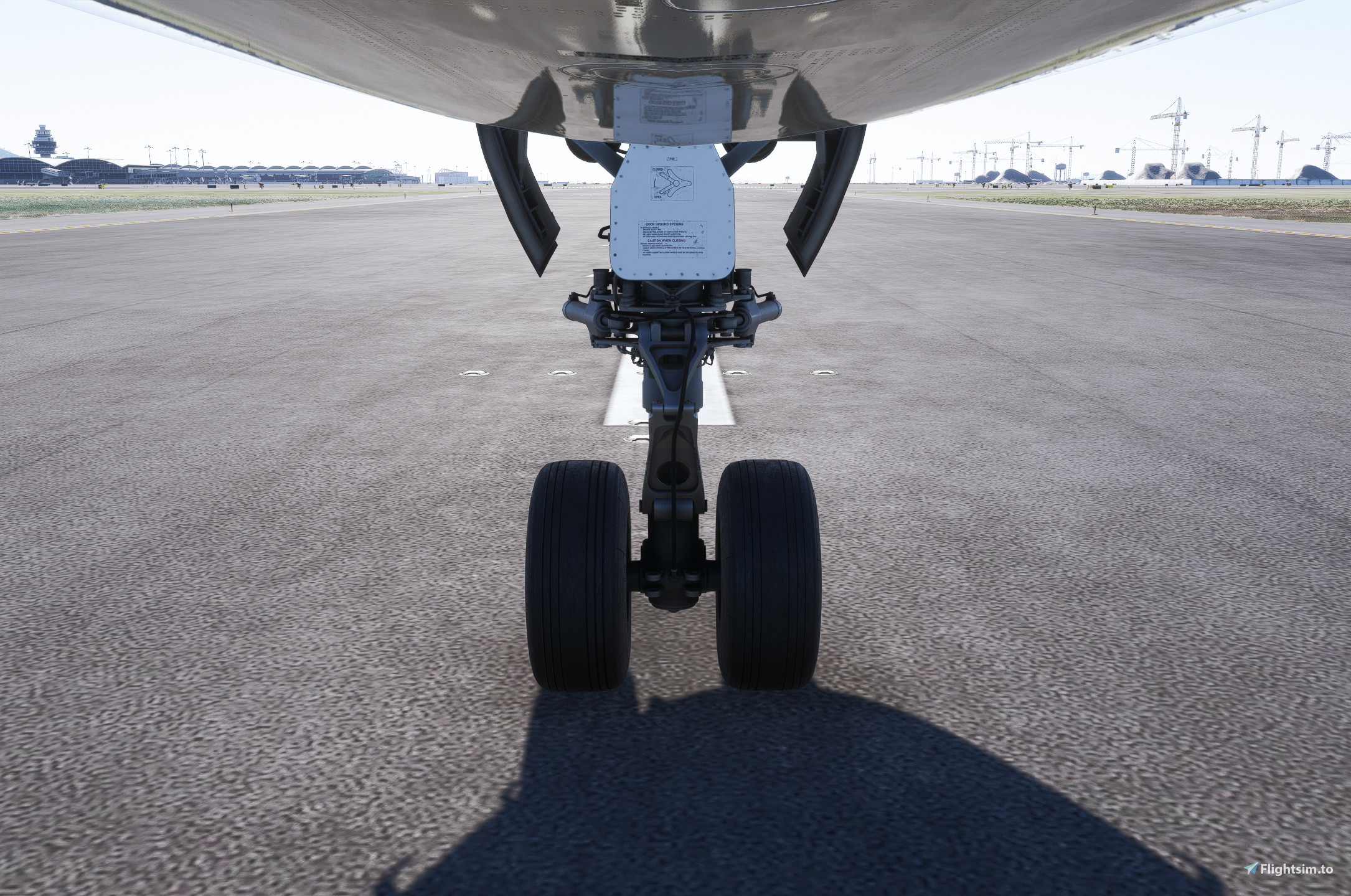
Custom Cameras for the inibuilds a340-300. Includes Dashcam, wing/engine view, nose gear cam, tail cam, co-pilot view.
- Alt+1 = Dashcam
- Alt+2= Front engine Left
- Alt+3= Front engine right
- Alt+4= Engine Left
- Alt+5= Engine Right
- Alt+6= Behind wing left
- Alt+7= Behind wing right
- Alt+8= Nose Gear
- Alt+9= Tail cam
- Alt+0= Co-pilot
To Install, extract the folder "inibuilds-a340" into your %localappdata%\Packages\Microsoft.Limitless_8wekyb3d8bbwe\LocalCache\SimObjects\Airplanes folder. This will add the cameras to all 4 variants of the A340.
MSFS 2020MSFS 2024
iniBuilds A340-300 Custom Cabin Cameras
This add-on provides custom camera views for the iniBuilds A340-300, enhancing immersion during flights. It includes various perspectives such as dashcam, wing and engine views, nose gear, tail cam, and co-pilot view. Each camera can be activated using specific keyboard shortcuts. Installation involves placing the custom folder into the designated SimObjects directory.
Downloads1K
Version1.0
File Size8.13 KB
Published1 year ago
Updated1 year ago


User Reviews
5.0
2 reviews
5
100%
4
0%
3
0%
2
0%
1
0%
Version History
No version history available.
Log in to join the discussion
Log InComments(11)
6 months ago
9 months ago
9 months ago
9 months ago
9 months ago
9 months ago
about 1 year ago
about 1 year ago
about 1 year ago
about 1 year ago
about 1 year ago