
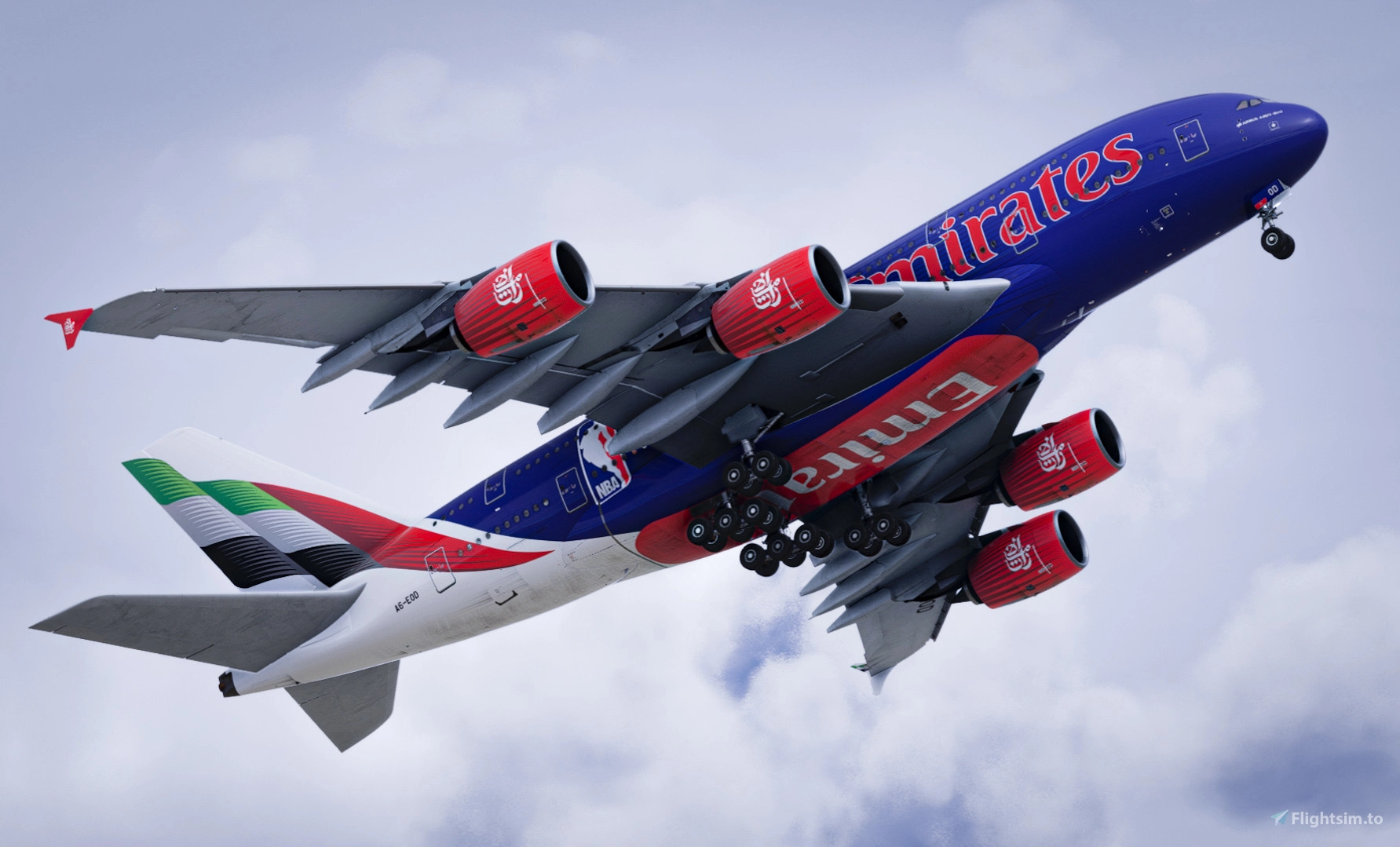
Description
Hello, gentlemen! I recommend this preset for those who like their simulator to look like real life!
It's good for in-depth shots and works well in all hours / lighting!
Install:
If you have Steam Version ( Normal Installation Procedure)
------------------------------------------------------------------------------------------------
If you have Microsoft Store Version:
1º - Download the Reshade.me App (https://reshade.me/)
2º - Select the gamelaucherhelper.exe file inside the MSFS folder (default location: C/D:\XboxGames\Microsoft Flight Simulator 2024\Content) and select "gamelaunchhelper.exe" file).
3º In the top right corner click on Uncheck All and then Check all to get all the effects.
4º After downloading the preset, place it anywhere on your computer and then, when you open the simulator, import it into reshade!
5º Then just open MSFS2024
VisualShade | Reshade Preset for Microsoft Flight Simulator 2024
VisualShade 24 is a Reshade preset designed for Microsoft Flight Simulator 2024, aimed at enhancing the visual realism of the simulator. This preset performs well across various lighting conditions and is suitable for detailed shots. Installation instructions are provided for both the Steam and Microsoft Store versions of the game, ensuring users can easily incorporate this enhancement into their experience.

User Reviews
7 reviews
Version History
✅ - Corrected over colouring - much related to IRL
Related
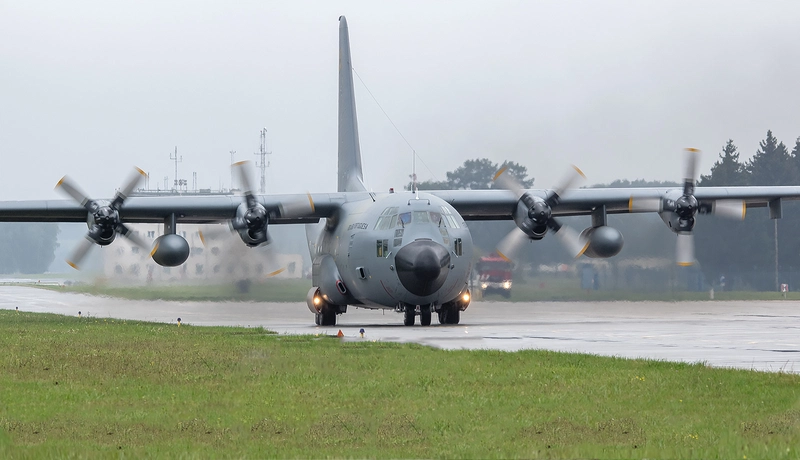
World Visual's Reshade! V4
A realistic visual enhancement preset for Microsoft Flight Simulator to achieve lifelike graphics in all lighting conditions. Simple installation process for both Steam and Microsoft Store versions of the game. Perfect for immersive in-depth screenshots.
by Gomezz
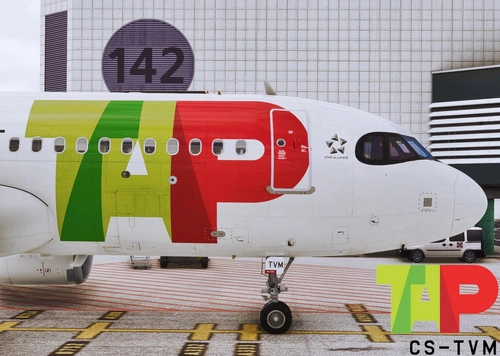
A20N Inibuilds | TAP Air Portugal CS-TVM "Newest Neo in the Fleet" | High Fidelity Livery 2.0
This add-on features a high-fidelity livery for the A320-200neo, specifically representing TAP Air Portugals CS-TVM aircraft. It is designed for use with the A320Neo from Inibuilds and requires installation in the community folder. The A320neo is recognized for its enhanced cabin and hold space, longer range, and advanced fuel efficiency, making it a notable aircraft in the aviation industry.
by Gomezz
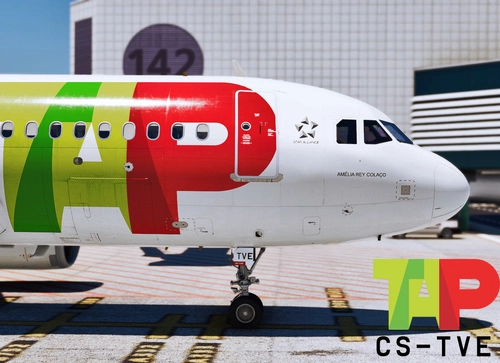
A20N Inibuilds | TAP Air Portugal CS-TVE "Amélia Rey Colaço" | High Fidelity Livery 3.0
Experience the unique and progressive Airbus A320-200neo with this high fidelity TAP Air Portugal livery by Inibuilds. Get ready to explore the improved version of the A320, featuring more space, longer range, and the latest generation engines. Transform your flight sim experience with this advanced and fuel-efficient single aisle aircraft.
by Gomezz

Fenix A320 | Smartwings A320 9A-BTH Cecilia | 8k High Fidelity Livery - "CodeShare with Benek"
This add-on features a high-fidelity 8k livery for the Fenix A320, representing Smartwings, a major Czech airline. The livery, named "Cecilia" and registered as 9A-BTH, is a collaborative effort by artists Benek and Gomezz. It requires the Fenix Simulations A320 to install and is intended for use in Microsoft Flight Simulator.
by Gomezz & Benek
Log in to join the discussion
Log InComments(26)
about 6 hours ago
10 days ago
4 stars uhm one slight problem something that makes the clouds and atmosphere doesn't work lightroom[qUINT_lightroom.fx] makes some stuff pixly red and the clouds get a odd blueish thing so just turn that off idk if that's just settings or just preset still amazing.
9 days ago
23 days ago
about 1 month ago
26 days ago
5 months ago
3 months ago
5 months ago
5 months ago
5 months ago
3 months ago
9 months ago
9 months ago
9 months ago
cLayer.fx
cLipse.fx
cLayer.fx
it shows "There were errors loading some effects"
9 months ago
10 months ago
11 months ago