
Description
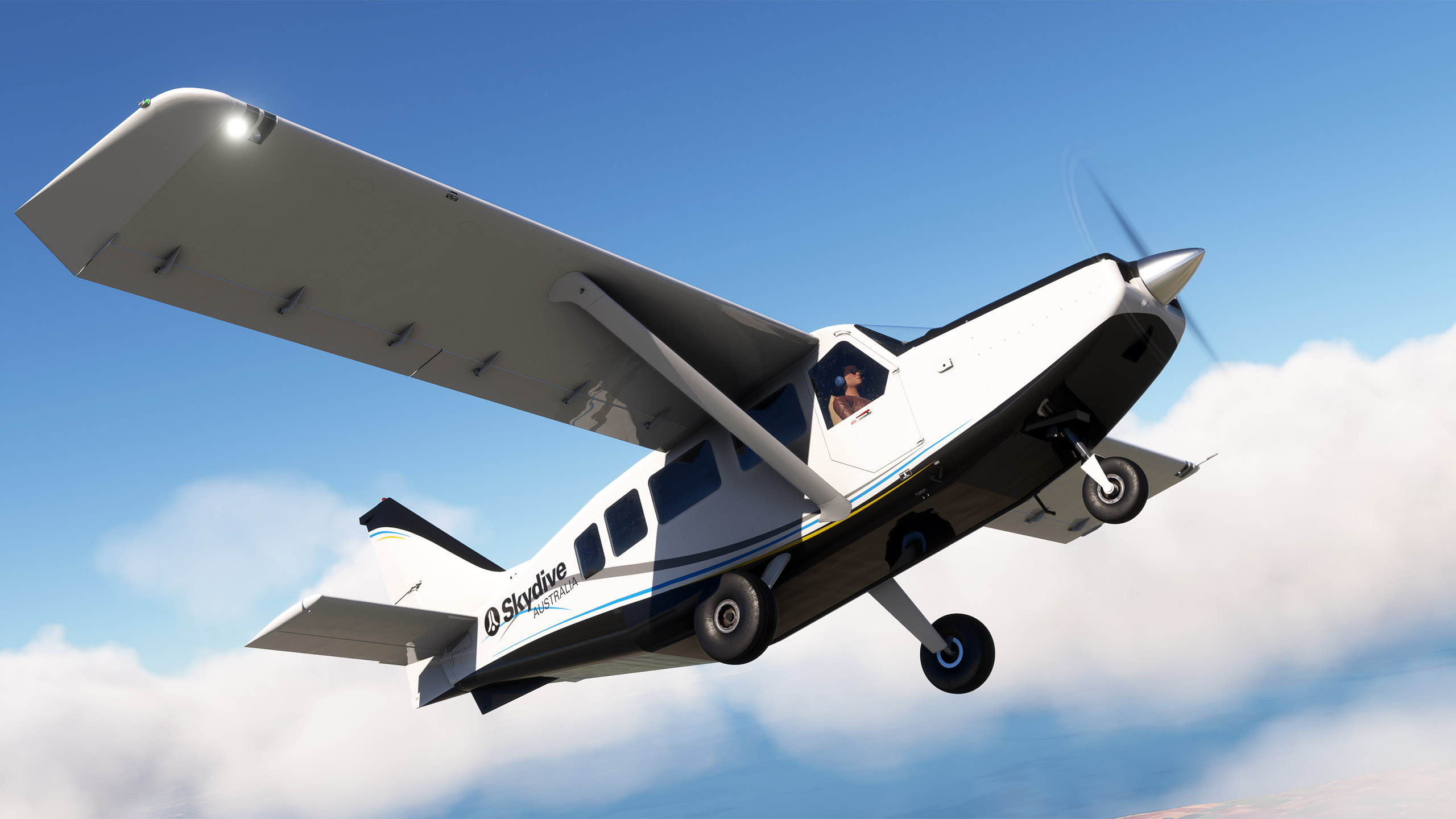
This is a repaint for the excellent GA-8 Airvan by SimWorks Studios. VH-AUM is a 2011 GA-8 Airvan (s/n GA8-TC 320-11-166) owned and operated by Skydive Australia. Skydive Australia is an adventure tourism company offering tandem skydiving experiences at several scenic locations across Australia. This livery also comes with a variant that supports the dynamic registration.
Installation
Simply drag and drop the 'livery-sws-airvan-skydive-australia-vh-aum' folder into your MSFS Community folder.
Credits
Livery created by Tim-HH using Adobe Substance 3D Painter and Adobe Photoshop.
SWS GA-8 Airvan - Skydive Australia VH-AUM (Dynamic Registration)
This add-on features a detailed repaint of the GA-8 Airvan by SimWorks Studios, specifically designed to represent VH-AUM, a aircraft operated by Skydive Australia. The livery depicts a 2011 model used by the adventure tourism company known for its tandem skydiving experiences across Australia. It includes a variant supporting dynamic registration for enhanced realism.

Supporters

User Reviews
1 reviews
More Information
Version History
The livery is now compatible with the MSFS 2024 native version of the SWS GA-8 Airvan.
Related
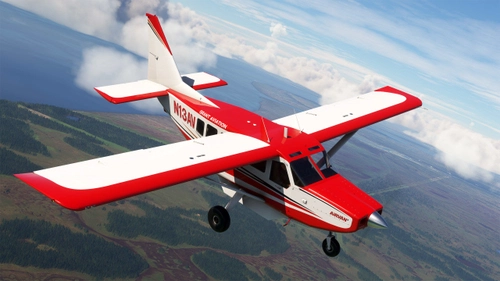
SWS GA-8 Airvan - Grant Aviation N13AV (Dynamic Registration)
This add-on features a high-quality repaint of the GA-8 Airvan by SimWorks Studios, showcasing the livery of Grant Aviation N13AV, a 2003 model used for regional airline services in Alaska. The package includes a variant that supports dynamic registration. Installation is straightforward, requiring the user to drag and drop the included folder into the MSFS Community folder.
by TimHH
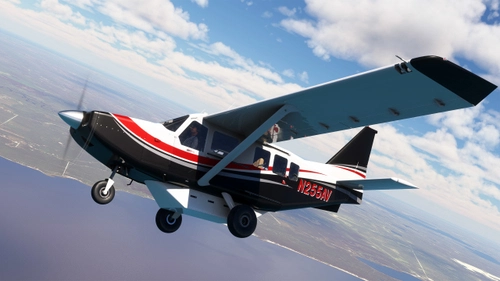
SWS GA-8 Airvan - N255AV (Dynamic Registration)
This add-on features a detailed repaint for the SimWorks Studios GA-8 Airvan, showcasing the aircraft N255AV, a model from 2015. It includes a variant that supports dynamic registration for enhanced realism. Installation is straightforward, requiring a simple drag and drop into the MSFS Community folder. The livery was created by Tim-HH using Adobe Substance 3D Painter and Adobe Photoshop.
by TimHH
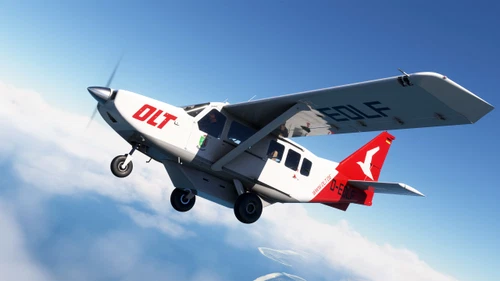
SWS GA-8 Airvan - Ostfriesischer Flug Dienst D-EOLF
This add-on features a custom repaint of the GA-8 Airvan by SimWorks Studios, representing the D-EOLF aircraft operated by Ostfriesischer Flug Dienst GmbH. The airline is a regional carrier based in Emden, Germany, providing transport services to the East Frisian islands and the north German coast. Installation is straightforward, requiring users to drag and drop the provided livery folder into the MSFS Community folder.
by TimHH
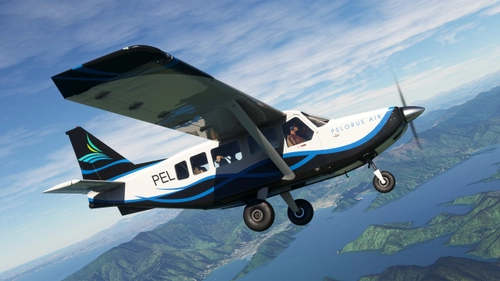
SWS GA-8 Airvan - Pelorus Air ZK-PEL (Dynamic Registration)
This add-on features a detailed repaint of the GA-8 Airvan by SimWorks Studios, representing the aircraft ZK-PEL operated by Pelorus Air. Based at Picton Aerodrome in New Zealand, this livery includes support for dynamic registration variations. Installation is straightforward: simply drag and drop the provided folder into your MSFS Community directory.
by TimHH

Comments(3)
Log in to join the discussion
Log Inabout 1 month ago
10 months ago
10 months ago