
Description
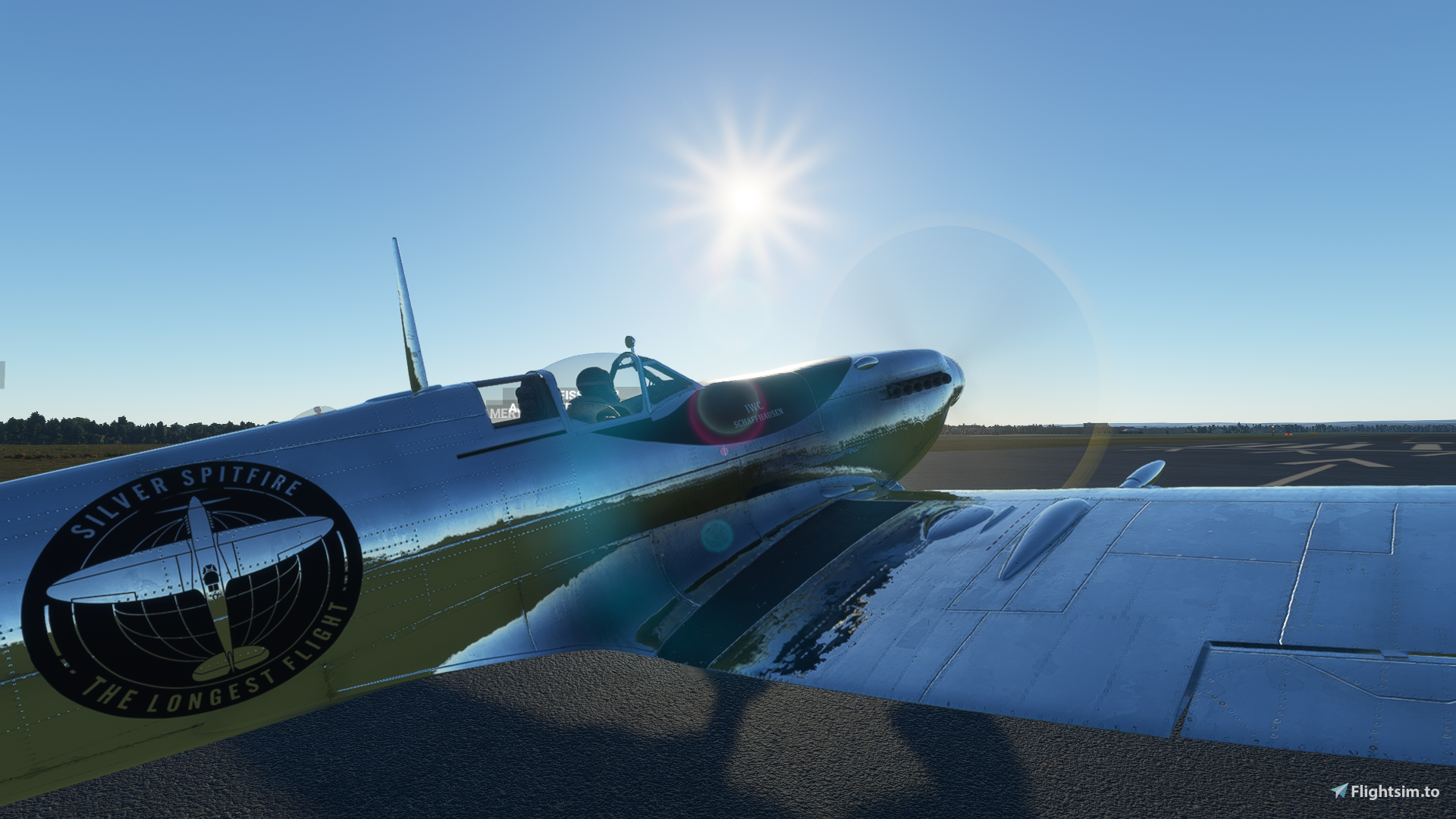
A fix for the G-IRTY Silver Spitfire, replacing the FlyingIron logo with the logo from the real Silver Spitfire
Install instructions: drop the TEXTURE.GIRTY folder into this path, \Community\flyingiron-spitfire\SimObjects\Airplanes\flyingiron_spitfire
replace textures when prompted.
MSFS 2020MSFS 2024
Silver Spitfire fix
Enhance the authenticity of the G-IRTY Silver Spitfire with this fix, replacing the FlyingIron logo with the accurate one from the real aircraft. Simply follow the install instructions provided to update the textures accordingly.
Downloads1K
Version1.0
File Size59.32 MB
Published5 years ago
Updated5 years ago


User Reviews
4.9
4 reviews
5
75%
4
0%
3
0%
2
0%
1
0%
Version History
No version history available.
Log in to join the discussion
Log InComments(9)
over 4 years ago
Pls use this logo with 75% size for fix.
https://dynl.mktgcdn.com/p/AEQHjUJZo5emoksPO-y0A05SGAKj1TtXwBaq512BF_I/960x960.jpg
https://flightsim.to/file/9590/silver-spitfire-fix/208214almost 5 years ago
The IWC logo is to small.
over 5 years ago
over 5 years ago
over 5 years ago
over 5 years ago
(No slight to FlyingIron for being proud of thier Spitfire... It's a fantastic model. But nice to have the option to fly it in the real livery.)
over 5 years ago
over 5 years ago
over 5 years ago