
Description
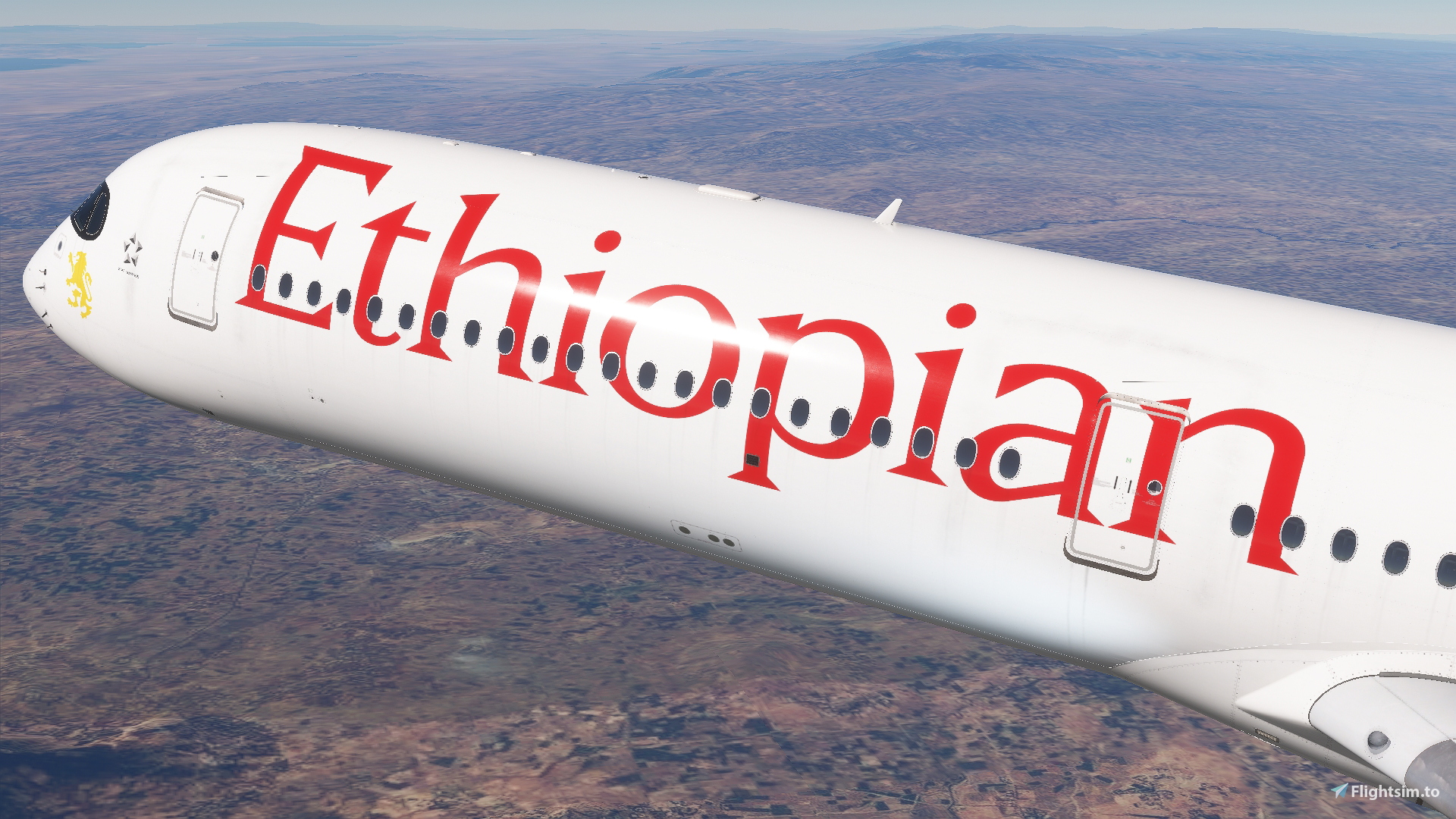
Ethiopian Airlines ET-BAZ
ET-BAZ is a future Ethiopian A350!
Yes, ET-BAZ will have Ethiopian logo in the belly.
Passenger cabin under construction!
Texture in 4K.
Just drag and drop the file into MSFS community folder.
Requests are paid!
PROBLEMS? PLEASE, SEND A PM (AND SPECIFY THE SIMULATOR).
If you like my repaints, be my sponsor, buy me a coffee or be my Patreon! :)
Ethiopian Airlines ET-BAZ A350-1000
The Ethiopian Airlines ET-BAZ add-on features a future A350-1000 model complete with an Ethiopian logo on the belly. It includes detailed 4K textures and a passenger cabin currently under construction. Installation is straightforward via a drag-and-drop into the MSFS community folder. Support is available for users experiencing issues with the add-on.


User Reviews
1 reviews
Version History
No version history available.
Related
Ethiopian Airlines ET-AZO | w/Cabin
This add-on features a 4K texture pack for Ethiopian Airlines aircraft with registration ET-AZO, including a work-in-progress custom cabin interior. The installation is straightforward, requiring a simple drag-and-drop into the Microsoft Flight Simulator community folder.
by TexturasBR
Ethiopian Cargo MD-11F Fleet pack for NEW ART
Explore the Ethiopian Cargo MD-11F Fleet, featuring ET-AML and ET-AND aircraft. Enjoy the detailed representation of these two MD-11F planes as you soar through the skies around HAAB. Works with 1.01
by mike229
Ethiopian Airlines ET-ATV
Ethiopian Airlines ET-ATV is a repaint for PMDG Operations Center, created by Gustavo Aguiar and F. Leal. Requests for repaints are paid, and support can be shown through sponsorship, coffee purchases, or Patreon. More details at https://texturasbrasileiras.blogspot.com/.
by TexturasBR
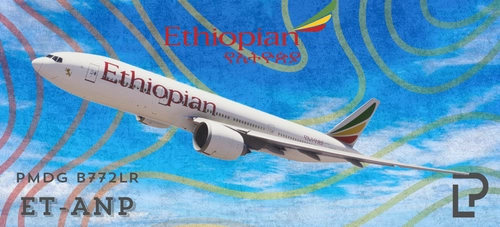
Ethiopian Airlines ET-ANP (High-Fidelity) | PMDG 777-200LR
This add-on features a high-fidelity texture for the PMDG 777-200LR, representing Ethiopian Airlines with registration ET-ANP. The livery is designed to provide a modern and detailed portrayal, suitable for realistic long-haul flight simulations in MSFS 2020. It includes custom textures for the fuselage, engines, and cockpit, ensuring compatibility and graphical accuracy in virtual aviation settings.
by Lugopilot
Log in to join the discussion
Log InComments4
In the livery folder, drag the layout.json file on top of the MSFSLayoutGenerator.exe file. A small black screen will open briefly. It's ready, you can fly.
In the livery folder, drag the layout.json file on top of the MSFSLayoutGenerator.exe file. A small black screen will open briefly. It's ready, you can fly.