
Description
The Best Realistic Custom Camera for Quick Views with a Single Click!
---------------------------------------
TCA Sidestick Airbus: https://flightsim.to/file/95453/thrustmaster-tca-sidestick
POV Hat:
↑ OVHD
⊕ Normal View: VFR
↓ FCU
→ Right View
← Left View
---------------------------------------
Camera Views:
#1: OIS
#2: BOTH FMS (easily toggle between #1 and #2 for configuration)
#3: JUMP SEAT
#4: LH ENG
#5: PAX BRDING & DE-BRDING
#6: RH ENG
#7: LH WING
#8: CABIN
#9: RH WING
#0: TAIL CAM
---------------------------------------
Note:
- Location: Do not place in the Community Folder. Camera sets are located in the userdata directory of MSFS.
- Backup: Create a backup folder and move the original files.
---------------------------------------
Installation:
Extract the ZIP file.
Move this folder to the following locations:
- A350
---------------------------------------
For Microsoft Store: 2024
C:\Users\YourName\AppData\Local\Packages\Microsoft.Limitless_8wekyb3d8bbwe\LocalCache\SimObjects\Airplanes\
For Microsoft Store: 2020
C:\Users\YourName\AppData\Local\Packages\Microsoft.FlightSimulator_8wekyb3d8bbwe\LocalCache\SimObjects\Airplanes\
For Steam: 2024
C:\Users\YourName\AppData\Roaming\Microsoft Flight Simulator 2024\SimObjects\Airplanes\
For Steam: 2020
C:\Users\YourName\AppData\Roaming\Microsoft Flight Simulator\SimObjects\Airplanes\
NOTE:
If you have other folders like "xx_Cabin", just copy the files from "Default_Cabin" into them.
---------------------------------------
Run MSFS : Options > Controls Options:
>> Choose one of the preferred styles:
Style #1: Use the same input settings (check photo for NUM-PAD)
Style #2: Use the same input settings (check photo for ROW-PAD)
Ensure that input numbers are not duplicated or assigned to other switches.
---------------------------------------
Other Aircraft:
Check my profile for additional camera setups for other aircraft.
Rate & Share - Follow me for updates and news.
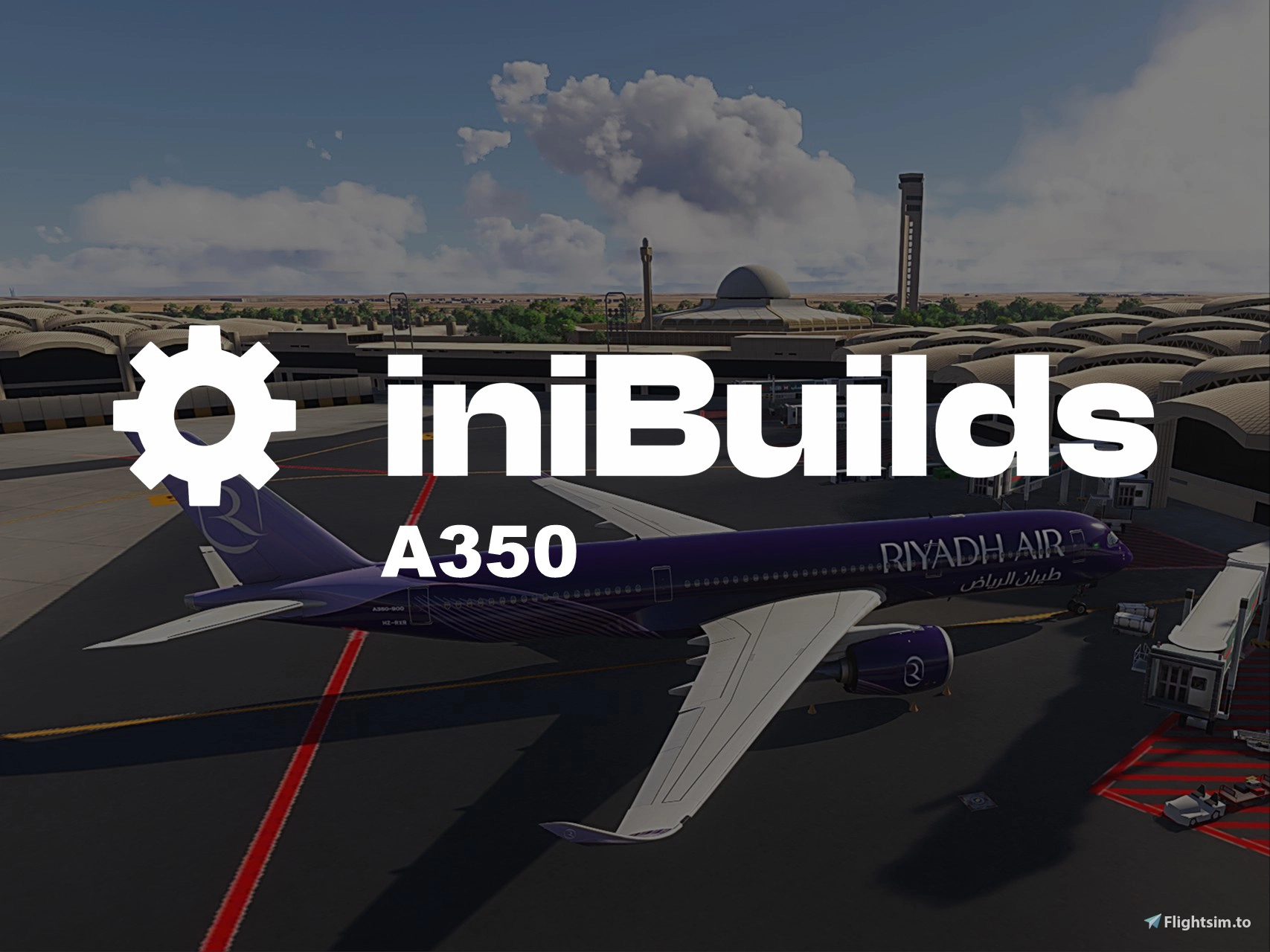
Realistic Custom Camera inibuilds A350
This add-on provides a realistic custom camera setup for the iniBuilds A350 in Microsoft Flight Simulator. It includes multiple fixed camera views tailored for various phases of flight, such as landing, VFR, and IFR operations. Users can easily toggle between camera configurations to improve situational awareness and enhance visual experiences. Detailed installation instructions and options for customization are included for optimal use.

Version History
Related
Realistic Custom Camera FlyByWire A32NX
This add-on provides a collection of realistic custom camera views for the FlyByWire A32NX in Microsoft Flight Simulator. With a fixed camera setup designed for improved visibility during various flight phases, users can easily switch between multiple views, including cockpit and external angles. Installation requires placing files in the specific aircraft directory, with designated input settings for quick access to different camera perspectives. The package aims to enhance situational awareness and overall immersion while flying the A32NX.
by Sylvester
Realistic Custom Camera Fenix A320 & A321
This add-on offers a realistic custom camera setup specifically designed for the Fenix A320, enabling pilots to quickly access various cockpit views with a single click. The installation requires placing camera sets in the appropriate directories, depending on whether you are using the Microsoft Store or Steam version. Users can choose between different camera styles and adjust their controls for an enhanced flying experience.
by Sylvester
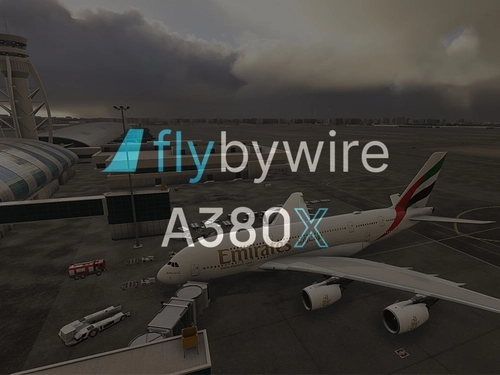
Realistic Custom Camera FlyByWire A380X
The Realistic Custom Camera for the FlyByWire A380X offers a set of fixed camera views designed to enhance situational awareness during flight. It includes multiple camera angles, such as views for landing, cabin access, and engine checks, all easily accessible with a single click. Installation requires moving files into specific directories, ensuring compatibility with the aircraft. This add-on improves the overall cockpit experience by providing quick perspectives around the aircraft.
by Sylvester
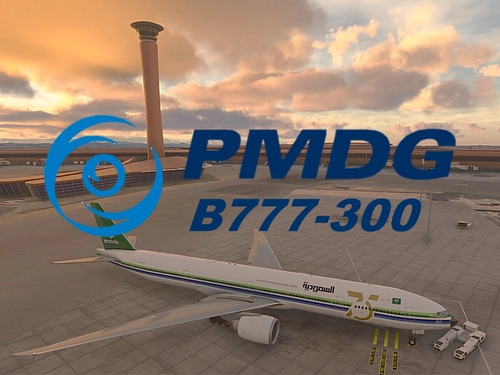
Realistic Custom Camera Boeing PMDG 777-300ER
This add-on provides a realistic custom camera system for the PMDG 777-300ER, enabling quick views with a single click. It includes detailed installation instructions and supports multiple input styles for ease of use. The mod enhances the cockpit experience by offering various camera angles around the aircraft. Ensure proper placement in the designated user directories for optimal functionality.
by Sylvester
Log in to join the discussion
Log InComments1