
Description
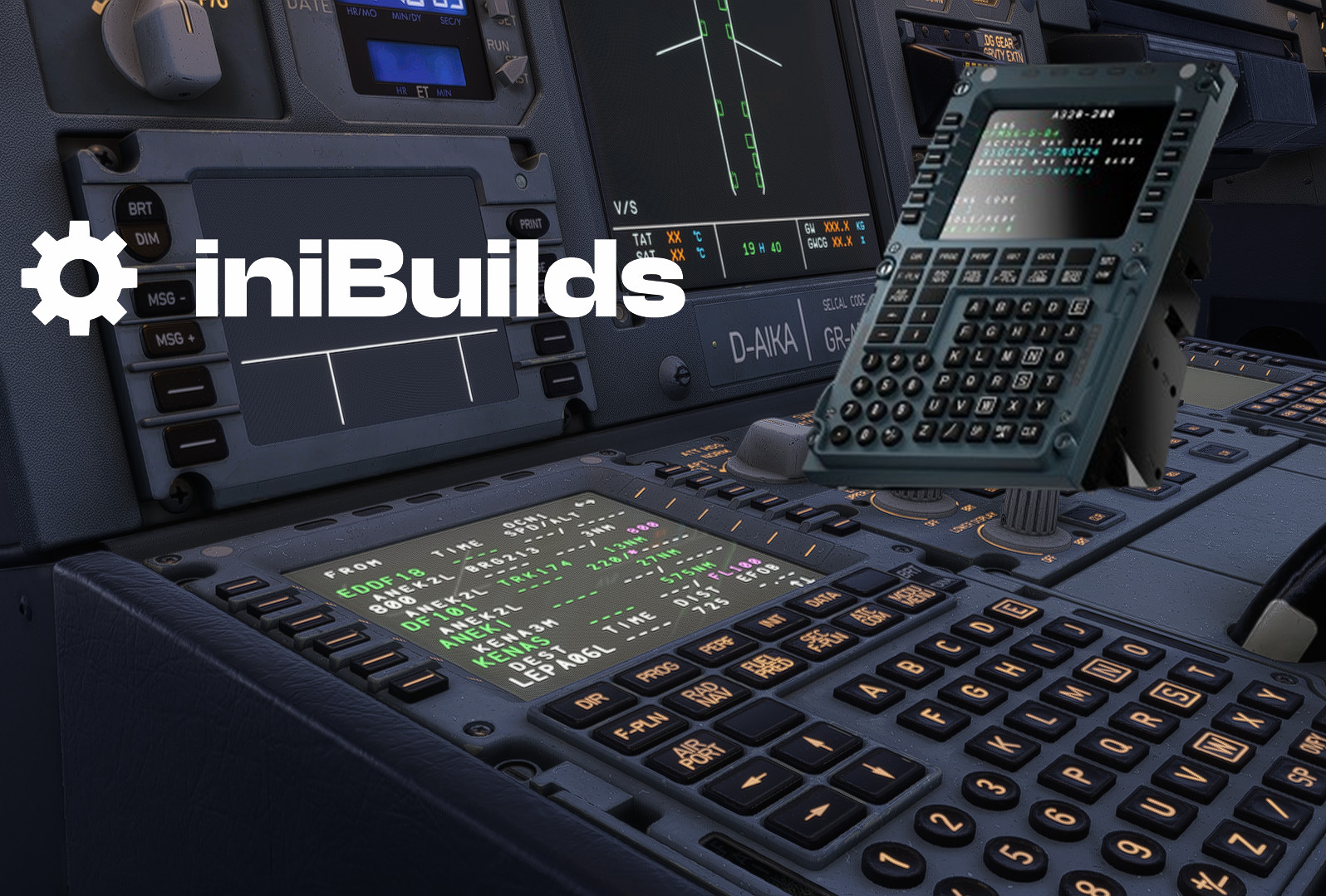
Mobiflight A330 Profile for Winwing MCDU.
Note:
The iniBuilds A330 currently does **not support native MCDU pop-outs**, so this setup focuses on **key input only**. Screen and lights don´t work.
🔒 You are NOT allowed to:
Upload or redistribute this file or modified versions on any other platform.
Use this content for commercial purposes or include it in any payware product without the author's explicit written permission.
Copy individual elements (e.g., configuration lines or layouts) without proper credit.
📥 You ARE allowed to:
Use this file for personal, non-commercial flight simulation purposes.
Modify it for your own private use.
For questions regarding usage or collaboration, please contact me in the comments or via private chat. Thanks!
📁 Included in this ZIP:
MobiFlight configuration file for the Winwing MCDU
README.txt → For installation
iniBuilds A330 Winwing MCDU (read discription!)
The iniBuilds A330 Winwing MCDU add-on provides a Mobiflight configuration file specifically designed for the Winwing MCDU. This setup is limited to key input functionality, as the iniBuilds A330 does not currently support native MCDU pop-outs, resulting in inoperable screens and lights. Users are permitted to utilize the file for personal, non-commercial purposes and can make modifications for private use.

User Reviews
6 reviews
Version History
No version history available.
Related
iniBuilds A330-200 Condor full fleet pack
Nah no Ai.
by butterpilota380
DAT ATR72 OY-RUV | S&H Software ATR 72-600
This add-on provides the Danish Air Transport ATR 72-600 livery featuring the OY-RUV registration for the S&H Software ATR 72-600 in Microsoft Flight Simulator. The livery is designed to replicate the real-world appearance of the aircraft. Installation instructions are included for easy setup. Redistribution and commercial use are not permitted without the author's permission.
by butterpilota380
Log in to join the discussion
Log InComments(45)
6 months ago
you mentioned that i can use obs to mirror the mcdu scren, anymore details on how to do this?
6 months ago
tbh chat gpt wrote that text so I have no idea. I guess it´s not even possible due to iniBuilds not supporting it.
8 months ago
9 months ago
9 months ago
9 months ago
10 months ago
Update, changing the Config file location from my downloads folder, to another folder fixed the issue. everything works now
10 months ago
10 months ago
10 months ago
10 months ago
10 months ago
11 months ago
10 months ago
10 months ago
10 months ago
12 months ago
thank you butterpilota380!
in the readme I found:
"You can use tools like **OBS** to mirror the MCDU display to your hardware screen if needed"
I could not figure out what OBS is. Does it mean, that there is a way to mirror the screen to the actual WinWing MCDU?
For now I use a pop out to my 2nd screen just in front of the MCDU(picture).
9 months ago