

Description
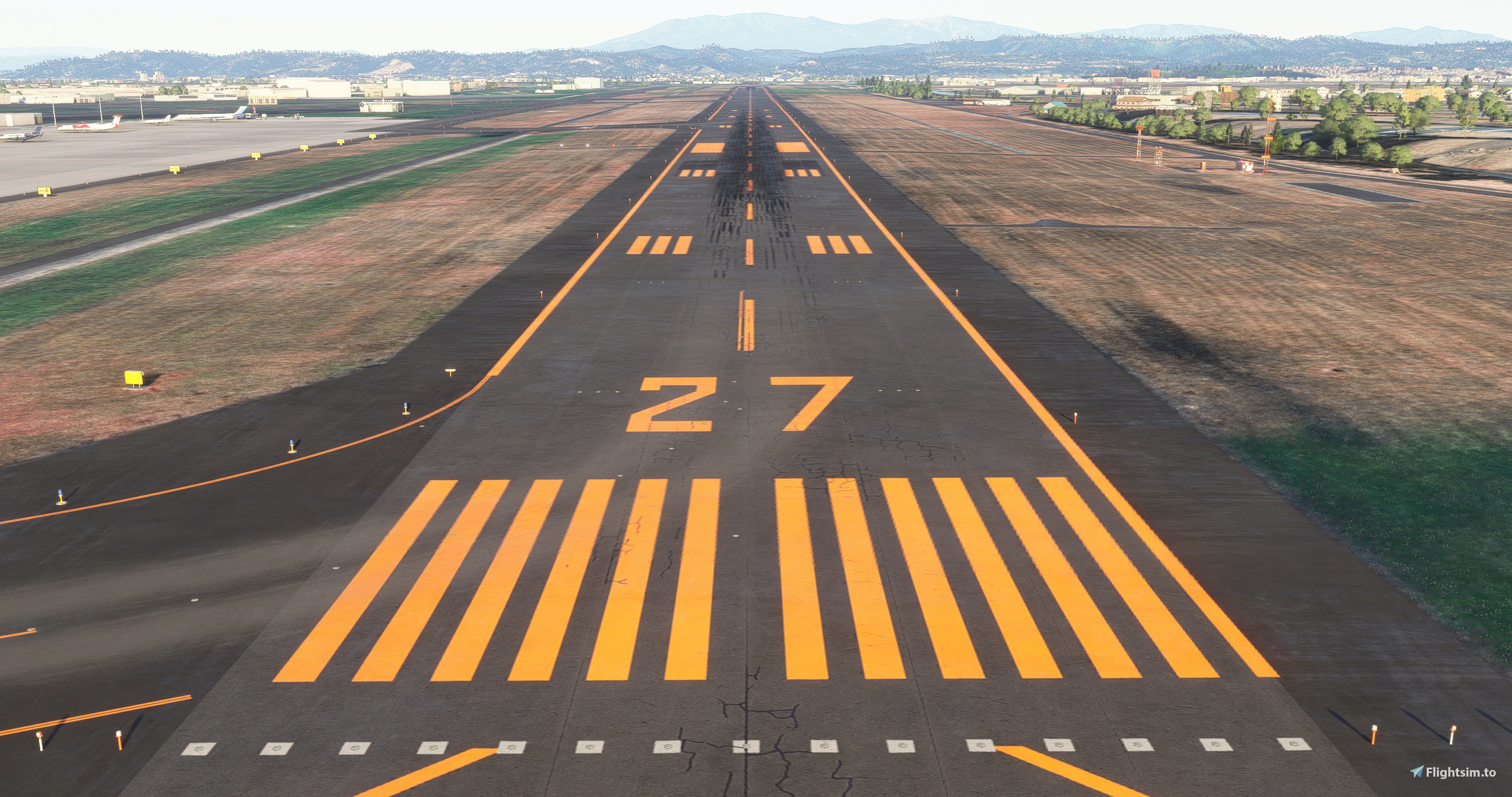
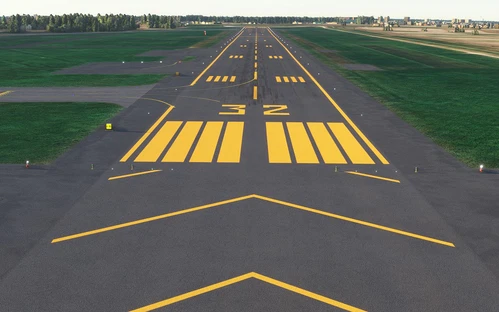
Runway markings are displayed in orange because it is a cold region. It is faithfully reproduced with reference to materials from the Ministry of Land, Infrastructure, Transport and Tourism and surveys from Google Maps. The altitude and slope are also reproduced based on the chart.
The spacing of the lights has been changed to Japanese specifications. The approach lights were also newly installed instead of the SDK default.
Some lighting models are set to the model released by karuchie, so please download it from here.
Although buildings such as terminals are not included, it can be used in combination with other published Sendai Airport scenery for now.
If the runway markings are not displayed, please change the priority setting.
Location
Precision Runway Marking 2024 (Sendai International Airport(RJSS))
Precision Runway Marking 2024 enhances the visual accuracy of Sendai International Airport (RJSS) for MSFS2024. This add-on features orange runway markings, tailored for regions that experience snowfall, and is created using data from the Japanese Ministry of Land, Infrastructure and Transport along with Google surveys. Note that it does not include building data and requires the “Japanese Airport Model Library KRC” for proper lighting setups. Adjust scenery priorities if conflicts with other add-ons arise.


Version History
Circling guidance lights and a wind speed meter have been installed on the Runway 09 side.
Featured in Collections(1)


Related
Precision Runway Marking (Okadama Airport)(RJCO))
Improve airport precision with this add-on featuring aligned runway markings created using Ministry of Land, Infrastructure, Transport and Tourism data and Google surveying. The small file size ensures easy installation, but adjustments may be needed for future scenery compatibility. Available for various airports, including Okadama, New Chitose, and Kobe.
by TOSHICHAN310
Sendai Landmarks
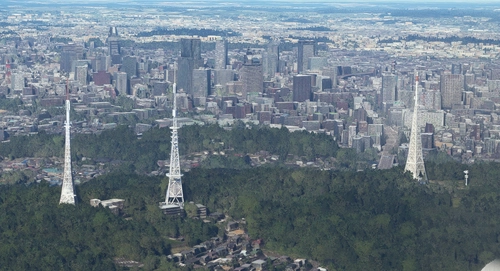
Explore the iconic landmarks of Sendai, Japan with this mod. Version 1.2 focuses on the east exit of Sendai Station, while Version 1.0 includes landmarks like TV tower 4 and Sendai Daikannon. Utilizing LOD20-22, this add-on aims to enhance the uniqueness of Sendai despite some frame rate drops during caching. Created using Google Earth Decoder, Blender, and color adjustments for Microsoft Flight Simulator.
by TOSHICHAN310
Sendai Landmarks 2024
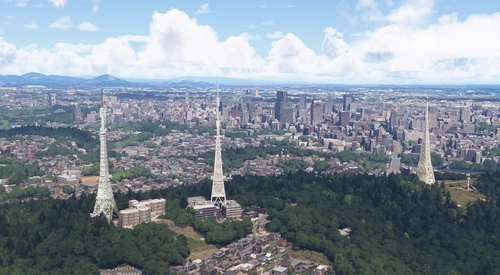
We have extracted essential landmarks of Sendai from Google Maps.
by TOSHICHAN310
Sendai Airport Access Line
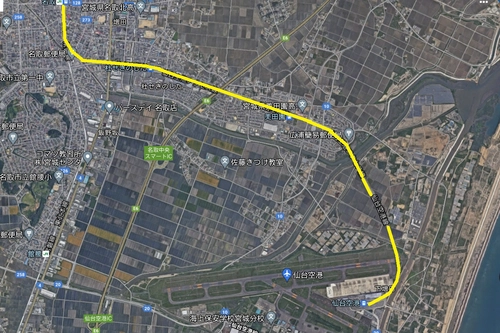
Experience enhanced realism with the Sendai Airport Access Line add-on. This mod features a detailed railroad viaduct near Rwy27, providing a unique atmosphere to your flights in Microsoft Flight Simulator. Please note that the model may be slightly inaccurate, but the attention to detail is sure to impress aviation enthusiasts.
by TOSHICHAN310
Log in to join the discussion
Log InComments(7)
3 months ago
KAZEさんのRJSSと共用しようと思ったのですがファイル読み込み優先で最初に読み込ませると二重表示され、後に読み込ませるとKAZEさんのエプロンとjeywayが消えます
何が原因かわかりますでしょうか
3 months ago
about 1 year ago
about 1 year ago
over 1 year ago
over 1 year ago
over 1 year ago