
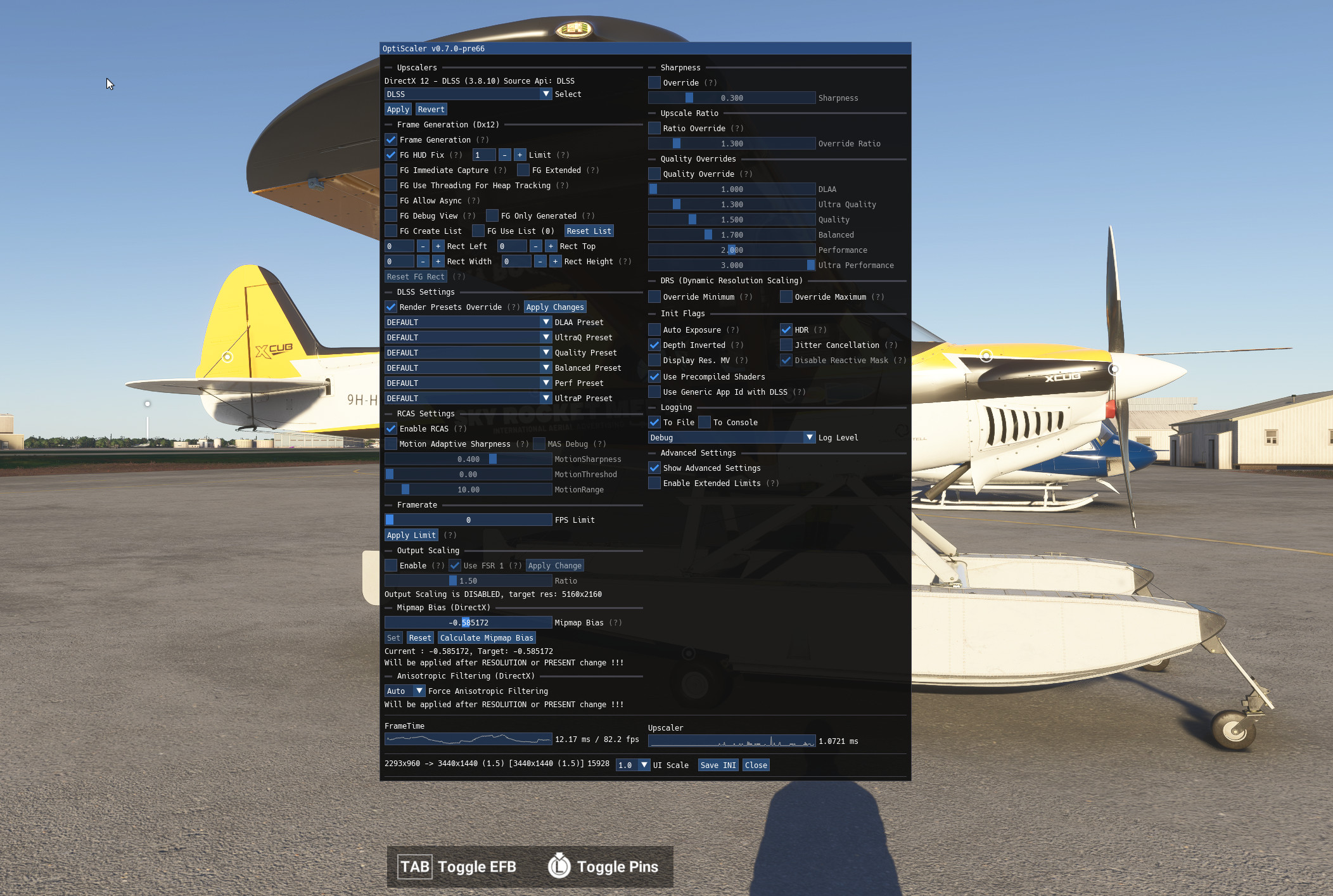
Description
FIND THE UPDATED PROJECT HERE https://github.com/optiscaler/OptiScaler
THIS MOD IS DEFUNCT AND NO LONGER UPDATED
MSFS 2020MSFS 2024
(OLD)OptiScaler - Framegeneration and DLSS Preset change on the fly
https://github.com/optiscaler/OptiScaler This mod is no longer updated, but the project is very much alive on github by the creators.
Downloads Stopped
The creator has temporarily stopped downloads for this addon. Please check back later.
Downloads4K
Version1.2.8.0
File Size20.89 MB
Published1 year ago
Updated1 year ago


User Reviews
2.3
6 reviews
5
33%
4
0%
3
0%
2
0%
1
67%
Version History
Archive is finally updated! Sorry for the delay - and mismatch between file and description. Happy new year everyone!
Log in to join the discussion
Log InComments(66)
3 months ago
8 months ago
about 1 year ago
about 1 year ago
over 1 year ago
Does someone have a solution for this?
11 months ago
over 1 year ago
over 1 year ago
over 1 year ago
over 1 year ago
I’m just having one issue - when enabled, playing remotely via Steam Link FS2020 wont recognise my controller. The actual game works, but the controller doesn’t. Remove the files and it works again.
Any thoughts? Thanks again.
over 1 year ago
over 1 year ago
over 1 year ago
just a small info for those who face CTD... there are 4 files inside which contain 1 file called amd_fedalityxfx_dx12.... if you have nvidia card, then dont paste this file
over 1 year ago
over 1 year ago
over 1 year ago