
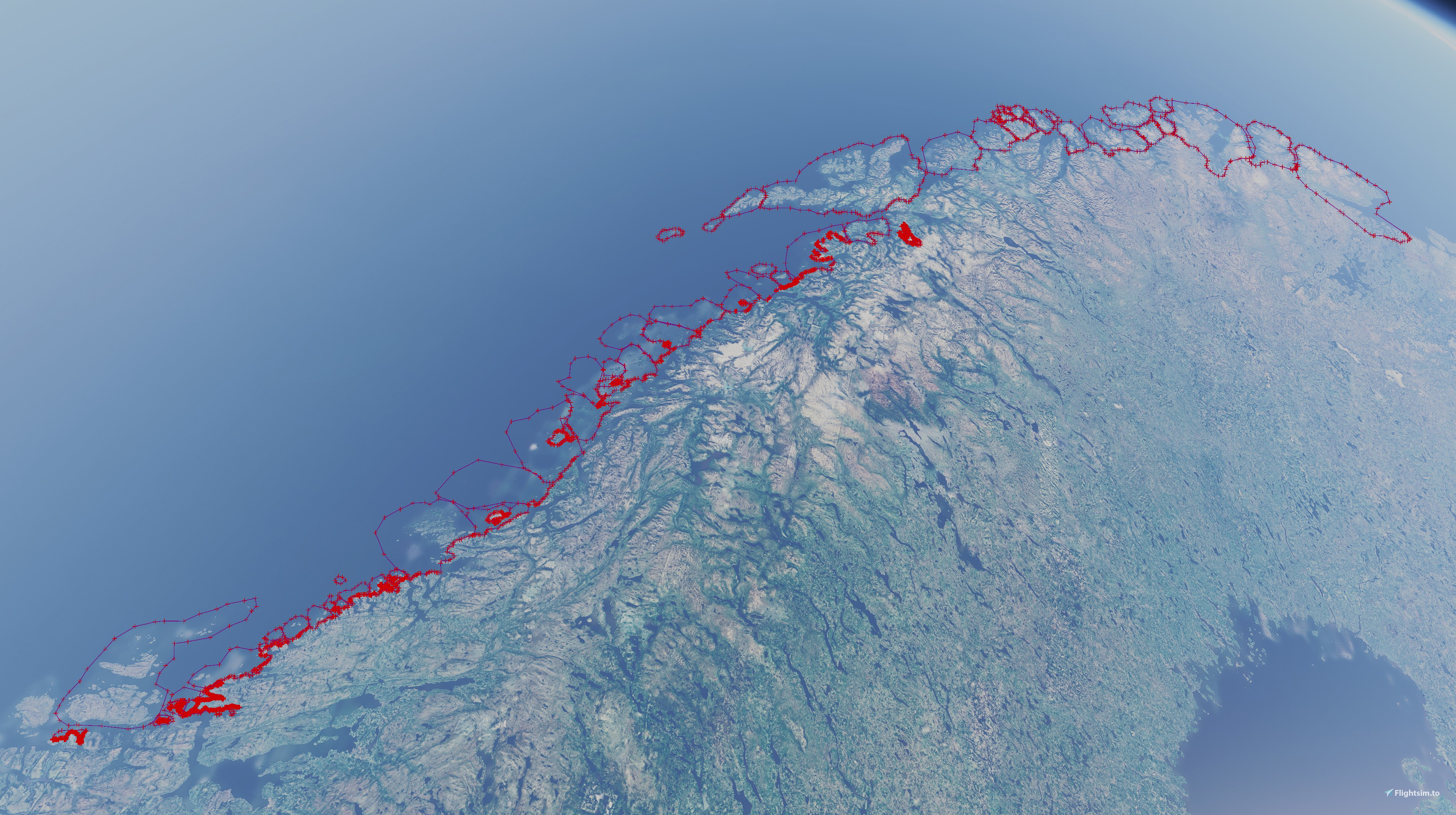
Description
One of the most annoying things when flying VFR, spesially in familiar areas, are that big amount of auto generated trees in areas where it should'nt be any forest or just some scattered trees. The northern coast of Norway is well know for it's tough and weather-beaten coastline and there are barly any trees or forest close to the outer skarries and shorelines. This package excludes the autogenerated forest and adds some treegroups and forest areas in the Trøndelag, Nordland and Finnmark counties in Northern Norway. This release removes some missplaced gerenric buildings and also testing the new biomes and rock functionality in a few areas.
As always, if you like it, give me some stars, if not, just delete it from your installation.
Installation:
Just drop in the community folder.
Ver 2.0.0: - Inital version for MSFS 2024 buildt with SDK 1.0.0
Location
Treefix Northern Norway for MSFS2024
Treefix North Norway for MSFS2024 modifies the landscape of Northern Norway by removing autogenerated forests and adding more accurate tree groups and areas. This add-on focuses on Trøndelag, Nordland, and Finnmark counties, aligning the environment with the regions true characteristics, which feature sparse vegetation along the rugged coastlines. Additionally, it addresses misplaced generic buildings and utilizes new biome and rock functionalities.


Version History
No version history available.
Featured in Collections(1)


Related

Volcano Tree Fix (global)
Enhance volcanic landscapes in Microsoft Flight Simulator with this mod, focusing on removing misplaced vegetation from specific volcanoes worldwide. Enjoy improved visuals on select volcanoes, including landmarks like Mount St. Helens, Mount Vesuvius, and more. Consider supporting the creator through a PayPal donation for continued updates and enhancements. Explore a curated list of refined volcanic sceneries with this vegetation adjustment mod.
by THEOLI4D
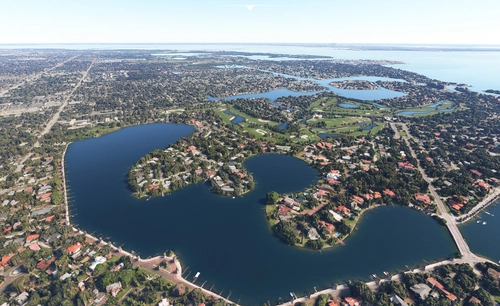
MEGA no tree Mod-Pack 176 Cities for MSFS2020 and MSFS2024 from homecockpit.de
This add-on features the MEGA no tree Mod-Pack, which removes autogen trees from 176 cities in Microsoft Flight Simulator 2020 and 2024. Designed to enhance visibility and provide a different flying experience, this pack ensures compatibility with both versions of the simulator.
by homecockpit.de
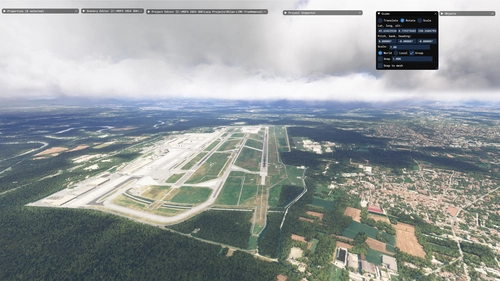
Global Tree removal MSFS 2024 only
This add-on offers tree removal enhancements for airports worldwide, allowing for improved ground visuals and operations. Users are encouraged to submit airport ICAO codes to build a wishlist of locations for future updates. This feature aims to facilitate smoother landings and takeoffs by eliminating obstructions.
by Laca1988
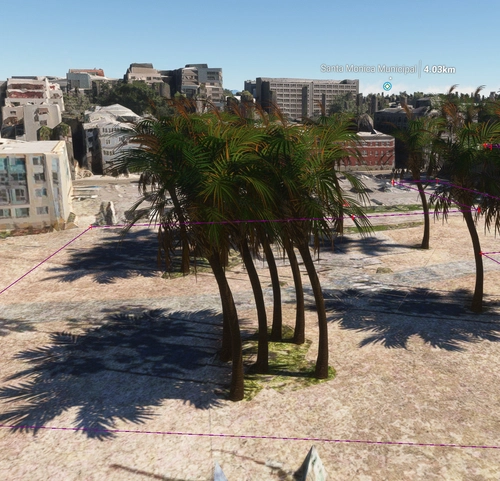
Santa Monica & Venice Beach palm enhancement
This addon replaces ai trees and blobs along Venice Beach and adds palms.
by Aero_Addons
Log in to join the discussion
Log InComments7
I dont know. I dont use Bijan's mods. If there are any conflicts between them, the one with the highest priority will show. In my treefixes, excludes have priority 0 and biome changes have priority 1.
As I understand it, if two mods have assets with conflicting priorities, the first asset read by MSFS will show.
At least it was like that in MSFS2020.
But I dont think using both will make any severe problems (CTD or stutters) as there are no graphics in my mods. It uses stock assets from MSFS.
Just try both, and if you encounter any problems, report it here.
My main source is Norwegian maps and Google map/earth, but its often hard to know what type of forest and the height and density of it.
I dont know where used to live, but if you tell, ill have a look at it :-)
The old treefixes will work, but they also exclude the new MSFS2024 rocks and boulders. In addition there are some biomes that make errors when I import the source files into the MSFS2024 SDK. So no, I dont have to redraw the polygons, but I have to open every one of them and check/correct the properties. The 2024 version will also exclude some of the autogenerated buildings put in wrong places. If you find some of those, please send me a PM with the coordinates and I will remove them in the next build.