
Description
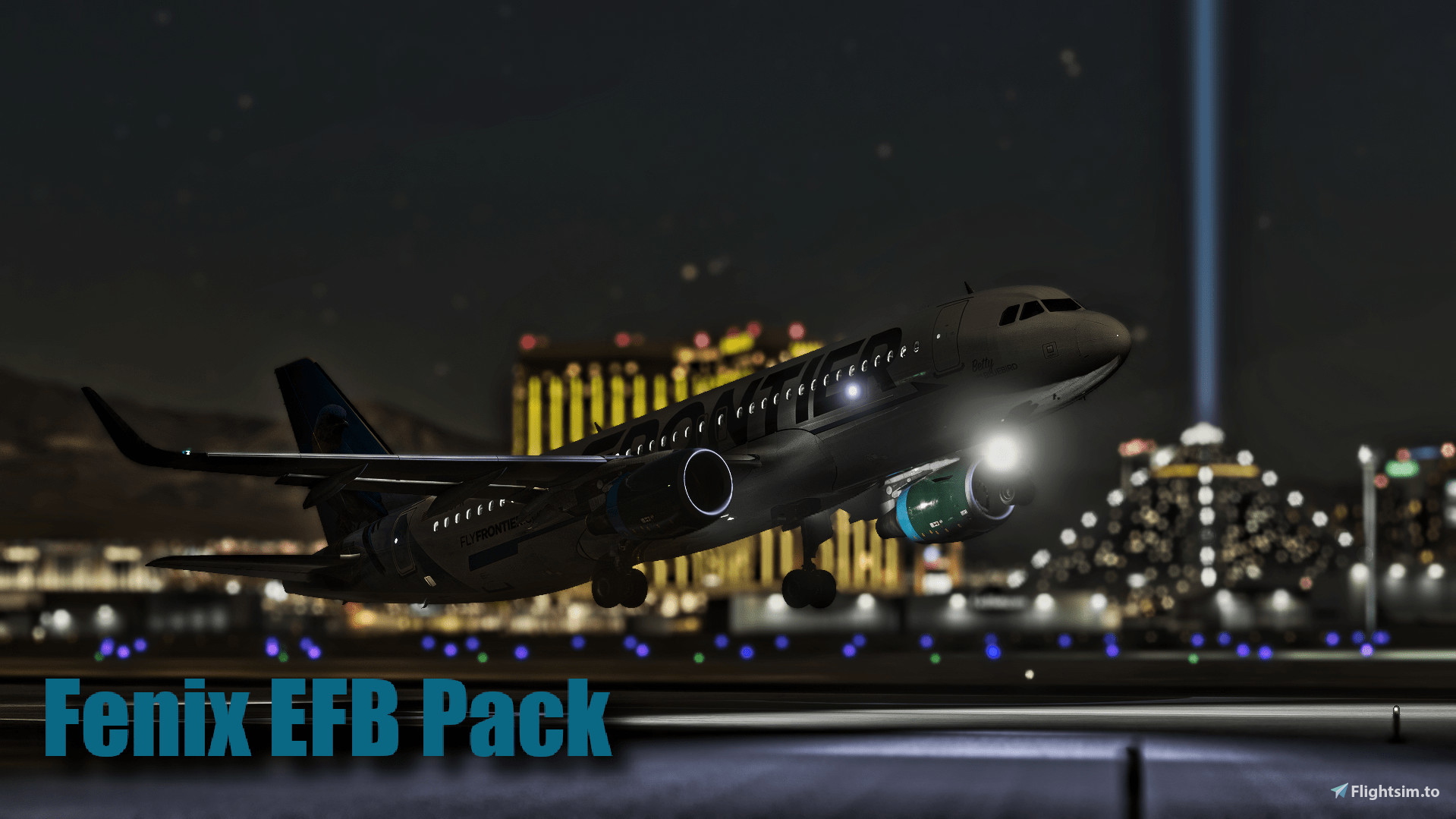
Ultimate EFB Wallpaper Pack for Fenix A319/A320/A321
!!!Video Trailer below description!!!
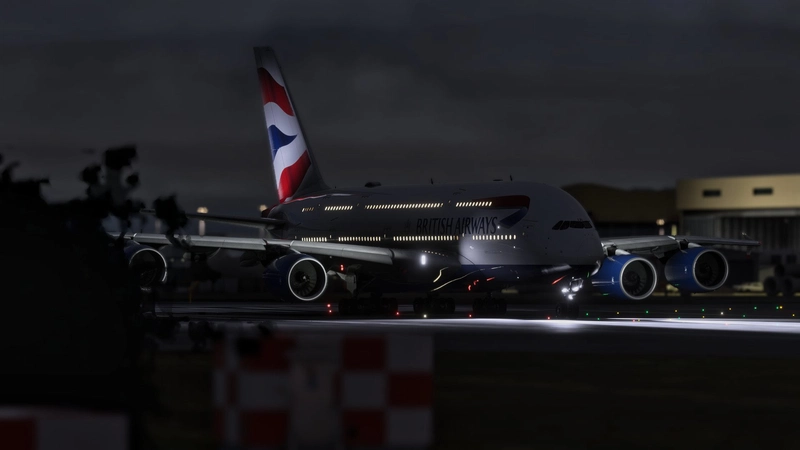
EN : Check out this wallpaper pack specifically designed for the Fenix A320 family EFB in MSFS. This pack brings together multiple wallpapers in a single download, to make it easier to customize your EFB.
Important note: I want to clarify that I am not the creator of the wallpapers themselves. I simply gathered and organized these images into a pack in order to simplify access and avoid users having to download them individually. This project is designed to provide a service to the community. For any addition of wallpaper in the pack, do not hesitate to let me know your suggestion via the comments.
(PS: I will update the pack regularly whenever quality content is shared)
FR : Découvrez ce pack de fonds d'écran spécialement conçu pour l'EFB de la famille Fenix A320 dans MSFS. Ce pack rassemble en un seul téléchargement de multiples fonds d'écran, pour faciliter la personnalisation de votre EFB.
Note importante : Je tiens à préciser que je ne suis pas le créateur des fonds d'écran eux-mêmes. J'ai simplement rassemblé et organisé ces images en un pack afin de simplifier l'accès et d'éviter aux utilisateurs de devoir les télécharger individuellement. Ce projet est pensé pour rendre service à la communauté. Pour tout ajout de fond d'écran dans le pack, n'hésitez pas à me faire part de votre suggestion via les commentaires.
(PS : je mettrai à jour le pack régulièrement dès que du contenu de qualité sera partagé)
Installation Instructions :
EN : Once the wallpaper pack is installed, you just need to follow the fenix instructions to change the wallpaper of your EFB.(https://support.fenixsim.com/hc/en-us/articles/12458461738255-How-to-change-the-EFB-background-image-and-access-the-WEB-MCDU)
FR : Une fois le pack de fond d'écran installé, il vous suffit de suivre ce tutoriel simple rédigé par Fenix, pour modifier le fond d'écran de votre EFB. (https://support.fenixsim.com/hc/en-us/articles/12458461738255-How-to-change-the-EFB-background-image-and-access-the-WEB-MCDU)
Credits & Thanks:
Wallpapers: Many thanks to the active contributors on the "Cabin Announcements for Fenix" Discord, especially CAFC & Zhanger for their fantastic contributions.
If you encounter any problems or have any suggestions for additions, please feel free to contact me via the comments section.
I hope you enjoy your enhanced flight experience on board the A319/A320/A321.
Ultimate EFB Wallpaper Pack for Fenix V2
This add-on features a comprehensive wallpaper pack designed for the Fenix A320 family EFB in Microsoft Flight Simulator. It includes a variety of images collected to simplify the process of customizing your EFB experience. The pack is organized for easy access, allowing users to seamlessly change wallpapers without the need for individual downloads. Contributions from the community have been acknowledged, enhancing this collaborative project.
User Reviews
1 reviews
Version History
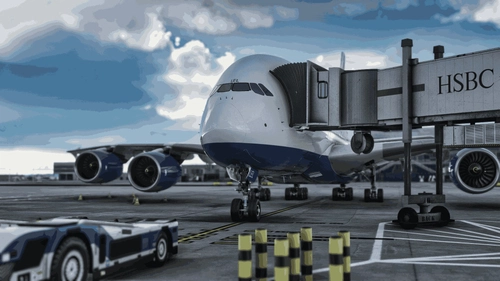
New Airline EFB Wallpapers Added: • Aerolineas Argentinas • Air Corsica • Air Asia • Atlantic Airlines • Cathay Pacific • Condor (New) • Condor (Old) • Corendon • Croatia Airlines • Cyprus Airways • FreeBird • Iran Air • JetSmart • KM Malta Airlines • Monarch (Purple) • Monarch (Yellow) • Sky Express • Thomas Cook • TigerAir • Titan Airways - A320 • Titan Airways - A321
Log in to join the discussion
Log InComments(15)
8 months ago
12 months ago
11 months ago
about 1 year ago
over 1 year ago
To change the background:
1. Localhost in your web browser
Open up a new tab in your browser and enter http://localhost:8083/settings
You can then change the background.
2. External Device
For those using their external tablet, you can open up the EFB settings app and change it. For a guide on how to use the EFB on an external device: Linking your tablet to the EFB
Ensure your sim is running and you're loaded into the Fenix aircraft to change the image.
EFB background size is 2028x1536 px.
**These instructions were copied and pasted from the following URL**
https://support.fenixsim.com/hc/en-us/articles/12458461738255-How-to-change-the-EFB-background-image-and-access-the-WEB-MCDU
over 1 year ago
over 1 year ago
over 1 year ago
over 1 year ago
Pour pouvoir changer le fond d'écran de la tablette, vous devez vous rendre sur ce lien : http://localhost:8083/ (source officielle : https://kb.fenixsim.com/change-efb-image-web-mcdu)
Une fois l'EFB fenix affiché sur votre navigateur, rendez-vous dans les paramètres de celle-ci et vous pourrez sélectionner un dossier/une image.
Je vous conseille de DL mon pack et de le renommer "Fond D'écran Fenix", comme ça il vous le proposera à chaque fois et il vous suffira de cliquer sur le fond d'écran désiré.
(PS : j'ai remarqué que le lien ne fonctionne plus de mon côté non plus, peut-être un souci de connexion côté Fenix, on va attendre un peu)
Au plaisir, merci pour le soutien !
over 1 year ago
over 1 year ago
almost 2 years ago
almost 2 years ago
almost 2 years ago
almost 2 years ago