
Description
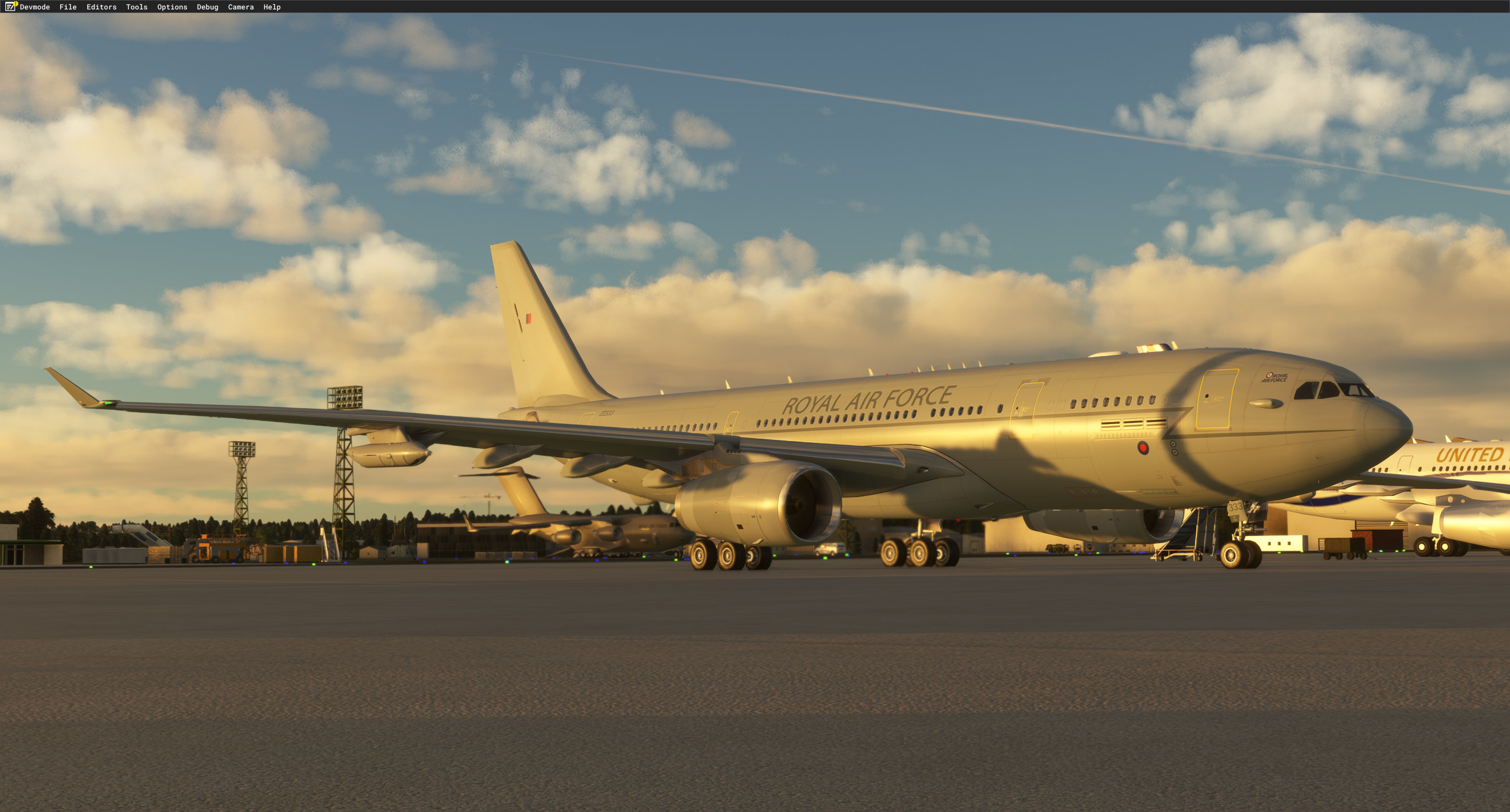
This aircraft is the Airbus A330-243 Multi Role Tanker Transport (MRTT) for MSFS2020
-----IMPORTANT-----
Due to issues caused by overwritng files, This now requires you to have the Headwind A339X to work!!!
The Exterior model of this aircraft was originally from Thomas Ruth. The model was imported into Blender and re-animated as well as areas like the engines, drogues and various antennas across the model were remade and animated. The textures were redone in 8K texture resolution with more accurate details closer to the real A330-243 MRTT.
The interior model is from the freeware Headwind Airbus A330-900 neo.
Both the KC.2 and the KC.3 have been modelled for this package with the difference being the KC.2 has only the 2 Drogue pods, while the KC.3 has both the wing pods and the newer Centerline Drogue !
Currently, the Boom works with the drogues tied to the "Strobe lights" as I am in the middle of finding the best way to make them function seperately without overridng any of the original Headwind Files!
ANIMATIONS
For animations, all flight control animations work including spoilers, flaps and slats.
- Landing gear , gear doors, engines, thrust reversers and doors function correctly.
- Animated Drogues & Boom that work across Multiplayer
- Wingflex is also included and does not affect the position of the droques when in flight/cruise across multiplayer.
LIVERIES
Currently only 4:
- RAF - ZZ336 (KC.2)
- RAF - ZZ337 (KC.3)
- Factory Primer (BOOM RR engines)
- Factory Primer (BOOM GE engines)
LIGHTING
- Navs, strobes, beacons, taxi lights and landing lights are all functional and accurate following photo & video references.
- Full lighting for the baskets and drogue pods that are accurate!
- Functioning lights for drogue / boom operations and drogue / boom visibility across multiplayer!
- Formation lights that work across multiplayer!
KEYBINDS
Drogues - Wing lights
Boom / Center line drogue - Strobe lights OFF once in flight
Formation Lights (Works across Multiplayer) - recognition lights
For anyone having issue with GSX not recognizing the parking brake.
Spawn with the MRTT on the runway. Open the GSX menu and press the "Customize Airplane" button.
In the pop-up window should be a box called "Parking brakes test".
Enter the following line into that box: "(L:A32NX_PARK_BRAKE_LEVER_POS,number) (L:A32NX_GND_EQP_IS_VISIBLE, number) ||" (without the quotation marks). Press save and close the window.
Once you are warped or spawned back on stand, you should be able to use GSX again as you wish without it screaming to set your parking brakes.
( Thank you to "softpxl" for figuring this one out! )
COPYRIGHTS:
Interior model of Headwind A330-900 NEO.
Thomas Ruth's exterior model used as a base model.
We do not in any way guarantee its proper functioning and decline all responsibility for any problem or damage resulting from its installation and the use of the files that compose it.
This plane is FREEWARE. THIS AIRCRAFT SHOULD NOT BE INCLUDED ON ANY MEDIA, COMPILED AND SHOULD NEVER BE SOLD OR EXCHANGED FOR CASH OR ANY OTHER FORM OF REVENUE.
Dependencies
A330-243 MRTT " Voyager"
The A330-243 Multi Role Tanker Transport (MRTT) adds a detailed and functional military aircraft to MSFS2020. Featuring an exterior model adapted from Thomas Ruth, with enhanced animations and 8K textures, this add-on includes both the KC.2 and KC.3 variants. It boasts realistic flight control animations, functioning lights, and accurately modelled drogue systems for multiplayer operations. Currently focused on the RAF variants, future updates are planned to introduce more features and additional national configurations.

Supporters

User Reviews
42 reviews
Version History
-Fixed Broken drogue animations on KC2 and Boom variants. -Boom changed to strobes needing to be OFF inflight to lower the boom for some accuracy.
Featured in Collections(1)

Related
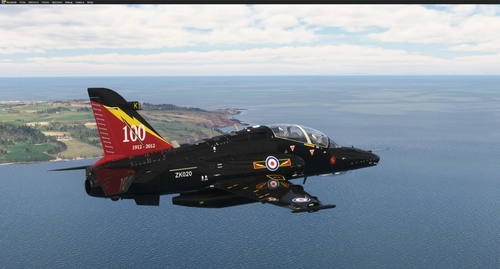
BAE Systems Hawk T.2 / MK.127
Discover the BAE Systems Hawk T.2 / MK.127 add-on featuring high-resolution liveries for RAF, RAAF, and RCAF. Enjoy new textures, custom animations, drag chute, and more in this freeware release. Note that installation requires owning specific aircraft and the package includes an installer for seamless setup. Explore the detailed features and liveries of this meticulously crafted aircraft model.
by Nattani
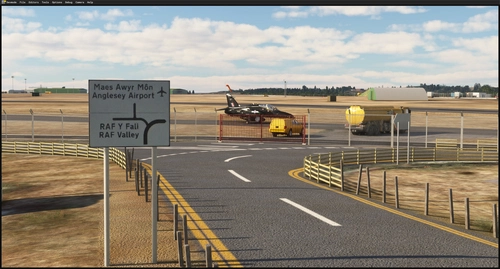
EGOV - RAF Valley (UK)
This updated rendition of RAF Valley for Microsoft Flight Simulator features newly modeled aircraft, improved buildings, and accurate crash barriers. Runway textures, markings, and lighting have been refined to match real-world specifications. The update includes the addition of Typhoon and F-35B models, new satellite imagery, and improved ground assets. Some areas, such as taxiway lines on the new service apron, are marked for future updates.
by Nattani
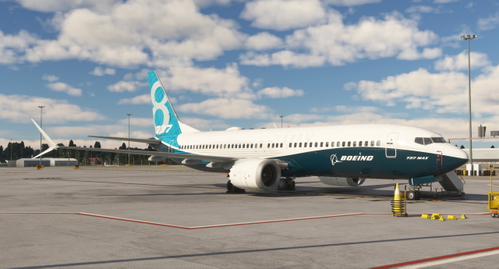
Boeing 737 MAX 8 " Boeing House Livery" N8701Q
This add-on features a custom livery for the IFLY Boeing 737 MAX 8, designed to replicate the airframe "N8701Q," also known as "The Spirit of Renton." The livery reflects its time as a test aircraft for Boeing prior to its delivery to Southwest Airlines. Installation is straightforward, requiring users to add the livery folder to their community directory.
by Nattani
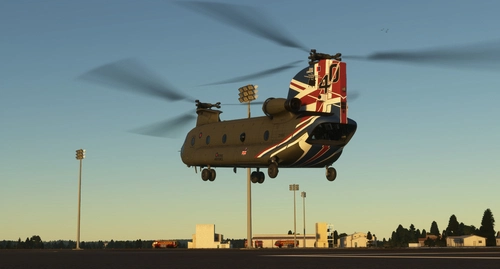
RAF CH-47D 40th Aniversary Scheme ZD984
Celebrate the 40th anniversary of the RAF Chinook ZD984 with this livery, a tribute to the iconic aircraft. Created in Blender, this livery may have some imperfections, but feedback is welcome for improvements. Enjoy this special design and keep an eye out for more projects to come. Simply unpack and place the file into your community folder to experience this unique livery.
by Nattani
Log in to join the discussion
Log InComments(225)
4 days ago
about 11 hours ago
16 days ago
1 day ago
16 days ago
Thank you for providing the sim community with a brilliant free aircraft
16 days ago
21 days ago
17 days ago
23 days ago
17 days ago
24 days ago
16 days ago
https://flightsim.to/addon/84562/republic-of-singapore-air-force-rsaf-a330-mrtt-763
https://flightsim.to/addon/96549/nattani-a330mrtt-republic-of-singapore-air-force-a330mrtt-pack
26 days ago
about 1 month ago
about 1 month ago
about 1 month ago