
Description
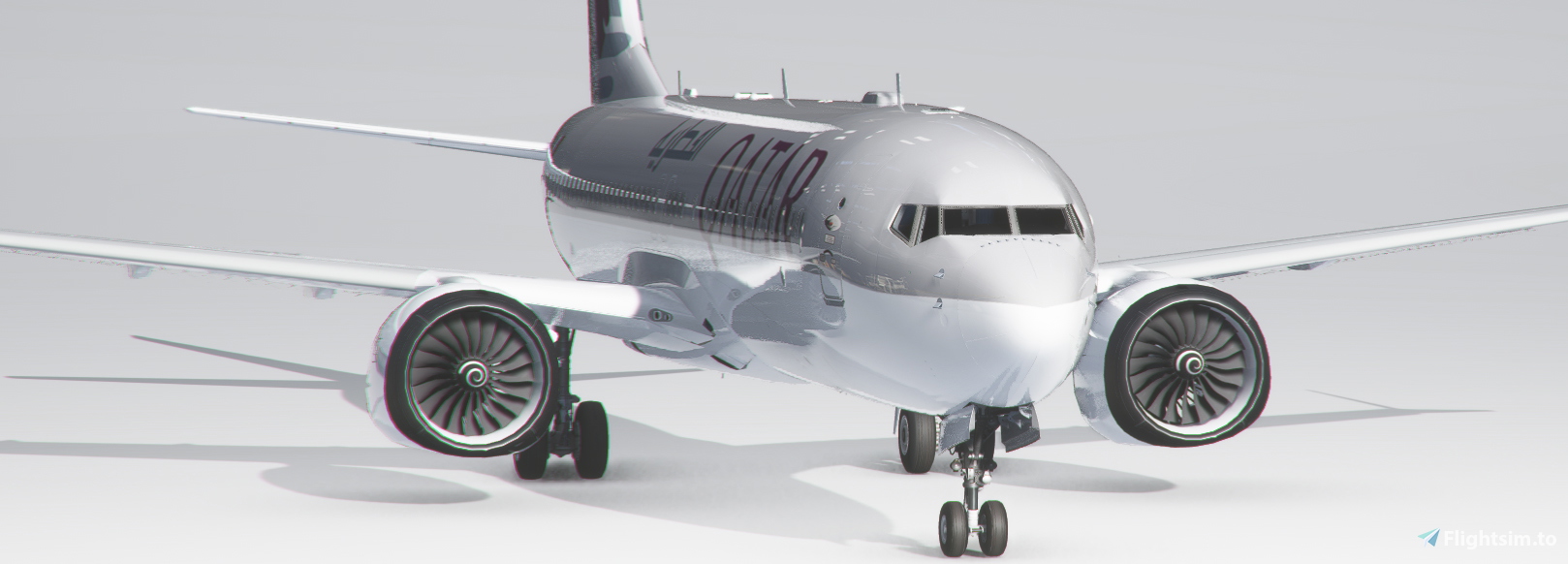
Experience the iconic Boeing 737 in the livery of Qatar Airways with this high-quality add-on from Bredok3D.
bredok3d-boeing737 QATAR
Experience the iconic Boeing 737 in the livery of Qatar Airways with this high-quality add-on from Bredok3D.

Version History
No version history available.
Related
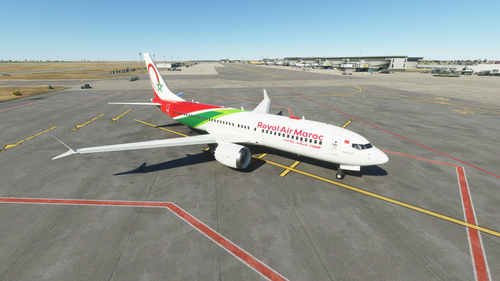
bredok3d-boeing737-Royal Air Maroc
Experience the iconic Boeing 737 in the livery of Royal Air Maroc with this detailed add-on by bredok3d. Get ready to fly this classic aircraft in the colors of the Moroccan national carrier.
by flymorocco
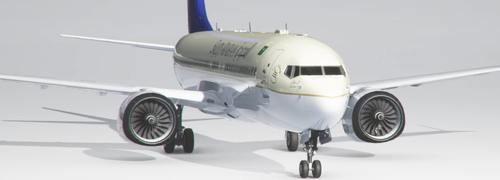
bredok3d-boeing737-SAUDI ARABIAN
Experience the iconic Boeing 737 in the livery of Saudi Arabian Airlines with this high-quality add-on by Bredok3D.
by flymorocco
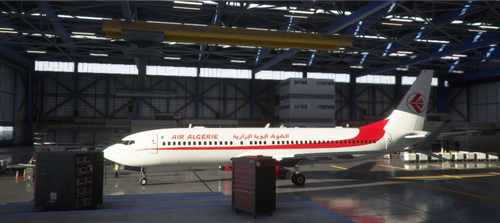
bredok3d-boeing737-ALGERIA
Experience the beauty of Algeria from the cockpit of a highly detailed Boeing 737 with this add-on from Bredok3D. Explore the stunning landscapes and challenging airports of this North African country with realistic liveries and custom features. Perfect for those looking to immerse themselves in the unique aviation environment of Algeria.
by flymorocco
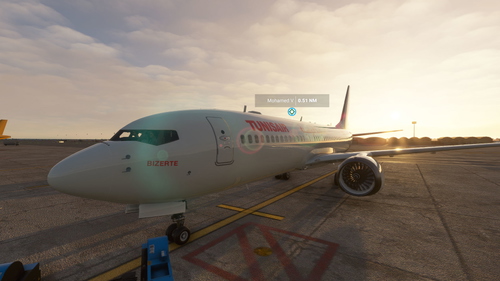
bredok3d-boeing737-TUNISAIR
Experience the ultimate realism with the Bredok3D Boeing 737 in Tunisair livery. Fly this iconic aircraft with stunning attention to detail both inside and out. Perfect for fans of Tunisair or those looking to add a high-quality aircraft to their fleet.
by flymorocco
Log in to join the discussion
Log InComments(3)
over 5 years ago
hallo Sir...I really need your help...I tried to open Bredok3d B737 in Blender but it was end with error message...can you help me please...what should I do to open it in Blender...thank you...
Regards,
Irwin
over 5 years ago
thanks
over 5 years ago