
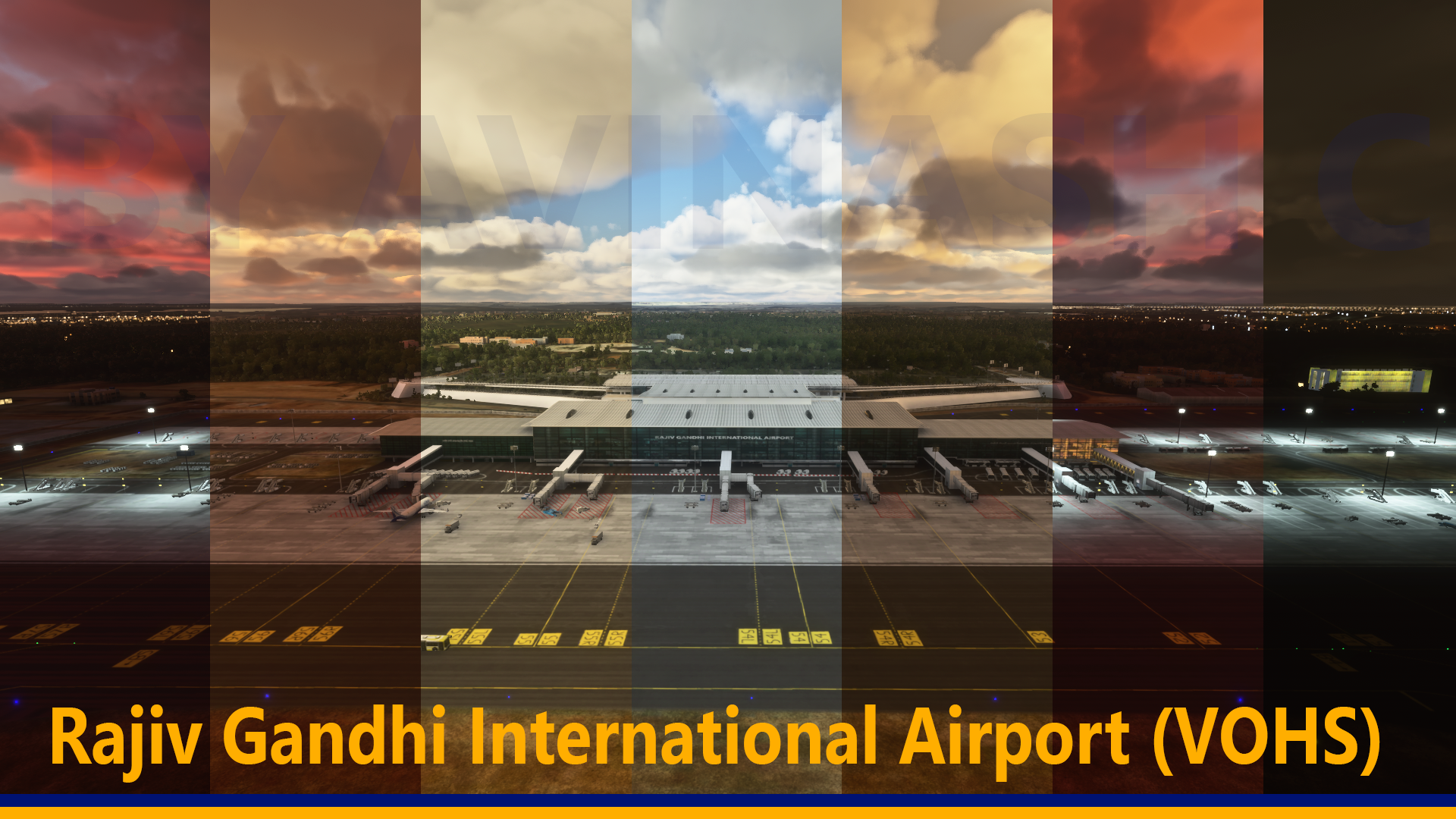
Description
V2 Version is available now here
https://flightsim.to/file/80086/vohs-rajiv-gandhi-international-airport-v2
Location
VOHS Rajiv Gandhi International Airport
Enhance your virtual flights with the VOHS Rajiv Gandhi International Airport add-on, the first Indian scenery released for MSFS 2020. This package features a highly detailed terminal, realistic night lighting, accurately mapped gate markings, and a new ATC Tower model. Enjoy animated jetways, ground services, and more, bringing authenticity to your flying experience. Update 1.1 includes grass around the airport and illuminated taxiway signs for added realism.


User Reviews
16 reviews
Version History
1. Added Grass to the airport. 2.Taxiway signs will now illuminate the ground.
Featured in Collections(1)

Related
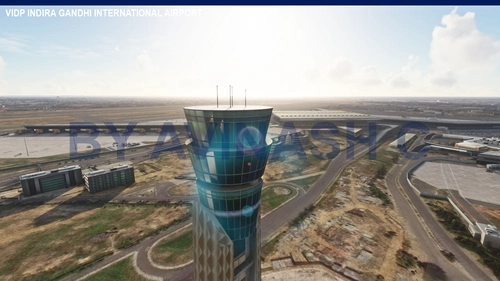
VIDP Indira Gandhi International Airport
Experience the bustle of Delhi with this detailed recreation of Indira Gandhi International Airport. Featuring custom buildings, animated jetways, and accurate taxiway markings, this add-on captures the essence of one of Indias busiest airports. Explore over 5,000 acres of meticulously designed scenery, with future improvements on the horizon for an even more realistic flight experience.
by rcavinash123
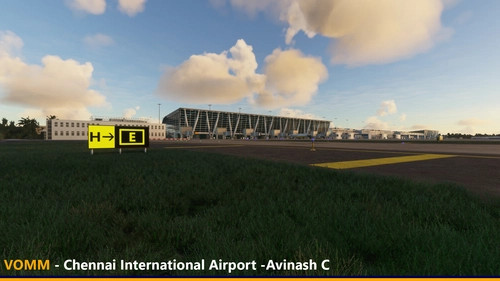
VOMM Chennai International Airport
Explore the detailed and realistic rendition of VOMM Chennai International Airport in this add-on, featuring highly detailed terminals, custom lighting, and optimized HD textures. Update 2.0 brings major enhancements including animated glass jetways, custom taxiway markings, and added ground services for a more immersive experience. Join the aviation history of Chennai with this meticulously crafted scenery.
by rcavinash123
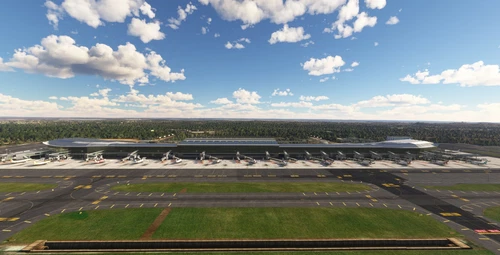
VOHS - Rajiv Gandhi International Airport V2
This add-on features version 2 of Rajiv Gandhi International Airport (VOHS) in Shamshabad, Hyderabad, India. It includes extensive detail with a complete interior, expanded terminals, and custom jetways. While the airport is highly detailed, some elements such as the entrance ramp and AeroPlaza are yet to be completed. Users should note that the add-on is resource-intensive, necessitating a capable computer for optimal performance.
by rcavinash123
Log in to join the discussion
Log InComments(49)
over 1 year ago
about 2 years ago
about 2 years ago
about 2 years ago
over 2 years ago
over 2 years ago
over 2 years ago
almost 3 years ago
almost 3 years ago
about 3 years ago
over 3 years ago
Sir this is the best work, please update this and fix ILS approaches.
over 4 years ago
Please update this mod for Sim Update 9 and Sim Update 10 after release ASAP 🙂🙂
over 4 years ago
Hi All,
Sorry for the late response. I was busy with my personal life and could not spend more time on the sim. I will come back for sure to make more sceneries and update the existing ones. Meanwhile I do see a rumor spreading that I was passed away. I am not sure who did that and for what reason. But here i am very much alive and replying to you. And thank you for supporting me. Take care
over 4 years ago
Please update this mod for Sim Update 9 and Sim Update 10 after release ASAP 🙂🙂
over 4 years ago
Very nice airport. Well done! However, I have issues where jetways not attached to the building.
about 4 years ago
that is a sim issue
over 4 years ago
Great Job!
almost 5 years ago
great work! thank you for your time
almost 5 years ago
Jetways are bugged (SU7, FS Ver. 1.21.18.0). Otherwise very good quality!
https://imgur.com/a/yIlHtWP
almost 5 years ago
Running version 1.20.6 - installed. Flights from Delhi to Hyderabad. No Issues :) Great Airport Scenery.