
Description
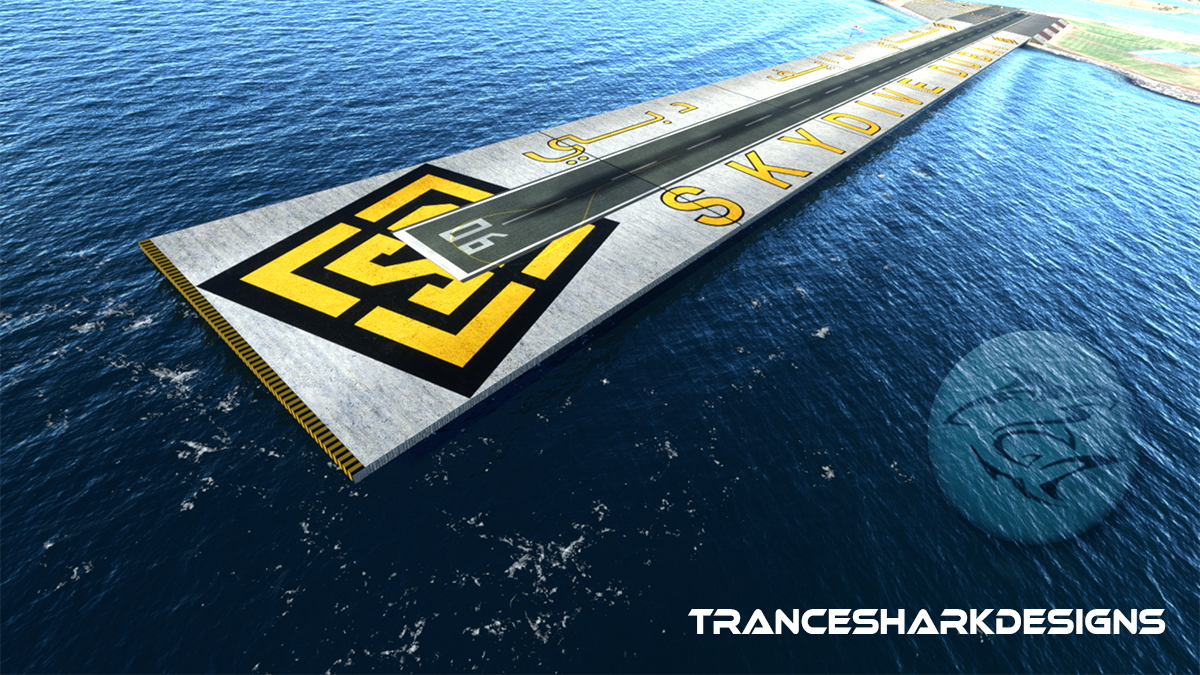
When Skydive Dubai started, it was just a small sand runway. It evolved over the years to what it is now - a spectacular, floating runway, which extends 550 meters into the Arabian Gulf, right next to the famous Palm Jumeirah.
The floating runway is quite a sight on approach and is reconstructed as a full 3D object, featuring 4K PBR texturing.
Installation:
Just move the "tsdesigns-omdu" folder to your Community folder.
The Airfield is optimized for my Ortho-Addon for OMDU here.
Version Notes:
0.5
Initial Release
The initial release is centered around the runway itself.
Location
Skydive Dubai - OMDU
Experience the evolution of Skydive Dubais floating runway with this add-on, featuring a spectacular 550-meter runway extending into the Arabian Gulf next to Palm Jumeirah. The runway is meticulously recreated as a full 3D object with stunning 4K PBR texturing. Simply move the "tsdesigns-omdu" folder to your Community folder for installation.

User Reviews
3 reviews
Version History
No version history available.
Related
GNS530 profile for StreamDeck XL (for LORBY's AAO SD plugin)
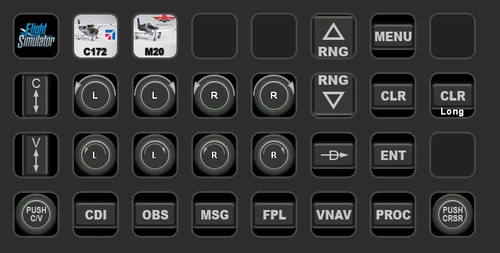
A GNS530 StreamDeck XL profile and icons designed for LORBYs AxisAndOhs (AAO) plugin, requiring the StreamDeck Plugin. Features all GNS530 system buttons for enhanced functionality, specifically crafted for the Mooney M20R aircraft. Compatible with the PMS50-GNS530 enhancement package and Carenado M20R updates. Freeware package by Tranceshark with no distribution rights.
by Tranceshark
Carenado Mooney M20R profile for StreamDeck XL (for LORBY's AAO SD plugin)
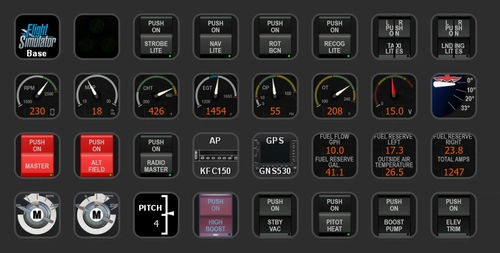
Enhance your flight simulation experience with the Carenado Mooney M20R Ovation StreamDeck XL Profile. This package by Tranceshark includes animated mainpanel aux steam gauges, digital gauges for various systems, and recreated buttons and switches for electrical systems and lights. Please note some known restrictions regarding button functions. Download now to customize your cockpit controls with this freeware add-on.
by Tranceshark
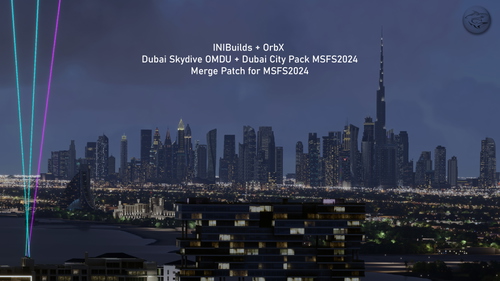
Merge ORBX + iniBuilds Dubai landmarks
This add-on provides a compatibility patch designed to merge the iniBuilds OMDU Dubai Skydive Airport and the OrbX Dubai City Pack within Microsoft Flight Simulator 2024. Created from scratch for the latest version of the simulator, it includes additional ground details for an enhanced experience. No external libraries are required except for the aforementioned scenery packages. Users need to rename the iniBuilds folder to ensure correct layering for proper display.
by Tranceshark
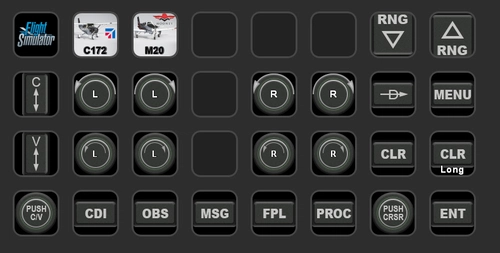
GNS430 profile for StreamDeck XL (for LORBY's AAO SD plugin)
Enhance your cockpit experience with the GNS430 StreamDeck XL Profile for LORBYs AAO SD plugin by Tranceshark. This package includes recreated and functional buttons for the GNS430 system. Please note that LORBYs AAO and its StreamDeck Plugin are required to run this profile. Find the GNS530 profile from the same creator for a complete set of cockpit controls.
by Tranceshark
Log in to join the discussion
Log InComments(16)
over 4 years ago
Does this work with orbx dubai city pack?
almost 5 years ago
great work dear friend , i used in my video , its so amazing , thank you so much
https://www.youtube.com/watch?v=N2xJ2YskBFo&t=158s
over 5 years ago
Attached image
https://i.ibb.co/7CF5sx6/Microsoft-Flight-Simulator-23-03-2021-12-41-20.jpg
https://i.ibb.co/8Dp6nvh/Microsoft-Flight-Simulator-23-03-2021-12-31-33.jpg
over 5 years ago
Maybe the latest update messed something up. Will check into it.
over 5 years ago
over 5 years ago
over 5 years ago
over 5 years ago
I'm facing an issue that when I set the runway for departure it doesn't recognize yours and set the acft to the "real" one from FS, so what happen is that the acft goes under your runway.
Hope you got my point.
am I doing anything wrong? Is there how to fix it?
tks
over 5 years ago
The Apron should be recognized as a hard surface. I will check into it this week. Maybe the latest update messed up the apron recognition.
over 5 years ago
over 5 years ago
Since this runway is not an ILS runway, it is only operated VFR and without automatic landing...
The next updates will address the texture quality and detailing around the runway itself, adding buildings and surroundings.
over 5 years ago
over 5 years ago
over 5 years ago
I perfectly agree. Bluewaters Island with the Ain Dubai (the Ferris Wheel) are in a work in progress. Since Ain Dubai is right next to the approach window, it is a must-have. I will publish this along with updates to the OMDU Airfield.
over 5 years ago
over 5 years ago