

Description
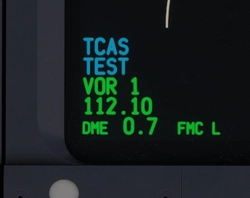
All White/Blank (No Rego) Repaint for the PMDG B777-300ER for MSFS
Install
1. Open PMDG Operations Center
2. Choose Aircraft and Liveries then Livery Utilities
3. Click install from PTP file
4. Select the PTP and follow the prompts
5. Ready to fly!
Any other issues, please raise on my discord here.
PMDG B777-300ER - All White Blank
"Add an All White/Blank repaint for the PMDG B777-300ER in MSFS with this easy installation guide. Customize your aircraft effortlessly and get ready to take flight!"

More Information
Version History
No version history available.
Related
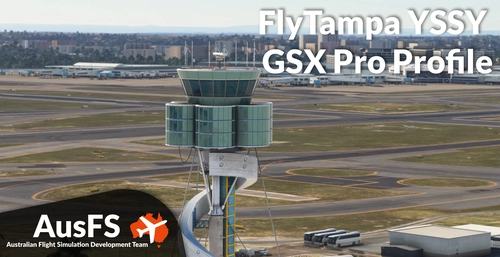
GSX Profile - YSSY Sydney (FlyTampa)
Enhance your ground handling experience at YSSY Sydney Airport with this GSX Pro Profile for FlyTampa. This profile includes detailed customization for the International Terminal, Domestic Terminals, and Stand-Off Bays, with added features like accurate pushback procedures and custom vehicle locations. Ensure seamless installation by following the provided steps, and enjoy improved ground services with accurate stop positions and catering per gate. Discover a PDF guide for pushback points and troubleshoot known issues for a smoother airport experience.
by AusFS - tcastest
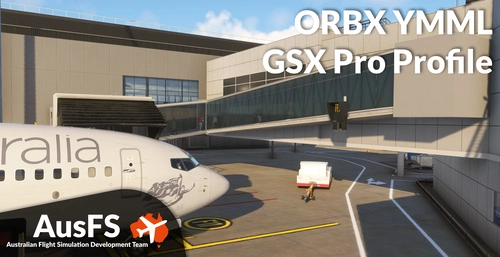
GSX Profile - YMML Melbourne (ORBX)
This GSX Pro Profile is designed for ORBXs YMML Melbourne airport, featuring detailed configurations for international and domestic terminals, as well as stand-off bays, including cargo areas. It includes updated airline parking positions, accurate ground handling procedures, and customized vehicle placements. The add-on provides essential tools for proper operation at the airport, such as a PDF outlining pushback disconnect points and guidance for installation and troubleshooting.
by AusFS - Pionsix / tcastest
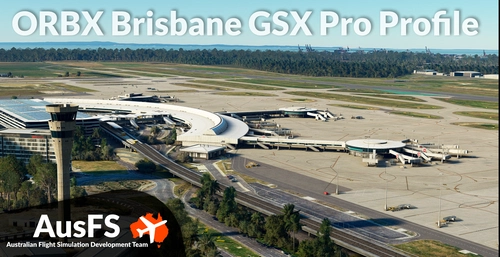
GSX Profile - YBBN Brisbane (ORBX)
GSX Pro Profile for ORBX YBBN. https://orbxdirect.com/product/ybbn-msfs Included in this profile are the GA Apron, Domestic and International Terminal, including all standoff bays, and the Logistics Apron. Installation 1. Copy the downloaded file, YBBN-AusFS.ini, and place in your MSFS GSX directory, located at %AppData%\Virtuali\GSX\MSFS 2. Ensure there are no other YBBN user-customisation files. Feature List Updated airline parking positions Accurate ground handling and catering per gate Accurate pushback procedures within the GSX limitations VDGS/Stopping positions Customised vehicle locations Customised bays with rear stair placement Customise fuel hydrant placement Customised walk-in paths for applicable bays
by AusFS
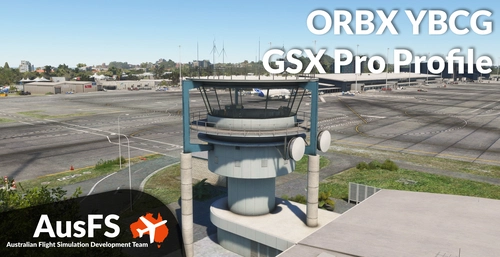
GSX Profile - YBCG Gold Coast (ORBX)
Enhance your ground handling experience at ORBX YBCG Gold Coast with this GSX Profile add-on. Enjoy accurate pushback procedures, customized vehicle locations, bays with stairs placement, fuel hydrant placement, and walk-in paths for all bays. Simply follow the installation instructions to get started!
by tcastest

Comments(4)
Log in to join the discussion
Log Inover 1 year ago
almost 2 years ago
almost 2 years ago
almost 2 years ago