
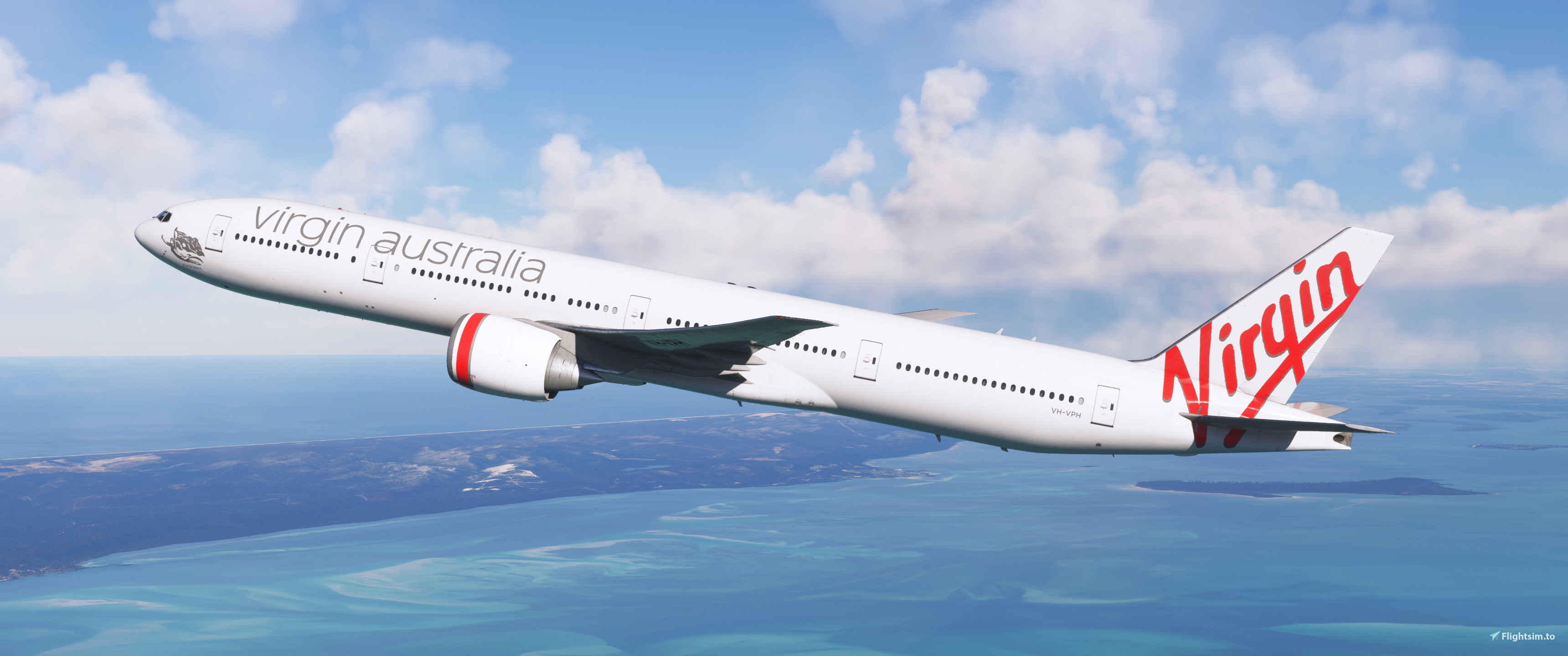
Description
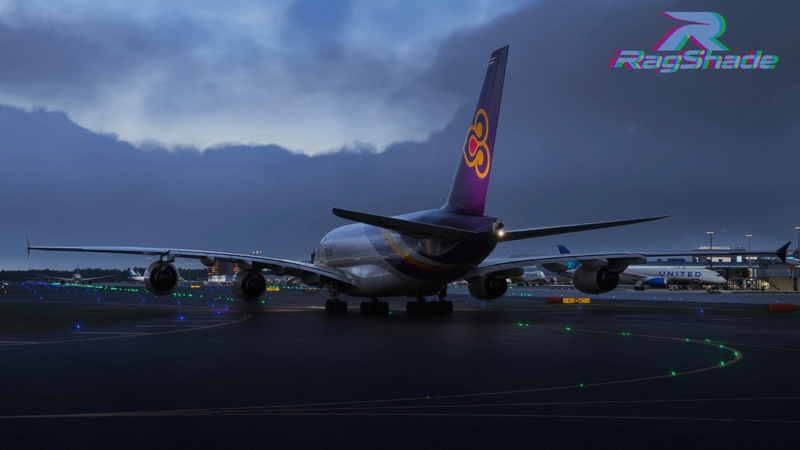
This preset is the result of hundreds of hours of flight sim experience monitor calibration, and trial and error. It is intended to be used with any version of reshade, and will look great in any time/sky condition in the sim. As mentioned, it was created on a calibrated monitor so all colors are correct, any issues you see with colors may be due to your monitor settings. I also use ARPC for my sky colors, but it should look great regardless. Enjoy!
Installation: Put the .ini file into the folder where you usually install reshade presets. An amazing install tutorial for both reshade and ARPC, credit to Noptic Reshade, is also included in the file download. My ARPC Settings are:
RED = -0.00387
GREEN = -0.00443
BLUE = -0.00608
NOTE: Turn BLOOM ON in MSFS settings, and have CAS sharpening set to whatever you prefer. Mine is at 0. My shadows are set to 8k in the user.cfg file.
RagShade - Reshade Preset
RagShade is a meticulously crafted Reshade preset designed to enhance your flight simulation experience. Created with calibrated monitor settings, it ensures accurate colors and stunning visuals in any time or sky condition. Easy to install and compatible with various versions of Reshade, RagShade promises exceptional graphics for your virtual flights.
User Reviews
2 reviews
Version History
Vibrance + brightness update. Bloom should still be turned on

Log in to join the discussion
Log InComments(9)
over 2 years ago
over 2 years ago
over 2 years ago
over 2 years ago
over 2 years ago
Keep it up
over 2 years ago
over 2 years ago
AURA GENERATOR RESHADE !!!!
DOWNLOAD NOW !!!!
over 2 years ago
over 2 years ago