
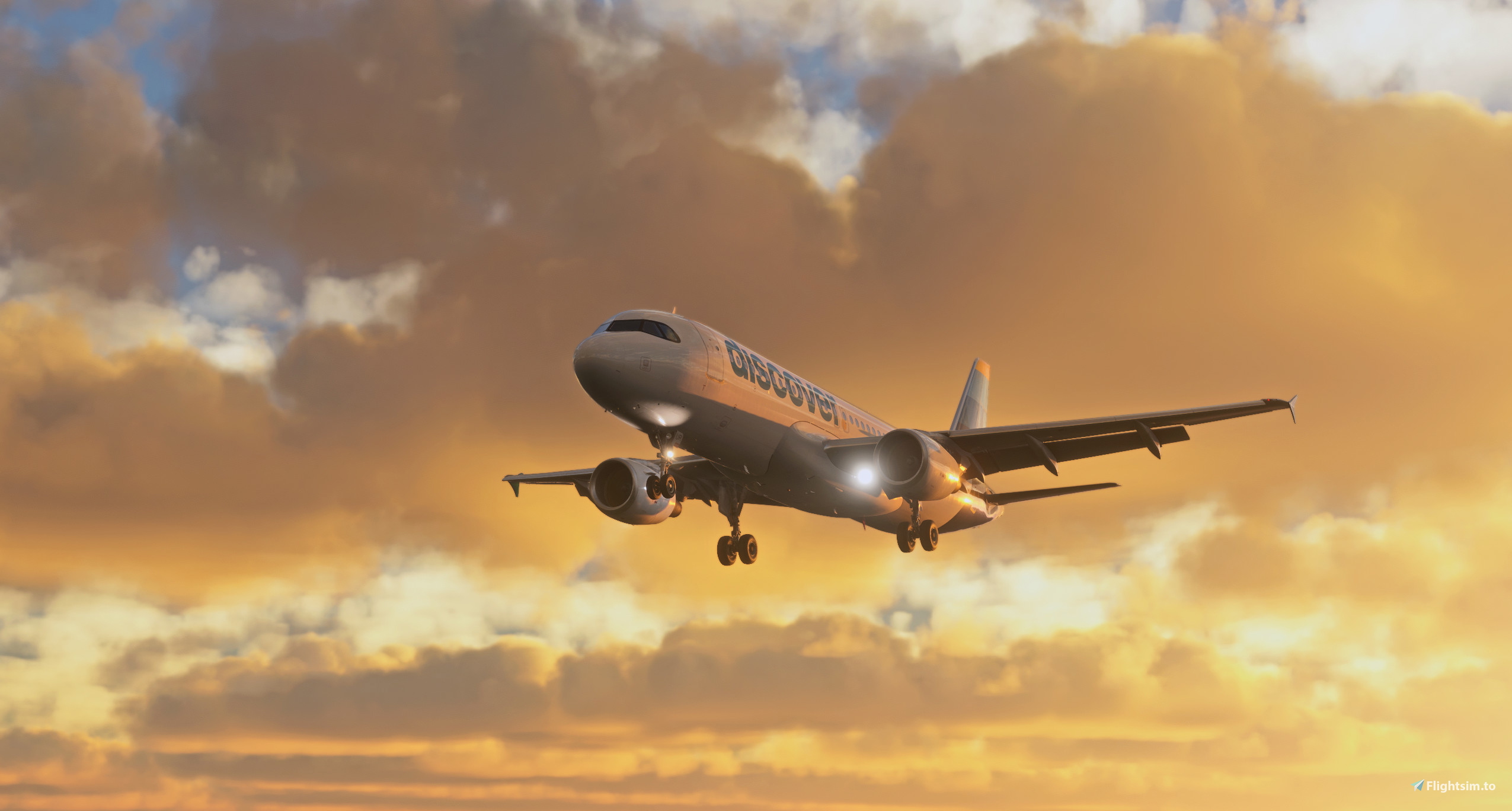
Description
For MSFS24, we are using Rex Atmos. https://www.instagram.com/p/DOEpmIlDWfq/
A reshade Preset is and will probably not be made for MSFS24. Sorry guys.
The Aviationlads Reshade Preset is a carefully crafted reshade preset designed to elevate the visual experience of Microsoft Flight Simulator 2020. This preset is specifically tailored to provide a more realistic and immersive look to the game, bringing out the vivid details and vibrant colors of the flight simulation environment.
Thanks to every Tester on the team. !
Comments(40)
Log in to join the discussion
Log In11 months ago
4 months ago
almost 2 years ago
thanks
almost 2 years ago
Cool Reshade. But I need help installing it please. I have never done that before.
Thanks in advance!
almost 2 years ago
Install all shader files .
Copy my preset in your msfs root folder.
Copy the LUT in texture folder of reshade-shaders.
ingame select my preset :)
almost 2 years ago
almost 2 years ago
almost 2 years ago
almost 2 years ago
almost 2 years ago
almost 2 years ago
almost 2 years ago
almost 2 years ago
almost 2 years ago
Please check if the correct LUT is placed in the correct folder :)
almost 2 years ago
almost 2 years ago
Aviationlads | Reshade Preset
For MSFS24, we are using Rex Atmos. https://www.instagram.com/p/DOEpmIlDWfq/ A reshade Preset is and will probably not be made for MSFS24. Sorry guys. Discover the Aviationlads Reshade Preset, a new way to enhance your Flight Simulator experience. Special thanks to the dedicated testers who helped fine-tune this innovative tool.
User Reviews
3 reviews
More Information
Version History
-Changelog- -Fixed Brightness -Fixed Yellowish Tint -Increased Exposure on Ground -Native "light blue" visuals Installation: Preset File in root MSFS Folder. Aviationlads.png (LUT) in reshade-shaders -> textures Folder For Reshade Installation, please watch a YT Video. :)
8 months ago