
Description
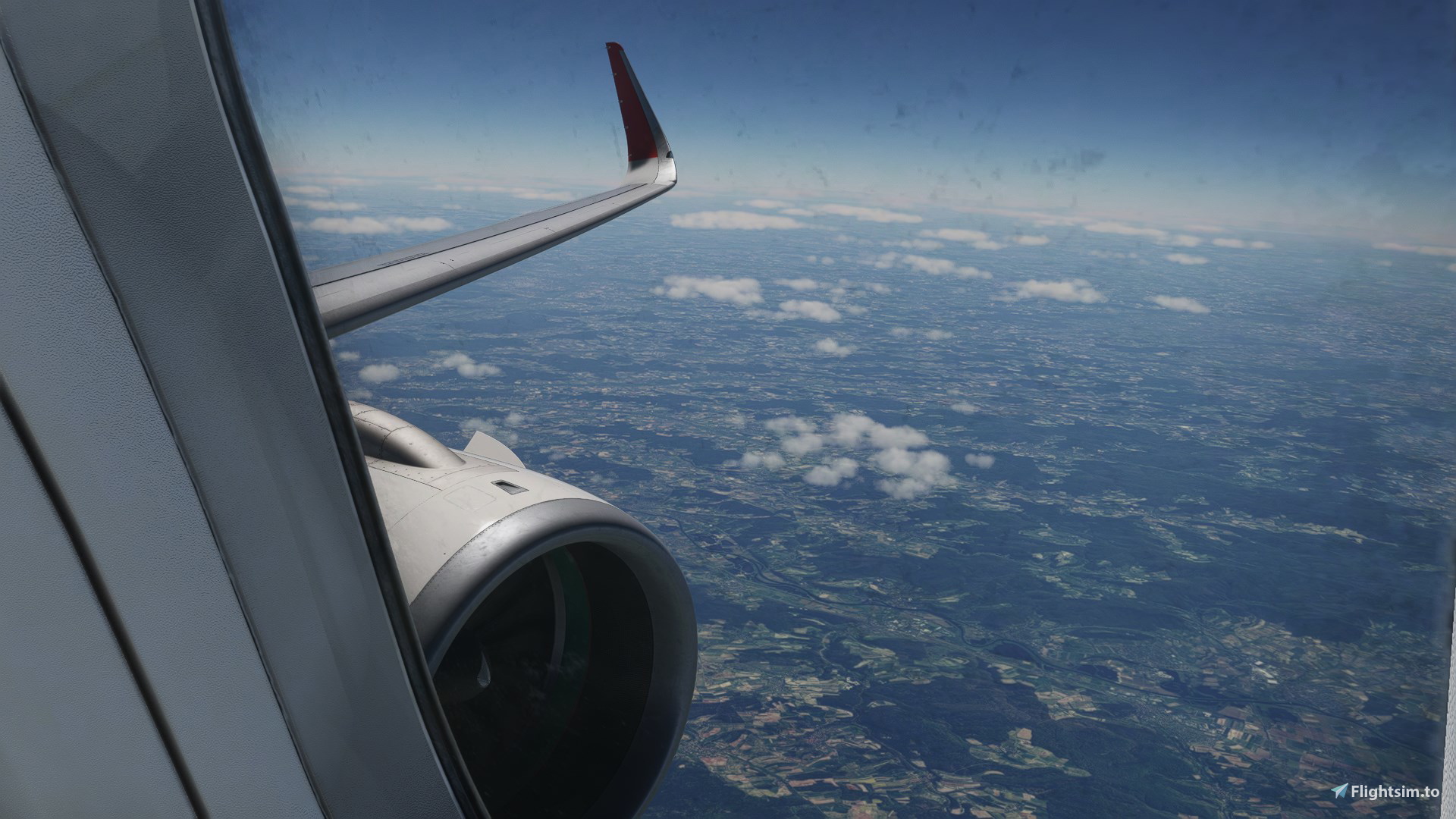
This custom camera view pack contains 10 realistic views that are automatically preselected using the custom camera setting. Please find the keybindings associated with the views in an overview below:
Custom Camera 0 - EFB
Custom camera 1 - Captain Seat
Custom camera 2 - FMS
Custom camera 3 - Overhead panel
Custom camera 4 - Seat 6F
Custom camera 5 - Seat 13F
Custom camera 6 - Seat 18F
Custom camera 7 - Seat 24A
Custom camera 8 - Seat 9A
Custom camera 9 - Seat 1A
Installation:
Drop and replace the file in the following folders:
Microsoft Store:
C:\Users\(UserName)\AppData\Local\Packages\Microsoft.FlightSimulator_8wekyb3d8bbwe\LocalCache\SimObjects\Airplanes\
Steam:
C:\Users\(Username)\AppData\Roaming\Microsoft Flight Simulator\SimObjects\Airplanes\
Enjoy your flight(s)!
10 Realistic Custom (Wing) Views - IniBuilds A320neo
Enhance your flight experience with 10 Realistic Custom (Wing) Views for the IniBuilds A320neo. This pack includes preselected camera views like EFB, Captain Seat, and Overhead panel. Simply drop and replace the file in the specified folders for installation. Happy flying!
Version History
No version history available.
Related
![[MSFS 2024] | Transavia France | F-HTVE + Cabin Interior - PMDG 737-800](https://cdn.flightsim.to/images/28/msfs-2024-pmdg-737-800-f-htve-cabin-interior-france-141709-1767035382-wGPbu.jpg?width=500)
[MSFS 2024] | Transavia France | F-HTVE + Cabin Interior - PMDG 737-800
This add-on features the Transavia France livery for the PMDG 737-800, specifically model F-HTVE, and includes a detailed cabin interior. Developed by livery author roequavic and painter Daantjeplanes, it offers a realistic representation for virtual flights. Full fleet packs are available through Transavia Virtual on VAMSYS. Installation is straightforward via the PMDG Operations Center 3 (OC3).
by roequavic
Freeware EHGG Groningen - GSX Pro Profile
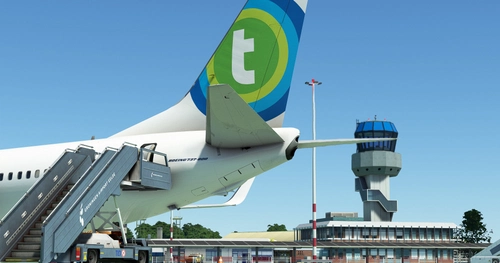
Enhance your ground handling experience at EHGG Groningen Airport with this GSX Profile add-on. Enjoy walk-in stands, repainted staircases, and updated vehicle locations, bringing authenticity to your virtual airport operations. Explore the rich history and significance of Groningen Airport Eelde as a key hub for holidaymakers, business travelers, charter flights, sightseeing tours, and flight academies. Experience the convenience and charm of this regional airport in the Netherlands.
by roequavic
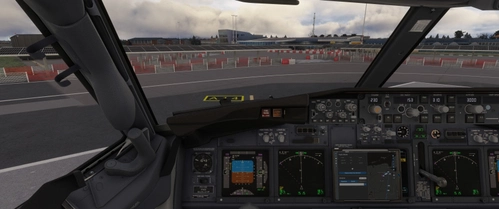
Realistic Custom Views - PMDG 737 MSFS 24
This add-on provides a custom cockpit view set specifically for the PMDG 737-800 in Microsoft Flight Simulator 2024. The views are optimized to reflect realistic pilot sightlines, enhancing cockpit workflow across all flight phases—from preflight through landing. The design focuses on proper panel alignment and seamless transitions between views, aiming to improve the overall user experience. Installation is straightforward, with clear instructions included.
by roequavic
![[MSFS 2024] | FSLabs A321neo | PH-YHR - Transavia Netherlands (NEW)](https://cdn.flightsim.to/images/27/msfs-2024-fslabs-a321neo-ph-yhr-transavia-netherlands-new-141709-1766331535-Sc6aR.jpg?width=500)
[MSFS 2024] | FSLabs A321neo | PH-YHR - Transavia Netherlands (NEW)
This add-on features a custom virtual livery for the FSLabs A321neo, depicting the Transavia Airlines registration PH-YHR. It includes detailed installation instructions to facilitate easy integration into Microsoft Flight Simulator. The livery is created by roequavic and painted by Daantjeplanes, complementing the existing Transavia Virtual fleet. A full fleet pack can be accessed via VAMSYS.
by roequavic
Log in to join the discussion
Log InComments(5)
over 1 year ago
about 2 years ago
about 2 years ago
about 2 years ago
about 2 years ago