

Description
[EN]
Here is the repaint of Peach Aviation JA202P for Inibuilds A320neo. The repaint contains custom cabin texture so I suggest you to install the free enhancement pack in MSFS marketplace.
Notice:
I did not add the regristion number texture in the cockpit, so remember to turn "Show Tail Number" on and enter the reg. number and SELCAL at the setting page in EFB. The SELCAL of JA202P is FJ-BQ.
To install:
Simpily drop iniBuilds-a20n-JA202P to Community folder.
Feel free to leave a comment below for suggestions or bug reports.
[JA]
こちらは Inibuilds A320neo 向け、ピーチアビエーション JA202Pのリペイントとなります。本リペイントは自作の客室テクスチャも含まれていますので、MSFSのマーケットプレイスにて無料の追加パックをインストールすることをお勧めします。
ご注意:
機体番号のテクスチャは含まれていませんので、カスタマイズにて「機体番号を表示」をオンにし、EFBの設定にて機体番号、およびSELCALを記入してください。JA202PのSELCALはFJ-BQになります。
インストールするには:
解凍後、そのままiniBuilds-a20n-JA202Pをコミュニティフォルダに入れてください。
ご要望、またはご質問がありましたら是非下のコメント欄に記載してください。
Inibuilds A320neo V2 Peach Aviation JA202P (W/Custom cabin texture)
Repaint of Peach Aviation JA202P for Inibuilds A320neo with custom cabin texture. Ensure to install a free enhancement pack from MSFS marketplace. Customization tip: Remember to enable "Show Tail Number" in settings and input reg. number and SELCAL for full cockpit experience. Installation is simple - just drop iniBuilds-a20n-JA202P into Community folder.

User Reviews
2 reviews
Version History
Minor fixes
Related
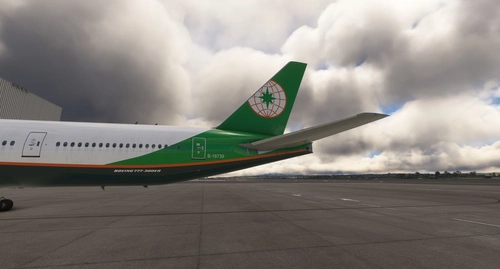
PMDG 777-300ER EVA AIR B-16739(W/Custom cabin texture)
Repaint of EVA Air B-16739 for PMDG 777-300ER with default cabin textures. Install via PMDG Operation Center for a realistic flight experience. Future updates to include custom textures. Share feedback or report bugs in the comments.
by Gaku
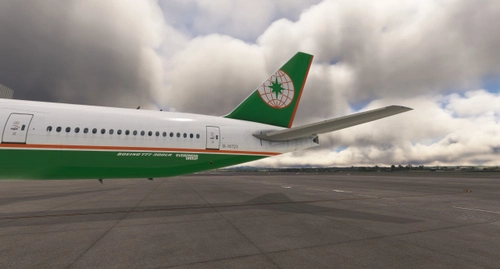
PMDG 777-300ER EVA AIR B-16723(W/Custom cabin texture)
A repaint of EVA Air B-16723 for PMDG 777-300ER, with default cabin textures. Stay tuned for updates with custom textures. Load the repaint in PMDG Operation Center for installation. Share your feedback and report bugs in the comments.
by Gaku
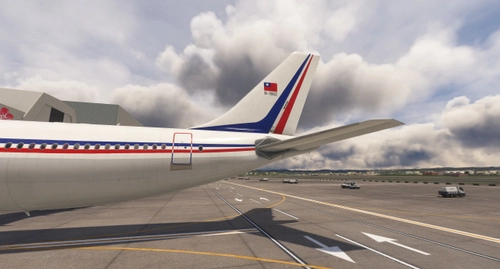
Inibuilds A300 PW China Airlines B-1802
Experience the iconic China Airlines livery from 1993 with this Inibuilds A300 PW add-on. Please note a minor issue with the seat color due to lack of references. Simply drop the files into your Community folder and share your feedback with us.
by Gaku
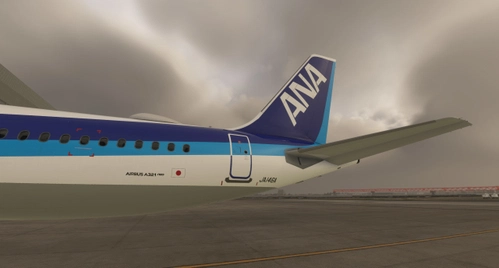
Fslabs A321neo All Nippon Airways JA146A
This add-on introduces a repaint of the All Nippon Airways JA146A for the Fslabs A321neo in Microsoft Flight Simulator. The livery features Leap engines, which do not match the real aircrafts specifications; an update is planned once the PW variant is available. The repaint is untested for MSFS2024, so users should proceed at their own risk during installation. Instructions for adding the livery to the simulator are included.
by Gaku
Log in to join the discussion
Log InComments(7)
over 1 year ago
over 1 year ago
almost 2 years ago
almost 2 years ago
Fixed in the newest update
almost 2 years ago
about 2 years ago
about 2 years ago