
Description
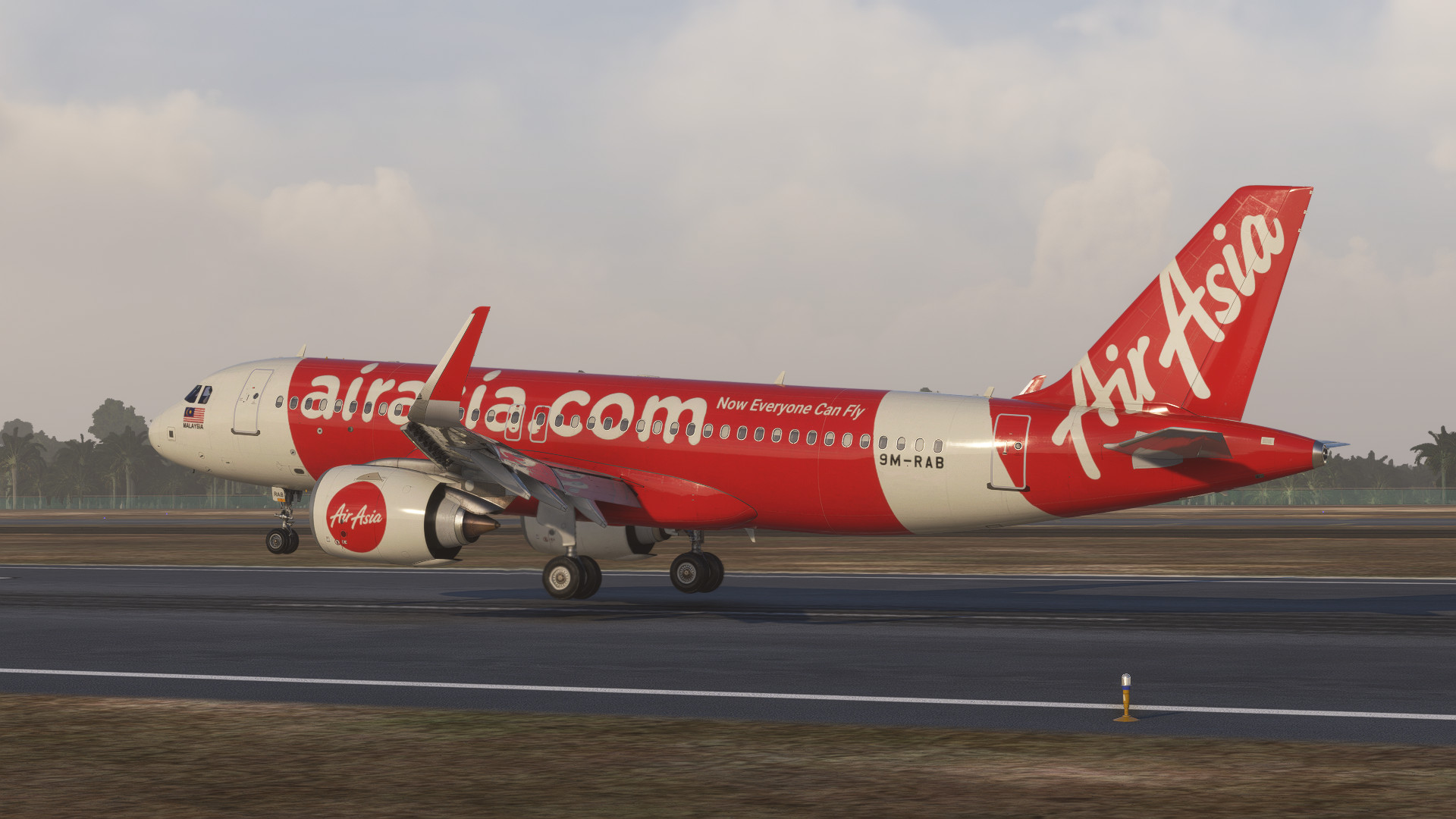
Hello, this one of the most comfy custom view ever!
Here's the custom view of iniBuilds A320Neo!
How to use?
Tap ALT + Number 1-9
The number of custom camera :
Custom camera 1 -
Custom camera 2 -
Custom camera 3 - Passenger Left Front Engine View
Custom camera 4 - Passenger Right Front Engine View
Custom camera 5 - Passenger Left Middle Engine View
Custom camera 6 - Passenger Left Middle Wing View
Custom camera 7 - Passenger Left Back Wing View
Custom camera 8 - Passenger Right Back Wing View
Custom camera 9 - Passenger Left Zoomed Back Wing View
Custom camera 0 - Passenger Right Zoomed Back Wing View
Installation: Drop and replace the file in the following folder:
Microsoft Store installation:
C:\Users\(UserName)\AppData\Local\Packages\
Microsoft.FlightSimulator_8wekyb3d8bbwe\LocalCache\SimObjects\Airplanes\
Steam installations:
C:\Users\(Username)\AppData\Roaming\
Microsoft Flight Simulator\SimObjects\Airplanes\
Note : OPEN .RAR FOLDER AND DROP DOWN "microsoft-aircraft-a320neo" FILE
>> If you have any new suggestion feel free to comment on the comment section!
Thank you
iniBuilds A320neo v2 MOST REALISTIC Custom View
Experience the most realistic custom view with iniBuilds A320neo v2. Easily access various custom camera angles for a comfortable flying experience. Installation is simple - just replace the file in the designated folder. Stay tuned for more updates and share your suggestions in the comments section.


Version History
Fix bug where ALT + 7 window collide
Related
A330-900neo Headwind Custom Views, NEW Stable and Lastest Dev Version Supported
Currently the best custom views for Headwind A330-900neo to feel being passenger on board, this also the best custom views for recording or live streaming! Lets try and fly with this custom views! Will be releasing more custom cameras for other aircraft, stay tune!
by Sunfish
Fenix A320 CFM & IAE (WTF) BEST Custom Views, REAL Default Cockpit View
Currently the best custom views for Fenix A320 to feel being passenger on board, this also the best custom views for recording or live streaming! Lets try and fly with this custom views! Will be releasing more custom cameras for other aircraft, stay tune!
by Sunfish
Fenix A320 CFM & IAE (Sharklet) BEST Custom Views & Real Default Cockpit View
The Fenix A320 CFM & IAE (Sharklet) add-on offers a series of custom camera views tailored for enhanced in-flight experience. It includes nine unique perspectives, ranging from passenger views of the front engines to external views of both engines. Users can easily switch between these views using a simple key combination. Installation instructions for both Microsoft Store and Steam versions are provided for seamless setup.
by Sunfish
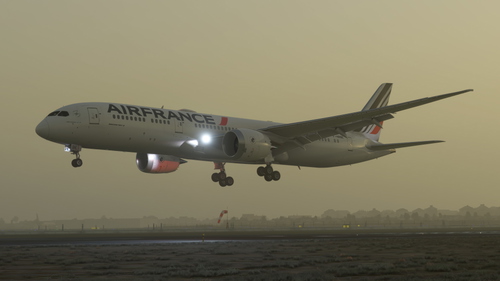
B787-9 GE & TRENT Horizon Simulations BEST Custom Views, Newest Update Supported
Experience enhanced custom views with the B787-9 GE & TRENT add-on by Horizon Simulations. This latest update offers a range of custom camera angles including cockpit, wing, and outside views. Easily install by dropping and replacing files to enjoy an immersive flight simulation experience in Microsoft Flight Simulator. Share your feedback and suggestions for future improvements in the comments section.
by Sunfish
Log in to join the discussion
Log InComments(8)
almost 2 years ago
about 2 years ago
about 2 years ago
almost 2 years ago
over 2 years ago
over 2 years ago
over 2 years ago
over 2 years ago