
Description
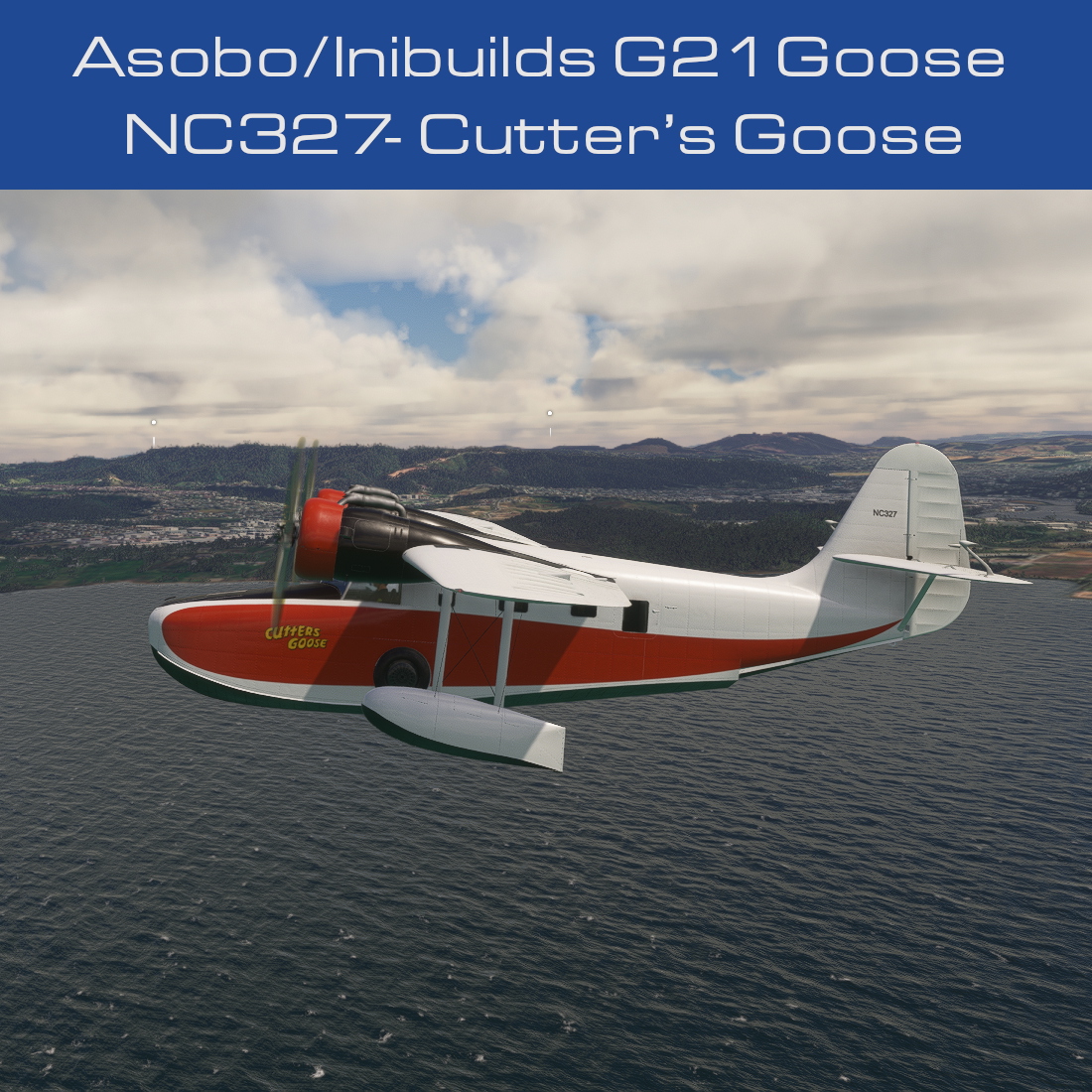
Community request for the repaint of the default Asobo/Inibuilds G21 Goose in the livery of NC327. NC327 was more commonly known as Cutter’s Goose, from the TV show, Tales of the Gold Monkey.
- Matches NC327 as close as allowed by the 3d model in MSFS.
- 4k textures.
INSTALLATION
- To use this livery copy folder starting with 2 to your community folder.
- To enhance your experience with the default Goose G21, I recommend you also install the following mods:-
- Snoopy7412’s G21 Goose custom cameras - https://flightsim.to/file/68113/ms-grumman-g21-goose-custom-cameras
- MGouge425’s G21 Goose realism mod - https://flightsim.to/file/44919/microsoft-g-21-realism-mod
- Rockair’s G21 Goose autopilot mod - https://flightsim.to/file/44602/grumman-goose-g-21a-autopilot-mod
TROUBLESHOOTING/NOTES
- Refer to Readme_Me_1st.pdf included with upload.
CONTACT
You can contact me by sending me a personal message on the site where you downloaded this file. Alternately you can contact me by messaging BilingualHarp7 on the MSFS forums OR by messaging Crispy136 on Discord.
EULA
These repaints are provided free of change and are not to be repurposed for inclusion with any commercial package or uploaded to any site without my permission. The use of the downloaded repaints is done at your own discretion and risk and with agreement that you will be solely responsible for any damage to your computer system or loss of data that results from such activities.
Asobo G21 Goose NC327 Cutter's Goose
Repaint of the Asobo/Inibuilds G21 Goose to match the iconic NC327 livery from Tales of the Gold Monkey. Features 4k textures and installation instructions for enhancing your default Goose G21 experience. Contact the creator for support and respect the EULA terms provided.

Supporters

User Reviews
2 reviews
More Information
Version History
No version history available.
Related
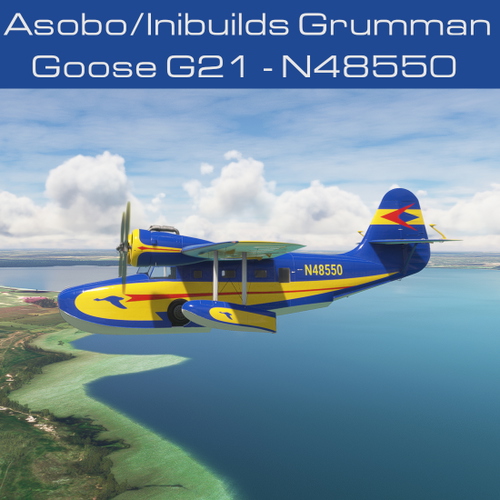
Asobo G21 Goose N48550 Jimmy Buffet
Repaint of the default Asobo/Inibuilds G21 Goose in the livery of Jimmy Buffet N48550, featuring 4k textures and user assignable tail number. Enhance your experience by pairing it with recommended mods for an even more immersive flight simulation. Contact the creator for troubleshooting or inquiries, and enjoy this detailed aircraft repaint for your Microsoft Flight Simulator.
by Crispy136
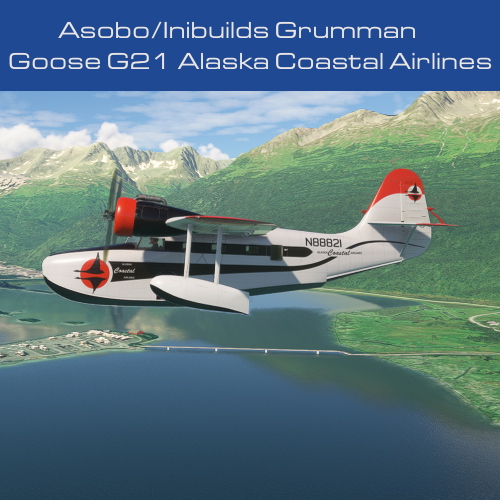
Asobo G21 Goose Alaska Coastal Airlines N88821
Repaint of the default Asobo/Inibuilds G21 Goose in the livery of N88821 of Alaska Coastal Airlines, featuring 4k textures and real aircraft colors. For installation, simply copy the provided folder to your community folder. Enhance your experience with additional mods recommended for the default Goose G21. Contact the creator for support and adhere to the EULA guidelines provided.
by Crispy136
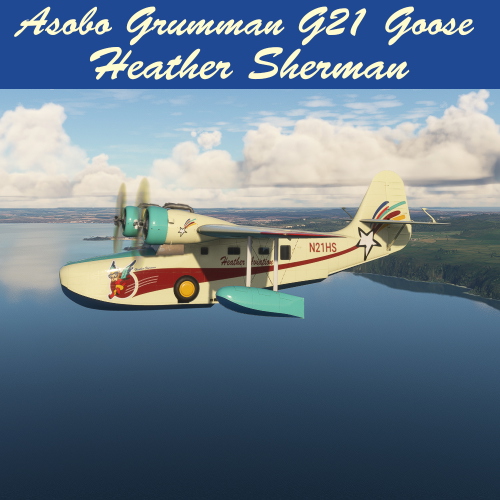
Asobo G21 Goose Heather Sherman
Custom livery design tribute to Heather Sherman for the Asobo/Inibuilds G21 Goose in Microsoft Flight Simulator, featuring vibrant colors and a classic Goose style. Includes 4k textures and the option to personalize with your own tail number. Pay homage to a prolific livery designer from FS9/FS10 and add a touch of nostalgia to your virtual hangar.
by Crispy136
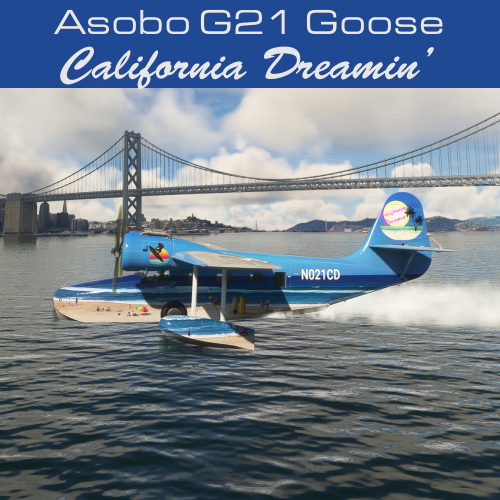
Asobo G21 Goose California Dreamin'
This add-on features a repaint of the default Asobo/Inibuilds G21 Goose, showcasing a California Dreamin’ inspired livery. It includes high-resolution 4k textures, custom interior colors, and allows users to assign their own tail number. The installation is straightforward, requiring the placement of the downloaded folder into the community folder of Microsoft Flight Simulator.
by Crispy136

Comments(5)
Log in to join the discussion
Log In8 months ago
8 months ago
11 months ago
about 2 years ago
about 2 years ago