
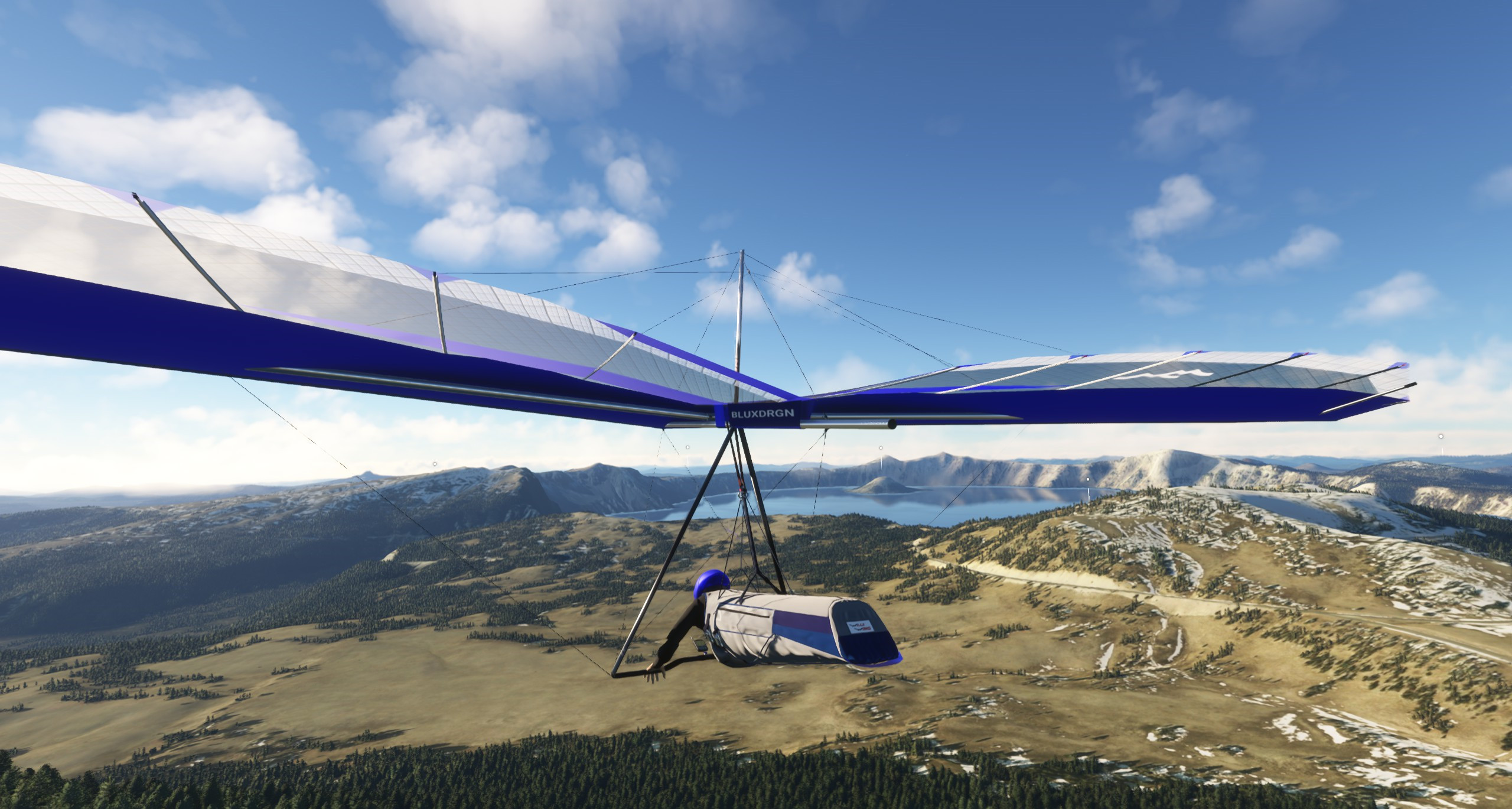
Description
Wills Wing Falcon 4
4.0.2.2
The WW Falcon 4 is a hang glider of the floater type. This glider can be flown in very light conditions and still soar. A great first glider that will give new hang glider pilots confidence in launching, landing, and flying a hang glider in MSFS 2020.
Performance
This glider has a speed range of 18-50 mph, a sink rate of 100 f/min and a maximum glide ration 12/1.
Model Details
This glider comes with a highly detailed model for an hang glider. All components of the glider are included:
- Aircraft frames include multiple Control frame types.
- Animated pilot that moves with control movements
- Highly detail Harness.
- Variometer that position can be configured.
- Detailed fabric sail cloth.
Liveries
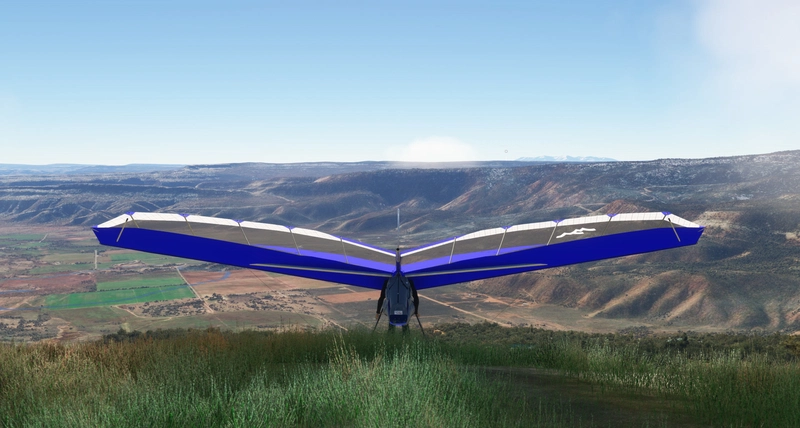
This glider comes with 6 liveries and 2 different control bar configurations:
- Aluminum Airfoil control bar with transparent sail inserts
- Carbon Fiber Airfoil control bar with transparent main sail
All liveries have a configurable variometer that can be placed in multiple positions.
This glider can be winch towed, aerotowed (with an appropriate tow vehicle) from any airport that is supported in MSFS 2020. You can also slew the aircraft to any location on Planet Earth
Controls
Requires basic flight controls: Ailerons, elevator, spoilers, gear position.
Animations
The glider has an animated pilot that moves with control movements. This includes a detailed model. The Sail is flexible and is animated for proper sail behavior.
UPGRADES
This glider is a stand-alone aircraft that you can download and try basic hang gliding in MSFS 2020, but if you want it to do more than this you can visit our website and download the following free applications that will let you do the following:
The Hang Gliding Files Widget - The Hang Gliding Files
- Foot-launch your glider from any mountain and maneuver you glider on the ground
- Allow you to teleport to any of our current 360+ sites
- Make your variometer on your glider active
- Gives you a flight computer on your glider to navigate tasks
- Gives you 60+ pre-built, soarable weather presets.
Your Personal Site Database - The Hang Gliding Files
- Create your own new flying sites and use them in MSFS 2020
- Create your own custom scenery within MSFS 2020 without any coding.
- Manage flight tasks you can fly with friends.
- Install flight tasks into the variometer/flight computer to activate that inside MSFS 2020.
Our Website:
The Hang Gliding Files
Email:
thehangglidingfiles@gmail.com
Wills Wing Falcon 4 Hang Glider
Experience hang gliding like never before with the Wills Wing Falcon 4 for Microsoft Flight Simulator 2020. This floater-type glider is perfect for new pilots, offering detailed components and 6 liveries to choose from. Fly in very light conditions, soar, and even simulate winch and aerotow launches with this highly detailed model.
User Reviews
5 reviews
Version History
Improved liveries Improved model to remove some glitches in some views on some level of details
Related
Wills Wing Falcon 4 Hang Glider - Stand Alone Version
Experience hang gliding in Microsoft Flight Simulator 2020 with the Wills Wing Falcon 4 Stand Alone Version. This floater type glider is ideal for new pilots, offering a speed range of 18-50 mph and a maximum glide ratio of 12/1. With detailed animations, liveries, and control bar configurations, immerse yourself in realistic hang gliding adventures. Optional upgrades available for advanced features.
by NextWave Mobile Apps, ltd
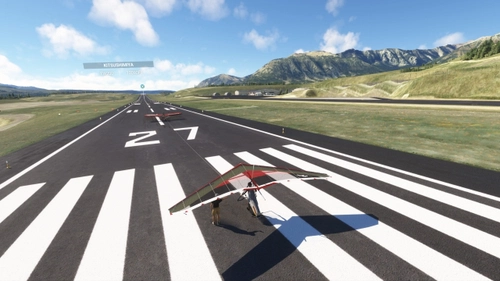
Telluride Ski Area Hang Gliding Site
The Telluride Ski Area Hang Gliding Site for MSFS 2020 provides a detailed and immersive hang gliding experience set in the picturesque Telluride region of Colorado. This add-on features defined launch and landing zones, complete with custom vegetation and animated gliders. Designed for compatibility with MSFS 2020, it offers easy teleportation to the launch site and integration with the THGF Widget add-on. Enhance your flight simulation with a realistic high-altitude mountain-flying environment rich in natural beauty and history.
by BlueXDragon
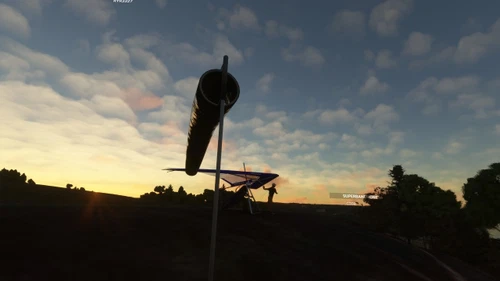
Newgale Beach, Pembrokshire, Wales
Experience the Newgale Beach Hang Gliding Site in Pembrokeshire, Wales, with this add-on for Microsoft Flight Simulator 2020. The package features detailed scenery, defined launch and landing zones, and animated hang gliders, offering an immersive flying environment tailored for foot launch hang gliding. MSFS 2020 compatibility ensures easy teleportation to the site, while integration with the THGF Widget enhances user convenience.
by BlueXDragon
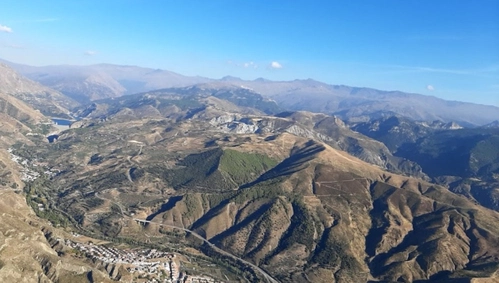
Cenes, Grenada, Spain, Hang Gliding Site for MSFS 2020
The Cenes Hang Gliding Site add-on for MSFS 2020 introduces a detailed hang gliding location in Grenada, Spain, characterized by a spacious launch area and defined landing zones. It features a realistic environment enhanced by custom vegetation and animated gliders, alongside defined flight tasks compatible with XCSoar. The site is designed for easy navigation, allowing teleportation and seamless integration with existing MSFS 2020 functionalities.
by BlueXDragon
Log in to join the discussion
Log InComments(50)
almost 2 years ago
almost 2 years ago
almost 2 years ago
about 2 years ago
about 2 years ago
about 2 years ago
I unzipped the THGF files to desktop and the Falcon to community. When I go to fly the sim, all I see is a model of the wing. No pilot, no visual model of pilot or gps (whatever). No obvious instructions what to do with the downloads or where to really put them. I went to the THGF site - the desktop app doesn't seem to do anything - where do I install it?
OK, I am well past retirement age and slowing down a bit, bit as a former aircraft manuals writer and QA manager, your whole method still leaves me flummoxed. What goes where - I didn't find any installer for the desktop app or the widgets either.
Sorry, I guess doc Alzheimer sends his greetings...
about 2 years ago
The THGF app is downloaded as a ZIP file. This ZIP file contains THGF.EXE which is the installer. You can run it from anywhere. The installer will install the application (THGF.exe as well) in the proper place and will put an icon on your desktop. Use that icon to start the actual app when you want to use it.
about 2 years ago
about 2 years ago
over 1 year ago
Problem solved, but not intuitive.
You have to click on the image to add to cart and pay for free.
After several tests, it doesn't work on MSFS 2024.
Too bad, the project was interesting.
about 2 years ago
the login page only wants me to enter an existing username and password I can't create a new one
about 2 years ago
about 2 years ago
about 2 years ago
over 1 year ago
Problem solved, but not intuitive.
You have to click on the image to add to cart and pay for free.
After several tests, it doesn't work on MSFS 2024.
Too bad, the project was interesting.
over 2 years ago