
Description
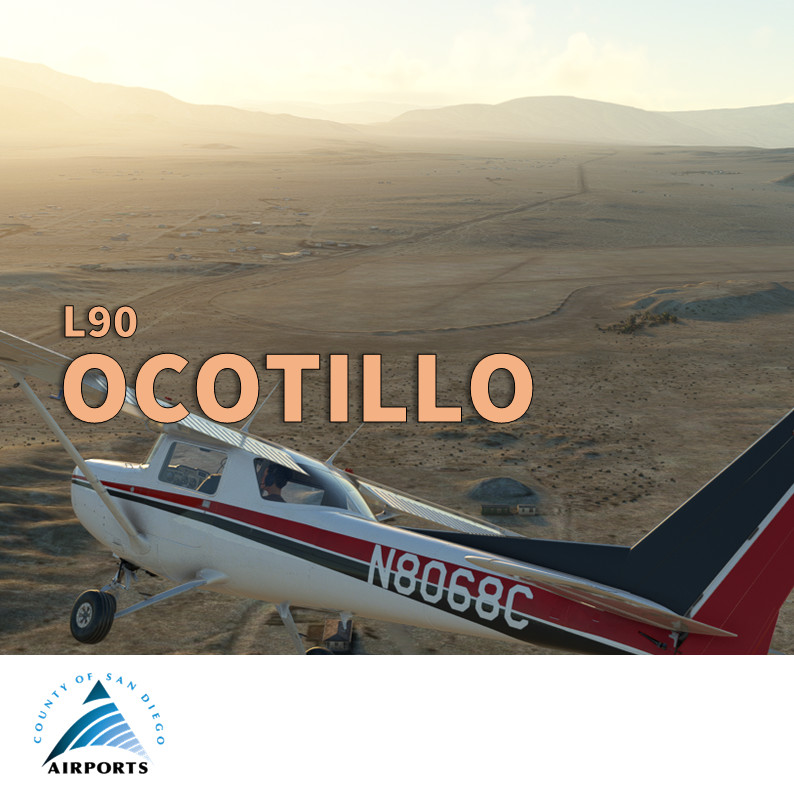
Ocotillo Airport (L90) is located in Ocotillo Wells, San Diego County, California.It features two runways with dirt surfaces. The first runway, 13/31, measures 4.210 by 150 feet (1,283 x 46 m), while the second runway 9/27 is 2,330 by 150 feet (710 x 46 m). on’t expect taxi sign, runway lights and even edge marking. The airport is surrounded by hills, adding a unique challenge for pilots. The airport sees an average of 60 aircraft operations per month, primarily transient general aviation and even some military. You can meet Osprey blowing sand here!
Historically, during World War II, the airport was used by the US Navy and was known as Naval Outlying Field, Ocotillo Dry Lake1. It served as a training base and supported various operations. The airport was returned to the county in 1956.
This airport, with its dirt runways and surrounding hills, offers a unique flying experience that blends history and challenge. It's the latest of the 8 aviation facilities owned by the County of San Diego included in the collection San Diego General Aviation enhancement for Microsoft Flight Simulator).
Features
- Add the correct Windsock and its circle
- Add the Veterans Memorial (hill)
- Add handmade signs (warning, danger…) all around the field
- Add white paving at all runway intersections and thresholds
- Add one (fictious) helipad start position close to the “apron”Add ATV and 4x4 vehicles to illustrate the Ocotillo Wells State Vehicle Recreational Park
- Improve ground objects in the vicinity of the circuit pattern (for example the Holmes Camp)
More info for pilots
- AirNav: AirNav: https://www.airnav.com/airport/l90
- Skyvector: https://skyvector.com/?id=L90&zoom=2
Requirement
- Sedona scenery (free included in standard MSFS)
- World Update USA II and X
- World Update Canada
- No other extra library required
How to install? Unzip the downloaded file into your Community folder. Keep the overall structure. Once installed go to L90 or Ocotillo via the World Map as usual, the scenery replaces the existing default one.
Author's final note
As for all of my MSFS mods, this small scenery is made from a pilot-eyes perspective. The scenery is inspired by aerial views from Bing and Google maps. It's a mix between the satellite imagery displayed from MSFS and more accurate data found on Internet. I did my best, based on online videos and pictures freely available. It uses also a lot of stocked object as my skill in 3D buildings creation is very limited. If you have local pictures to help being more accurate, please let me know!
- The yellow ATV is from barking_dogo . ATV from game "PURE" by barking_dogo is licensed under Creative Commons Attribution: https://sketchfab.com/3d-models/atv-from-game-pure-f2e454611ebd4151b9d7aa31815c35e4
- The Old 4x4 SUV Extended - Low poly model by Daniel Zhabotinsky is licensed under Creative Commons Attribution: https://sketchfab.com/3d-models/old-4x4-suv-extended-low-poly-model-22732575b0644cc9b65cf21857288189
- FREE GMC Motorhome reimagined low poly by Karol Miklas is licensed under Creative Commons Attribution: https://sketchfab.com/3d-models/free-gmc-motorhome-reimagined-low-poly-6hiH0iyDqXqtdD9wbqSbyLLhKmz
- Hopper's Mobile Home by Sea Land Air is licensed under Creative Commons Attribution : https://sketchfab.com/3d-models/hoppers-mobile-home-f7423e66e638457fb2d2ad54b8ee89a4
Location
San Diego Ocotillo Wells Airport (L90)
Experience the unique challenge of Ocotillo Wells Airport in San Diego, featuring dirt runways surrounded by hills and a history dating back to World War II. This add-on includes handmade signs, runway improvements, and additional ground objects to enhance your flying experience in Microsoft Flight Simulator. Enjoy the blend of history and adventure at this iconic aviation facility.

Supporters

User Reviews
5 reviews
Version History
- Fix double windsock in MSFS2024 (thanks to joan on flightsim.to and John Fields on avsim forum) - Minor other fixes
Featured in Collections(3)

San Diego General Aviation enhancement
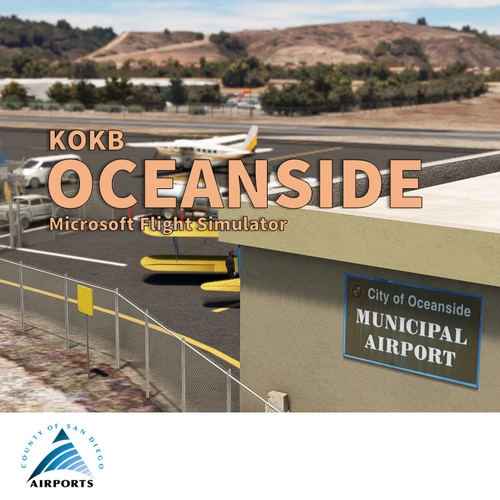
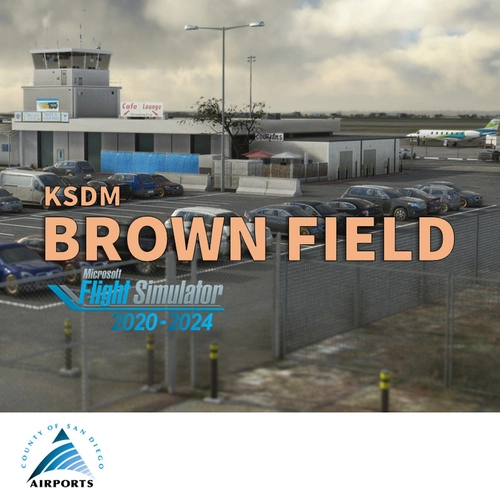
This is the flightsim.to collection including all enhancement mod for General Aviation in the San Diego area
 vbazillio
SoCal Flying
A list of my favorite mods for flying in Southern CA
 taius
taius
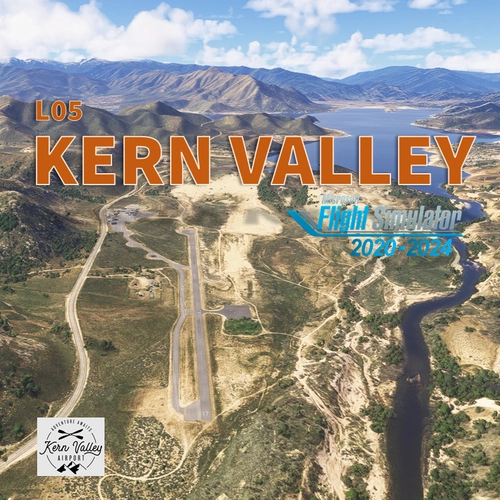
So. California GA Airports - MSFS 2024
A collection of GA airports scattered across Southern California. Will be updated as more airports become available.
 ChillMays
Related
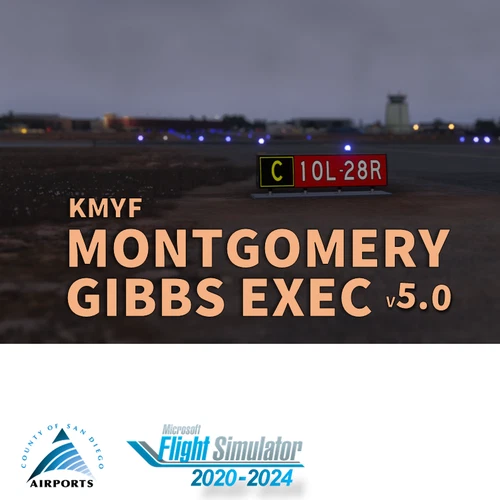
San Diego Montgomery - Gibbs Exec Airport (KMYF)
Enhance your Montgomery Field experience with this updated airport scenery for Microsoft Flight Simulator. Features include corrected taxiway names, new taxiway signs, added buildings, custom windsocks, and more small details to improve immersion. Explore the bustling airport located six miles north of downtown San Diego and enjoy a more realistic flying experience.
by Vincent BAZILLIO
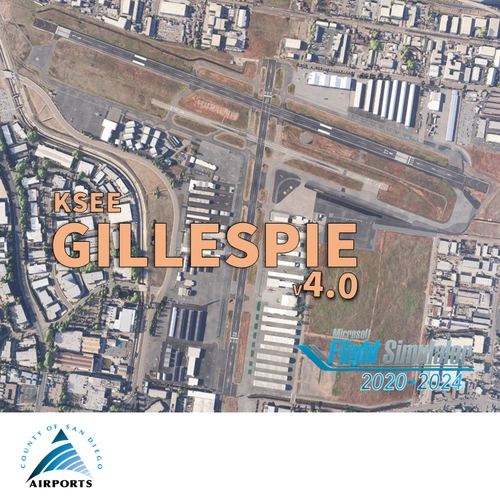
San Diego Gillespie Field (KSEE)
Experience San Diegos Gillespie Field with this detailed MSFS add-on featuring 1800+ objects, corrected taxiways, all airport buildings, fences, apron extension, ground markings, windsocks, and more. Inspired by real-life aerial views and personal footage, this scenery adds a touch of realism to the bustling general aviation hub. Install easily in your Community folder and explore this vibrant airport in the heart of California.
by Vincent Bazillio

San Diego Ramona (KRNM)
Experience the detailed charm of Ramona Airport (ICAO:KRNM) with this small scenery add-on, featuring over 600 objects added to the default scenery. Explore the recreated airport buildings, taxiway signs, and specialized features. Immerse yourself in the history and significance of this public airport located near downtown San Diego.
by Vincent Bazillio
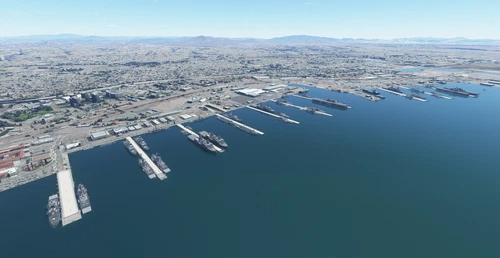
US Navy - San Diego V3.0.1
The US Navy - San Diego V3.0.1 add-on enhances the naval scenery around San Diego in Microsoft Flight Simulator. It includes a variety of updated ship models and improved textures, ensuring compatibility with both MSFS2020 and MSFS2024. Key features include detailed representations of the Rosecrans Submarine Base, multiple naval shipyards, and various classes of ships, including attack submarines and aircraft carriers. Recent updates have focused on model clean-up and the addition of interactive landing pads for helicopters.
by FreakyD
Log in to join the discussion
Log InComments(14)
2 months ago
about 1 year ago
Forgot my rating!
Cheers
about 1 year ago
about 1 year ago
Great work, as always!
By the way, there's a duplicate windsock. One is entirely orange, the other, red and white. They are together.
I'm in MSFS 2024 SU3 Beta 1.5.23.0 (perhaps here is the culprit).
Regards
about 1 year ago
about 1 year ago
about 1 year ago
over 2 years ago
over 2 years ago
over 2 years ago
over 2 years ago
over 2 years ago
over 2 years ago
over 2 years ago