

Description
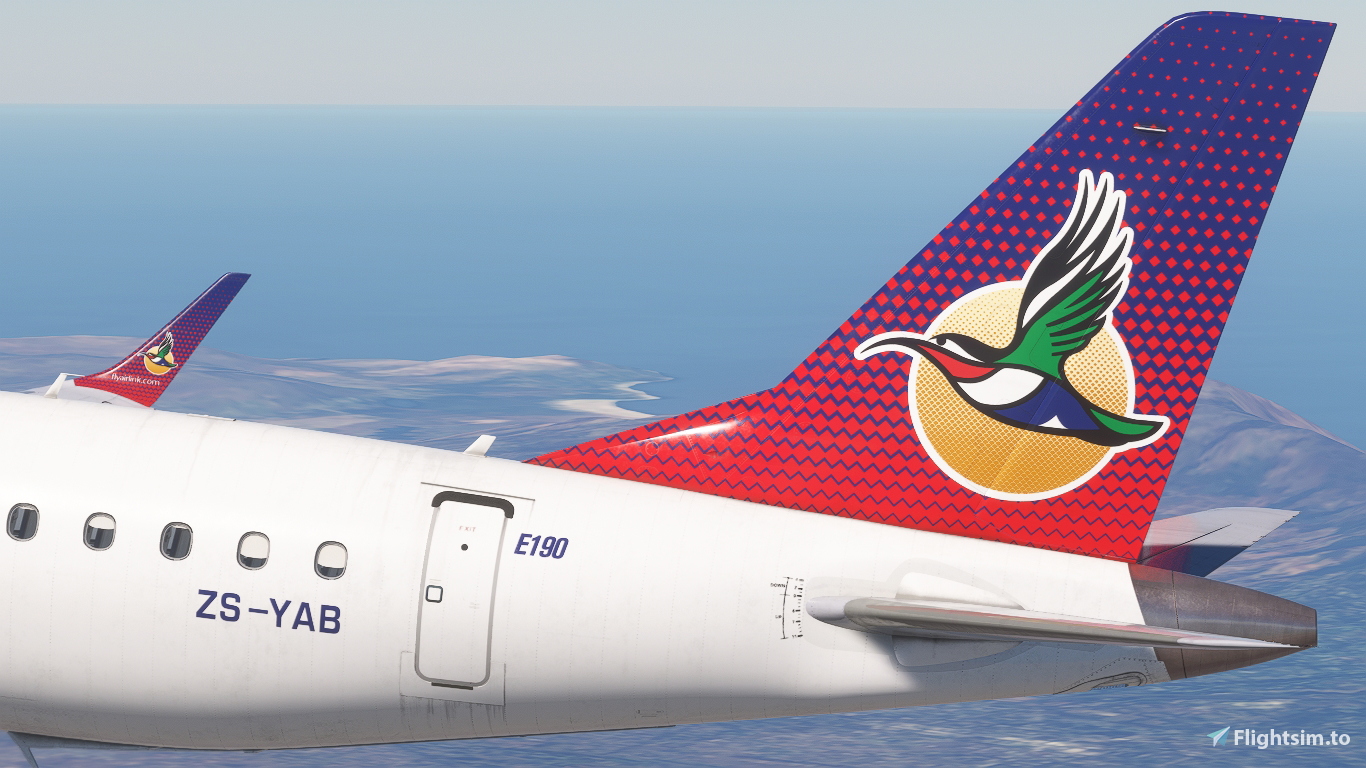
Airlink ZS-YAB
Texture in 8K.
Just drag and drop the file into MSFS community folder.
https://texturasbrasileiras.blogspot.com/
Requests are paid! (If you don't agree with that, too bad for you!)
Did you like this repaint? Don't leave a comment saying you liked it, buy me a coffee! Or be my Patreon! :)
Airlink ZS-YAB Embraer 190
Enhance your Microsoft Flight Simulator with the Airlink ZS-YAB Embraer 190 featuring high-quality 8K textures. Easily install by dragging and dropping the file into your community folder. Visit the website to access this repaint, with paid requests available. Support the creator through coffee donations or Patreon.


Version History
-Added Airlink logo on the internal side of the engines
Related
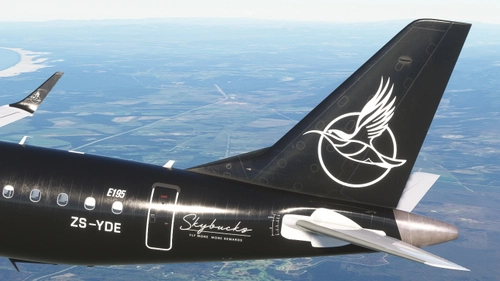
Airlink "Skybucks" ZS-YDE Embraer 195
Fly in style with the Airlink "Skybucks" ZS-YDE livery for the Embraer 195, featuring high-quality 8K textures. Easily install this repaint by dragging and dropping the file into your MSFS community folder. Custom requests are available for a fee, and support the creator by buying them a coffee or becoming a Patreon.
by TexturasBR
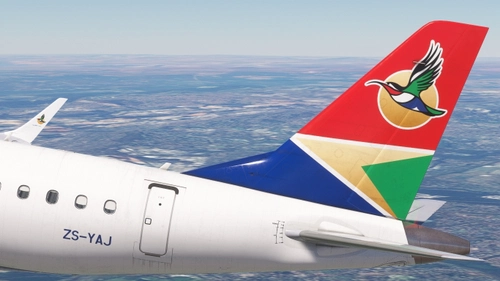
Airlink ZS-YAJ Embraer 190
Enhance your Microsoft Flight Simulator experience with the Airlink ZS-YAJ repaint for the Embraer 190. This high-quality 8K texture is easy to install by simply dragging and dropping the file into your community folder. Visit the provided link for more details and consider supporting the creator for future repaint requests.
by TexturasBR
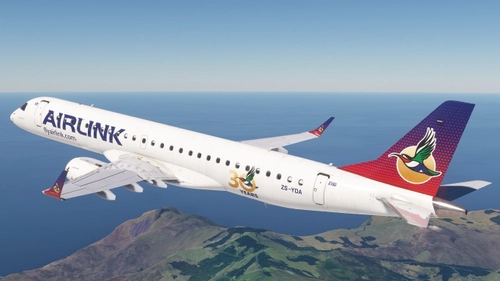
Airlink "30 Years" ZS-YDA Embraer 195
"Airlink "30 Years" ZS-YDA" is a high-quality 8K texture repaint for the Embraer 195 in Microsoft Flight Simulator. Easily installable by dropping the file into your community folder. Paid requests for custom repaints are also available for interested users.
by TexturasBR
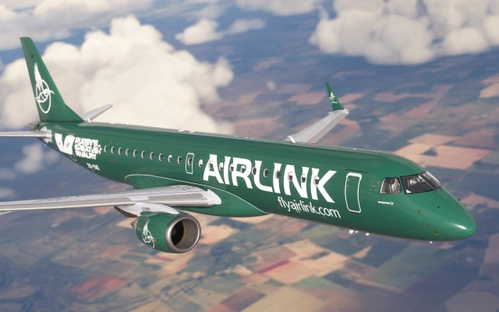
Airlink Embraer E190 ZS-YAE FSS 'Greatest Rugby Rivalry'
This add-on features a repaint of the FlightSim Studios Embraer E190 in Airlink’s special green livery celebrating the rugby rivalry between South Africa and New Zealand. The livery reflects registration ZS-YAE and uses the default cabin from the base aircraft. Compatible with both MSFS 2020 and 2024, it can be easily installed via the community folder. No modifications are made to aircraft systems or interiors beyond the livery.
by BigMacDYU
Log in to join the discussion
Log InComments5
In the livery folder, drag the layout.json file on top of the MSFSLayoutGenerator.exe file. A small black screen will open briefly. It's ready, you can fly.
In the livery folder, drag the layout.json file on top of the MSFSLayoutGenerator.exe file. A small black screen will open briefly. It's ready, you can fly.
https://flightsim.to/requests/liveries