
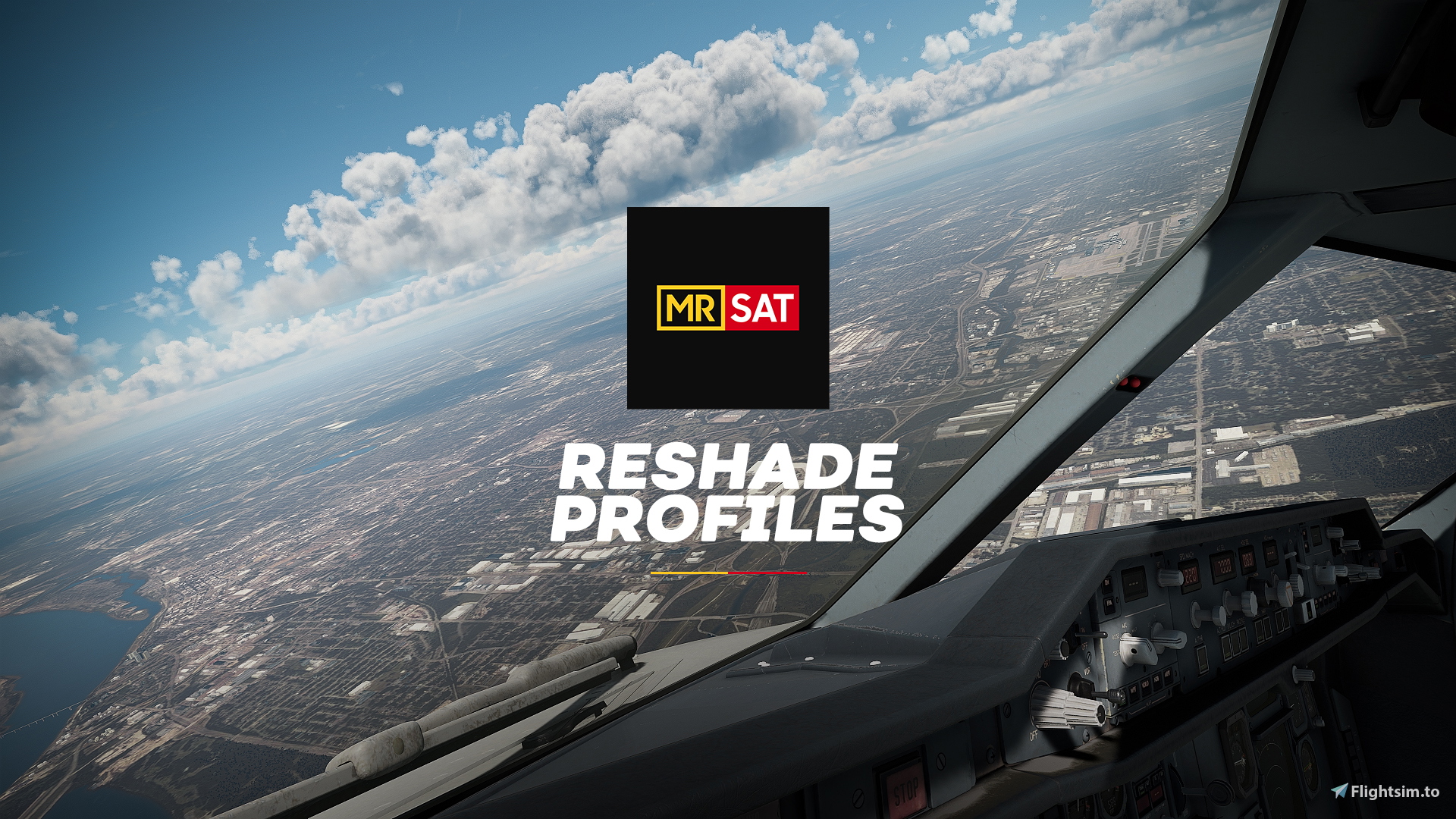
Description
Hello everyone, I love taking photos with MSFS and people always ask if my reshade is available somewhere. This took a while since SU14's changes in atmospherics has introcuded changes with how the sim looks thus my preset needed further tweaking but here hey are finally.
Try it out, This is All Subjective
As with all things involving design and "looks". These are all subjective and will not look good to everybody. In fact I know some of these are extreme but that's the thing sometimes I do like my sim to look "instagrammy".
So go ahead, try it out, if you like it, keep it. If you dont, no harm done. 😄
Global Adjustments (present in all profiles)
-
-
-
- Sharpening:
MSFS by default is "UNSHARP" not blurry just unsharp, probably due to the anti-aliasing technique used, so to adjust this, all profiles contain sharpening - Brightness/White Levels:
All profiles contain a tiny amount of brightness and white level adjustments just to tone down MSFS tendency to overexpose. Very minor fix though, only engine level changes can fix this.
- Sharpening:
-
-
-
- Cinematic Green:
Greatly reduced purples and magentas, Global green tint, Sky is biased towards cyan, Warm greens. - Cold Purple:
Global purple tint, Purple biased shadows, Muted Yellows, Cool temperature - Flat Gold:
Highly muted colors, reduced contrast flat look, Muted sky, Yellow global tint. - Stock+:
This is as close to default MSFS as possible with incredibly small changes. The biggest change is the reduction in warmth. SU14 introduced atmospheric changes that biases everything to warmer tones. (Say Goodbye to highly orange concrete!, I mean maybe at sunset but dear ASOBO, concrete is not orange! 😄 )
- Cinematic Green:
Caveats
Apart from looks being subjective, there are also some caveats to take note of.
- We have different monitors:
I have tweaked these set of presets using my monitor a pretty standard cheap monitor, not an industry reference monitor. So the colors may vary even more depending on your monitor. - Reshade is not dynamic:
Because these color tweaks are not executed on an engine level. We don't really have control to make it dynamic to the sim conditions. This means, it will NOT always look good. As the weather, time of day, seasons, even where you are in the word change, reshade can't dynamically adjust thus there may be instances where these profiles just wont look decent at all. - These are Day Optimzed:
Again, because reshade is not dynamic, these profiles only fully "work" during the day. Some profiles may not be ideal at night.
I have night specific profiles coming so keep an eye out for that
Installation
I don't want to risk teaching you guys how to install reshade and causing problems with your sims, so I will assume if you are downloading this, you already have reshade installed, understand what it is and how it works.
If you are new to reshade, I recommend looking up youtube tutorials or consulting other people on how to install it.
Modifications
A reshade profile is essentially just a text file of settings. I don't claim any copyright to these. Once you download them and find you don't full like them? Feel free to modify the presets to your hearts content.
Updates
I am pretty indecisive myself when it comes to "what looks good". Before this set was uploaded I was at upwards of 30 revisions already. Upon upload of these profiles, I may have already changed some stuff after flying a few flights. I will try to keep these updated but not as frequent because I update my presets almost every flight 😁 so I will only update these on here once I get to settle with a look for a decent period of time.
MRSATURDAY Reshade Profile Set
Enhance your Microsoft Flight Simulator visuals with MRSATURDAY Reshade Profile Set. This set includes various profiles with adjustments for sharpening, brightness, white levels, and color tints. Please note that monitor variations and reshade limitations may affect the appearance, especially outside of daytime flying. Feel free to customize the presets to your preference, and stay tuned for potential updates to the profiles.
User Reviews
7 reviews
Version History
No version history available.
Related
![[MRSAT] PMDG 777-300ER Lights Mod](https://cdn.flightsim.to/images/26/pmdg-777-300er-lights-mod-63822-1720755995-ZHjEL.jpg?width=500)
[MRSAT] PMDG 777-300ER Lights Mod
Enhance your night flying experience with the MRSAT PMDG 777-300ER Lights Mod. This mod focuses on improving visibility during nighttime flights by adjusting various lights on the aircraft. Installation is simple and the performance impact is minimal, making it a convenient addition to your simulator. Please note that this mod is not designed for hyper-accurate lighting and may have some inaccuracies based on online references.
by MrSaturday530
![[MRSAT] PMDG 737 Fleet Lights Mod](https://cdn.flightsim.to/images/27/mrsat-pmdg-737-fleet-lights-mod-63822-1726087454-VdXaN.jpg?width=500)
[MRSAT] PMDG 737 Fleet Lights Mod
This mod enhances the lighting effects on the PMDG 737 fleet (excluding the -600 variant) in Microsoft Flight Simulator. Designed to provide a more vibrant visual experience, it offers a punchy lighting effect, differing slightly among aircraft variants due to light positioning. While it prioritizes artistic expression over accuracy, users should note that excessive bloom settings may lead to brighter lens flares at certain angles. Installation is straightforward, requiring the addition of the mod folder to the community directory.
by MrSaturday530
Log in to join the discussion
Log InComments(23)
over 1 year ago
Any good?
3 months ago
over 1 year ago
"You may have some missing FX shaders.
The most straight forward fix would be run your reshade installer again.
You will then be presented with an option to modify (since the installer detects you already have it installed)
Select modify, before completing the process, you have the option to select the preset, do that, and the installer will detect with shader packs to download for the preset to work."
P.S: MrSaturday, your addons are incredible, I've been using the aircraft light mods and they've not let me down
over 1 year ago
almost 2 years ago
over 1 year ago
over 1 year ago
almost 2 years ago
over 2 years ago
over 2 years ago
over 2 years ago
over 2 years ago
over 2 years ago
over 2 years ago
over 2 years ago
over 2 years ago
over 2 years ago
over 2 years ago
The most straight forward fix would be run your reshade installer again.
You will then be presented with an option to modify (since the installer detects you already have it installed)
Select modify, before completing the process, you have the option to select the preset, do that, and the installer will detect with shader packs to download for the preset to work.
over 2 years ago
over 2 years ago