
Description
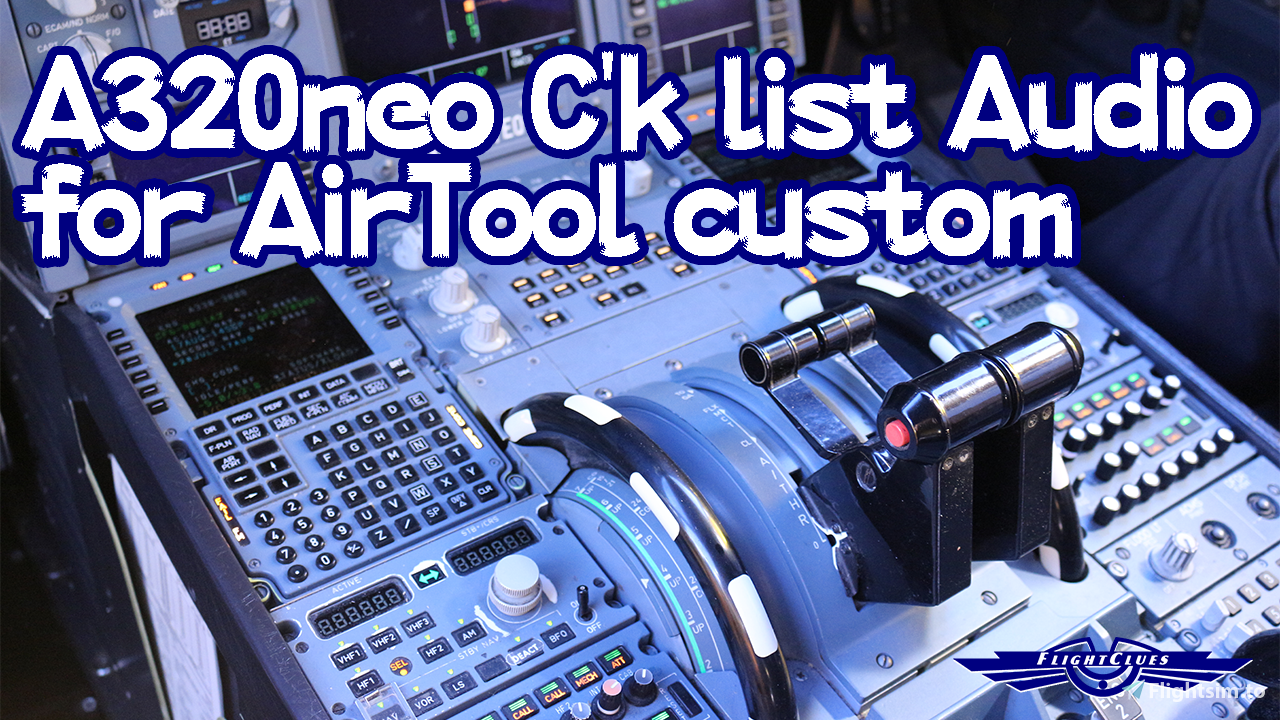
A320neo Checklist callout audio for Air Tool.
This audio is spoken by myself; Japanese pilot in real. (It may have pronaunceation issue..?!)
How to install:
1) Download Audio File(.zip)
2) Launch your Air Tool (or download it from here: https://flightsim.to/file/652/lukeairtool)
3) Open "Custom Audio" and open "Menu-->Custom-->Audio" at top of window.
4) and then, "File-->Load Preset" at top of window.
5) Browse file which you downloaded (choose .zip type file.)
6) Type a name whatever you want, for example "A320 First Officer."
7) Have fun with audio!
This audio is spoken by myself; Japanese pilot in real. (It may have pronaunceation issue..?!)
How to install:
1) Download Audio File(.zip)
2) Launch your Air Tool (or download it from here: https://flightsim.to/file/652/lukeairtool)
3) Open "Custom Audio" and open "Menu-->Custom-->Audio" at top of window.
4) and then, "File-->Load Preset" at top of window.
5) Browse file which you downloaded (choose .zip type file.)
6) Type a name whatever you want, for example "A320 First Officer."
7) Have fun with audio!
Comments(11)
Log in to join the discussion
Log Inm
over 5 years ago
i cant download air tool. Dont worry found it
j
over 5 years ago
Under Menu tab in Custom Menu , I only have : Create Airline-Modify and Delete-PAxsim Ready Airline.. there's no Custom -Audio tabs ...
t
tr1011Author
over 5 years ago
I'm sorry to reply you late. Please do the step 4) please.
If you still have issue for importing, feel free to ask me, thanks.
If you still have issue for importing, feel free to ask me, thanks.
t
tr1011Author
over 5 years ago
Thanks everybody, all comments!!
I'm glad that you enjoy my audio pack!
I'm glad that you enjoy my audio pack!
n
over 5 years ago
Great!
I would like to make mine as well, how did you do?
I recorded mp3 files lut them in .rar format, i even made a buttonlist.rtf like you did, but it doesn't work.
Where did you learn to do it?
Thanks!
I would like to make mine as well, how did you do?
I recorded mp3 files lut them in .rar format, i even made a buttonlist.rtf like you did, but it doesn't work.
Where did you learn to do it?
Thanks!
b
over 5 years ago
Great Addition to AirTools
m
over 5 years ago
awesome checklist! thank you kindly!
L
over 5 years ago
This is great, thanks!
MSFS 2020MSFS 2024
First Officer Audio of A320neo Checklist for Air Tool
Enhance your A320neo checklist experience with this add-on featuring authentic First Officer callout audio, spoken by a Japanese pilot. Easily install the audio files into your Air Tool for a more immersive flight deck experience. Simply follow the steps provided and enjoy the realistic audio enhancements during your flights.
Downloads3K
Version1.0
File Size1.32 MB
Published5 years ago
Updated5 years ago

User Reviews
5.0
3 reviews
5
100%
4
0%
3
0%
2
0%
1
0%
More Information
Version History
No version history available.
over 5 years ago